
Turn your photo into an outdoor fashion photoshoot.
Turn your photo into an outdoor fashion photoshoot.
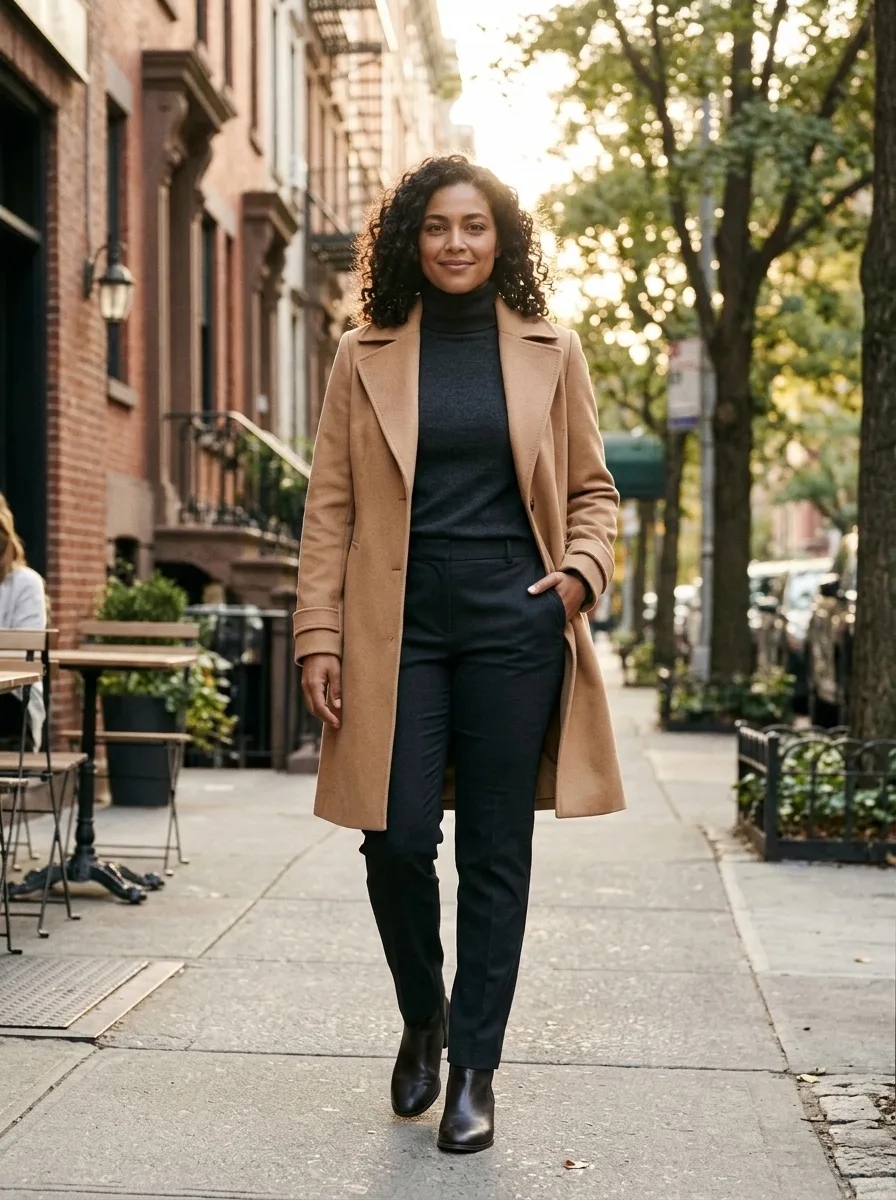
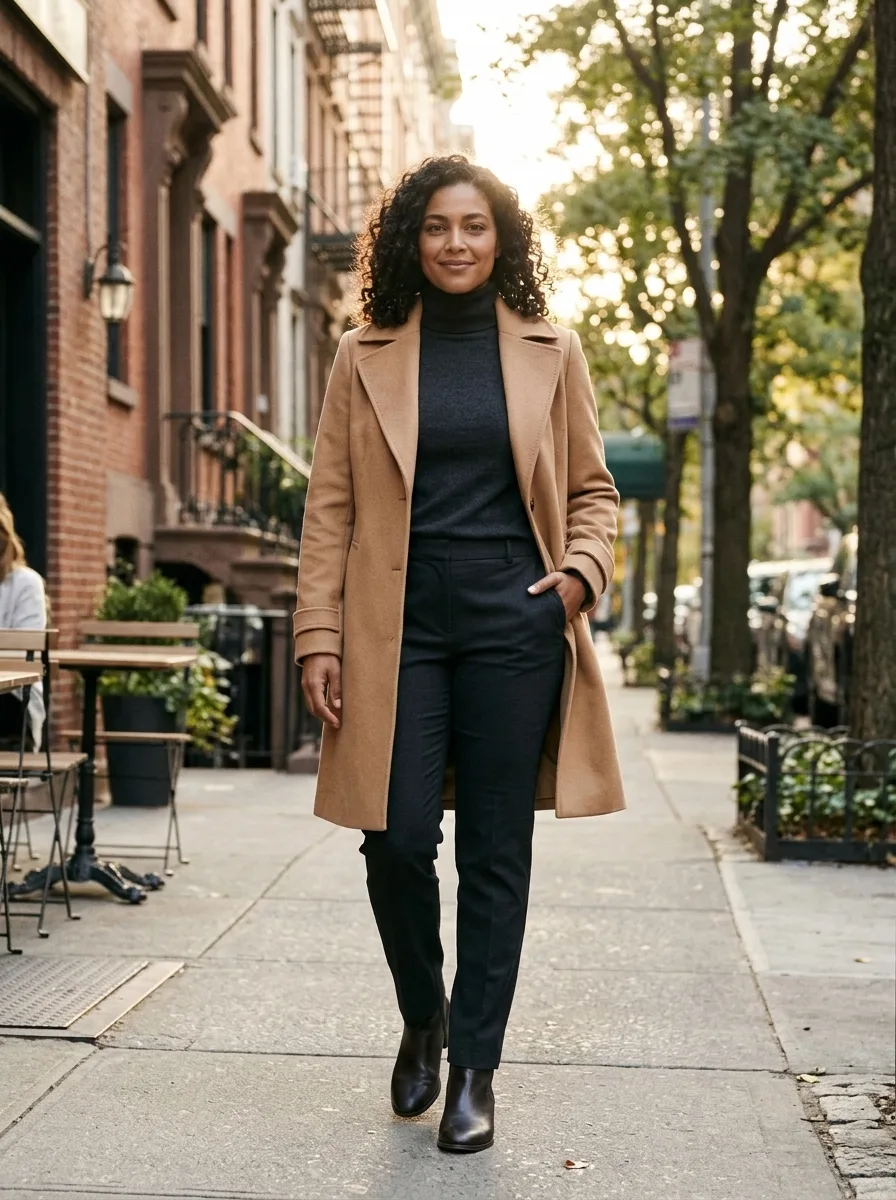
Create an editorial lifestyle portrait with an outdoor setting, a styled outfit and natural pose guided by your photo. Person Photoshoot AI turns a portrait into an outdoor editorial fashion image. The intended look combines a naturally posed person, a styled outfit and a street or lifestyle setting, as if the picture were made for a lookbook. The uploaded photo guides the identity; the location, pose, outfit and light are generated. This is one still image rather than a complete shoot with multiple camera angles. Details such as the cut of a coat, background pedestrians and the exact pose may differ from the example. Use the result as a creative fashion image or a starting point for a personal post, and check that the face and body shape are represented as you expect before sharing.
Start with a clear photo
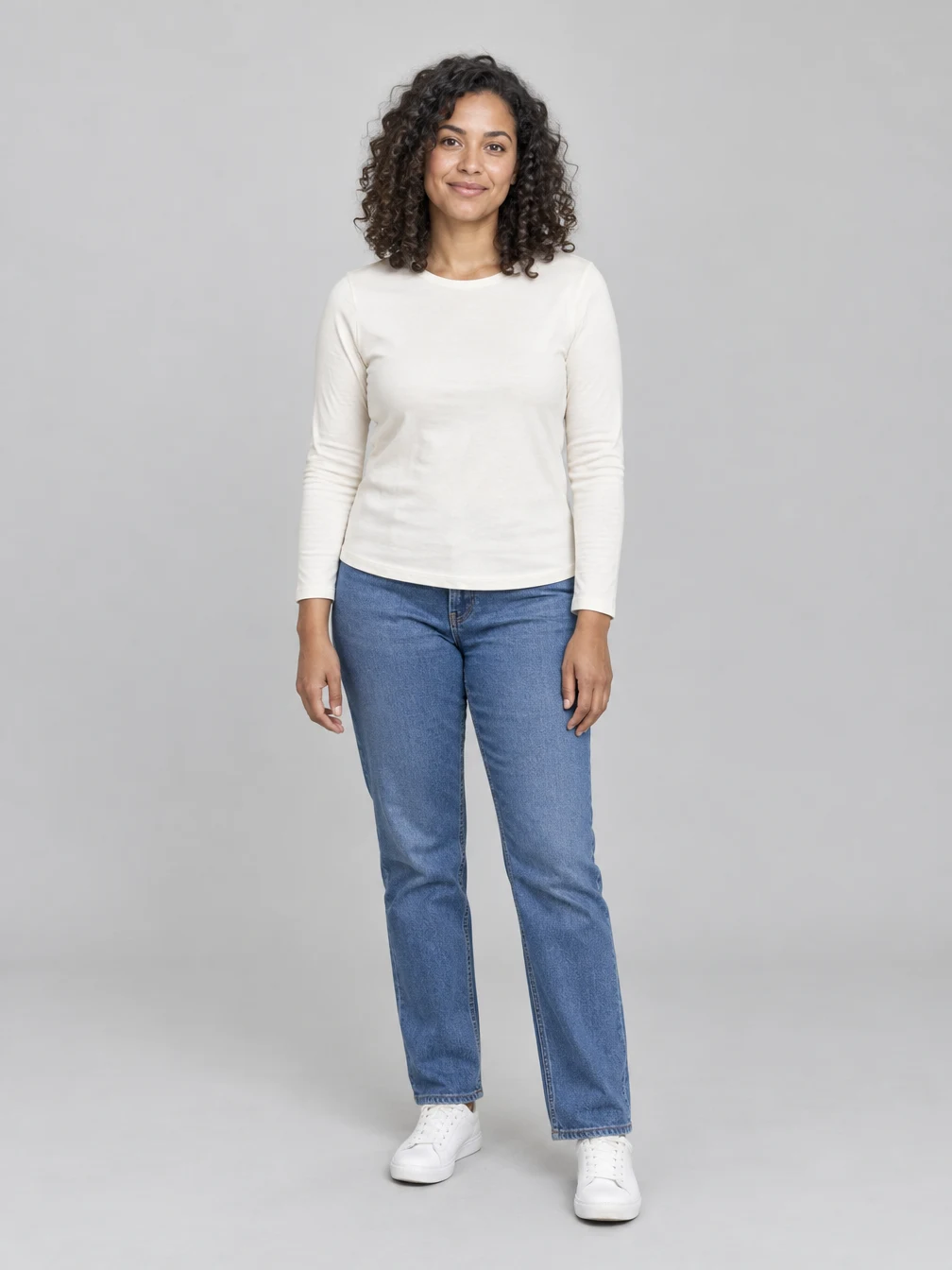
Use one sharp photo of the consenting adult or couple you want to include. Clear faces and even lighting give the effect a useful reference. The pictured input shows fictional adults. The generated scene may change clothing, pose or background while using the photo as a guide. For Person Photoshoot AI, start with a sharp photo of one consenting adult. A visible face and hair provide an identity reference, while a photo that includes more of the body gives the model more information about proportions. A close-up can still be used, but the tool may invent the pose, outfit and body framing outside the source image. The example begins with a fictional adult portrait and produces an outdoor coat look. Select a picture you own or have permission to edit. If your main goal is to explore several distinct outfit settings, the linked Fashion Influencer page offers a choice of looks; this page is focused on the single outdoor editorial photoshoot style.
Review and save the finished image
Create an editorial lifestyle portrait with an outdoor setting, a styled outfit and natural pose guided by your photo. Compare the result with your source photo before sharing. Review the full picture and its details on your device, including the face, clothing and background. You can keep the result for a personal project or share it with the people who agreed to the edit. Once generation is finished, download the image or find it again in your creations. A new generation uses credits; downloading an existing result does not. When Person Photoshoot AI finishes, inspect the generated face, hands, clothing and background at full size. A realistic-looking result may still alter facial features, add details to the outfit or place the person somewhere they never visited. The requested editorial styling is a creative transformation, not a record of an actual fashion session. Compare the result with your source before using it as a profile or portfolio image. The price for one new image is shown before generation, and a fresh attempt uses credits again. You can download an existing completed image without starting a new request, or return to your creations to review it later.
Choose a photo for Person Photoshoot AI
Use a photo you have permission to edit.
Your portrait
One photo
When to use it
Turn your photo into an outdoor fashion photoshoot.
What it produces
One vertical still image.
- ✓Consenting adults
- ✓Face visible
- ✓Even lighting
Angel Wings
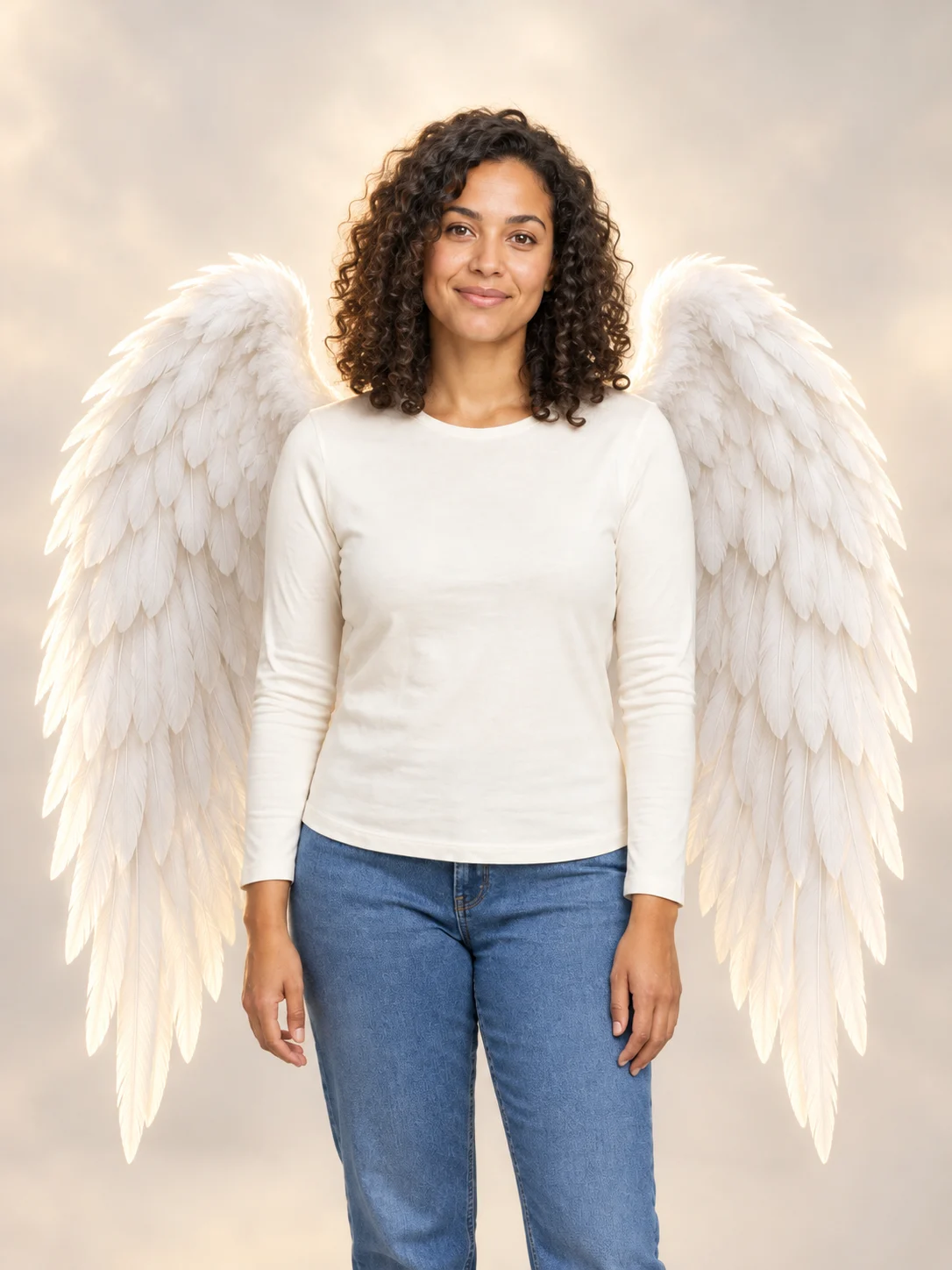
Add large feathered angel wings to your photo while keeping your own outfit.
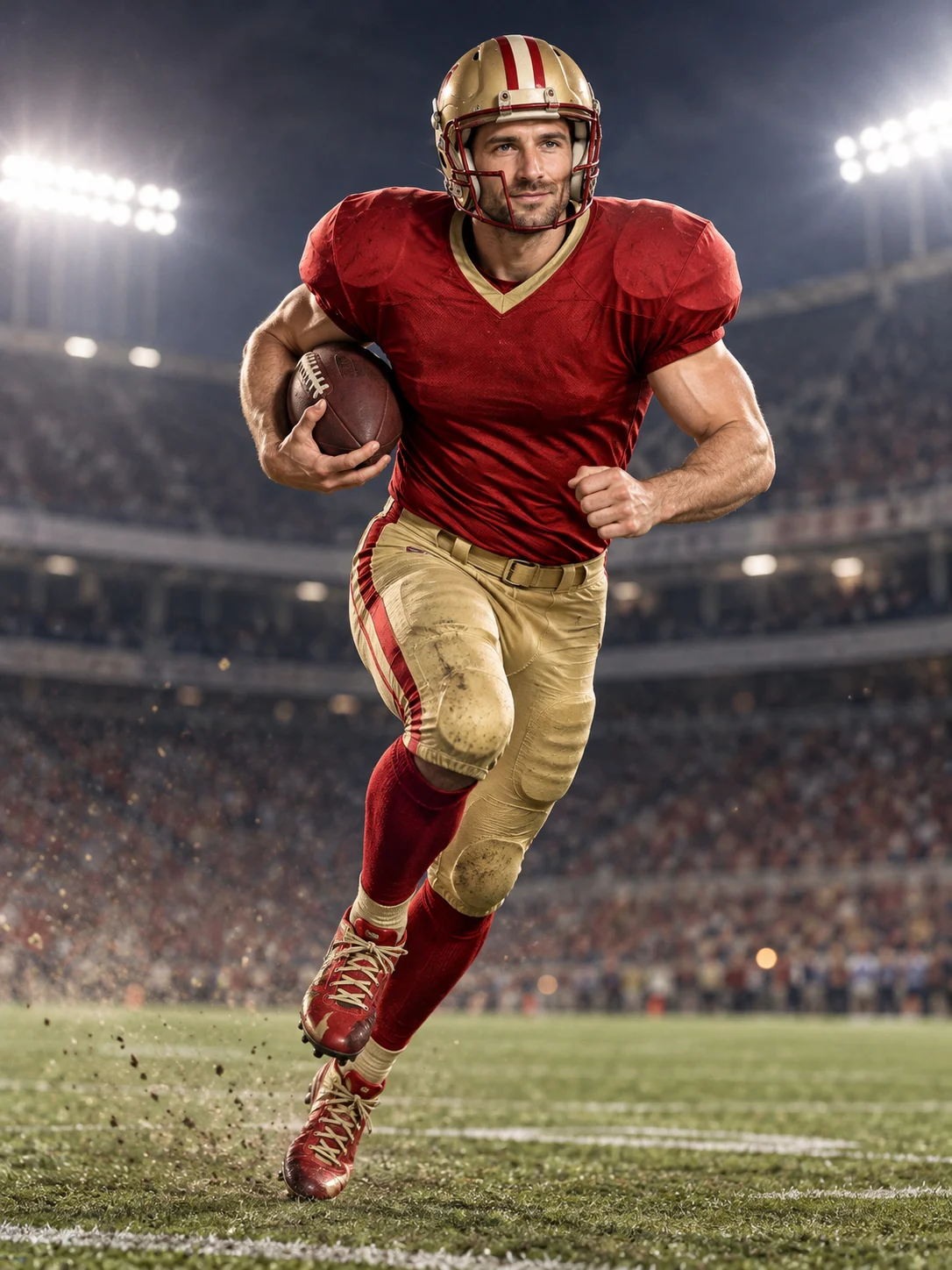
Football Champion
Turn your portrait into an American football action picture with a helmet and a football.
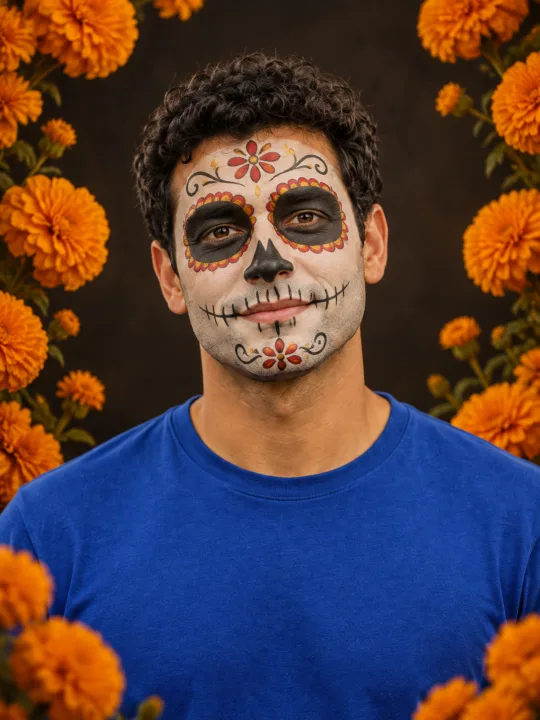
Catrina Makeup
Preview floral Day of the Dead face paint and marigolds on your own portrait.
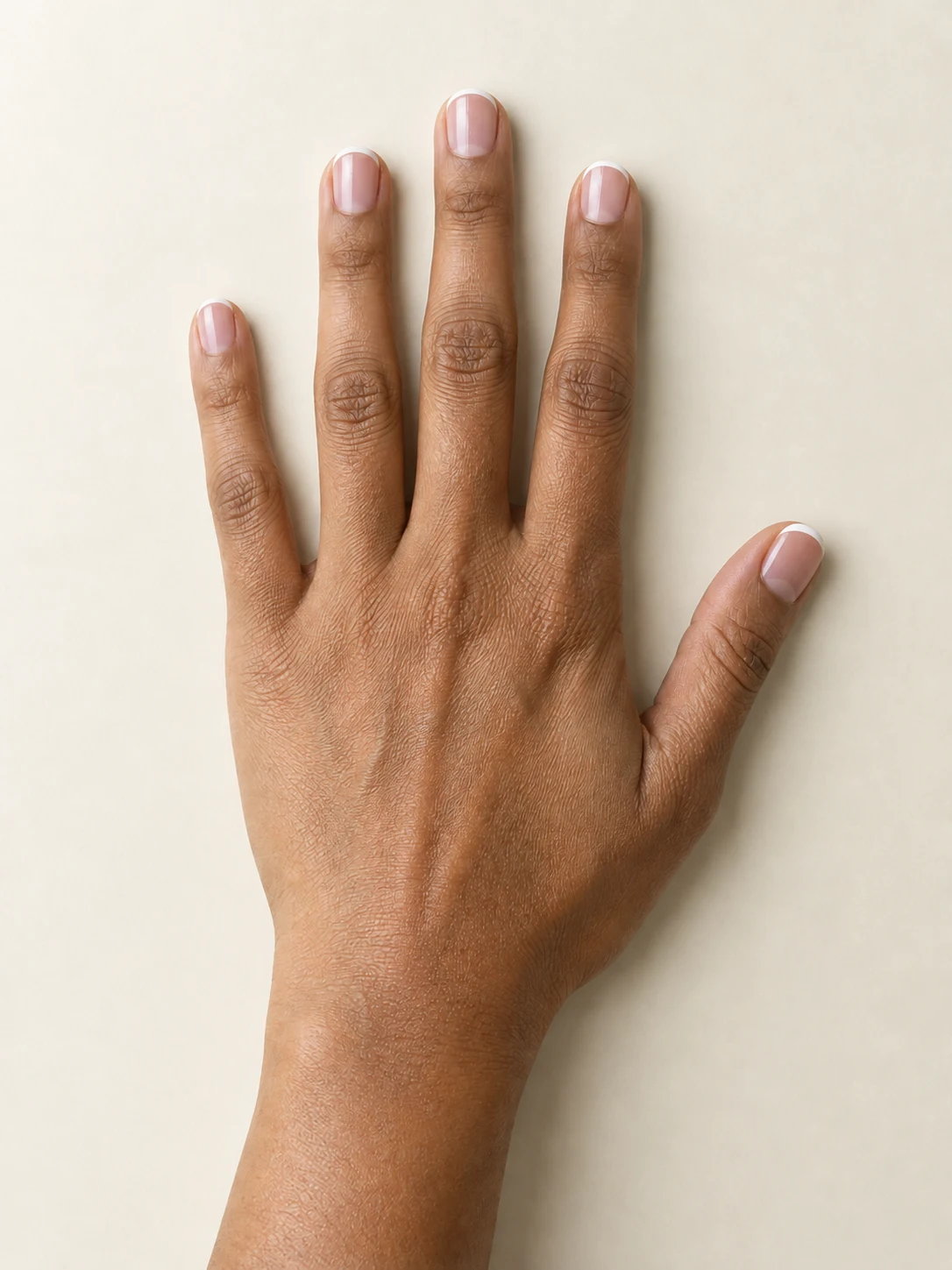
AI Nail
Preview French tips, Burgundy gloss or Pearl shimmer on your hand.
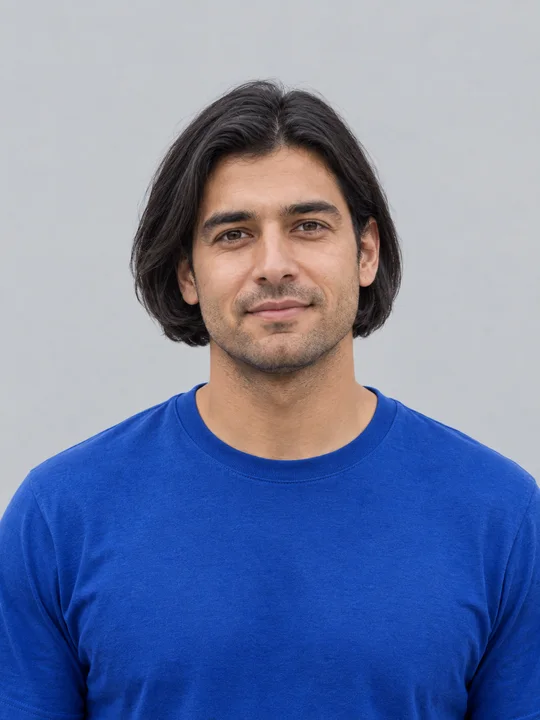
AI Bob Haircut
Preview a chin-length bob on one adult portrait.
Filtro Catrina IA
Add floral Day of the Dead makeup and marigolds to your portrait.
Head Cutout
Create a head-only transparent PNG from one adult portrait.
Bold Glamour AI
Give your selfie a bold, camera-ready makeup look.
Realistic Selfie AI
Turn your photo into a natural-looking phone selfie.
Flash Couple Silhouette AI
Create a warm rim-lit couple portrait on black.
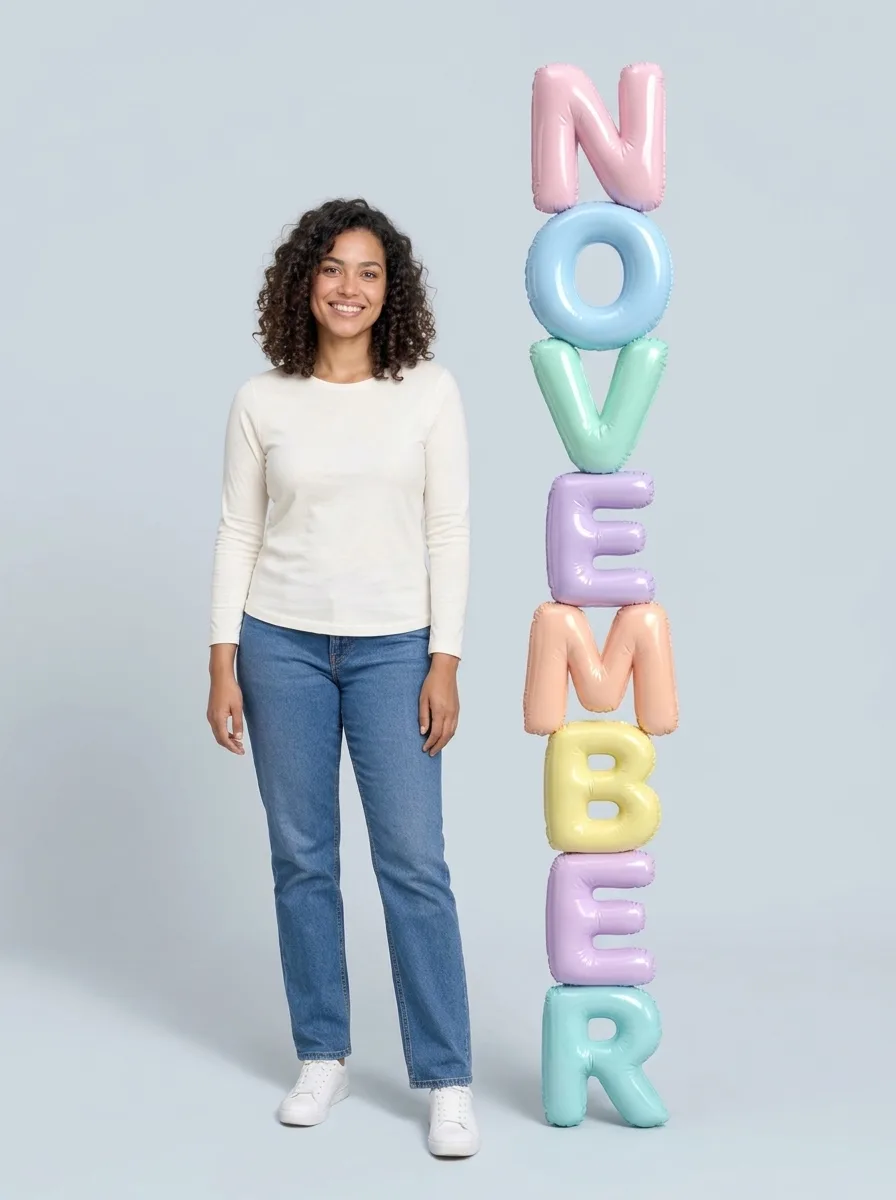
3D Month Letters AI
Your photo beside giant month letters
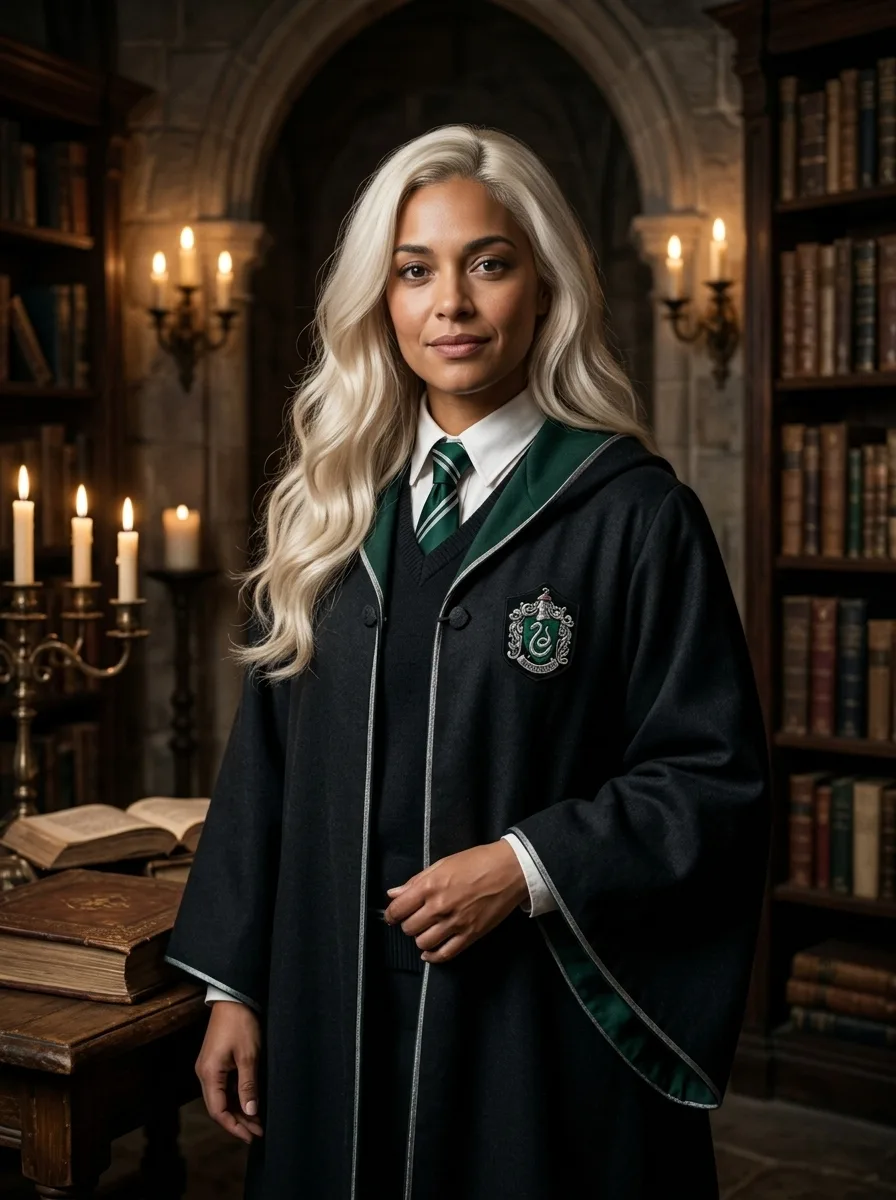
Female Malfoy AI
A fantasy academy portrait from one adult photo
Frequently asked questions
What does Person Photoshoot AI create?⌄
Turn your photo into an outdoor fashion photoshoot.
Is Person Photoshoot AI free?⌄
One image costs 3 credits. Eligible new accounts can receive welcome credits; check your balance and the displayed price before generating.
Will the picture look exactly like my photo?⌄
Your photo guides the result, but facial features and other details can vary. Review the finished image before sharing.
Does this effect make a video?⌄
No. This effect creates one still image.
Can I use someone else’s photo?⌄
Only use photos of adults you have permission to edit.
Create your Person Photoshoot AI image
Turn your photo into an outdoor fashion photoshoot.
Create my image