
Choose your 80s Christmas AI look
80s Christmas AI: 80s studio
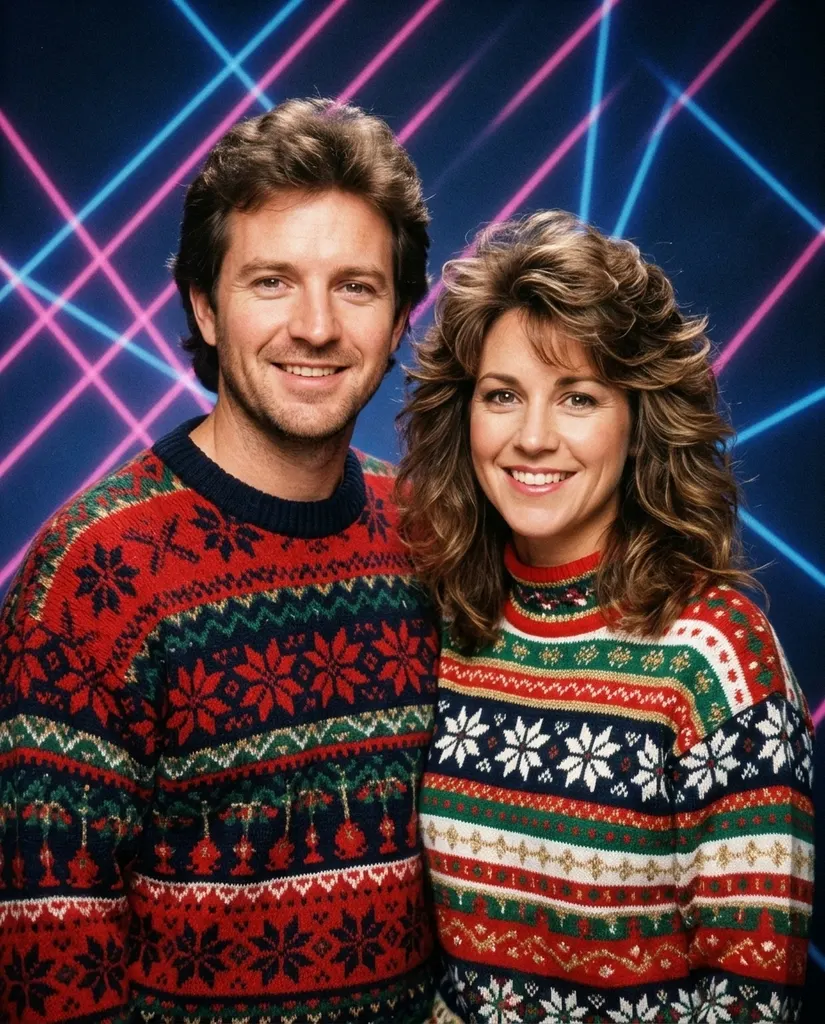
The signature 80s Christmas AI shot: a blue studio backdrop crossed by pink and blue laser beams, soft-focus glamour light, feathered hair and bold Christmas sweaters, everyone shoulder to shoulder. Our example started from an ordinary photo of a fictional couple in a modern living room. Their faces stayed recognizable while hair, clothes and the whole studio changed to 1986. This look suits couples and families best, because the pose is built for a group.
80s Christmas AI: 80s Christmas morning
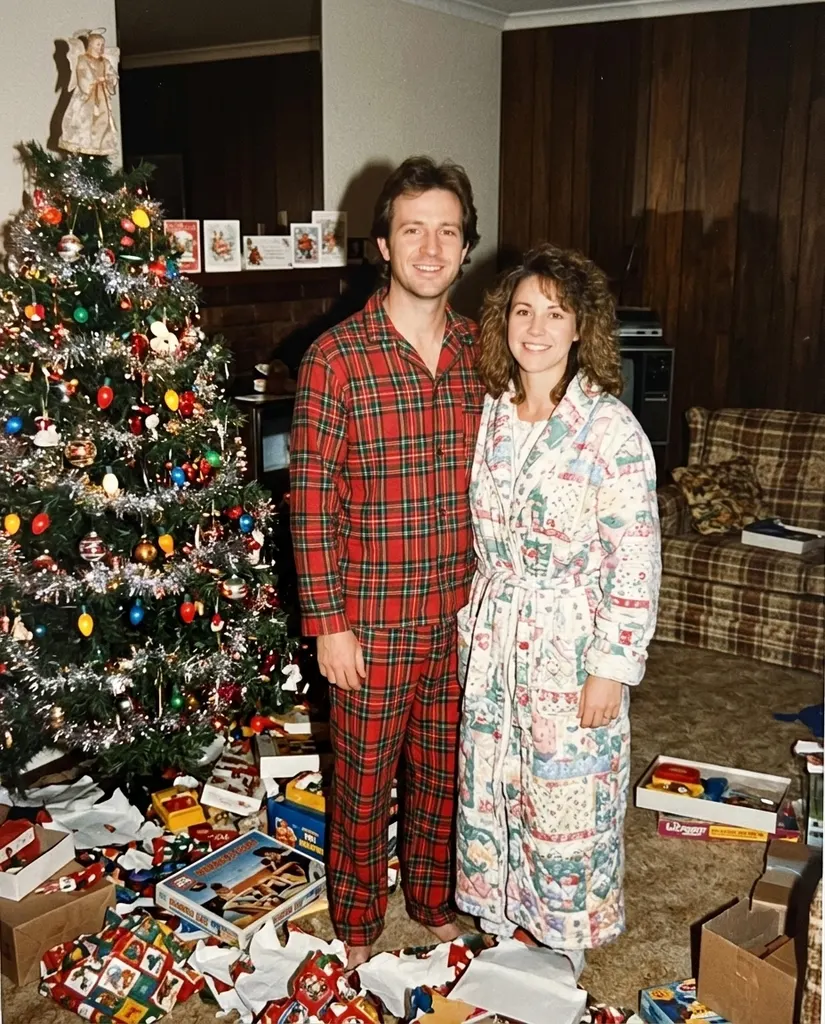
The same decade at home: a point-and-shoot flash catches you by a tinsel-heavy tree with big colored bulbs, ripped gift wrap on the carpet and wood paneling behind. It looks like a real color print from a shoebox, grain and all. Pick it when you want something candid rather than posed.
80s Christmas AI: 70s den
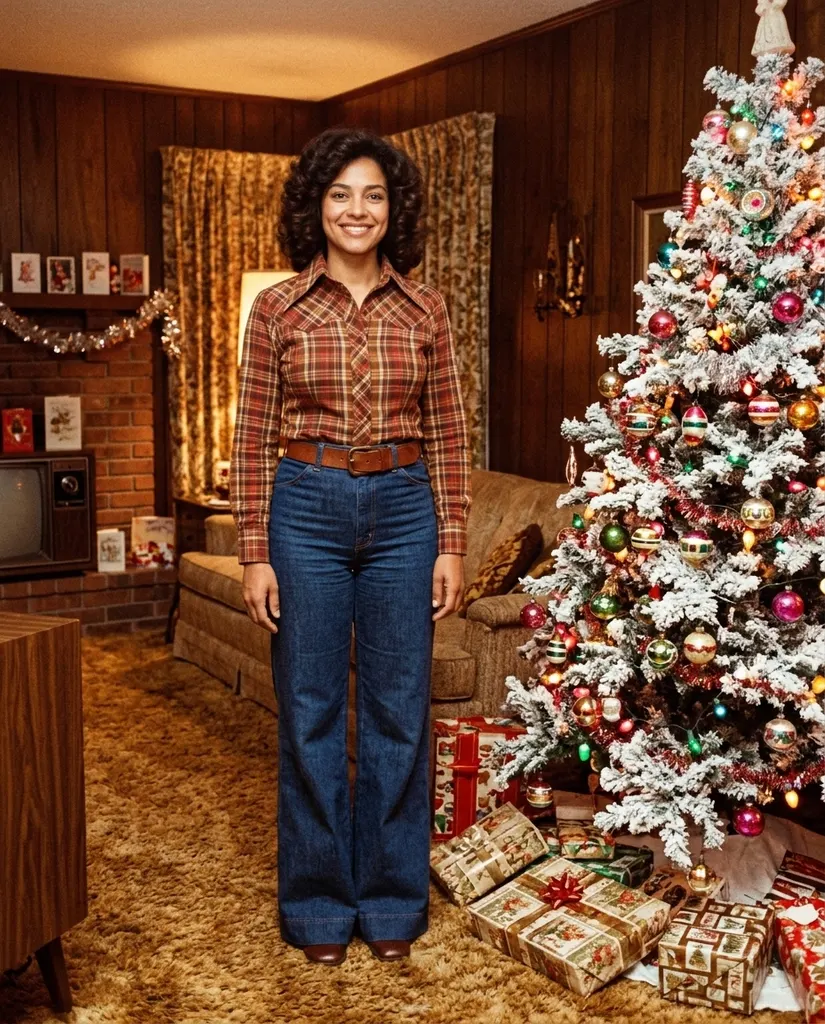
A 1970s den: wood paneling, shag carpet, a flocked tree and plaid with wide collars, printed in warm faded amber. Our example used a single full-length photo, which shows how the room and outfit are rebuilt around the same person.
80s Christmas AI: 50s slide film
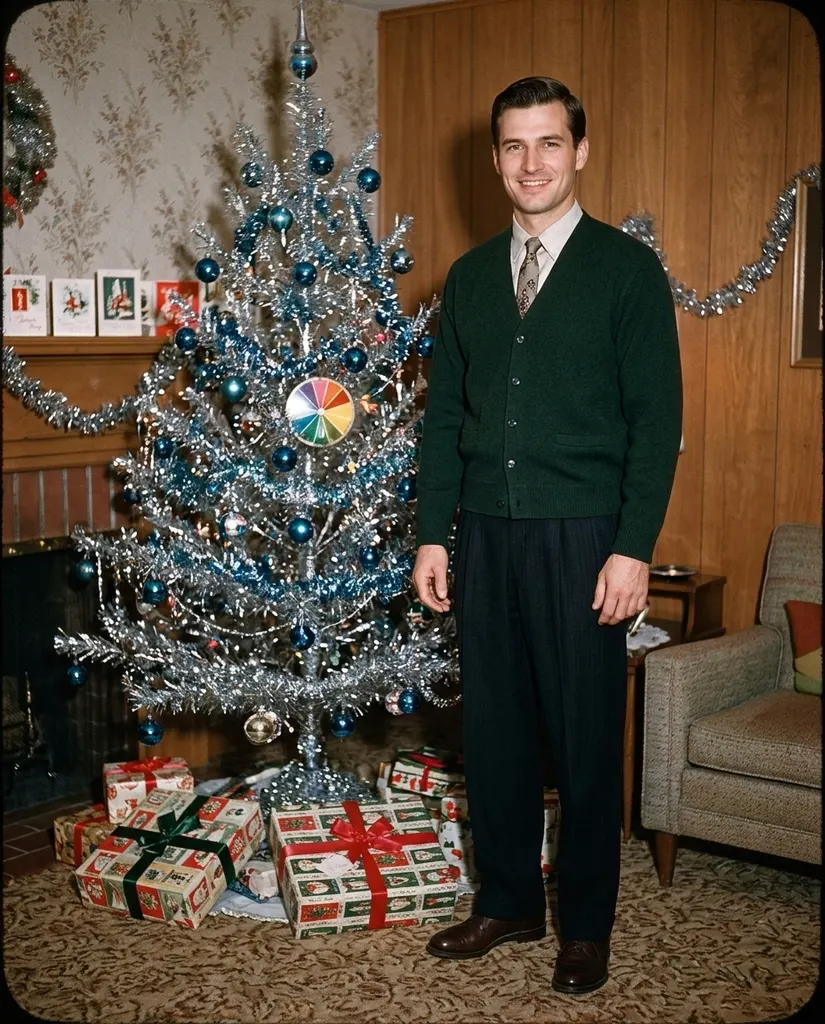
1950s slide film is crisp and saturated: a shiny aluminum tree dressed in blue baubles, neat dresses, cardigans and ties. Reds and greens pop the way old slide film did. It works with one person or a group.
80s Christmas AI: 90s snapshot
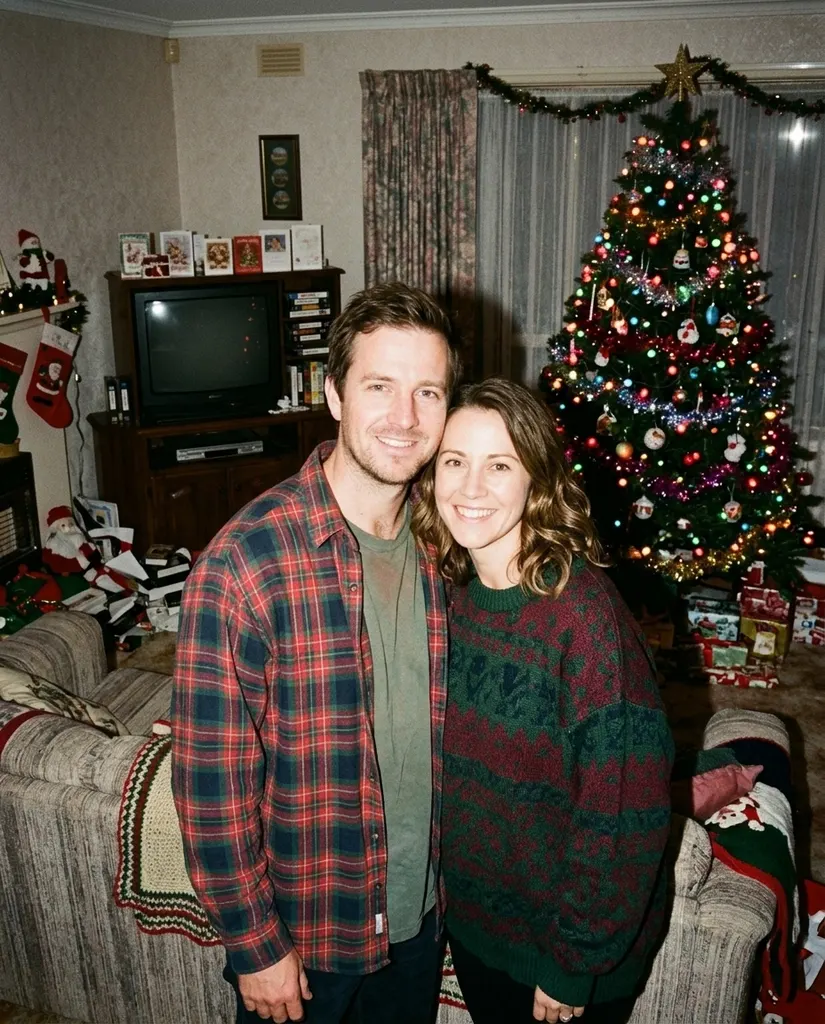
Late 90s, disposable camera: hard direct flash, a slightly crooked frame, oversized sweaters and flannel, a boxy TV and colored lights on the tree. The faces get the bright, flat flash of that era. Pair it with the 80s studio version for a then-and-later set.
80s Christmas AI: Victorian
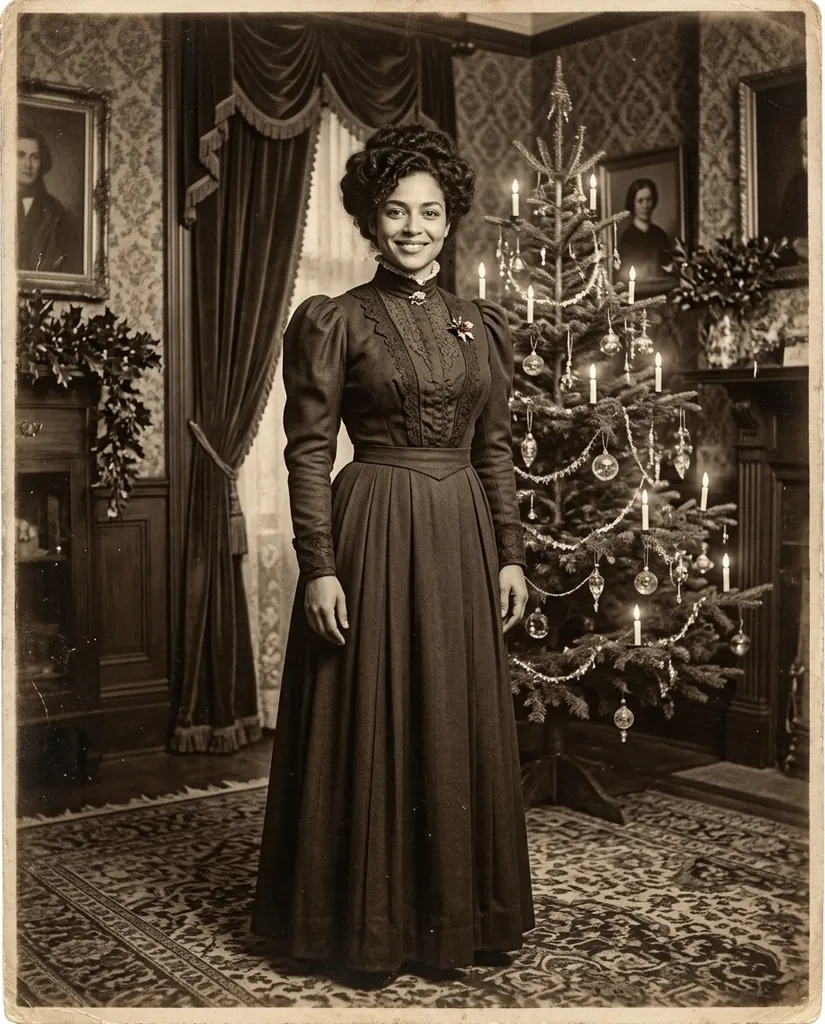
An 1890s Victorian parlor portrait in sepia on aged paper: candles on an evergreen tree, high collars, long dresses and waistcoats, and a formal pose that still lets a little warmth through. Of the six looks, it changes clothes the most, so check the face closely.
What to upload for 80s Christmas AI
Use one photo where every face is clear and turned toward the camera. Everyone in it stays in the picture: the 80s Christmas AI keeps the same people, ages and positions and changes clothes, hair, room and camera look to match the era. A modern living-room snapshot works fine; heavy filters and sunglasses do not.
Your photo
One photo of you, a couple or your family, every face clear.
When to use it
Start every 80s Christmas AI picture here.
What it produces
One 4:5 still image that looks shot in the era you picked.
- ✓Six looks to choose from
- ✓Optional extra details
- ✓One still image per run
Review the result
Open the full image before sharing.
When to use it
Each run is a new picture.
What it produces
A file you can download from My Creations.
- ✓Check faces or markings at full size
- ✓Try another look on the same photo
- ✓Nothing is printed or shipped
Turkey Dance AI
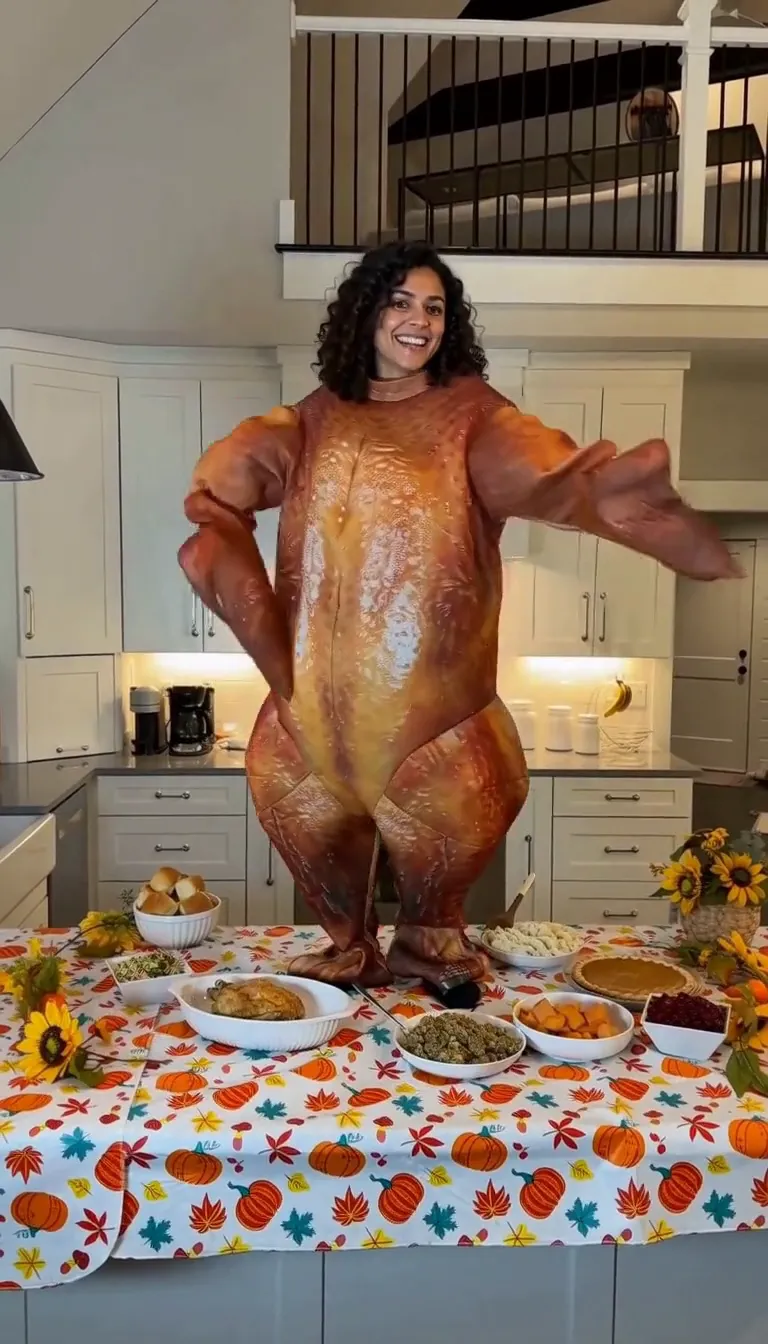
Do the turkey dance in a roast-turkey costume behind a Thanksgiving table.
Funny Thanksgiving AI
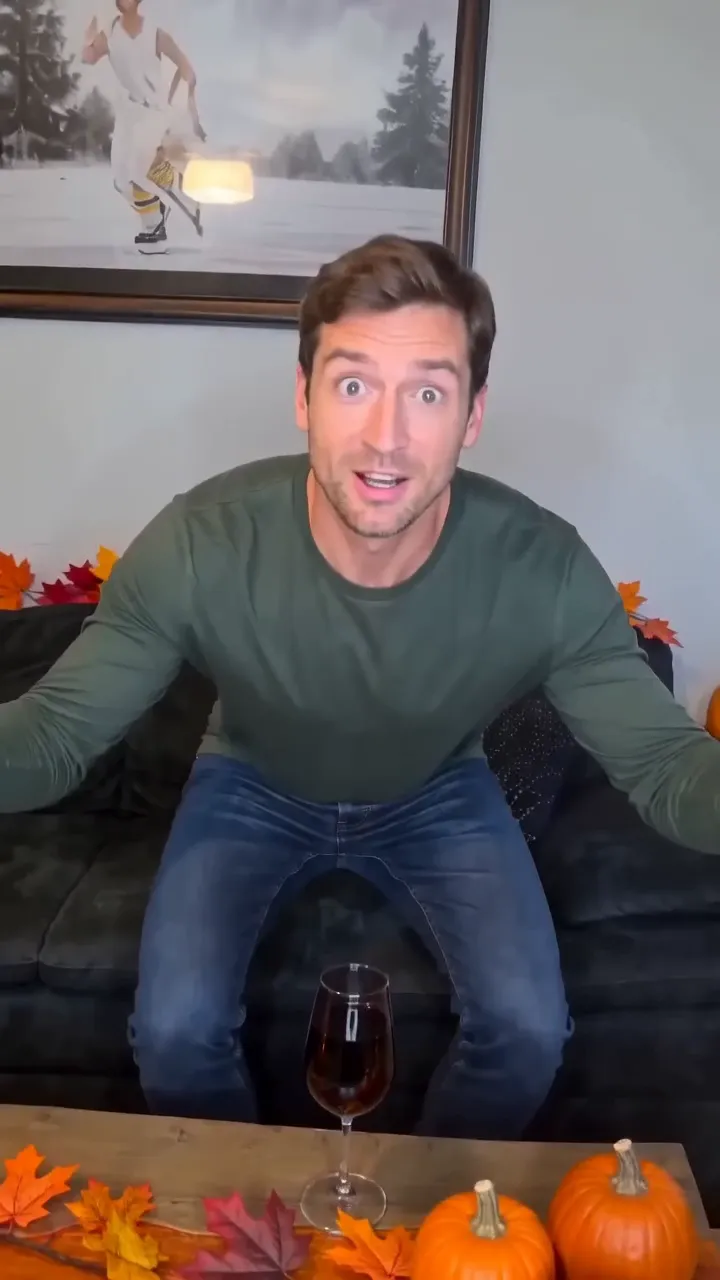
Feathers burst out and you turn into a giant turkey in ten seconds.
Elf on the Shelf AI
Turn a photo of your room into security-cam footage of the elf sneaking around.
Chhath Puja AI
Chhath Puja ghat portraits from one photo
AI Christmas
Christmas portraits from one photo
Christmas PFP AI
A square Christmas profile picture from one person or pet photo
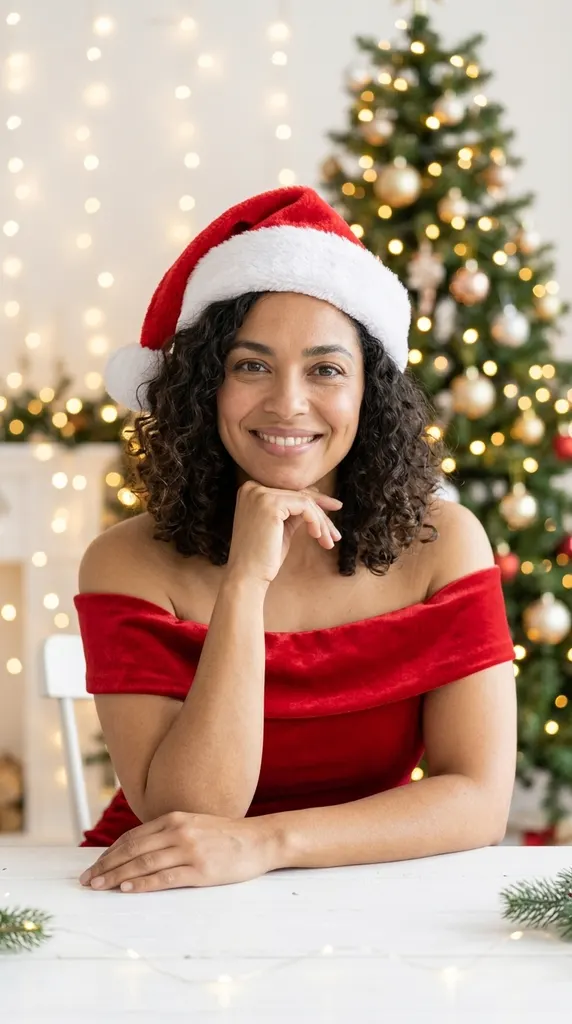
AI Christmas Photoshoot
Studio Christmas photoshoot from one selfie
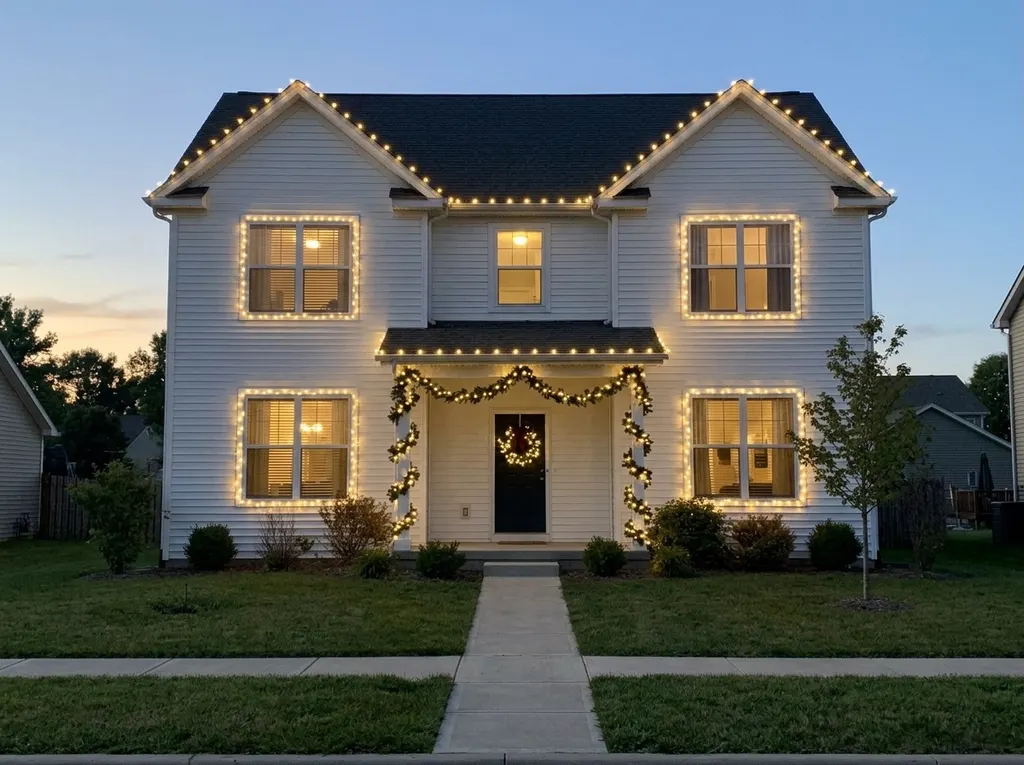
AI Christmas Lights
Preview Christmas lights on your house
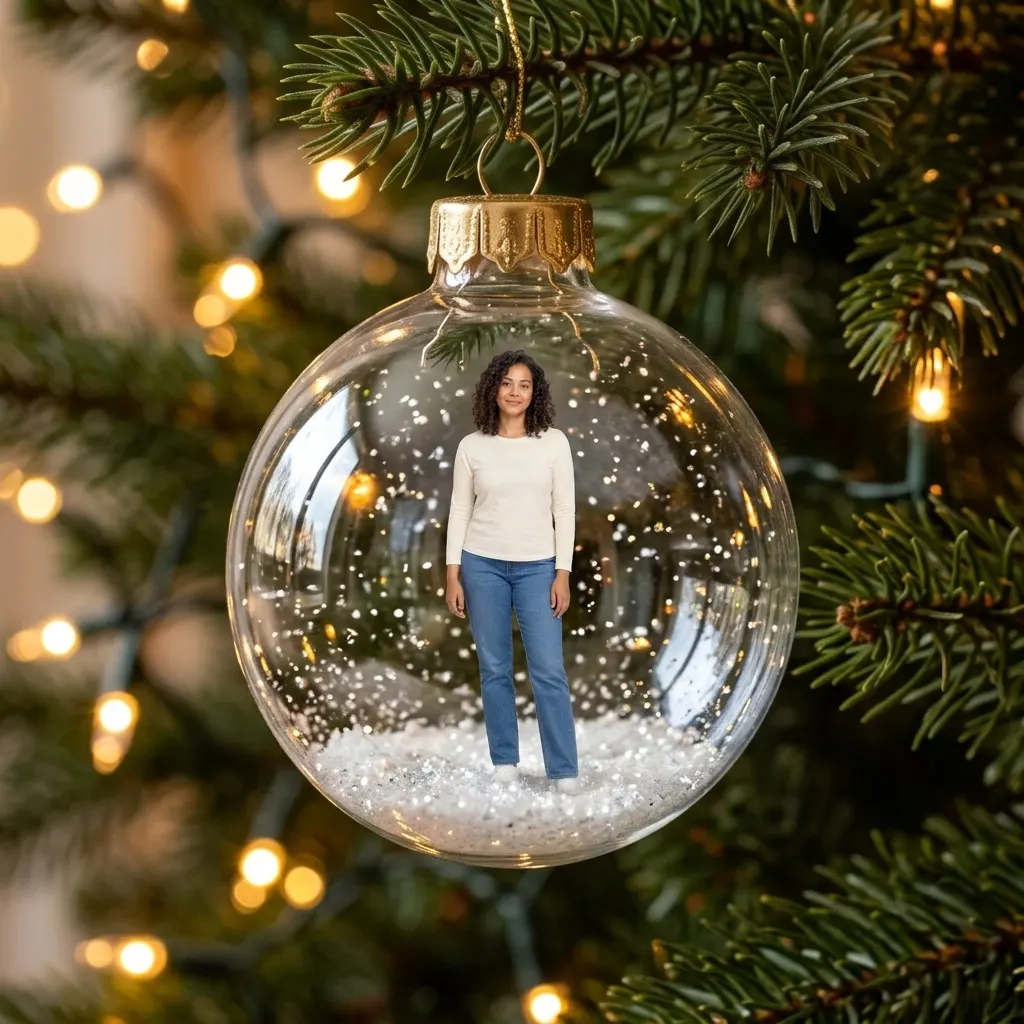
AI Christmas Ornament
You or your pet as a tree ornament
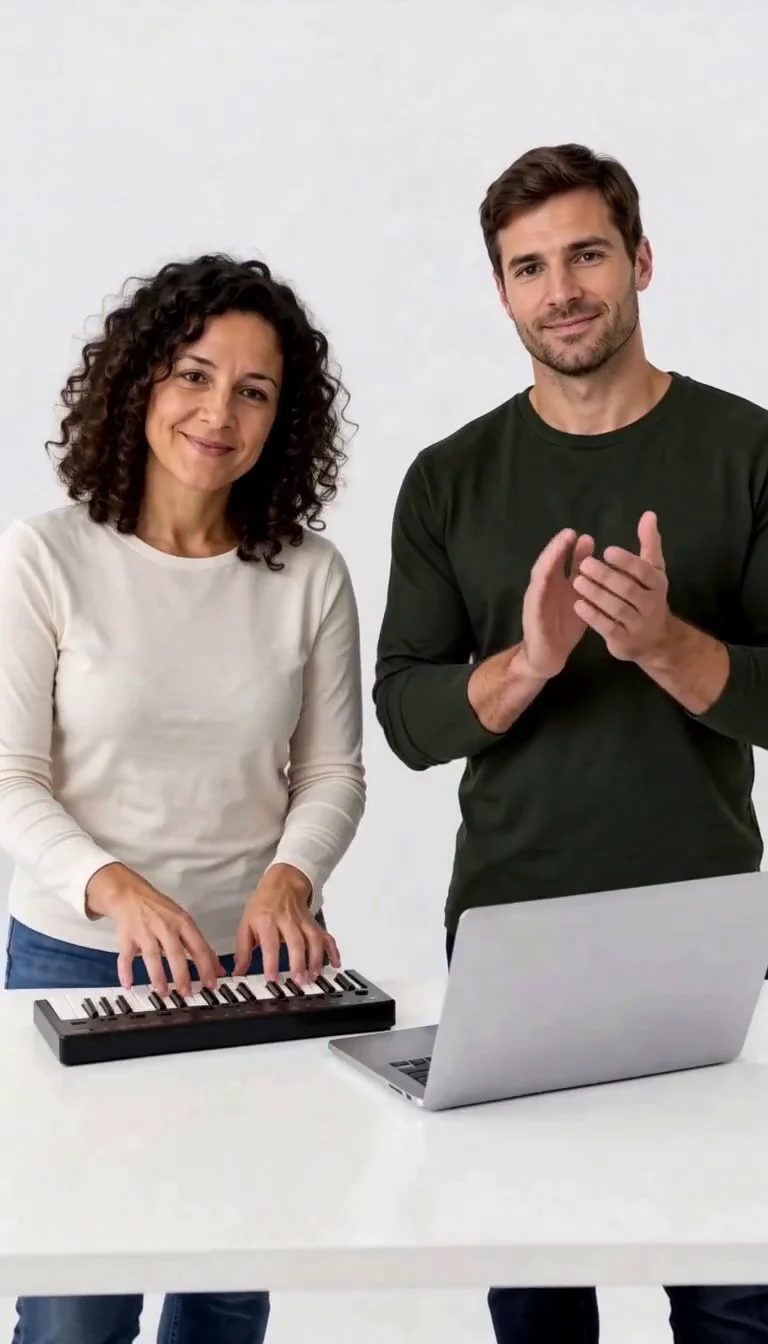
Keyboard Duo
Put two adults in a keyboard-and-clapping studio sketch.
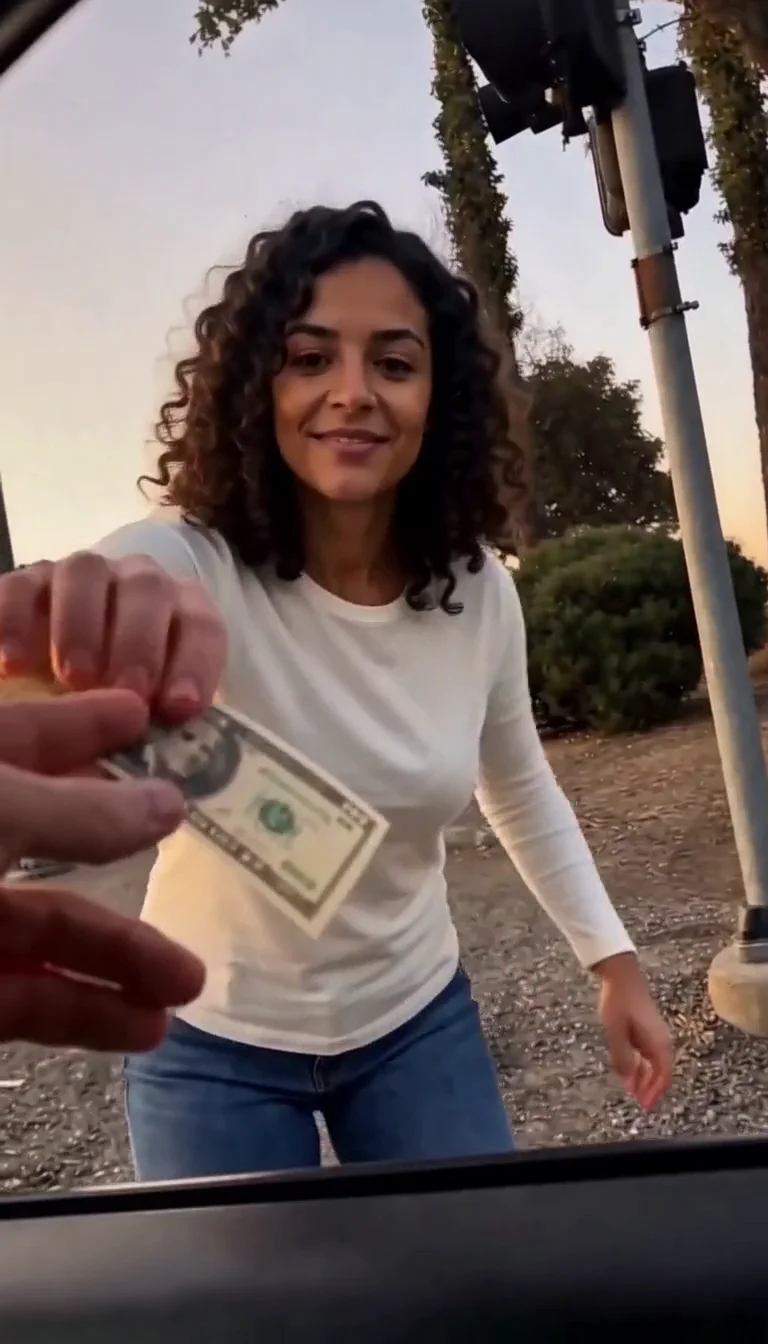
Plug Walk
Follow the car-window cash handoff, then step back into the reference dance.
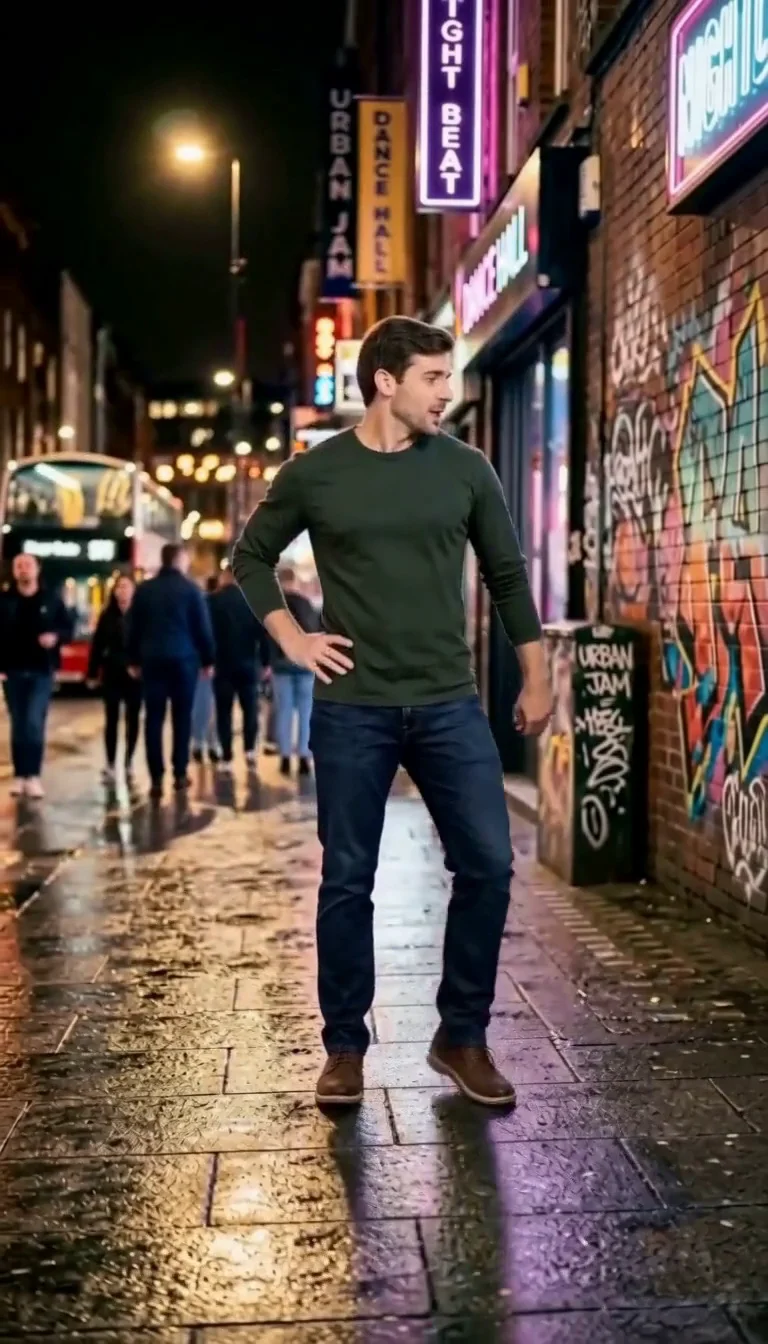
6 7 Dance
Follow a fourteen-second Six Seven street dance with counting gestures, bouncy steps and claps.
Frequently asked questions
What is the 80s Christmas AI trend?⌄
People turn a photo taken today into a Christmas picture that looks like it came out of a 1980s family album: laser-beam studio backdrops, feathered hair, big sweaters and flash-lit Christmas mornings. This page makes that picture from one upload.
How do I make an 80s Christmas photo with AI?⌄
Upload one photo, choose 80s studio or 80s Christmas morning (or another era) and press Generate. You can add a short detail, like matching sweaters or a specific color, in the optional box.
How much does it cost?⌄
Each picture costs 5 credits, shown before you generate. Eligible new accounts receive welcome credits that cover a first picture.
Can I use a family photo?⌄
Yes. Use a photo where every face is sharp and visible. The same number of people stay in the picture. Only upload photos of people who agreed to the edit.
Is this just a vintage filter?⌄
No. A filter tints your existing photo. Here the clothes, hair, room and camera look are rebuilt for the era, while the faces stay the same. That is why results vary a little from run to run.
What do I get?⌄
One still image in a 4:5 frame, saved in My Creations, which you can download. There is no date stamp or text on it.
Make your 80s Christmas AI photo
One photo, six eras. Start with the laser backdrop.
Try 80s Christmas AI