AI Photo to Video: Get Permission Before You Animate
Before you animate a photo with AI, confirm who may authorize the image, whether every identifiable person agrees to this specific animation, what the finished clip may imply, and exactly where it may be shared. If any answer is unclear, do not upload the photo yet. This checklist addresses the decision that comes before a render: whether the source, requested motion, and audience are in scope. It complements—not replaces—the production steps in our AI image-to-video generator guide.
Last updated: September 29, 2026 · about 8 min read
This is a practical approval checklist, not legal advice. Copyright, privacy, publicity, employment, contract, platform, and local rules can all matter. Get qualified advice for paid campaigns, minors, sensitive settings, public figures, customer material, or any disputed source.
The five questions to answer before upload
Do not settle for “I found it online” or “they were okay with the photo.” Write a short answer to each question:
- Where did the exact source photo come from? Save the original file or a reliable link, not only a screenshot or repost.
- Who may authorize use of the photo? The uploader, person depicted, photographer, employer, client, or library may not be the same party.
- Who is recognizable in the proposed video? Include people in the background if they remain identifiable.
- What will the animation show or imply? Name the motion, setting, audio, relationship, product claim, and event context.
- Who will see it and for how long? Private message, team review, public social post, paid ad, client delivery, or future reuse are different scopes.
If you cannot document the source or identify who can approve it, the safe operational decision is to choose another photo. Do not rely on a model’s ability to make the image look different as a workaround for an unresolved rights or trust problem.
Separate photo rights from a person’s agreement
There are at least two distinct questions: whether the photograph may be used, and whether the recognizable person has agreed to the intended synthetic portrayal and audience. One “yes” does not automatically answer the other.
The U.S. Copyright Office explains that original photographs are generally protected and that the person who takes a photo is generally its initial copyright owner. It also notes that the person who owns a copy of a photograph is not necessarily the copyright owner. See its photographer guidance and permission circular. Those are useful U.S. references, not a universal legal result.
For the person in the photo, ask about the proposed animation in plain language. “Can I use your picture?” is too broad if you intend to make them appear to move, speak, endorse a product, visit a place, or interact romantically with someone. Identify the exact request and the destination before they decide.
| Approval you have | What it does not automatically establish | Ask or confirm next |
|---|---|---|
| Permission to take or store a photo | Permission to turn it into a synthetic video | The intended motion, audience, and retention period |
| A person’s permission to share their portrait | Permission from the photographer or licensing owner | The source license or owner’s grant |
| Permission for a private draft | Permission for a public, paid, or client post | Which channels, caption, and reposting rights are approved |
| Approval for a neutral animation | Approval for a romantic, political, medical, or endorsement context | The exact implication and any sound or script |
Define the animation before you seek approval
Describe the result in one or two sentences a person could reasonably understand. Keep it concrete:
Use the attached head-and-shoulders photo to create a short, silent clip where I make a small head turn toward the window. Share it only in our private project review folder through October 15. Do not use it in ads or public posts.
That is more useful than “I’ll make a cool AI video.” It identifies the source, motion, context, audience, and time limit. If the person would be surprised by the final clip, the description was not specific enough.
For a product or location, name the details that must remain true. A movement effect should not turn an ordinary storefront into a claimed event venue, add a product feature, change a package label, or imply that a customer filmed or endorsed something. When truth depends on exact text, price, ingredients, performance, or a real event, retain that information in verified copy or conventional footage instead of asking the model to recreate it.
Use a simple pre-upload record
The record can be a lightweight project note. It does not need to expose personal details beyond what is needed to show the decision.
| Field | What to record |
|---|---|
| Source | Original filename or approved source URL, date received, and known photographer/license information |
| People | Who is recognizable and who confirmed the requested portrayal |
| Requested animation | One motion, the intended setting, and whether sound or voice-like content is involved |
| Audience | Private, internal review, public organic, paid, client, or another named destination |
| Limits | No reposting, expiry date, no commercial use, no editing, or other agreed boundaries |
| Final approval | Who will review the completed render and caption before it is shared |
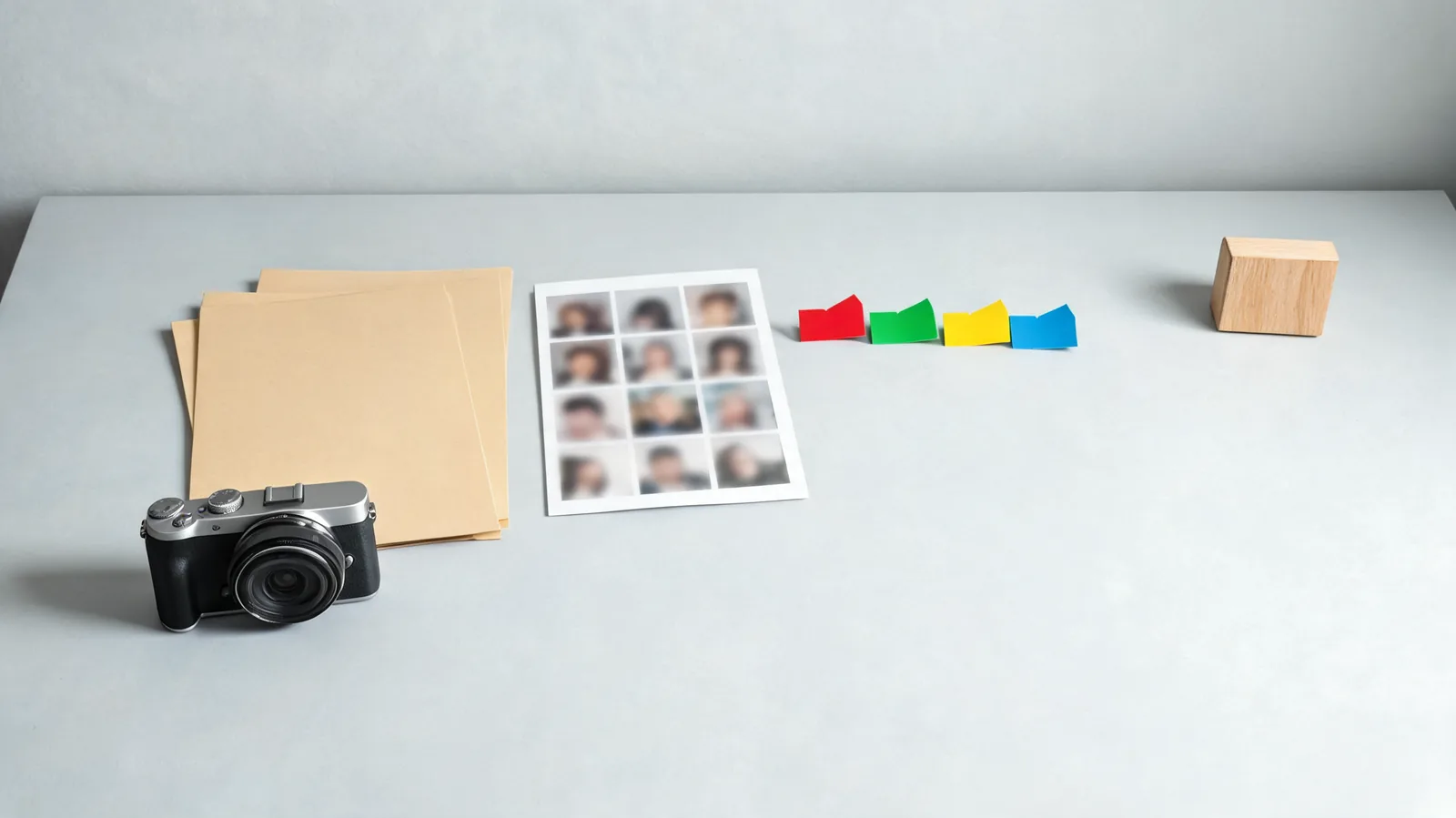
A short decision record makes it easier to stop an unclear request before an image enters a generation workflow.
Store approval information where the relevant project team can find it, but do not put sensitive details into a public caption, public prompt, or shared folder with broad access. Minimize the copy of the original photo and remove access when the agreed project ends.
Watch for a change in meaning, not only a change in pixels
An animation may be technically clean and still cross the approved boundary. Review what it asks viewers to believe:
- Does it make someone appear to have attended an event, taken an action, or supported an organization?
- Does a new background, gesture, soundtrack, or partner change the meaning of the original photo?
- Could a viewer reasonably think it is camera-recorded rather than synthetic?
- Does the caption correct, or worsen, a misleading impression?
- Has the audience expanded since the original approval?
If any answer changes after the first render, return to the people who can approve it. Do not treat a prior photo release as permission for a new message. YouTube’s altered or synthetic content guidance identifies realistic synthetic material that makes a real person appear to do something they did not do as content that needs disclosure in its specified cases. Check the current rules of each platform; disclosure does not replace permission or other obligations.
Apply the stop rule
Do not upload when any of these conditions is true:
- You cannot identify the source or relevant license/owner.
- A recognizable person has not agreed to the specific animation and audience.
- The request concerns a minor, a sensitive personal setting, intimate or romantic context, a health claim, a political claim, or an endorsement and the scope is not clearly documented.
- The result would imply a real event, relationship, product feature, or statement that did not occur.
- A client or employer has not approved the source, destination, and final-review path.
The remedy is usually straightforward: obtain a clearer grant, use your own newly created source with a specific release, replace the recognizable subject with a fictional or licensed alternative, use conventional editing, or abandon the idea. “The generator already made it” is not a reason to publish it.
Move into production only after the decision is clear
Once the source and scope are settled, keep the first render narrow. Use a clear photo, request one small motion, protect the details that must not change, and watch the entire completed clip. Our AI image-to-video generator guide covers that production workflow—photo preparation, a restrained motion request, camera choices, and output review. The sequence matters: decide whether you may animate first, then decide how to animate well.
If you use ClipTrend, open the current image-to-video workspace only with a source that has passed this checklist. The live workspace is the capability source of truth; do not assume a setting, model, or export right from an older tutorial.
FAQ
Is a social-media photo automatically okay to animate?
No. Public availability does not answer who owns the photo, what license applies, whether an identifiable person agrees to this synthetic portrayal, or whether public posting is in scope. Confirm the relevant permissions before upload.
Do I need a separate approval for an AI animation?
Treat it as a separate decision when the animation changes what the person appears to do, the setting, the audience, or the message. A specific, understandable approval is safer than assuming a prior photo-sharing agreement covers every new use.
What if I am not sure who took the photo?
Stop and find an owned or clearly licensed alternative. A missing source record is a practical reason not to place the image in a generation workflow, especially when the result would be public or commercial.
Sources and next step
- U.S. Copyright Office, What Photographers Should Know about Copyright, checked September 29, 2026.
- U.S. Copyright Office, How to Obtain Permission, checked September 29, 2026.
- YouTube Help, Disclosing use of altered or synthetic content, checked September 29, 2026.
Use this pre-upload check before the production steps in our AI image-to-video generator guide. When the source or scope is unclear, choose a different photo rather than hoping a generated clip will make the question disappear.