Runway AI Photo to Video: A First-Test Checklist
A useful Runway AI photo-to-video first test starts with one approved still, one modest movement, and one question you can actually answer after watching the whole clip. Upload an image you have permission to use, ask for motion that fits it, then judge whether the result preserves the subject, crop, and message you need. That small test is more useful than trying to make a finished campaign on the first render.
Last updated: September 24, 2026 · about 8 min read
What this first test should tell you
The point is not to prove that every image can become a polished video. It is to make a practical decision: does a particular source image and simple movement work well enough to continue in this workflow?
Runway’s current Gen-4.5 guide describes Image to Video as an image-and-text input workflow and recommends that image-to-video prompts focus on scene motion. Its available models, plans, durations, formats, and costs can change, so confirm the live controls in your account before beginning a paid or client-facing job.
Set one review question before you generate. Good examples include:
- Does this approved product photo keep its outline through a slow push-in?
- Does this portrait retain the person’s recognizable features with only a small head movement?
- Does the vertical crop still leave room for the caption and call to action?
- Does a short movement make the image more useful, or merely more distracting?
Avoid putting a camera orbit, a new location, a character action, changing weather, and tiny readable packaging copy into the same first request. If the result fails, you will not know which demand caused it.
Prepare the image before opening Runway
Use a file you created, licensed, or are clearly authorised to animate for the intended use. A public photo of a person, product, character, or client asset is not automatically permission to make or publish a moving synthetic version.
Choose a source with one obvious subject, clean edges, stable lighting, and enough room around the intended motion. If an exact logo, label, face, ingredient, or product shape matters, treat it as a risk to inspect rather than a detail a generative system will always preserve. Our first-frame image-to-video guide explains why source selection often matters more than a longer prompt.
Before you upload, decide the final placement. A horizontal image can look convincing in a wide preview and still fail as a vertical social asset once the subject is cropped. Keep the original file and note its version, owner, and approved use scope. That record makes a later review much easier than trying to reconstruct the source after several iterations.
Run a controlled photo-to-video test
Use the live Runway interface to choose the currently available image-to-video option. The exact labels may change, but this test sequence remains useful.
- Upload the approved still. Start with the cleanest available version rather than a compressed screen capture.
- Set the delivery crop first. If the job is a vertical social post, assess the vertical frame before generating.
- Ask for one motion. Try a gentle camera push-in, a small turn of leaves in a landscape, or a subtle light change. Keep the subject’s action simple.
- Record the request. Save the source filename, date, selected settings, and exact prompt with the output. It is a review trail, not a claim that the same settings will stay available.
- Watch the entire result. Check the beginning, middle, and end at normal speed. A strong thumbnail can hide edge drift, an abrupt crop, a changed object, or text-like artifacts.
For example, a restrained product request could read:
Use the uploaded product photo as the first frame. Create a short clip with a gentle camera push-in and a soft shift in ambient light. Keep the product shape, package colors, label area, tabletop, and background stable. Do not add people, new objects, or readable text. End on a clean centered product frame.
The words after “keep” are the details you will inspect. Do not state that the tool will guarantee them.
Review the output against the job, not the novelty
This review sheet is a decision aid, not a universal quality score. If one row matters to the job and fails, revise or reject the clip rather than assuming a fast edit will hide the problem.
| Review question | What to inspect | Sensible next step if it fails |
|---|---|---|
| Does the subject remain recognizable? | Face, product outline, important edges, and distinctive visual features | Use a cleaner source or request less movement |
| Does the motion follow the brief? | The requested action, camera behavior, and unintended new activity | Simplify the request and retry one motion only |
| Is the crop usable? | Safe space around the subject in the real delivery frame | Reframe the original still before another generation |
| Is the last frame useful? | Whether the ending can hold a caption, cut, or call to action | Ask for a simpler ending or trim from an earlier stable frame |
| Is the claim honest? | Whether viewers could mistake the synthetic clip for documentary footage | Add context or disclosure where appropriate; do not imply a real shoot occurred |
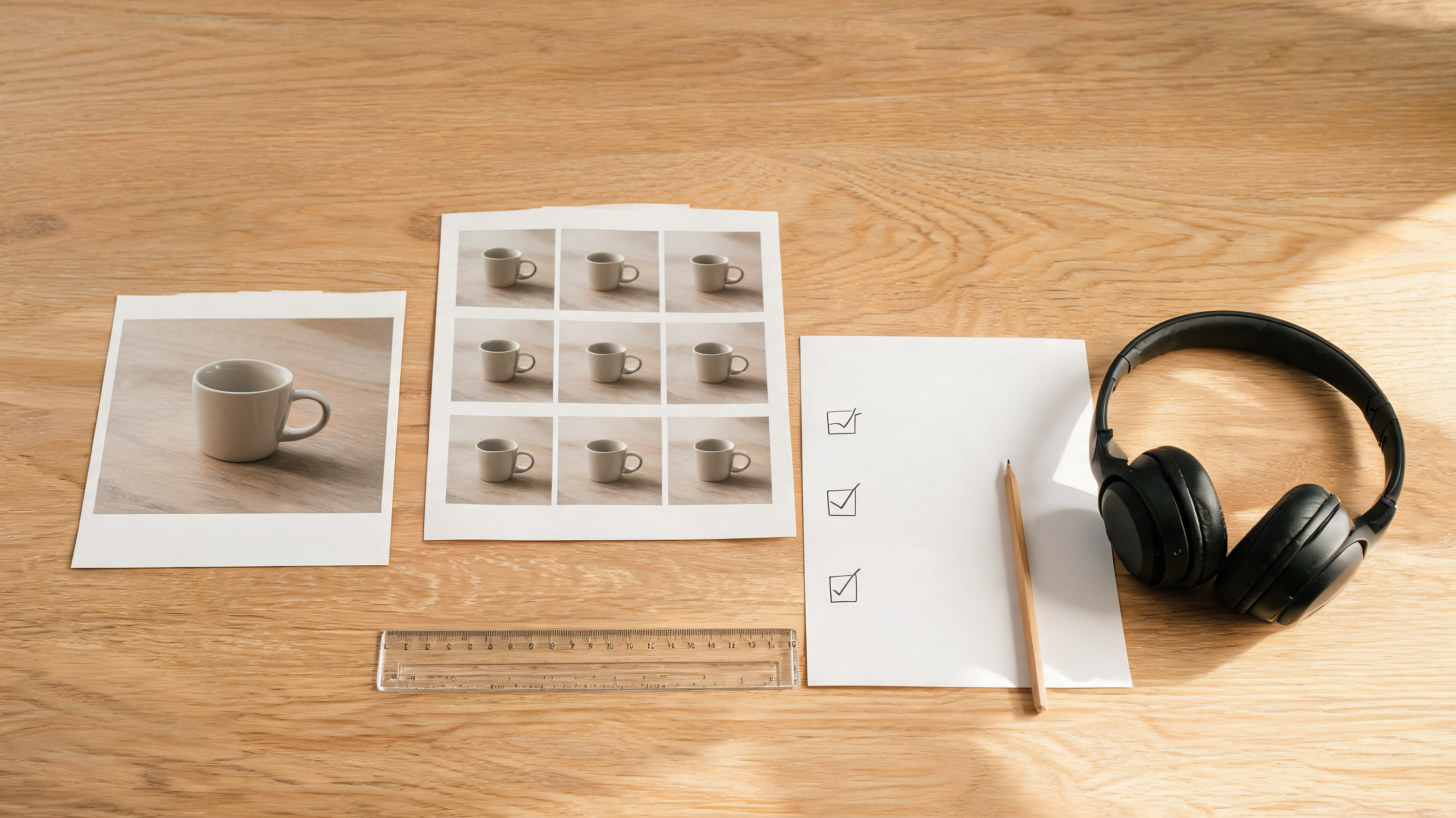
Keep the source still and the selected output together so another reviewer can compare what changed.
Runway’s official overview below is useful context for the product category, but it is not evidence that your account has a particular setting or that a generated result is ready to publish.
DataForSEO’s video-information endpoint verified this Runway video as embeddable with 579,730 views on September 24, 2026. Use the live Runway documentation and your own review rather than treating a video overview as a production guarantee.
When to change the image instead of the prompt
Prompt changes cannot reliably repair a still with a tiny subject, clipped hands, strong reflections, busy background, heavy compression, or an awkward crop. Change the source first when the model would have to invent too many missing edges. A cleaner first frame lets the motion request stay modest and makes the review less ambiguous.
Likewise, one successful clip does not prove that every future source will work. A studio product still and a portrait in dappled outdoor light are different tests. Run another small trial whenever the source type, intended crop, or required degree of precision changes.
If you are comparing tools before spending, our photo-to-video free-test guide offers a similar decision framework. ClipTrend also provides an AI image-to-video workflow for testing an approved image with a concise motion prompt; it is a separate product, so compare its live controls and terms independently.
What a first test cannot prove
A good first output shows that one image and one motion request worked together on that attempt. It cannot prove that a subscription includes every future capability, that a client has cleared every right, that an exact label will survive every frame, or that a complex multi-shot project will remain consistent.
It also cannot substitute for a permission check. If the image includes a real person, client product, logo, location, or copyrighted work, make sure you have the appropriate authority for the intended creation and distribution. For a public-facing post, be careful not to use the resulting motion to imply that an event was filmed when it was generated.
FAQ
What is the best first prompt for Runway AI photo to video?
Use one motion that fits the still, such as a gentle push-in or slight breeze, and name the details that must remain stable. The goal is to test a decision clearly, not to combine every possible effect in one request.
Should I make a vertical or horizontal first test?
Test the crop you actually need to publish. A result that looks good in a wide preview may not have enough safe space for a vertical post, caption, or product framing.
Can I use any image in an AI photo-to-video test?
No. Use material you own or are authorised to animate and distribute. Public availability does not automatically establish permission for a moving synthetic version.
Why did my photo-to-video result change the product or person?
Image-to-video systems synthesize intervening frames rather than preserving every input pixel. Treat identity, labels, packaging, and important edges as review points; use a cleaner source and a smaller movement if they drift.
Sources
- Runway Help Center, Creating with Gen-4.5, checked September 24, 2026
- Runway, Introducing Gen-4.5 Image to Video, video metadata verified September 24, 2026
- ClipTrend, How to choose a first frame for image-to-video