Photo-to-Video AI Free: Test a Tool Before Paying
A photo-to-video AI free test is useful when you treat it as a small evaluation, not a promise of unlimited generation. Check the tool's current allowance and output terms, upload one image you have permission to use, request one modest motion, and compare the whole clip before paying for more credits or a plan. The allowance, watermark, export, and commercial-use rules can change, so the live product and pricing pages—not a search snippet—are the place to confirm them.
Last updated: September 1, 2026 · about 8 min read
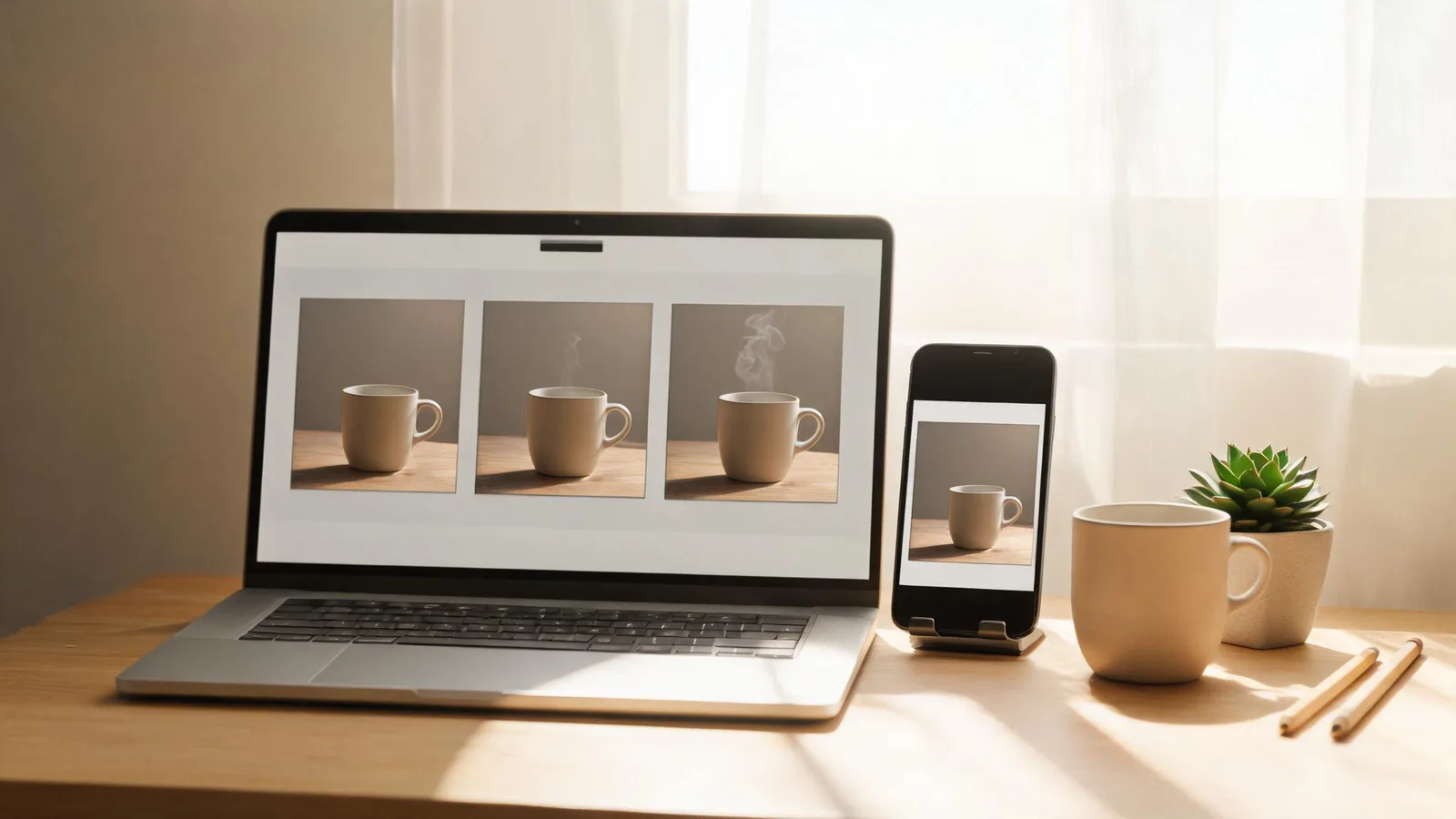
A controlled first test makes a pricing decision easier than a highlight reel does.
What does “free” actually let you test?
“Free” is an incomplete description of a photo-to-video tool. It can mean a limited starter allowance, periodic credits, a trial with account requirements, a watermarked export, or only a preview. It does not automatically mean that every model, resolution, duration, download option, or commercial use is included.
Before you upload anything, open the tool's live pricing page and the relevant generation page. Write down only what is shown now: whether an account is needed, the available test option, the current export or watermark condition, and the terms that matter to your job. Do not plan a client deliverable around a trial label alone.
This is also a privacy and rights decision. Use an image you created, licensed, or have permission to animate. A public portrait is not an automatic licence to create a moving synthetic version. For a person, especially in a client or public context, confirm the intended animation and distribution with them first.
Start with one question the test can answer
The first test should answer a real choice, such as “Can this keep a product shape stable during a slow push-in?” or “Can it add subtle motion to this approved portrait without changing the person?” It should not try to prove every capability in one generation.
| What you need to decide | Use this first test | Do not use it to decide |
|---|---|---|
| Product motion | One clear product, a slow camera move, and a clean ending frame | Whether tiny legal text will remain exact |
| Portrait animation | A permitted portrait, subtle head or hair motion | Whether you can depict a person in any context |
| Character or illustration | One original character and one restrained action | Whether a complex multi-character story will hold |
| Social clip | The final crop, one subject, and one action | Whether a loud edit can hide visual mistakes |
That separation matters because a strong clip can still be a poor match for the deliverable. A lovely cinematic shot is not evidence that the tool will preserve a small label. A stable face in a quiet portrait is not proof that a full-body dance will work.
A five-step photo-to-video test
- Confirm the current allowance. Read the live ClipTrend pricing page and the current image-to-video flow before assuming anything about credits, duration, downloads, or rights. Capture the date in your project notes if a team will make a later buying decision.
- Choose an approved source image. Use one large, clear image with a single subject and readable edges. Avoid group photos, low-resolution screenshots, filtered faces, or an object with text you must preserve exactly.
- Name one motion. Ask for a slow push-in, a gentle turn, light steam, a small head movement, or another action that fits the still. A request for a dance, a camera orbit, new background, changing weather, and a product reveal all at once does not isolate a useful result.
- Keep a short test note. Record the image, the exact prompt, the selected settings, and the output date. You are trying to learn what caused the result, not collect random clips.
- Watch the full output. Review at normal speed, then inspect the first transition and final frame. A good thumbnail can hide identity drift, broken hands, unstable object edges, unfamiliar text-like marks, or a crop that will fail later.
For a practical starting point, ClipTrend's AI image-to-video workflow is the current product reference. If the first result changes important details, use a cleaner source or a smaller motion request before spending more. Our first-frame checklist explains why the chosen still often matters more than a longer prompt.
Compare outputs without fooling yourself
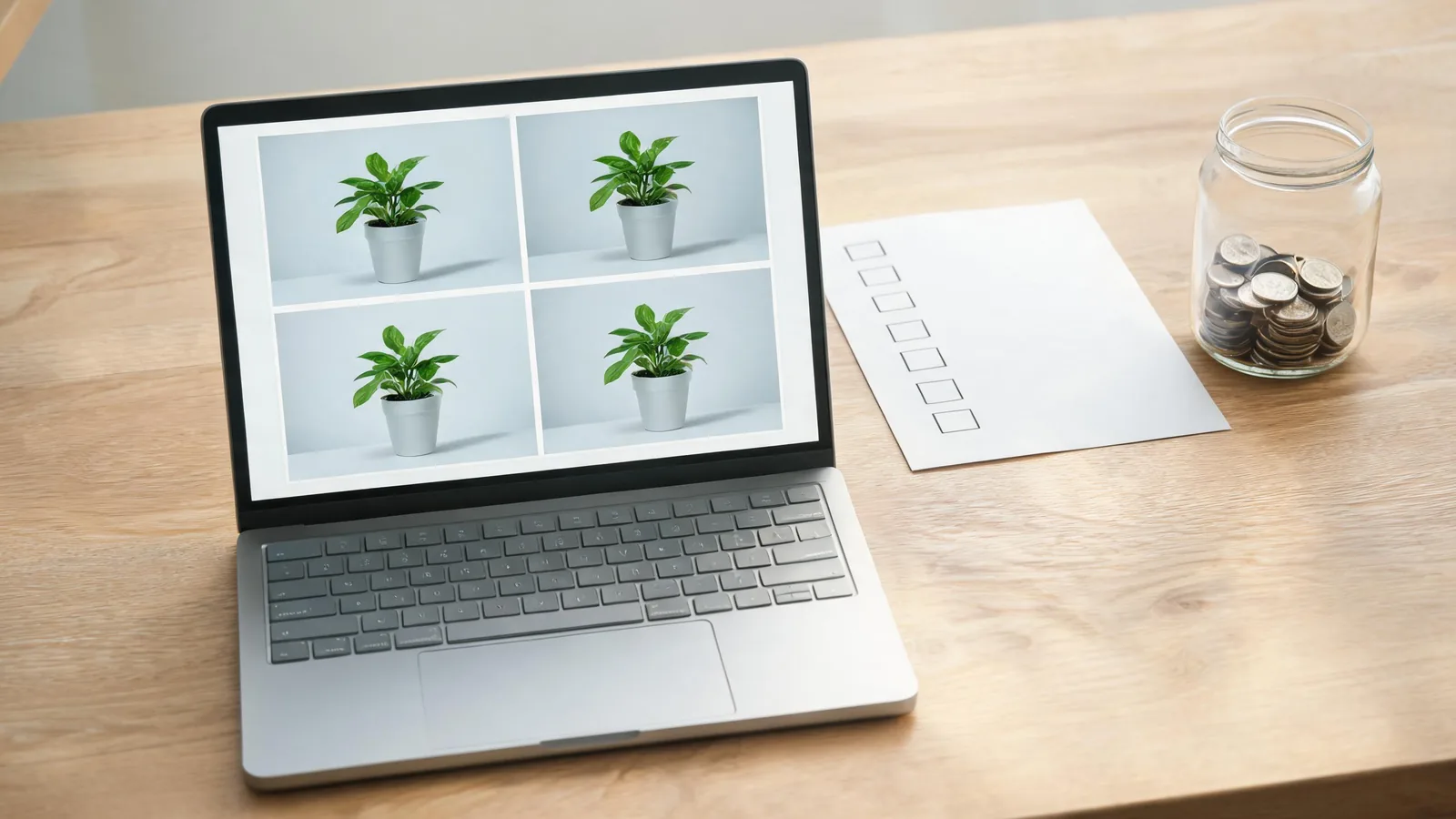
Compare like with like: same source image, same intended motion, and a defined review question.
Make a simple scorecard. It is not a synthetic quality score; it is a decision record for your own job.
- Subject stability: Does the person, product, or character still look like the approved input through the last frame?
- Motion fit: Did the requested motion happen without a distracting extra action or camera change?
- Crop readiness: Can the result survive the intended vertical, square, or horizontal placement?
- Output constraints: Are the current watermark, download, resolution, and account conditions acceptable for this specific use?
- Rights and disclosure: Do you have rights to the image and any added sound, and do you need to label the result as AI-generated on the destination?
If you compare tools, do not switch the source photo and motion at the same time. Run the same modest brief through each eligible option, then compare the exact point where it matters: face, hand, product edge, floor contact, or ending frame. The result may be “none of these fits this job yet,” which is a valid saving.
What is worth paying for?
Pay only after you can name the constraint that the trial did not meet. It might be a necessary resolution, a clean export, additional iterations, a model suitable for your source, or terms appropriate for a client project. Check that condition on the live checkout or plan page on the day you buy; plans and included features change.
Do not pay merely because a result looks impressive in isolation. It should pass the actual use case: the intended aspect ratio, a recognizable subject, a usable final frame, and an audience-safe presentation. For marketing material, use our AI video commercial-use guide alongside the provider's current terms; no editorial article can grant rights that a plan does not provide.
A video example, with a limitation
This independent overview is relevant because it compares free image-to-video options. It is not a ClipTrend demonstration, it does not confirm ClipTrend's current pricing or features, and the claims made in it should be checked against each tool's live page.
Treat it as outside editorial context, not a promise that any option remains free or unrestricted.
Publish the finished clip honestly
If a generated clip could make a real person, event, or product claim look camera-recorded, label it clearly and check the destination platform's current controls. TikTok's AI-generated content guidance is one primary source to review before posting there; other platforms have their own rules. A label does not fix an unlicensed image, misleading ad claim, or non-consensual depiction.
For a short social test, keep the caption factual: “AI-generated product-motion concept,” for example, rather than claiming a filmed test occurred. Keep your source permission, prompt, and approved output together so a teammate can understand what was actually reviewed.
FAQ
Is photo-to-video AI really free?
Some services offer a no-cost way to test photo-to-video generation, but the specific allowance, account requirement, watermark, export, and use terms vary and may change. Check the live product and pricing pages before relying on a result.
What photo should I use for a free AI video test?
Use one image you have permission to animate, with one clear subject, readable edges, steady lighting, and room for the one motion you plan to request. Do not use a stranger's public portrait as though it were permission.
How many tests should I run before paying?
Run enough controlled tests to answer the requirement that matters most. Start with one source image and one modest motion; change one variable at a time if the result is weak. A larger pile of unrelated outputs is less useful than a comparable pair.
Can I use a free AI video in an ad?
Only if the current plan and output terms permit that exact use and you have rights to every input and audio asset. Verify the live terms and keep the generated clip clearly separate from claims of real filming or product testing.
Sources
- ClipTrend, pricing
- ClipTrend, first-frame image-to-video checklist
- TikTok Support, AI-generated content guidance
- YouTube, 3 Best FREE AI Image to Video Generators in 2026