Food Photo-to-Video: Restaurant Menu Accuracy Checklist
Before a restaurant publishes an AI food photo-to-video clip, compare it with the current approved menu, recipe, and location details—not just the still frame that looks most appetizing. The safe decision is simple: if the video, caption, or offer could make a guest expect a different dish, ingredient, portion, price, availability, or location than the restaurant provides, revise it or do not publish it.
Last updated: September 24, 2026 · about 7 min read
This is a companion to our food photo-to-video guide, which covers choosing a food photo and adding restrained motion. This checklist starts later: after you have a plausible clip and need to decide whether it accurately represents what a guest can order today.
Start with a menu source of truth
Do not ask a creator to verify a menu from memory, an old delivery-app listing, or a screenshot without a date. Give the reviewer one current, approved source of truth: the signed-off menu, point-of-sale export, recipe/specification sheet, or location-specific operations document. Mark its version and effective date.
The video is only one part of the customer’s impression. Captions, text overlays, audio, the post copy, the linked order page, and a nearby menu photo can all affect what a reasonable guest believes is being offered. The U.S. Federal Trade Commission says advertising claims must be truthful, non-deceptive, and evidence-based; its restaurant seafood guidance specifically notes that images and social posts can create implied claims. That is a useful accuracy principle, not legal advice for every jurisdiction.
Create a small approval record with:
- Menu or recipe source name, version, and date
- Restaurant location or locations covered
- Dish name used in the clip and copy
- Reviewer and decision date
- Exact final asset filename and post copy
This protects against a common problem: a good video lingering after a seasonal item, garnish, price, or availability has changed.
Check what the video shows
Watch the full clip at normal speed and compare it with the approved dish, not a generic idea of that dish. A model can add an extra topping, change a drink color, alter a bowl, or make a portion look different while the clip still seems convincing at a glance.
| Check | Compare against | Reject or revise when |
|---|---|---|
| Dish identity | Approved name, photo, and recipe | The video could be understood as a different menu item |
| Ingredients and garnish | Current recipe or kitchen spec | A visible ingredient is added, missing, substituted, or made more prominent than it is |
| Portion and serving vessel | Current plating guide | The clip implies a size, number of items, or included side that the guest will not receive |
| Drink and product details | Current beverage or package specification | Color, flavor cue, container, or branded package is materially different |
| Location and availability | Location menu and launch calendar | The post reaches a location where the item is not offered or is no longer available |
| Visual claims | The real menu and verifiable evidence | The clip implies “fresh-caught,” “local,” “healthy,” or another factual claim you cannot support |
The question is not whether every herb leaf matches the source. It is whether the combined visual would likely change a guest’s decision about what they are ordering. If that answer is uncertain, use a real photo, simplify the synthetic motion, or remove the asset from menu-adjacent placement.
Keep prices, allergens, and terms out of the generated render
Do not treat generated pixels as the final place for exact text. Add the menu item name, price, offer conditions, location, and required disclosures in a controlled editing step after the video has been accepted. Then compare that final exported file with the approved menu one more time.
This is especially important for allergy-sensitive information. The FDA’s food-allergy resources explain the seriousness of correct allergen information and distinguish labeling rules for packaged foods from food ordered at the point of purchase. Your restaurant’s own current allergen and cross-contact process—not an AI clip or this article—must control what staff and guests are told. Do not put a reassuring ingredient or “allergen-free” claim into a visual unless the restaurant has specifically approved it for that item and location.
Likewise, do not invent a price, discount, “limited time” statement, delivery promise, nutrition claim, or source claim to make a clip more compelling. The FTC’s small-business guidance says an ad can be deceptive through a material omission as well as an explicit statement. Keep proof for objective claims before the post goes live.
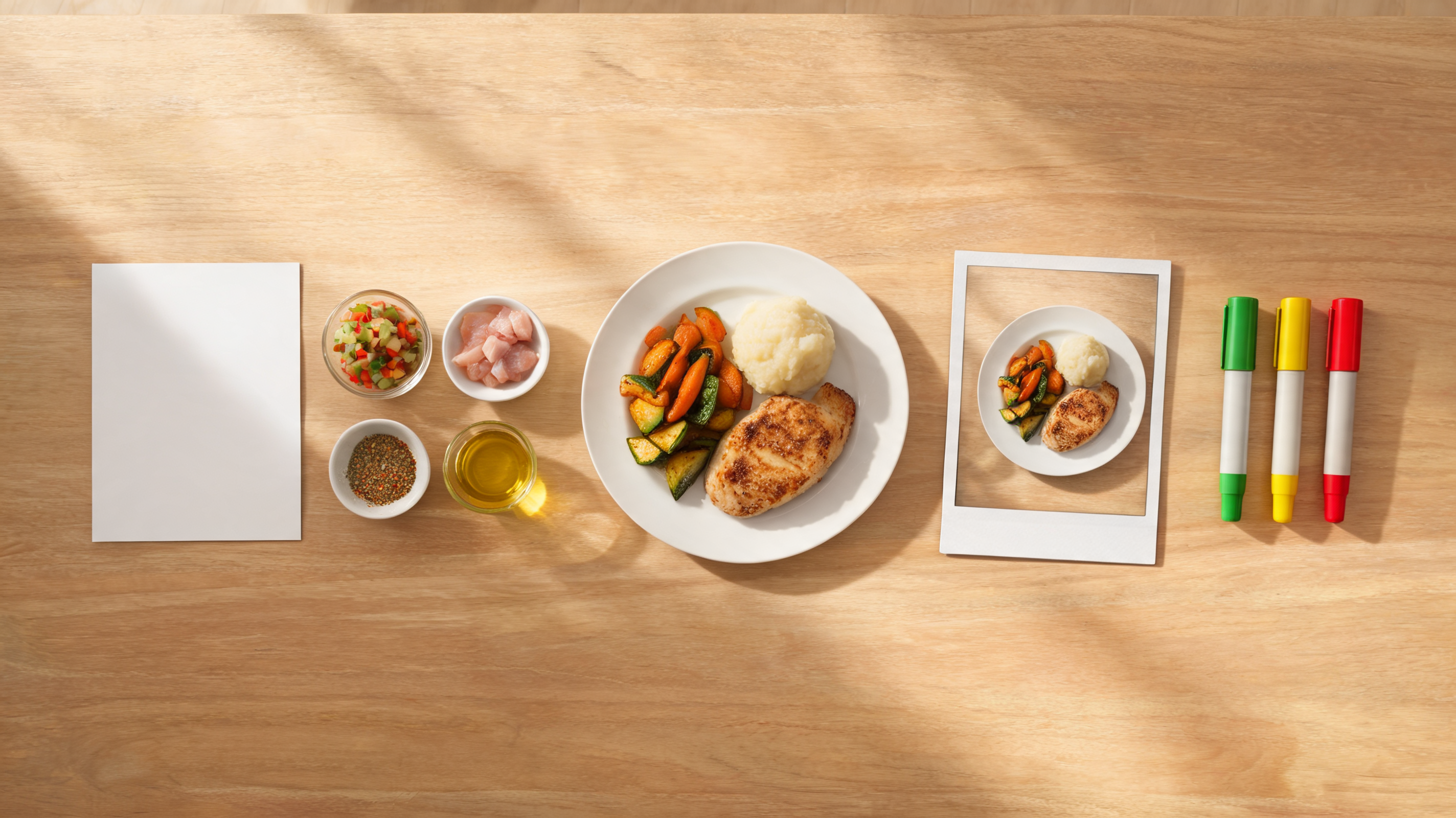
The final review compares the video, copy, and order details with the same dated menu source.
Use a two-person sign-off for sensitive changes
For a routine social clip, one informed reviewer may be enough. Add a second reviewer when the content includes a new item, dietary or allergen language, a health or nutrition claim, a price or promotion, alcohol, a regional availability statement, or a recognizable branded package.
One person should know the menu or operations facts; the other should review the finished customer-facing asset. They do not have to be lawyers or food scientists to notice that a caption says “vegan” while the approved recipe does not, or that a looping video makes a limited garnish look included. Escalate the decision to the responsible owner when the facts are unclear.
A lightweight sign-off can use these states:
- Approved: The visible dish, final copy, location, and offer match the dated source.
- Revise: The core dish is accurate but a caption, crop, synthetic detail, or availability statement needs correction.
- Reject: The asset creates an inaccurate expectation or the reviewer cannot verify the material claim.
Keep the rejected version too. It is useful evidence of why a visually attractive render was not appropriate to publish, and it stops the same file from returning through another channel.
Make the workflow repeatable
Build the accuracy check into the production sequence instead of leaving it for the last five minutes before posting:
- Confirm the approved menu source and location before generation.
- Start from a real, current photo of the dish whenever exact appearance matters.
- Ask for restrained movement that does not introduce new food, hands, text, or packaging.
- Review the entire generated clip against the dish specification.
- Add exact menu text, price, and terms in an editor—not inside the generation prompt.
- Compare the exported video, caption, linked page, and scheduling location with the same menu source.
- Recheck or remove the post when the menu changes.
ClipTrend’s AI image-to-video workflow can help create short motion from an approved still, but it cannot decide whether a restaurant’s menu facts remain current. Use the platform’s live controls for creation and use a human approval step for the actual dish and offer. For broader product advertising review, our AI video ads from product photos guide is a useful companion.
What this checklist does not decide
This checklist is editorial and operational guidance, not a statement of legal compliance. Menu-labeling, allergen, alcohol, pricing, promotion, advertising, and consumer-protection requirements vary by product, location, channel, and jurisdiction. The FDA’s federal menu-labeling overview applies to covered chain establishments and is not a complete rulebook for every restaurant. Consult the responsible local, legal, and food-safety teams for claims that require formal review.
The checklist also does not make an inaccurate generated food image accurate because it carries a label. A disclosure may be appropriate in some contexts, but it does not fix a misleading depiction of the product a guest will receive.
We searched YouTube on September 24, 2026 for “food photo to video restaurant menu accuracy.” The results were general food-photography, menu-image, or restaurant-video tutorials, not an exact independently verified walkthrough of the finished menu-accuracy decision in this article. No video is embedded rather than suggesting that a loosely related tutorial validates restaurant facts.
FAQ
Can I use an AI food video for a restaurant menu post?
You can consider it only after the video and its final copy are compared with the current approved dish, menu, location, and offer. If the output changes a material food detail or makes an unverified claim, revise or do not publish it.
Should a restaurant put prices inside an AI-generated video?
Add exact price and offer text in a controlled editing step after generation, then compare the final exported asset with the approved current menu. Generated text can distort and prices can become stale.
Do food images create advertising claims?
They can contribute to the overall impression of an offer. The FTC explains that advertising can include implied claims and that restaurant social content and imagery can matter; review the complete post rather than only the caption.
Can this checklist replace allergen or legal review?
No. It does not replace the restaurant’s current allergen process, location-specific rules, or responsible legal and operations review. Escalate claims about ingredients, allergens, nutrition, price, availability, or origin when the facts are uncertain.
Sources
- Federal Trade Commission, Advertising and Marketing Basics, checked September 24, 2026
- Federal Trade Commission, Mind your net impression: when seafood is not wild, fresh-caught, or local, September 2024
- U.S. Food and Drug Administration, Overview of FDA Labeling Requirements for Restaurants, checked September 24, 2026
- U.S. Food and Drug Administration, Food Allergies, checked September 24, 2026
- ClipTrend, How to Turn Food Photos Into AI Videos for Social Posts