AI Video Ads From Product Photos: A Small Brand Workflow
You can make product-photo AI video ads by building the ad as a few short shots, not one giant prompt. A video ad generator can create motion from the image, while ClipTrend templates help you keep the structure repeatable for social posts and product launches.
Last updated: July 8, 2026
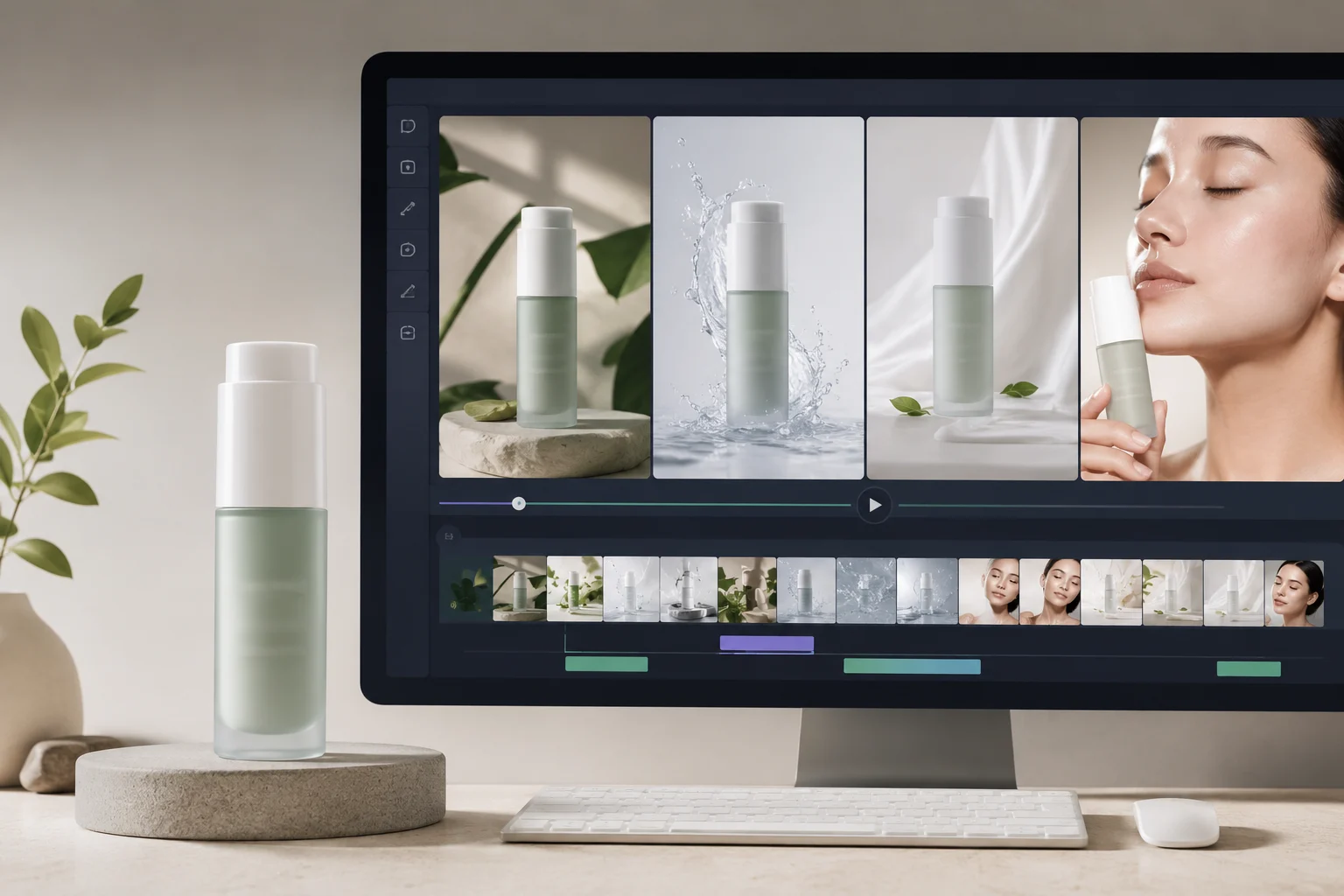
Treat the product photo as the source of truth. Motion should support the product, not redesign it.
Small brands often do not need a full shoot to test an ad idea. They need a quick product reveal, a detail shot, a use moment, and a final frame that can take a caption or call to action. AI can help with those pieces, as long as you keep claims, prices, and exact typography in the edit.
Quick answer
To make product-photo AI video ads:
- Choose one clean product image.
- Plan a four-shot ad.
- Generate each shot separately.
- Protect product shape, color, and label area.
- Add captions, offer text, logo, and audio in an editor.
- Export the strongest 10 to 20 seconds for the platform.
The video ad generator creates motion. Your final edit makes the ad accurate. Think of the workflow as product photo to video first, finished ad second.
Start with the product photo
The input image matters more than the prompt.
Use a photo with:
- Clean product edges.
- Good lighting.
- Visible packaging shape.
- No distracting background clutter.
- A crop that leaves space for movement.
- A version without tiny text if exact label detail matters.
Avoid using a low-resolution product thumbnail. If the product is tiny, blurry, or half-covered, the AI has to guess the design. Guessing is where product ads become unusable.
The four-shot ad structure
Build the ad from separate clips.
| Shot | Job | Motion idea |
|---|---|---|
| Product reveal | Show what it is | Slow push-in or light sweep |
| Detail shot | Make it feel tangible | Texture close-up, surface highlight |
| Use moment | Show why it matters | Product in hand, steam, fabric, glow |
| Final pack shot | Leave a memory | Centered product, clean background |
Each shot can be 3 to 6 seconds. A short, stable clip is easier to cut than a long clip that changes the product halfway through.
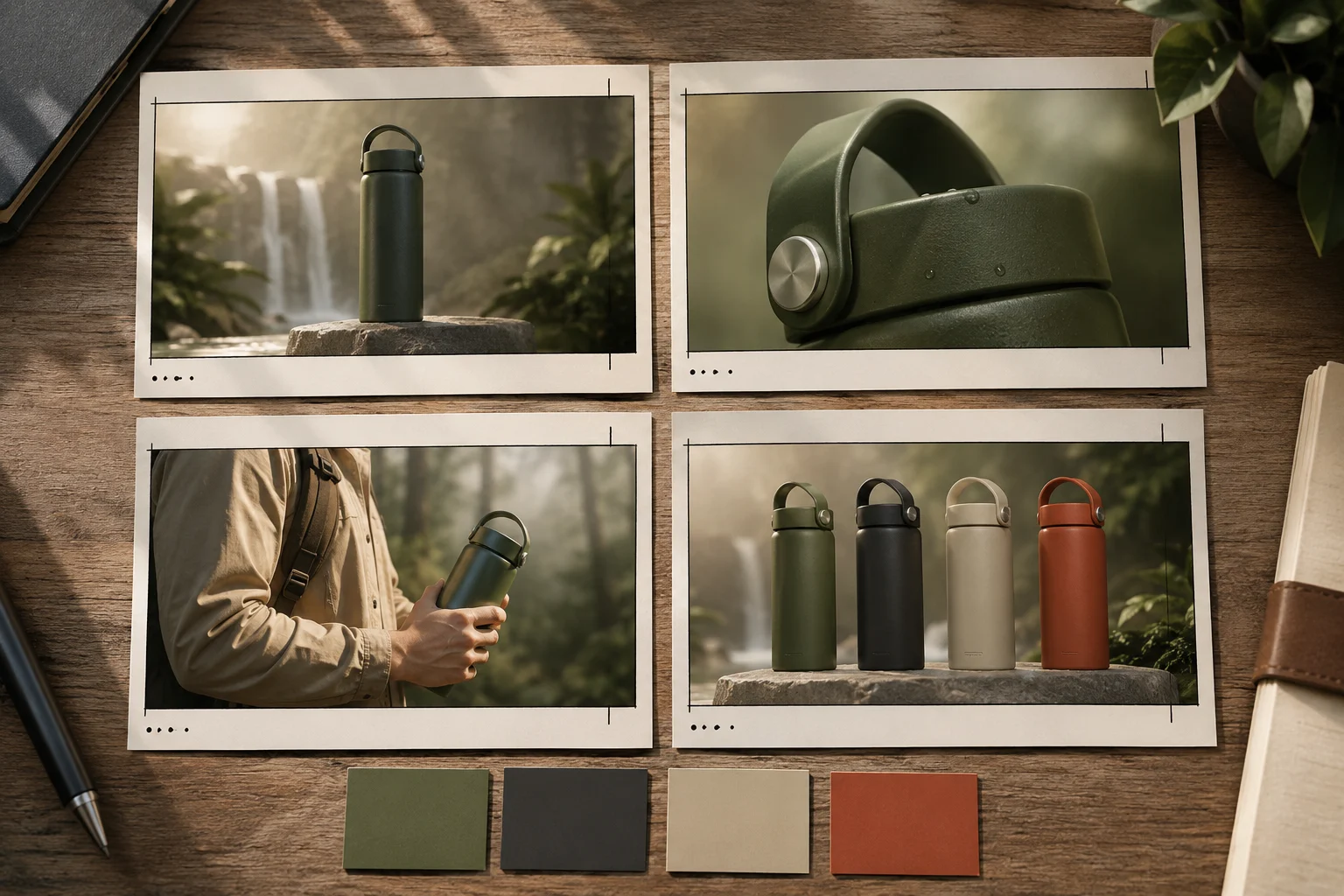
Generate short shots separately, then edit the best takes into one ad.
Prompt examples
Skincare product
Use the uploaded product photo as the first frame. Create a 6-second vertical product ad shot. A soft light sweep moves across the bottle while gentle mist drifts behind it. Camera slowly pushes in. Keep bottle shape, cap, color, and label area stable. Avoid changing packaging design or adding readable text. End on a clean centered product frame.
Sneaker
Use the uploaded sneaker photo as the first frame. Create a short product video. The sneaker rotates slightly on a clean studio surface while a soft shadow moves underneath. Keep sole shape, fabric texture, color, and logo area stable. Avoid warped laces, extra shoes, or background changes. End on a three-quarter hero angle.
Coffee or beverage
Use the uploaded product image as the first frame. Create a 6-second vertical ad shot. Steam rises softly, light reflects on the cup, and the camera pushes in from table height. Keep cup shape, packaging color, and placement stable. Avoid changing label text or adding extra objects. End on the product centered.
These prompts are intentionally narrow. That is the point. One ad is made from several clean pieces, not one overloaded render.
What the AI should not do
Keep exact business details outside the render:
- Discount amount.
- Price.
- Claims that need approval.
- Legal disclaimers.
- Small logo lockups.
- Star ratings.
- Platform captions.
- Final audio mix.
Add those later in your editor. If the AI misspells a price or changes a claim, the ad becomes risky. If the AI only creates the visual motion, you stay in control.
Use templates when speed matters
Templates work when the ad shape matters more than a custom cinematic idea.
Use ClipTrend templates when:
- You need a social-ready format quickly.
- You are testing many products.
- You want repeatable ad structure.
- You do not want to write every scene from scratch.
Use a custom prompt when:
- The product has unusual motion.
- The brand style is specific.
- The hero shot needs more control.
- You are making the final campaign asset.
A good workflow is template first, custom prompt second. The template gives you a baseline. Custom shots give you the polish.
QA checklist before editing
Review every generated clip before cutting it into the ad.
Check:
- Product shape stays consistent.
- Color does not drift.
- Label area does not melt or invent words.
- Hands, edges, reflections, and shadows look natural.
- The final second is usable.
- There is enough empty space for captions.
Reject clips that look exciting but change the product. A product ad is not a mood board. It has to preserve what you sell.
Editing the final ad
After you generate the clips:
- Put the clearest product reveal first.
- Cut weak frames instead of trying to hide them.
- Add captions and claims in an editor.
- Match color and contrast across shots.
- Add music or voiceover after the visuals are stable.
- End on the pack shot or product use moment.
For most paid or organic social tests, a 10 to 20 second edit is enough. If the hook does not land in the first few seconds, a longer AI video will not fix it.
When a real shoot is still better
Use a real shoot when the ad needs:
- Exact hand choreography.
- Regulated claims.
- Real human testimonials.
- Complex product assembly.
- Precise texture or size proof.
- Lifestyle scenes with several actors.
This product-photo workflow is best for first tests, creative variants, product reveals, and fast social assets. It is not a replacement for every production need.
Frequently asked questions
Can I make AI video ads from one product photo?
Yes, if the photo is clean and the motion is simple. A single product image can become a reveal shot, detail shot, or final pack shot. Complex demos still need more source material.
What is a video ad generator?
A video ad generator is a tool or workflow that creates short ad-ready video assets from prompts, product photos, templates, or existing creative. In a practical AI product video generator workflow, the strongest results keep each shot focused.
Should I put price or sale text in the AI prompt?
Usually no. Generate the visual first, then add exact price, offer, logo, captions, and disclaimers in an editor where they stay accurate.
Are templates better than prompts?
Templates are better for repeatable formats and speed. Prompts are better when the product or shot needs custom direction. Many teams use both.
Related guides
- Browse ClipTrend templates -> - start from a repeatable social format.
- Turn product photos into marketing videos
- How to make realistic AI videos
- ClipTrend AI video generator
Build the first ad in four shots
Pick one product photo, generate a reveal, detail, use moment, and final pack shot, then edit the strongest takes together. That is the fastest practical path from product photo to video ad without a shoot.