How to Turn Food Photos Into AI Videos for Social Posts
A food photo to video workflow works best when the dish already looks good as a still image. ClipTrend can help turn that still into a short social clip, but the prompt should add believable motion instead of reinventing the whole plate. For food content, small motion usually looks better than spectacle.
Last updated: July 9, 2026
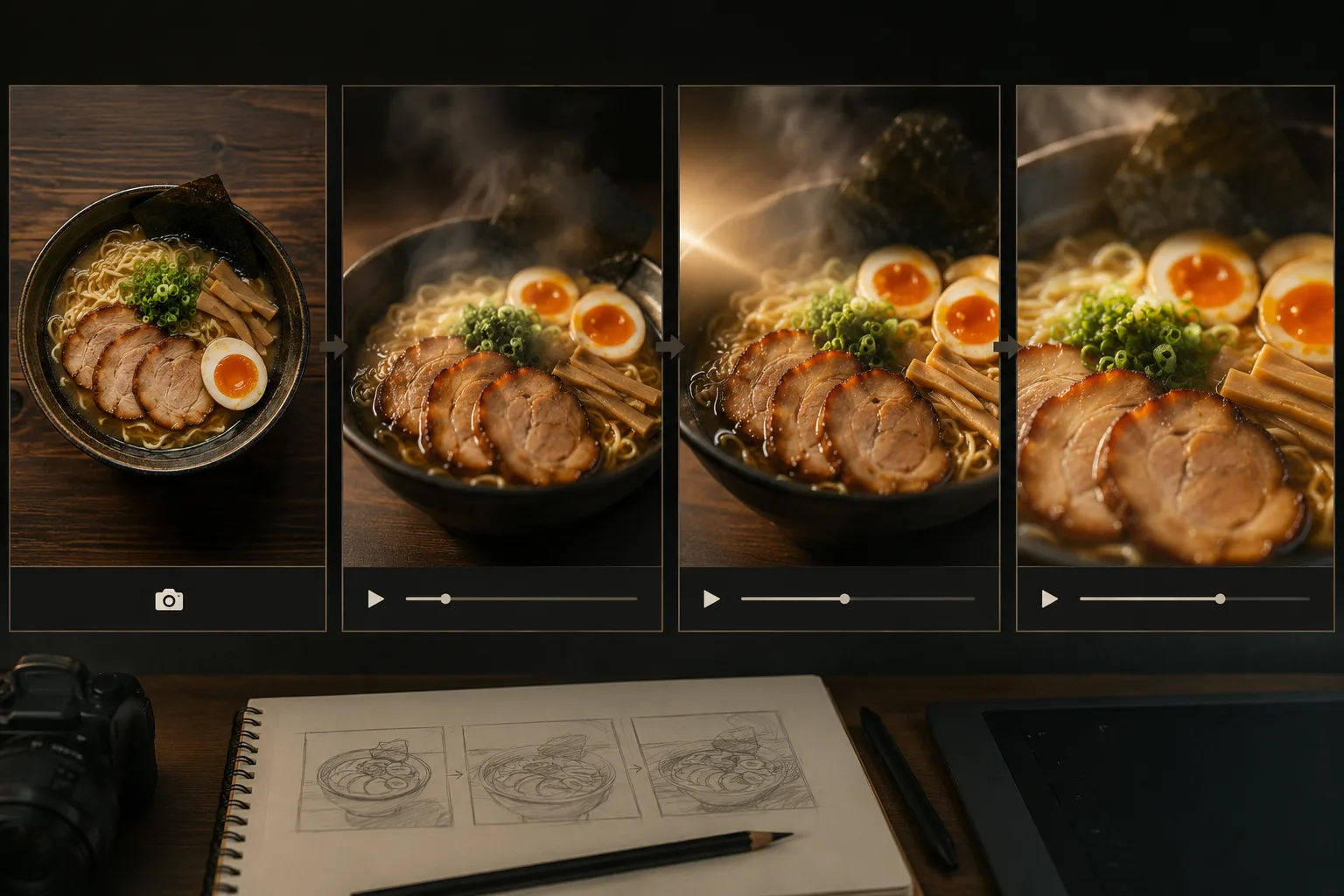
Use one clean food photo as the first frame, then add one motion lane at a time.
Restaurants, cafes, recipe creators, and food brands often have more usable photos than usable videos. A plated dish, drink, pastry, or packaged food shot can become a short Reel, Short, TikTok, or menu promo when the motion is restrained.
The trick is not asking the AI video generator to cook the meal. Treat this as an image to video AI workflow: the still photo stays in charge, and the prompt adds only the motion that makes the food feel fresh.
Quick answer
To turn a food photo into an AI video:
- Choose one clear dish or product.
- Decide the motion: steam, light sweep, sauce movement, camera push, or overhead drift.
- Keep the plate, table, ingredients, and background stable.
- Avoid exact text, prices, logos, and menu labels inside the render.
- Add captions and offer details after the video is stable.
If you are new to image-to-video, start with a six- to eight-second clip. Shorter motion is easier to control and easier to post.
For a restaurant or creator, the safest image to video AI result is usually a small visual lift: steam, gloss, light, or a slow camera move. That is enough to make a still food photo feel like a short social post without changing the dish.
Pick the right food photo
The still image is the anchor. A weak food photo forces the model to invent too much.
Good input photos have:
- One clear dish or product.
- Visible texture and color.
- Clean plate or packaging edges.
- Soft, believable lighting.
- A background that can stay mostly still.
- No tiny text that must remain readable.
Risky inputs include messy tables, half-eaten dishes, heavy filters, crowded flat lays, and low-light phone shots. If the image is chaotic, the motion will usually be chaotic too.
Choose one motion lane
Food AI video works best when the movement is physical and expected.
| Motion lane | Best for | Prompt idea |
|---|---|---|
| Steam | Soup, ramen, coffee, tea | Steam rises slowly while camera pushes in |
| Light sweep | Desserts, packaged food, drinks | Soft light moves across the surface |
| Sauce movement | Pasta, pancakes, desserts | Sauce glistens or settles gently |
| Overhead drift | Flat lays, table spreads | Camera drifts slightly above the table |
| Final-frame hold | Ads and menu posts | End on a clean centered dish |
Do not combine all of them in the first test. One clear motion beats five unstable ones.
Prompt formula
Use this structure:
Use the uploaded food photo as the first frame. Create a short vertical video. Main motion: [one motion]. Camera: [one move]. Keep [dish, ingredients, plate, table, background] stable. Avoid [hands, extra dishes, readable text, changing ingredients, warped food]. End on [clear final frame].
Example for ramen:
Use the uploaded ramen photo as the first frame. Create a short vertical video. Steam rises slowly from the bowl while the camera gently pushes in. Keep the noodles, broth, chopsticks, bowl, counter, and background stable. Avoid extra hands, changing ingredients, readable text, or warped noodles. End on a close appetizing frame.
Example for a drink:
Use the uploaded iced coffee photo as the first frame. Create a short vertical video. Condensation glints on the cup and a soft light reflection moves across the ice. Camera slowly pushes in. Keep cup shape, straw, ice, table, and background stable. Avoid readable text, new objects, or changing drink color. End on a clean drink hero frame.
What to leave out of the render
AI video is not where you should lock exact marketing copy. Add these later in an editor:
- Menu item names.
- Prices.
- Discounts.
- Captions.
- Delivery details.
- Allergy notes.
- Brand logo placement.
- Platform stickers.
The video render should focus on food motion. Your editor should handle text.
That split is also better for repeatable image to video AI production. Generate the appetizing motion first, then use editing tools for captions, offers, and platform-specific text.
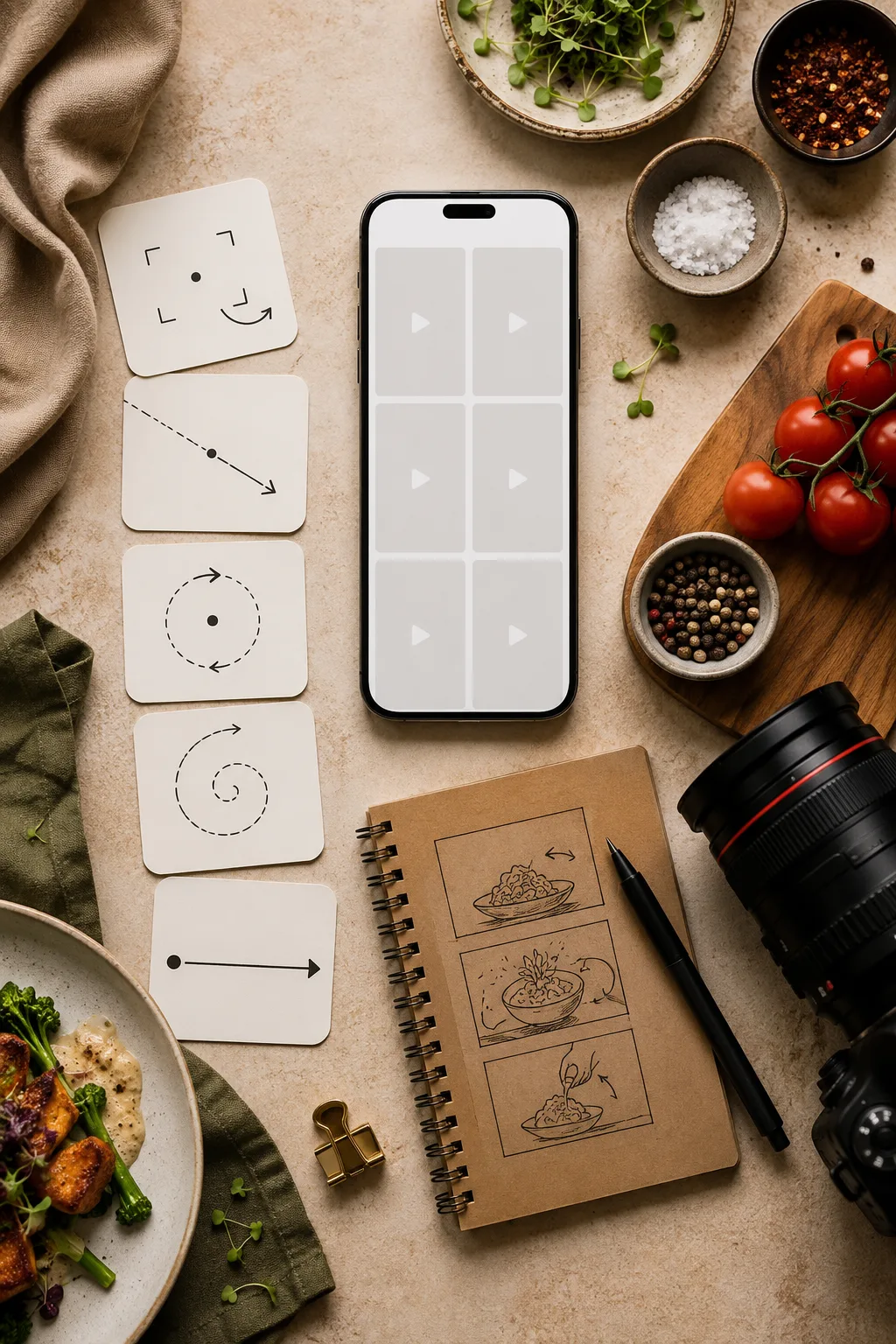
Plan the social post around motion first; add captions, prices, and platform copy after the render.
QA the first clip
Watch the full output and check:
- Did the food keep the same ingredients?
- Did the plate or package shape stay stable?
- Did steam or sauce look natural?
- Did the table or background jump?
- Did the clip end on a usable frame?
- Would the video still look good after cropping?
If the food changes, reduce the motion. If the clip feels too static, add camera movement before adding new objects.
When templates help
Blank prompts are flexible, but templates are faster when you need repeatable social formats. Use AI video templates when you want a consistent post structure: product reveal, light sweep, talking object, vertical ad, or quick before/after.
Use a blank AI image to video generator workflow when the food photo is unusual and needs a custom prompt.
For food, the image to video AI prompt should describe the exact plate, protected ingredients, one camera move, and one final frame. The more the prompt respects the source photo, the less the model has to invent.
Practical social ideas
One food photo can become several clips:
- Steam close-up for a hot dish.
- Slow push-in for a menu hero.
- Light sweep for packaged food.
- Overhead drift for a table spread.
- Detail crop for sauce, texture, or garnish.
For paid creative, pair the food clip with a stronger ad workflow. The AI video ads from product photos guide is useful when the dish, package, or restaurant offer needs to become a campaign asset.
Final checklist
Before posting:
- Use a clean food photo.
- Keep one motion lane.
- Protect dish and plate details.
- Add text after generation.
- Check the final frame.
- Export in the right aspect ratio for the platform.
The best food photo to video result should make viewers feel the dish is fresh, warm, glossy, or crisp. It should not make them wonder what happened to the food.
FAQ
Can AI turn a food photo into a video?
Yes, if the photo is clear and the prompt asks for simple motion such as steam, light movement, sauce motion, or a slow camera push.
Should I use text-to-video or image-to-video for food?
Use image-to-video when you already have a real dish photo. Use text-to-video for concept scenes or menu ideas where exact food appearance does not matter.
For most menu posts, image to video AI is safer because the starting photo already defines the dish, plating, and background.
Can I add prices inside the AI video?
It is safer to add prices and captions after the AI render. Small text inside generated video can warp or change frame to frame.