AI Face Swap Video: Match a Face Reference to a Source Clip
To match a face reference to a source clip for an AI face swap video, first confirm permission for both inputs, then compare angle, lighting, face scale, motion, and moments when the face is hidden. If those basics do not line up, reject the pair or simplify the clip before you generate. This is a technical preflight for an approved project—not a substitute for consent, disclosure, or platform rules.
Last updated: September 25, 2026 · about 8 min read
Disclosure: ClipTrend published this companion checklist. It does not grant a right to use a person’s likeness or a source video. Use face-replacement tools only with explicit permission and a clear, non-deceptive context.
What “a good match” actually means
A good match is not simply two attractive files. It is a face reference and a source clip whose visible conditions give a face-replacement system a fair chance to produce a stable result. The pair should be technically comparable and ethically usable.
ClipTrend’s live AI Video Face Swap page describes a workflow with a target video and a face photo. It recommends a short, well-lit source clip and a clear, front-facing reference. Those are practical inputs to inspect, not a guarantee that any particular swap will preserve identity or look natural. The page also emphasizes consent and labeling.
This checklist is deliberately separate from ClipTrend’s AI Face Swap Video: Safe Use Cases, Limits, and Alternatives. The July article answers whether a use is appropriate and when character swap is safer. This page starts only after that decision: it helps a permitted creator decide whether an approved face reference is technically compatible with an approved source clip.
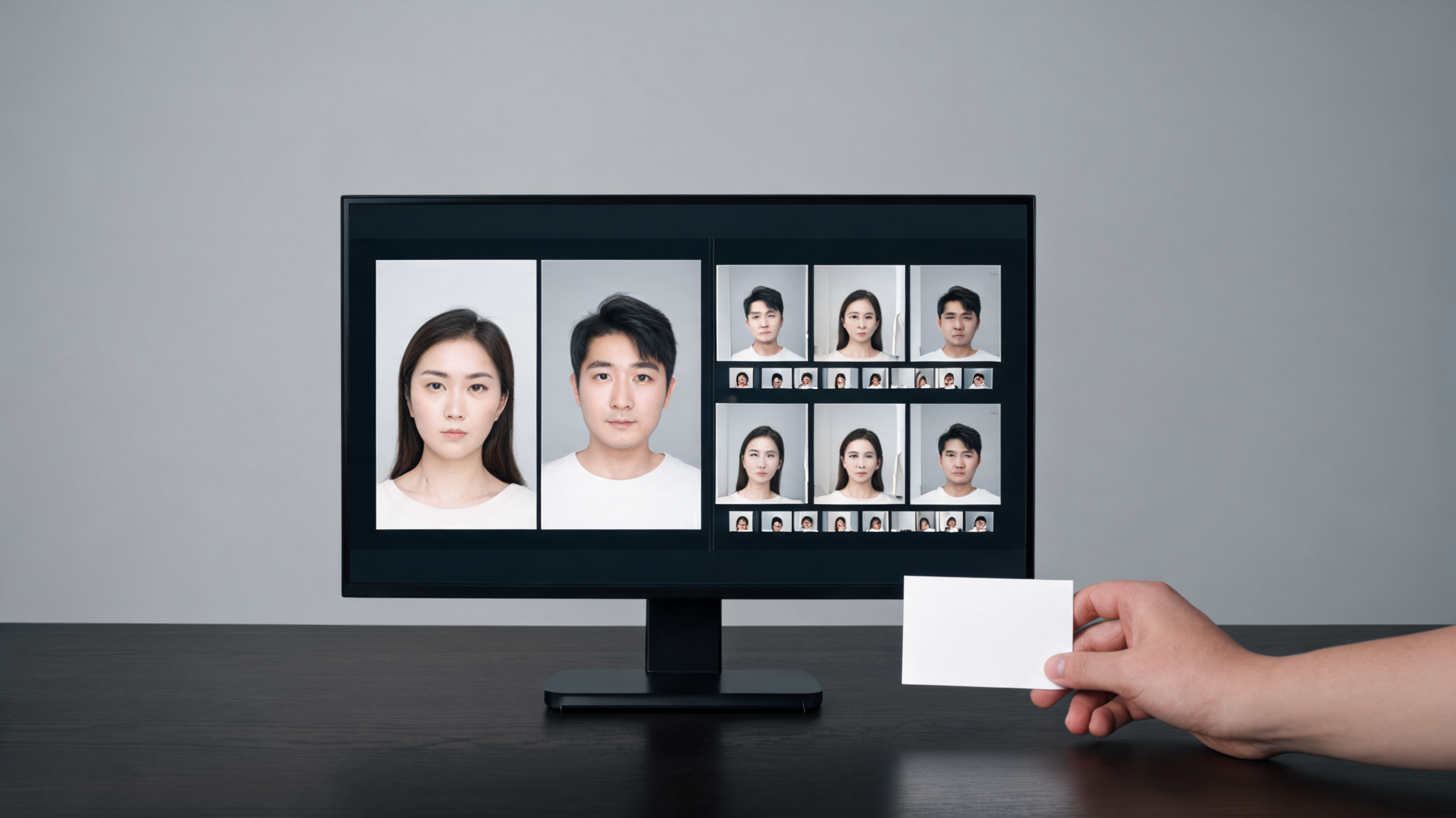
Clear the permission and context gate first
Before comparing pixels, be able to answer four questions:
- Do you have clear permission to use the source video?
- Has the person in the face reference agreed to this face-replacement use and the intended audience?
- Does the project avoid minors, public-figure impersonation, political persuasion, sexualized content, and misleading claims?
- Can you describe the output as synthetic where viewers need that context?
If one answer is uncertain, do not turn the technical checklist into an excuse to proceed. Choose a fictional or licensed character instead, or resolve the approval question first. A clean match does not make an unapproved likeness use acceptable.
For an internal project, write down the approved source-video version, reference-photo version, intended edit, reviewer, and distribution boundary. This protects the team from accidentally testing a different file or treating a rough concept render as a cleared asset.
Compare the reference and the clip before upload
Open the video and pause on an early, middle, and late frame where the target face is visible. Compare those frames with the reference photo. You are not trying to make the source person and reference person identical; you are looking for compatible capture conditions.
| Match point | Better starting condition | Warning sign |
|---|---|---|
| Face angle | Reference includes the front or three-quarter angle most common in the clip | The video is mostly profile while the reference is only front-facing |
| Lighting | Direction and intensity are broadly comparable | Hard side light, colored lighting, or deep shadows hide key features |
| Face scale | The face occupies a readable, consistent area of the frame | Tiny, heavily compressed, or rapidly changing faces |
| Motion | Short, steady movement with ordinary blur | Fast turns, whip pans, extreme expressions, or frequent cuts |
| Occlusion | Most frames leave the face visible | Hands, hair, masks, objects, or other people repeatedly cover it |
| Context | The clip’s setting supports the approved purpose | The swap could imply a performance, endorsement, or event that did not occur |
The table is a rejection tool, not a promise of realism. A source clip with one difficult condition can be suitable for a private experiment. Several difficult conditions together are a sign to choose a different shot rather than keep rerunning the same mismatch.
Choose a short, legible source clip
For a first technical match test, select a short clip with one main visible face, ordinary lighting, and a stable camera relationship. Remove moments that contain a big turn, a hand across the face, a sudden expression change, or a cut to another subject. A shorter, clearer segment gives you something a reviewer can compare honestly.
Do not try to prove an entire campaign from one long take. Build a sequence from several approved, short shots if a real project needs different angles. This lets you reject one weak section without hiding the issue in a longer montage.
If the source carries a recognizable workplace, uniform, event, or product, review that context as carefully as the face. A technically stable swap may still be misleading if it makes someone appear to endorse, attend, or perform something they did not.
Run one controlled test and inspect it frame by frame
Use one approved face reference and one cleaned-up source clip. Keep the destination crop and output purpose fixed. Save the precise file versions and any settings the tool presents. Then review the finished output at normal speed and at several paused frames.
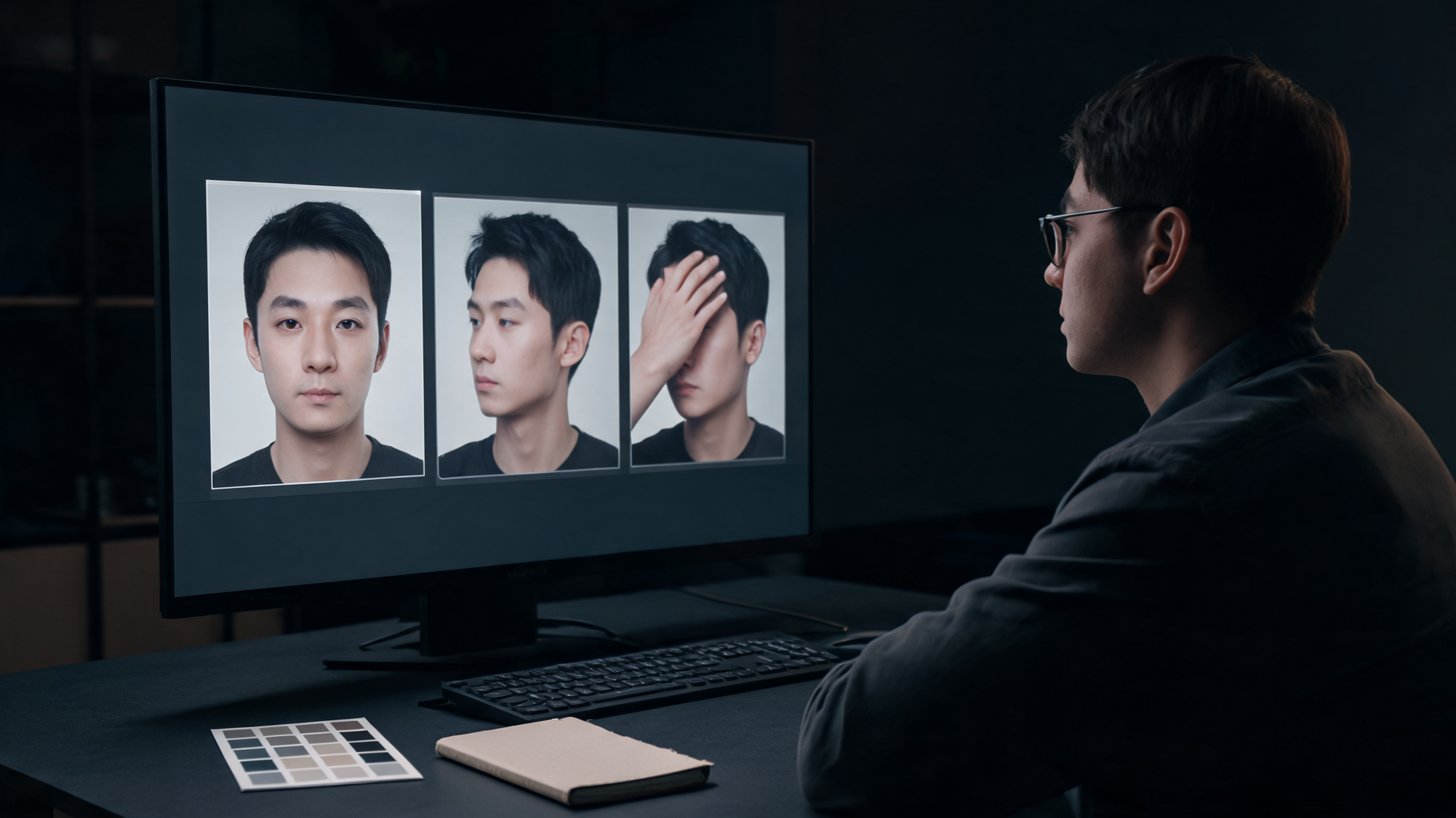
Look for these decision points:
- Identity stability: the replacement should remain recognizable as the consenting reference, not drift toward another face.
- Edge behavior: inspect the hairline, jaw, ears, glasses, and any boundary that moves against the background.
- Lighting and color: the face should not look pasted on because shadow direction or color is implausible.
- Occlusion recovery: pause immediately before and after a hand, hair, or object covers the face; this is a frequent break point.
- Context integrity: the result must not create a false claim about an event, relationship, product, or performance.
Reject an output if it changes identity, creates a distracting artifact, or becomes misleading in context. “Close enough” is not a reliable standard when a real person’s likeness is involved. A failed controlled test is useful evidence that the source pair is not suitable for this workflow.
Revise the inputs, not just the prompt
When a test fails, return to the match table. Use a more front-facing reference, select a shot with steadier light, crop a shorter segment, or choose a permitted fictional character. Do not assume that more prompt text can repair a face that is hidden or a clip that turns away from the camera.
For a different non-likeness workflow, ClipTrend’s Character Swap can be the more appropriate creative choice where it fits the project. It does not solve rights questions by itself; it may simply avoid asking a real person’s face reference to carry the creative concept.
A relevant tutorial, with limits
This third-party tutorial addresses replacing a face in photos and videos. It is relevant to the mechanics of preparing inputs, but it does not verify ClipTrend’s controls, approve any likeness use, or establish that its own workflow is current for another service.
DataForSEO verified this video as embeddable with 318 views on September 25, 2026. It is included only as a short external example of the general input-matching workflow.
Decide on disclosure before you export
An AI label is not a permission slip, but it is often necessary context. YouTube’s current altered or synthetic content policy says creators must disclose realistic altered or synthetic content when it makes a real person appear to do something they did not do, alters a real event or place, or creates a realistic scene that did not occur. Review the current rule for every platform where you may publish.
Store the approval record, two input versions, completed test, reviewer decision, and intended caption or disclosure together. That trail makes it easier to stop distribution if the participant withdraws approval or a reviewer finds that the clip suggests something untrue.
FAQ
What face photo is best for an AI video face swap test?
Use a clear, permitted photo of one consenting adult. A front-facing or three-quarter view with ordinary light and a readable face is easier to compare with a short source clip than a tiny, filtered, or heavily shadowed photo.
Can a profile video work with a front-facing reference photo?
It may be a weak technical match. Choose a source clip with a more compatible angle or obtain an approved reference that better represents the views in the clip. Do not assume a prompt can solve missing facial information.
Why do hands over the face matter?
Hands, hair, objects, and fast turns can hide the face from one frame to the next. Check immediately before and after each occlusion because identity and edges can shift during recovery.
Is disclosure enough for a real person’s face swap?
No. Disclosure does not replace permission, truthful context, source-video rights, or destination-specific rules. If the output could deceive or harm someone, do not publish it.
Sources
- ClipTrend, AI Video Face Swap, checked September 25, 2026
- ClipTrend, AI Face Swap Video: Safe Use Cases, Limits, and Alternatives, checked September 25, 2026
- YouTube Help, Disclosing use of altered or synthetic content, checked September 25, 2026
- YouTube, How to Swap Faces in Photos and Videos with AI, metadata verified September 25, 2026