AI Face Swap Video: Safe Use Cases, Limits, and Alternatives
AI face swap video can be useful for controlled creative work, but only when the people involved have consented and the final video is clearly safe to use. If your goal is a fictional performance, a brand mascot, or a non-real character, ClipTrend's character swap tool is often a cleaner choice than replacing a real person's face.
Last updated: July 6, 2026
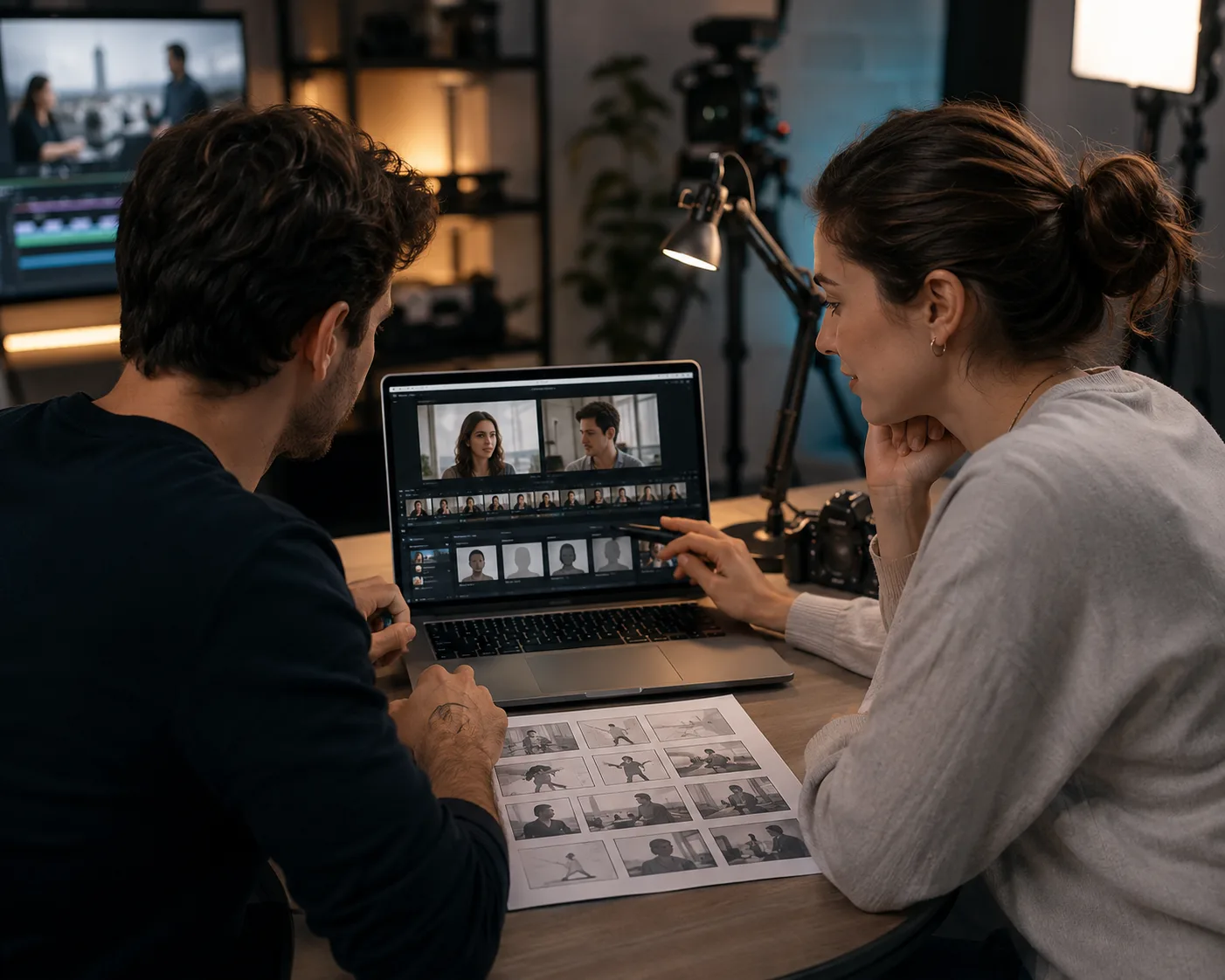
Start with consent and review before you turn a face reference into a shareable video.
Face swapping is one of the highest-risk AI video features because identity is sensitive. A good workflow starts with permission, not prompts. Use it for your own face, consenting actors, internal tests, or fictional characters. Avoid public figures, private people, minors, political persuasion, adult content, and anything designed to deceive.
What counts as a safe AI face swap video use case?
Safe use cases have three things in common: consent, context, and disclosure.
| Use case | Safer when | Avoid when |
|---|---|---|
| Personal creator content | You use your own face and label the edit when needed | You imitate another private person |
| Brand mascot or fictional character | The character is original or licensed | The character copies a real celebrity |
| Internal ad concept | Actors have given permission | The clip is published as if it were real footage |
| Localization mockups | Talent and client understand the test | It implies a person said something they did not say |
| Training or education | Participants consent and the clip stays in context | It targets, mocks, or misleads someone |
If you cannot explain who gave permission and why the edit is being made, do not generate it.
A simple consent checklist
Before creating an AI face swap video, answer these questions:
- Do you own or have permission to use the source video?
- Do you own or have permission to use the face reference?
- Is every identifiable person an adult who understands the edit?
- Will the final video be labeled or contextualized if viewers might be confused?
- Does the clip avoid impersonation, harassment, adult content, and political persuasion?
- Can you remove the video if someone withdraws permission?
This is not just legal caution. It also protects the quality of the project. Consent gives you better references, clearer production notes, and fewer awkward distribution decisions later.
Face swap vs character swap
Not every identity edit needs a real face swap. In many creative projects, the safer move is to swap or animate a character instead.
Use AI face swap video when:
- The person is you or a consenting actor.
- The identity replacement is the actual creative goal.
- The result will stay in an honest, clearly labeled context.
Use AI character swap when:
- You are making a fictional scene.
- You want a stylized mascot, avatar, creature, or original character.
- You do not need a real person's identity.
- You want lower consent and impersonation risk.
Character swap keeps the creative fun without making the whole project depend on someone's real face.
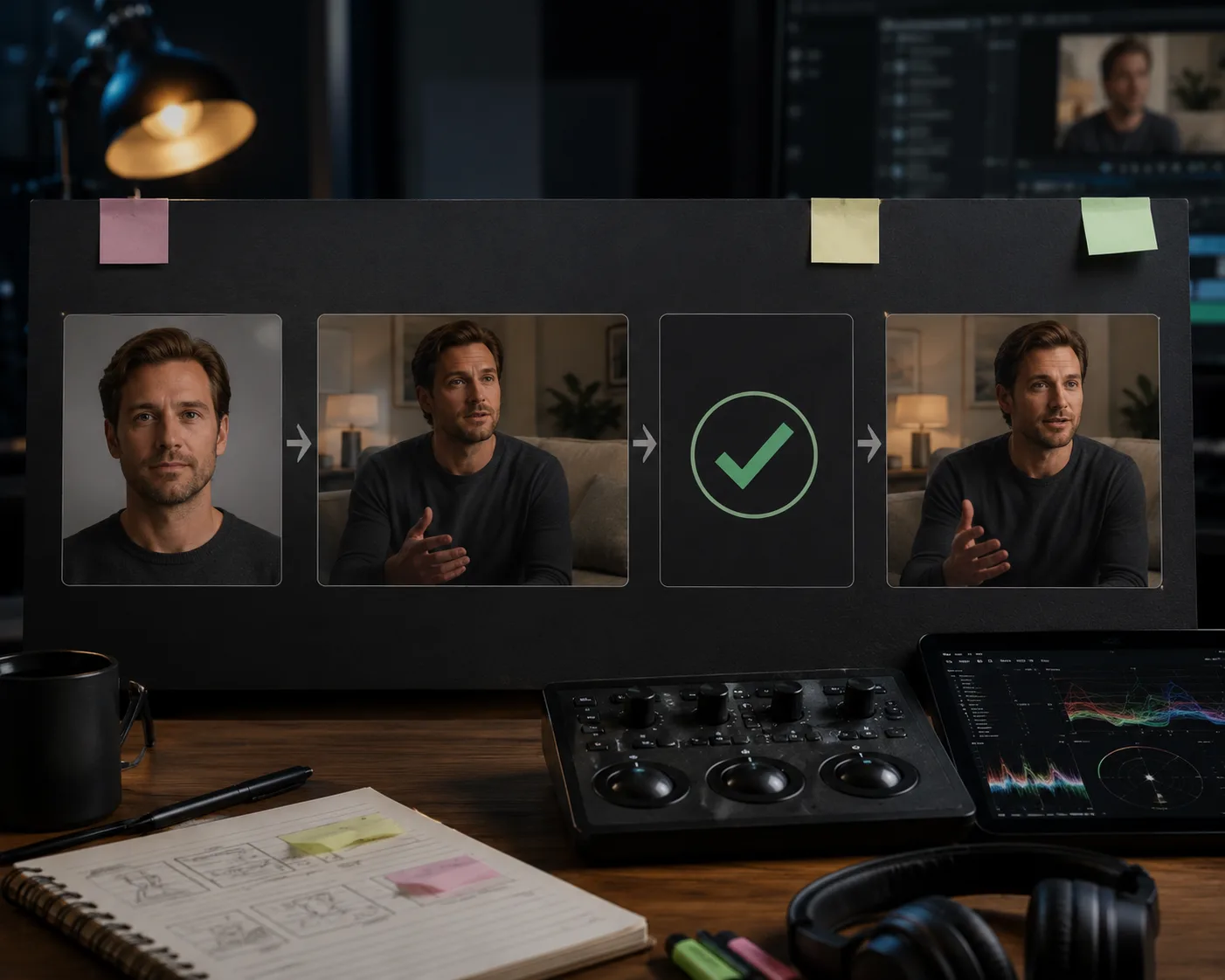
The review step matters. Check identity, context, and distribution before publishing.
What AI face swap video is bad at
Even when the use case is allowed, the output can fail. Common limits:
- Fast motion. Turning heads, blur, or hand-over-face moments can break the swap.
- Extreme lighting. Harsh shadows or colored light make skin tone harder to match.
- Low-resolution references. Tiny or compressed faces drift more.
- Profile angles. A face reference from the front may not match a side angle.
- Long takes. Identity stability can decay over time.
Short, well-lit clips work best. If the goal is a reliable ad or social post, build from several short shots rather than one long take.
How to review the output
Do not publish the first render just because it looks impressive. Review frame by frame.
Check:
- Does the face match the consented person without odd drift?
- Do expressions stay natural?
- Are eyes, teeth, jawline, and skin tone stable?
- Is the context honest?
- Would a viewer reasonably understand that this is edited?
- Does the caption or surrounding page explain the AI use when needed?
If the answer to the context question is uncomfortable, choose a different format. A fictional character or template-based clip may do the job with less risk.
Safer alternatives for creators and teams
If you want a strong visual without face replacement, try:
- Character swap for fictional or stylized identity changes
- Templates for repeatable social formats
- The ClipTrend AI video generator when you want to start from a broader video workflow
- Product image-to-video for ads where no person needs to be replaced
- Text-to-video for scenes that do not involve real people
- A talking object, mascot, or original avatar instead of a real identity
For realism technique, read how to make realistic AI videos. For product content, see how to turn product photos into marketing videos.
Frequently asked questions
What is AI face swap video?
AI face swap video is a video editing workflow that replaces or transfers a face in a clip using an AI model. It should only be used with consent, clear context, and safe subject matter.
Is AI face swap video safe to use?
It can be safe in controlled, consent-based projects. It becomes risky when it imitates real people without permission, targets public figures, misleads viewers, or involves minors, adult content, harassment, or political persuasion.
What is a safer alternative to face swapping?
If you do not need a real person's identity, use ClipTrend character swap or a template workflow. Character swap is often better for fictional scenes, mascots, and stylized creative content.
Can I use face swap video for ads?
Only with proper rights and consent from every identifiable person, plus any required disclosure. For many ads, product video, templates, or character-based creative are easier and lower risk.
How do I make face swap video look realistic?
Use short clips, good lighting, a high-quality reference, and simple motion. Avoid profile turns, blur, and long takes. Review the final frames before publishing.
Related guides
- Try character swap -> - build safer fictional and stylized identity edits.
- Browse AI video templates
- How to make realistic AI videos
- Turn product photos into marketing videos
The short version
If a real person's identity is involved, start with consent and disclosure. If you only need a creative character change, use ClipTrend character swap and keep the project simpler.