Vidnoz AI Photo to Video: A First-Test Checklist
To test Vidnoz AI photo to video, use one clear image you are allowed to animate, request one small visible action, and judge the complete downloaded clip—not its best frame. Record the source, the direction, the result, and any failure before you make a second attempt. This gives you evidence for deciding whether the workflow is useful for your footage, rather than a showcase clip chosen after the fact.
Last updated: September 27, 2026 · about 8 min read
This is an independent first-test checklist, not a claim about Vidnoz pricing, account requirements, export rights, model availability, or output consistency. The current Vidnoz Image to Video page identifies the tool as an image-to-video generator, but interfaces and limits can change. Check the live product and its terms before relying on a setting for client or commercial work.
Start with one testable question
A useful first test is narrower than “Can this make a cinematic video?” Choose one question that someone can answer after watching the whole output:
- Can the person keep a recognizable face while turning their head slightly?
- Can a product remain the same shape while the camera makes a small push-in?
- Can a landscape get a gentle moving-light effect without the horizon bending?
- Can a supplied photo become a short social clip without changing the important object?
Write the question before you upload. A result can look attractive and still fail the job if its label, face, hands, logo area, or final frame changes. The point of a first test is to learn the boundary, not to force a finished production from one render.
Choose a source photo that exposes the real risk
Use the original file where possible, not a screenshot from a social app. Pick an image that resembles the work you actually expect to do, while staying simple enough to review.
| Test goal | Suitable source | What to avoid in the first run |
|---|---|---|
| Portrait motion | One consenting adult, face visible, shoulders and hair readable | Sunglasses, crossed hands, heavy beauty filters, a crowd |
| Product movement | A single object with a plain background and no critical small text | A reflective pack, a label that must be exact, several products |
| Scene atmosphere | A stable horizon, one dominant subject, clear light direction | Dense foliage, fast traffic, tiny faces, fine architecture |
| Character animation | A character you created or are licensed to use | A real person without permission or a copyrighted character you cannot use |
Use only material you own or are authorized to use. A generated clip of a real person can appear more convincing than the original photograph; that is a reason to obtain agreement for the animation and the intended audience before sharing it.
Write a small photo-to-video direction
Keep the direction to one action, one camera behavior, and the details that cannot change. You are testing controllability, not writing a trailer.
For a portrait, a small direction could be:
The adult subject takes one calm breath and turns slightly toward the window. Keep the same face, hairstyle, blue jacket, and indoor background. Camera remains still. End on a steady medium shot.
For a product, try:
Keep the same bottle centered on the table. Add a slow forward camera push and a soft moving shadow. Preserve the bottle shape, cap, color, and visible label area. No extra products or invented text.
The protected details are as important as the action. They give you a fair basis for review. If the tool offers a prompt field, place the motion and protections there; if it offers fewer controls, keep the same brief in your test log and review against it.
Do not treat exact text, legal marks, measurements, or medical/product claims as something generative video should recreate perfectly. Add approved copy in a conventional editor after the image-to-video test, and only after it has been verified against the source material.
Run one baseline before you optimize
Open the live Vidnoz image-to-video route, upload the prepared image, and use the simplest available choice that meets the test question. Take a screenshot of the selected controls or write them down. Then run one output without changing multiple variables at once.
Record the source filename, test question, short direction, any clearly labeled mode, visible settings, date, completion status, and the exact passing or failing frames. That is enough to distinguish a weak source from overambitious motion or an unsuitable configuration.
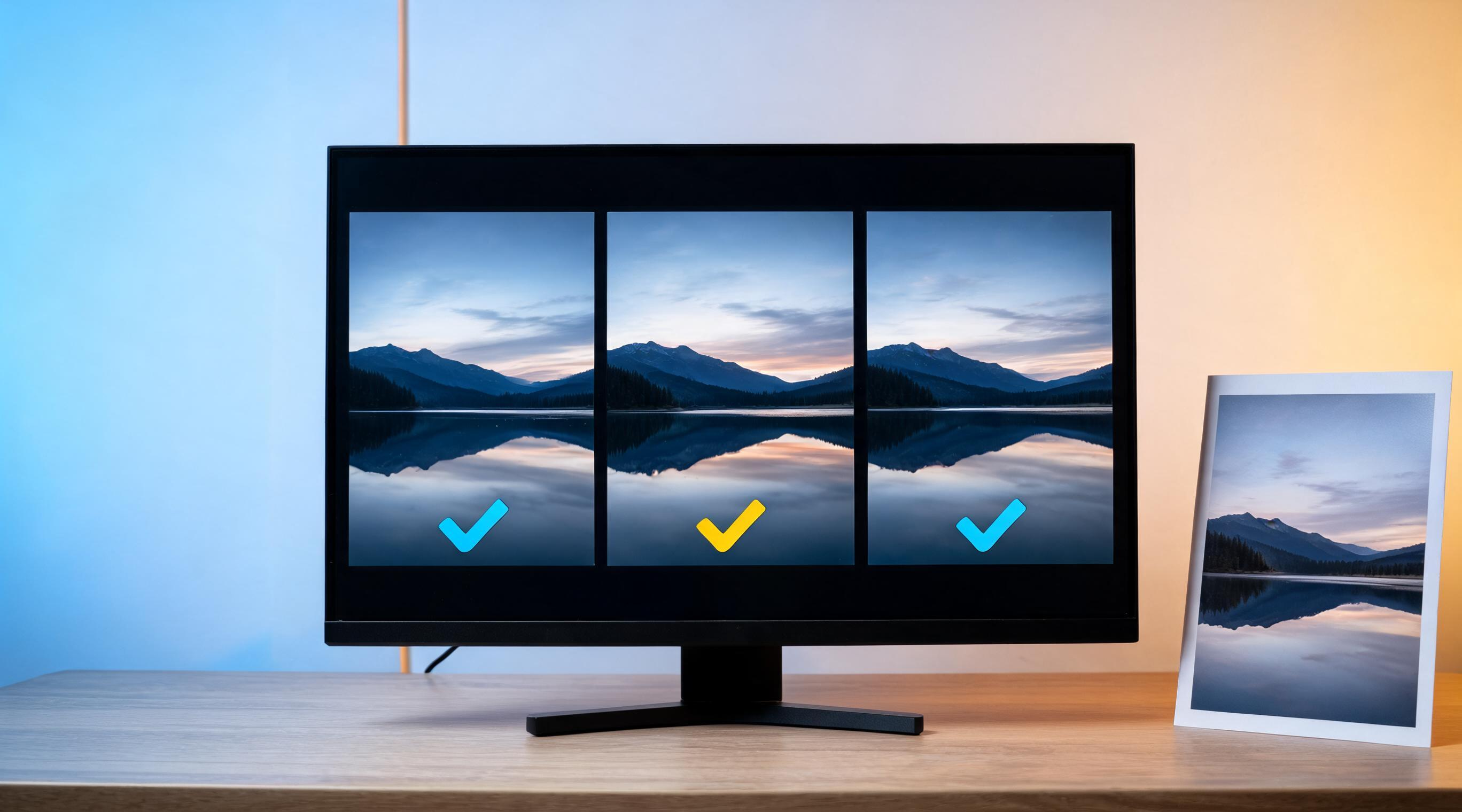
A first-test record makes the next decision traceable: keep the source, constrain the motion, or stop and replace the input.
Review the complete output in three passes
Do not approve a video from the opening thumbnail. Watch it once at normal speed, once with pauses at the opening, middle, and ending, and once in the crop or player that the intended audience will see.
Pass 1: subject and object continuity
Ask whether the main subject remains the same thing throughout the clip. For a person, check face shape, hair, clothing, body outline, and hands. For a product, check silhouette, cap, color, edges, and the area where a label would matter. For a scene, check the horizon, major straight lines, and the relationship between foreground and background.
Reject an output that silently changes the identity or product. A quick cut or music track does not make an incorrect result suitable for publication.
Pass 2: motion and camera logic
Does the promised action happen once, in a believable direction? Does the camera stay as restrained as the direction requested? Look for a sudden reverse, an unexplained zoom, duplicated limbs, melting edges, or a camera turn that reveals geometry the source could not support.
If the motion is too much, reduce it. A calm push-in or head turn is a more useful diagnostic than an orbit, sprint, weather effect, and wardrobe change combined.
Pass 3: ending and use context
The final frame matters because it may become the thumbnail, edit point, or visual claim a viewer remembers. Pause there. Is the subject recognizable? Is the product still the correct product? Does the scene accidentally imply a real event, location, endorsement, or performance that did not happen?
For public or client-facing work, confirm that the result is labeled appropriately when it could reasonably be mistaken for camera-recorded footage. Platform policies vary; YouTube's altered or synthetic content guidance is one current destination-specific reference, not a universal legal answer.
Decide between one constrained retry and a new input
Use the result to choose one next move—not five.
| What you saw | Most useful next move |
|---|---|
| Identity, shape, or background changed | Replace the source with a clearer, less obstructed image |
| The same subject holds but motion is erratic | Keep the source; request one smaller action or a locked camera |
| The clip is good until the ending | Define a still, simple final framing and reduce the action |
| Exact text or fine detail drifts | Keep that detail out of the generated motion; add verified assets later |
| The result depicts a real person or event misleadingly | Do not publish; confirm permission and choose a clearly synthetic, honest treatment |
A constrained retry changes one variable, such as the source crop, action, or camera wording. It does not change all of them. If the second attempt still cannot protect the thing the project depends on, stop treating that route as the solution. A different source shot or conventional editing workflow may be the more honest choice.
Compare a second tool fairly, if you need to
If the Vidnoz first test does not meet the requirement, compare one alternative using the same source, same direction, and same review points. ClipTrend’s live AI image-to-video workspace can provide a separate image-to-video testing context; its current model choices and settings are the relevant capability contract, so inspect them in the product rather than relying on this article.
Fair comparison means the same:
- source permission and resolution;
- desired action and protected details;
- aspect ratio and intended destination where available;
- full-clip review points;
- stop rule for identity, product, or factual drift.
It does not mean claiming one tool is “best” from one render. Keep the winning result only when it meets the specific task, not because it has a more dramatic mid-clip frame.
A verified external walkthrough
DataForSEO’s video-information endpoint verified the embedded “Vidnoz AI Image to Video: Turn Photos into Stunning Videos FREE!” video as embeddable with 6,262 views on September 27, 2026. It is a third-party orientation to the named workflow, not evidence that current Vidnoz terms, steps, settings, credits, or results will match the video. Use the live product and your own completed-output review for those decisions.
FAQ
What is the best first prompt for Vidnoz AI photo to video?
Use one small motion, one camera instruction, and two to four protected details. For example, ask for a slight head turn with a locked camera while preserving the same face, hairstyle, clothing, and background. This makes the output easier to judge than a long cinematic request.
Should I test a face photo or a product photo first?
Test the kind of image that represents the project you actually need to make. Use a simple, authorized source with an obvious review criterion. A beautiful but unrelated demo image tells you little about whether your own critical detail will hold.
Can I use a successful first test as a finished ad?
Only after reviewing the entire result and verifying every product detail, claim, permission, and destination requirement. A first test is evidence about a workflow, not automatic approval to publish.
Sources and next step
- Vidnoz, Image to Video, checked September 27, 2026.
- YouTube, Vidnoz AI Image to Video: Turn Photos into Stunning Videos FREE!, metadata verified September 27, 2026.
- YouTube Help, Disclosing use of altered or synthetic content, checked September 27, 2026.
Start with one permitted image and a simple motion in ClipTrend’s AI image-to-video workspace, then keep only the result that survives a complete review.