Vidnoz AI Dance Generator: A First-Test Checklist
To first-test Vidnoz AI Dance Generator, use one clear, consented full-body photo, make one deliberately simple dance clip, and judge the result against the source before you create a batch. Check identity, hands and feet, outfit continuity, background drift, motion plausibility, export quality, and the permission you have to publish the result. This approach tells you whether the output is usable for your particular post; it does not assume a tool, plan, or preset will stay the same.
Last updated: September 25, 2026 · about 8 min read
Disclosure: ClipTrend published this independent first-test checklist. Vidnoz is a third-party product. Availability, credits, controls, and terms can change; confirm them in the product you are using before starting a paid job or publishing an output.
What a useful first test proves
The first run is not a contest to make the flashiest dance. It is a small controlled test: can a source photo become a short dance clip without introducing a problem that makes the clip unusable? A successful first test gives you a repeatable answer to five questions:
- Does the subject still look like the person in the approved photo?
- Does the movement hold together from the first frame to the last?
- Do clothing, hands, feet, and the background remain credible enough for the intended audience?
- Can you export a version that works at the placement you chose?
- Do you have permission from the depicted person and rights to use the source image?
That is more useful than judging a preview on a large screen by itself. A fun result can still fail once you see the feet, pause on a hand, crop it for vertical video, or share it with the person in the photo.
Prepare one source photo you are allowed to use
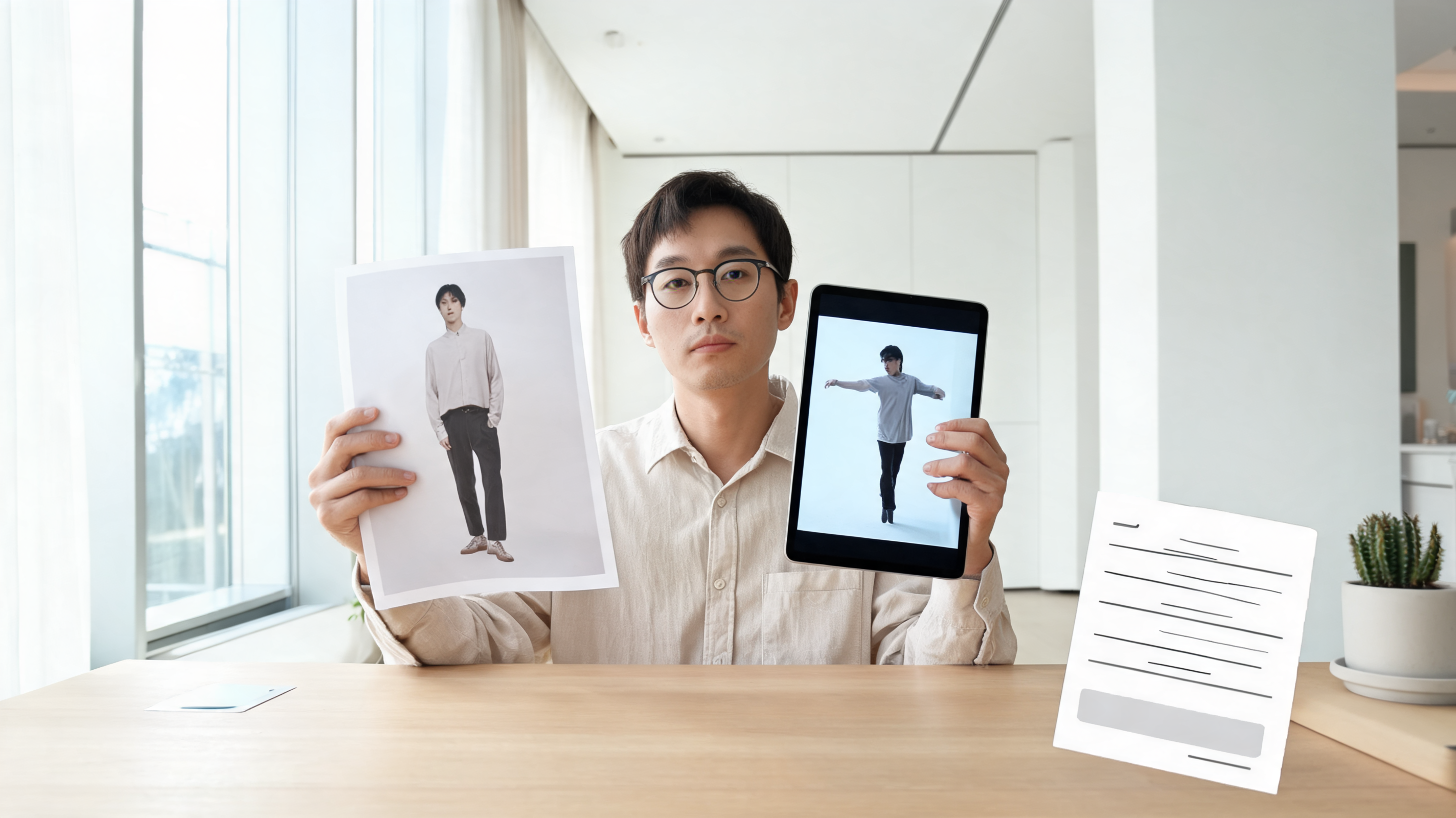
Start with a recent, clear image of one person who has agreed to this use. A full-body photo with the head, hands, and feet in frame makes it easier to detect drift across the whole figure. A front-facing or slight three-quarter pose, even lighting, and a background with visible but simple edges make review easier than a tightly cropped selfie or a crowded scene.
Before you upload, make a tiny reference record: save the original filename, note who approved its use, and identify the intended post. If the person is not you, explain that the image may become an AI-generated dance clip and where it may be shown. Do not treat a public photo, a client photo, or an old group shot as automatic permission.
Avoid changing several variables in the first run. Do not start with a difficult pose, multiple people, a complicated costume, a busy nightclub background, or a high-stakes brand claim. If that first output fails, you will not know which variable caused the problem.
Use a deliberately simple test brief
Choose the shortest, least complicated available dance option or brief. Your first clip should make it easy to inspect a few basic actions: a weight shift, an arm movement, and a step. Save the exact option, source photo, date, and any settings you selected. If the product gives you only a preset and not a prompt field, record the preset name instead.
Do not promise a particular render time, resolution, or credit cost in a public plan. Those details are product and account dependent. The practical rule is simpler: wait for the finished result, download the original file if the tool permits it, and review the actual export rather than relying on a loading screen or thumbnail.
For a second test after the baseline works, change only one thing—for example, use a slightly different photo or a more energetic dance. This makes the comparison meaningful. If both versions differ in framing, source, dance, crop, and destination, you have created two examples but learned very little.
Review four points in the finished clip
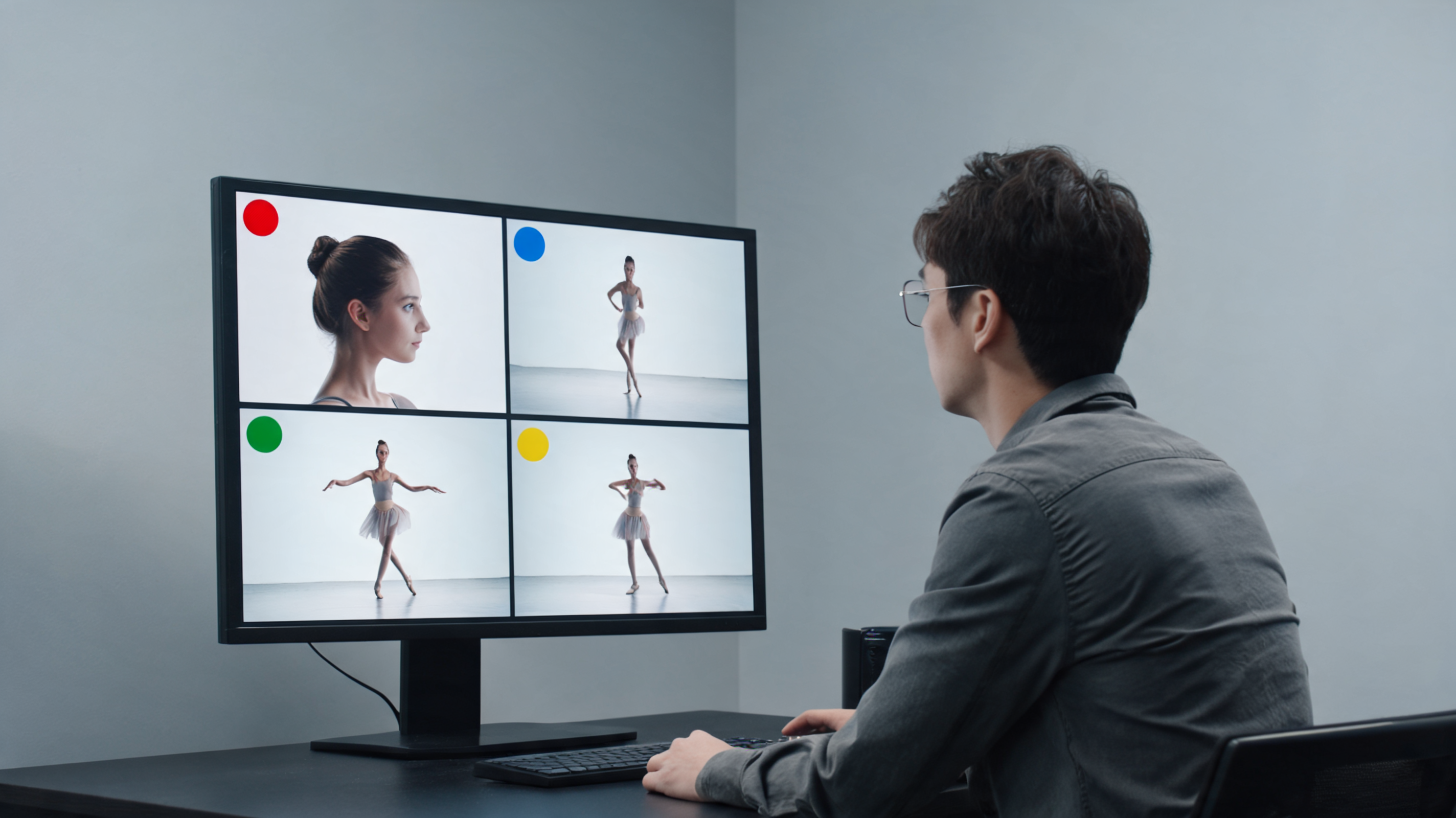
Play the output once at normal speed, then pause near the beginning, middle, and end. Compare each point with the source photo. The table is a release decision, not a scoring system.
| Check | Good enough for a small test | Stop, rerun, or do not post when |
|---|---|---|
| Identity | Face, hairstyle, and visible features still read as the approved subject | The person no longer looks like the source or appears to be someone else |
| Anatomy and motion | Hands, feet, limbs, and body position remain coherent through movement | Fingers merge, limbs duplicate, feet slide, or the motion implies an unsafe action |
| Clothing and setting | Outfit and important background elements remain consistent | Clothing, body shape, logos, signs, or the location materially change |
| Export and crop | The file plays cleanly at the target orientation and key subject matter stays visible | The crop cuts the person badly, frames break, or compression hides a problem |
The most common review mistake is watching only the center of the clip. Look at the edge of the frame as well: hands often move there, and a background object can change just before a cut. If the source has a recognizable workplace, school, address, uniform, or private location, check that you are not exposing information you did not intend to share.
Make one audience decision before posting
The same clip can be harmless in a private family chat and inappropriate in an advertising campaign or a public account. Decide who will see it before you publish. For a casual personal test, the key decisions may be consent, respectful context, and a clear label. For a client, school, employer, performer, or brand account, add the approval path, commercial-use rights, and destination policy to the review.
Do not use a generated dance clip as evidence that a real person performed, endorsed, attended, or approved an event. It is a synthetic creative output. If the finished video could reasonably be mistaken for a camera recording, add context that makes its origin clear and review the live rules of the platform where you upload it.
YouTube’s help guidance describes when creators need to disclose realistic altered or synthetic content, including material that makes a real person appear to do something they did not do. That policy is a useful example of a platform-specific check, not a universal legal answer. Review it again at upload time because rules and available controls can change.
Compare the workflow, not the marketing claim
If you are deciding whether to continue with Vidnoz or try another workflow, compare the same source photo and the same simple motion goal. Keep a short log of what happened: whether the output completed, what the final file looked like, which fixes you needed, and whether the tool gave you the control you expected. This is more durable evidence than an old price page or a third-party roundup.
ClipTrend's AI Dance Generator provides a separate photo-to-dance workflow with a move library and a TikTok-link option. If you test it, use the same consent and frame-review procedure. A controlled comparison should not turn into a claim that one tool will always preserve identity, work faster, or fit every kind of source image.
DataForSEO's video-information endpoint verified the embedded “How to Create FREE AI Dance Video with Vidnoz AI!” video as embeddable with 237 views on September 25, 2026. It is a third-party workflow example, not proof that the product is free for every account or that its steps, presets, or terms are unchanged.
A small batch comes after the first approved clip
Only move to a batch once you have one version that the depicted person and intended reviewer accept. Reuse the approved source approach, then vary one creative element at a time. Keep the original photo and the approved export together so you can explain what was made and withdraw a version if needed.
For a public dance series, test the final crop on a phone before you schedule it. Leave room for captions instead of covering the subject’s face or feet. Add an audience-appropriate description and avoid attaching an audio, caption, or hashtag that implies the source person actually performed the dance.
The first-test outcome can be a useful result even when it is “do not continue.” If a tool changes the person’s identity, makes motion unreliable, lacks the controls your use needs, or does not fit your permissions, stop there. A clean rejection on one small test is better than trying to repair a questionable batch after it has been shared.
FAQ
What photo works best for a first AI dance test?
Use a clear, consented photo of one person with enough of the body in frame to inspect hands, feet, clothing, and background continuity. A simple pose and background make it easier to identify output drift.
Should I test a dance generator with a client photo?
Only if you have clear permission for that specific AI-generated use and have confirmed the client’s intended placement. A publicly available image is not the same as permission to create and publish a synthetic dance clip.
Is one successful preview enough to post a batch?
No. Review the downloaded output at the target crop and audience context. Then change one variable at a time for the next test so you can identify what affects the result.
Does an AI-content label make any generated clip acceptable?
No. A label does not replace consent, truthful context, rights to the source image, or destination-specific approval. It is one publishing check when realistic synthetic media could be mistaken for a real recording.
Sources
- ClipTrend, AI Dance Generator, checked September 25, 2026
- YouTube Help, Disclosing use of altered or synthetic content, checked September 25, 2026
- YouTube, How to Create FREE AI Dance Video with Vidnoz AI!, video metadata verified September 25, 2026