Bridal Carry AI: Prepare Two Photos Before You Generate
For a bridal carry AI video, start with two clear photos you are allowed to use: one person per photo, faces that can be seen, similar camera height, and enough of each person to make a believable carry. Then choose whether the background should come from either image or from a simple new scene, generate one short test, and inspect the full clip before you share it. A more elaborate prompt cannot reliably repair a tiny face, a heavy crop, or missing permission.
Last updated: September 26, 2026 · about 7 min read
ClipTrend's live AI Bridal Carry Generator has a one-photo option for an existing couple image and a two-photo option for merging two partners. This guide is about the second route. It is a preparation guide, not a promise that every pair of images will produce the same result.
Decide whether you need one photo or two
Use one photo when both people are already together in a clear image and you want to animate that existing moment. Use two photos when each person is in a separate approved photo and you want the generator to compose a new carry scene.
| Starting material | Better starting mode | What to check first |
|---|---|---|
| One clear photo of both partners | 1 Photo | Both faces and enough of the bodies are visible |
| Two separate portraits or full-body photos | 2 Photos | Each image shows one person clearly and both people agreed to this use |
| A group selfie, a dim photo, or a heavily filtered crop | Pause and replace it | The model has too little dependable visual information |
The two-photo mode gives you separate reference images, not a record of a real event. Treat the output as a synthetic keepsake or creative concept. Do not present it as documentary wedding footage, evidence that people were together, or an actual physical moment.
Pick photos the carry can actually use
The practical goal is not a studio-perfect portrait. It is a pair that makes the relationship between the two people easy to read. Start with the highest-resolution originals you have rather than screenshots from social media or a compressed chat attachment.
For each person, look for these details:
- One visible face. Avoid sunglasses, a hand across the face, hard shadows, or a profile that hides most facial features.
- A readable body outline. A waist-up image can sometimes work, but an image that shows more of the torso and arms leaves less for the generator to invent in a carry pose.
- Ordinary, legible clothing. Fine patterns, transparent layers, a bouquet covering the torso, or elaborate text on a shirt can become unstable during movement.
- A neutral pose. Standing or sitting naturally is easier to interpret than a photo where someone is already folded behind another person or cut off by furniture.
- Permission for this specific scene. Owning a photo file is not the same as having agreement to make or circulate a romantic synthetic video from it.
Try to make the pair feel as if it belongs in the same visual world. Similar head size, camera height, and lighting direction give the merge a steadier starting point. They do not need to match perfectly; a clear photo of each partner matters more than forcing two weak photos to have the same filter.
Protect the details you cannot afford to lose
Before uploading, write down the details the clip must preserve. This converts “make it romantic” into a reviewable request.
For example, a small brief might say: “Keep both faces recognizable, keep the blue dress and dark suit, use a quiet sunset garden, and make the lift gentle.” It should not demand a spin, a crowd, confetti, a changing dress, a drone move, and a close-up all in one short clip.
This is especially useful where a detail has a real-world consequence. Do not rely on generated pixels for a wedding date, venue name, ring inscription, a product label, or any other exact text. Add exact facts later in an approved editor if the project needs them.
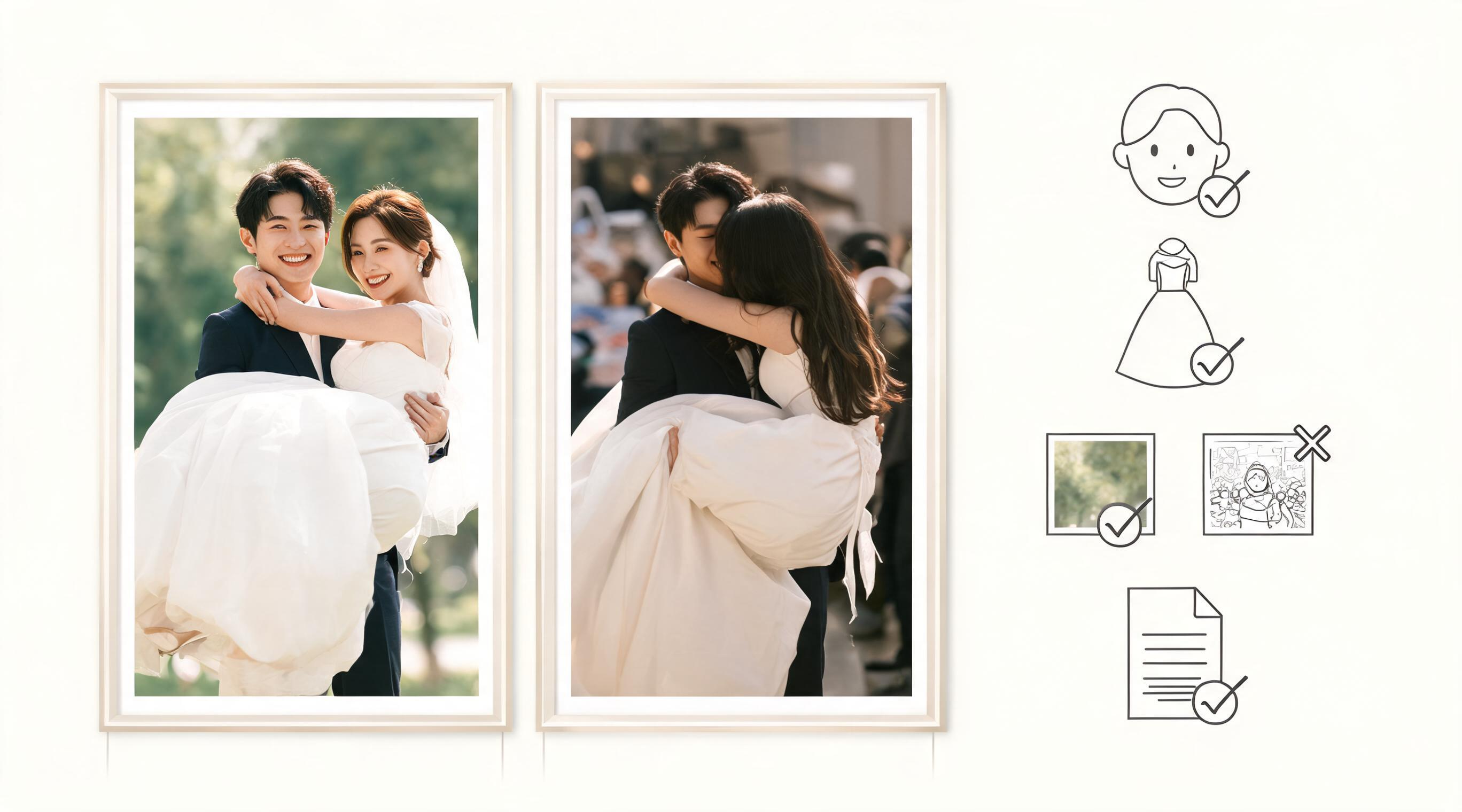
A compact brief protects the identities, clothing, and scene details that matter to the people in the image.
Choose the background before you generate
In ClipTrend's two-photo Bridal Carry flow, you can retain the background from one of the source photos or describe a custom scene. Pick the least risky choice for the test.
- Use the first photo's background when it has clean space around the person and you want the result to remain close to that image.
- Use the second photo's background when it gives a clearer floor, horizon, or lighting reference.
- Describe a simple new background when neither image has a usable setting. A garden at sunset, a quiet reception floor, or a plain interior is easier to review than a detailed landmark, crowded venue, or fantasy scene.
Avoid naming a venue or depicting a ceremony as though it occurred unless that is true and the people and rights holders are comfortable with the representation. A generated scene can be visually persuasive without being a factual record.
Run a small first test
Open the live Bridal Carry page, select 2 Photos, and upload the two approved images. Set one background choice and use a restrained prompt, if the form offers one. Your first question is simply whether the two identities, clothing, and carry relationship stay understandable through the short result.
Keep a short note with the two original filenames, the date, the selected mode, the background choice, and any written scene direction. If you make another attempt, change one thing: replace a cropped source, simplify the background, or reduce the action. Changing everything at once only tells you that a different clip happened.
Do not make public claims about current credits, free allowances, watermark conditions, or exports based on this article. Those conditions can change. Check the live generator and pricing page on the day you plan to use it.
Review the whole clip, not the thumbnail
Watch once at normal speed and once while pausing at the first transition, the lift, and the final frame. A useful first test has a recognizable person on each side, a readable hold, and no detail that changes the meaning of the image.
Use this short checklist:
- Are both people still recognizable from their approved sources?
- Does the hold look safe and physically coherent enough for the intended creative use?
- Did clothing, hands, and edges remain understandable rather than silently changing?
- Does the chosen background support the idea without implying a real event?
- Is the crop appropriate for the place you will send or post it?
If a result fails one of those questions, do not try to hide the problem with fast cuts, music, or a vague caption. Start with a cleaner source or a simpler direction. A private experiment can still deserve a careful review when it depicts real people.
Share it with context and consent
For a private surprise, make sure the people in the photos are comfortable with the type of portrayal before you distribute it. For a client, brand, or public post, confirm the intended use, audience, and takedown contact in writing. If viewers could reasonably mistake it for a camera-recorded wedding moment, label it clearly as AI-generated.
TikTok's AI-generated content guidance is a useful current destination-specific starting point, but platform controls and rules change. A disclosure label also does not replace consent, privacy review, or rights to the underlying photos. Where available, Content Credentials can help carry provenance information; they do not establish that every person or property right was cleared.
FAQ
Can I make a bridal carry video from two separate photos?
Yes, ClipTrend's live Bridal Carry page offers a two-photo mode that merges two partner references into a new short carry scene. Use clear, permitted photos and treat the result as a generated depiction rather than proof of a real moment.
What kind of photos work best for an AI bridal carry?
Choose one clear photo per person with a visible face, a readable torso or body outline, ordinary lighting, and little obstruction. Similar camera height and scale help, but two clear originals are more valuable than two weak images that match cosmetically.
Should I use a real wedding background?
Only when you have the right to use it and the scene will not mislead viewers about what occurred. For a first test, a simple existing background or modest generic scene is easier to inspect than a crowded ceremony or detailed landmark.
Can I post an AI bridal carry clip publicly?
Only after confirming permission from the people depicted, rights to the source images, and the current requirements of the destination. Use a clear AI-generated disclosure when viewers could mistake the clip for an authentic event recording.
Sources
- ClipTrend, AI Bridal Carry Generator (live product workflow checked September 26, 2026)
- ClipTrend, pricing (live conditions should be checked at use time)
- TikTok Support, AI-generated content guidance
- Coalition for Content Provenance and Authenticity, Content Credentials