AI Video Generator Test Brief: Plan One Controlled Clip
An AI video generator test brief should fit on one page: name the one job for the clip, use an approved source, protect the details that must not change, vary one thing, and decide in advance what would count as a pass. That gives a creator or team a useful answer after one generation instead of a folder of attractive but incomparable experiments.
Last updated: September 26, 2026 · about 7 min read
This is the next step after choosing a workflow. Our earlier guide, AI Video Generator Use Cases, helps match a photo-led, template-led, or prompt-led route to the job. This companion assumes you have made that choice and need to test one controlled clip before committing more time, credits, or approval effort.
What a one-clip test can answer
A small test can answer a narrow question: “Does this approved product photo keep its shape during a slow push-in?” “Can this permitted portrait take a subtle head turn without changing identity?” “Does this template's first second make the call to action clear in a vertical crop?”
It cannot prove that every scene, model, resolution, or future release will work. It also cannot establish a right to use a person's likeness, music, brand claim, or location. The point is to make one practical production decision with evidence from the exact source and goal you care about.
Fill in this test brief before opening a generator
Copy the fields below into a project note. The answers can be short, but they should be specific enough that another reviewer understands what was tested.
| Field | Write this | Example |
|---|---|---|
| Clip job | The one visual task | Show a ceramic mug with gentle steam for a vertical product post |
| Approved source | The file or asset ID and its owner | mug-front-approved-v3.jpg, brand asset library |
| Visual objective | The one motion or change | Slow push-in; steam rises; mug shape stays fixed |
| Protected details | What must remain recognizable | Handle, logo area, rim, background color |
| One variable | The only thing you are testing | Camera motion wording: “slow push-in” |
| Fixed controls | What stays the same | Source, crop, duration, model, and review device |
| Pass condition | The observation needed to proceed | All protected details remain usable through the final frame |
| Next decision | What pass or fail changes | Send for a short edit, or replace the source image |
The AI Craft Academy's public AI video generation test plan template describes the same useful discipline: record the shot job, source, one changed variable, controls, pass condition, and next decision. It is a planning framework, not proof that a particular model will behave consistently.
Start with an approved source, not a convenient one
The source asset should be suitable for the final context, not merely easy to upload. For a product, use the current approved image and retain the original file outside the generator. For a portrait, use a photo whose subject agreed to the planned animation and distribution. For a template test, verify that the source image, copy, and any music will be appropriate for the destination if the test moves forward.
Name the source in the brief. “A photo from the team chat” is not a reliable handoff. A filename, asset-library link, or project ID makes it possible to reproduce the test and helps a later reviewer check whether the clip relied on a provisional image.
If the desired result includes an exact price, disclaimer, packaging claim, or on-screen sentence, do not test that as generated text. Keep it in an approved editing layer. AI generation can be useful for motion and atmosphere while still being the wrong place for precise factual copy.
Protect the details that make the clip usable
List three to five details that would make the test unusable if they drift. This is not a generic quality score. It is an honest list of the details that matter for this clip's job.
For a product test, protect silhouette, label area, material finish, and crop. For a portrait, protect identity, clothing, background meaning, and the absence of an unapproved gesture. For a character, protect key costume shapes, proportions, and the relationship to the setting.
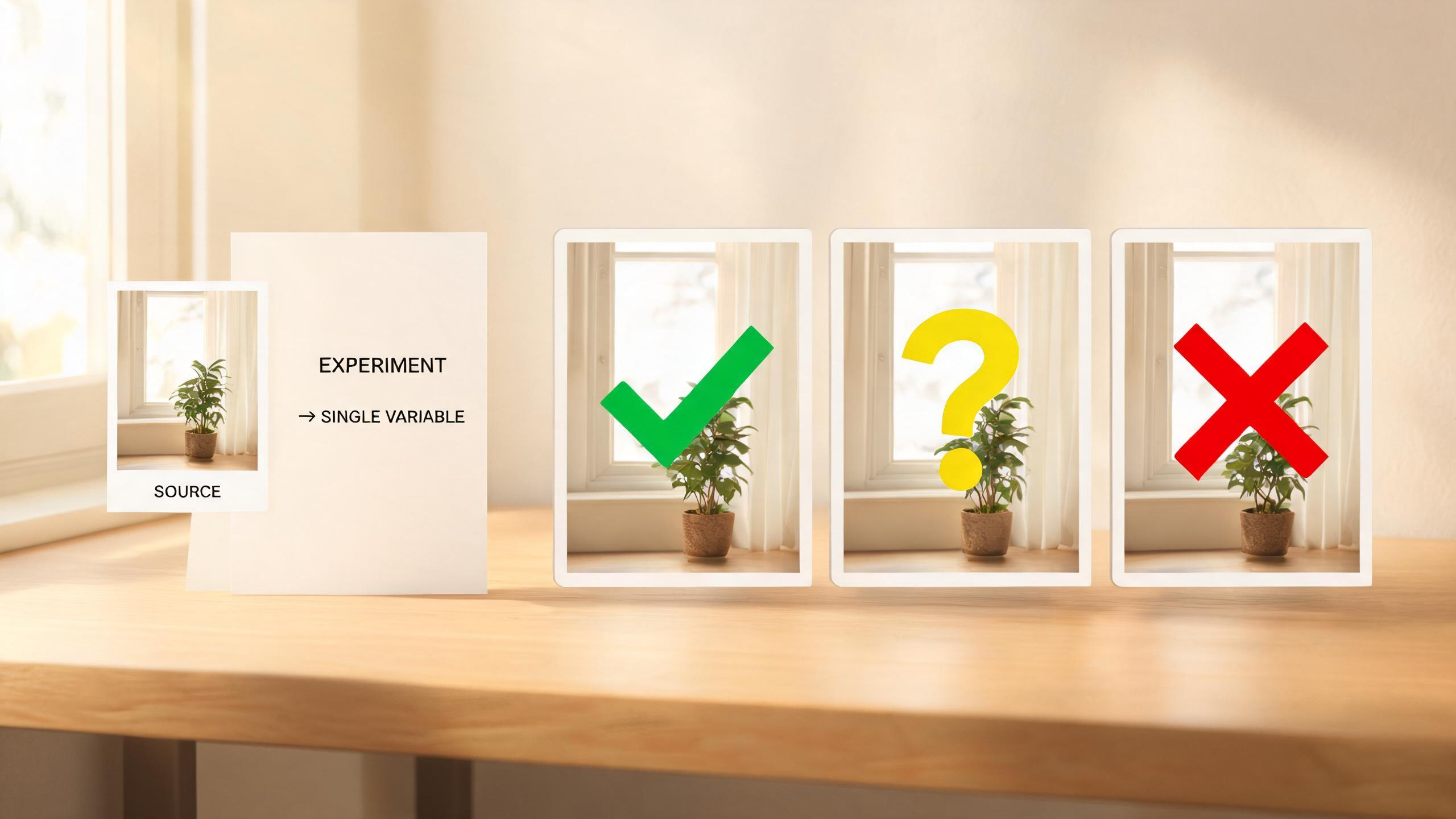
A brief makes the acceptance decision visible before a polished-looking output can sway the review.
Change one variable, then look for the intended effect
The one-variable rule prevents a common false conclusion: that a new model, new prompt, new source image, different duration, and different crop somehow caused a better result. If five inputs changed, you learned only that the second run was different.
On the first comparison, keep the source, aspect ratio, duration, and review screen fixed. Change one item that addresses the question, such as:
- the source image's amount of usable headroom;
- one motion phrase, from “turn quickly” to “small head turn”;
- the first-frame crop for a vertical post; or
- one template choice while the source and objective stay the same.
If the tool exposes settings that materially affect the output, record the selected setting instead of assuming a later rerun will use the same defaults. Do not claim a setting is available on every ClipTrend workflow; check the live page that you actually plan to use.
Review the full result against a pass condition
Decide whether the clip passes before you watch it. Then watch at normal speed, pause at the opening transition, and inspect the final frame. A strong thumbnail is not enough if the product edge drifts, a face changes, the movement obscures the point of the shot, or the crop fails the planned placement.
For a simple pass/fail review, ask:
- Did the one requested visual objective occur?
- Did every protected detail stay usable from the first frame through the end?
- Is there any invented action, object, or text-like mark that would be misleading?
- Does the final frame work for the intended crop and handoff?
- Does the clip meet the approval and rights conditions already named in the brief?
If the answer is no, record the observed failure plainly. “Mug handle deformed after the second second” is useful. “The AI was bad” is not. The next test should respond to the observed failure with one controlled change.
Make a stop-or-iterate decision
At the end of the first clip, pick one of three outcomes.
- Proceed. The clip meets the narrow pass condition. Hand it to the next editor or approver with the source, settings, and review note.
- Iterate once. The brief identifies one plausible fix, such as a clearer source image or a smaller motion. Change only that item and repeat the same review.
- Stop. The output cannot support the job without inventing important details, or the usage rights and approval conditions are not in place. Choose a conventional edit, another source, or a different creative approach.
Stopping is useful evidence, not a failed workflow. It prevents a team from spending more on variations that never answer the original question.
Keep disclosure and handoff in scope
Generated video should stay distinguishable from evidence of a real event, product test, or person's actual action. When sharing outside the working group, use an AI-generated label whenever that context could be misunderstood, and check the destination's current policy. TikTok's AI-generated content guidance is one primary destination-specific resource; it does not replace a release, licence, or factual ad review.
For a handoff, send the approved source reference, the brief, the selected output, the review outcome, and any limits on use. Where a workflow supports provenance metadata, Content Credentials can carry useful information about origin and editing, but they are not a substitute for permission or a complete record of rights.
FAQ
How long should an AI video generator test brief be?
Usually one short page or project note is enough. It should name the clip job, approved source, one variable, fixed controls, protected details, pass condition, and next decision. More detail is useful only when it helps a reviewer reproduce or approve the test.
Why test only one clip first?
One controlled clip can answer the narrow question that determines the next step. A batch of unrelated prompts may look impressive but cannot show whether a specific source, motion, or crop is dependable for your job.
What counts as a protected detail?
It is any detail whose change would make the output unusable or misleading: a person's identity, a product's shape, an approved outfit, the intended crop, a safe background meaning, or a factual element that must be added later in an editor.
Can a successful test be used as a finished ad?
Not automatically. Confirm rights to inputs, current product and destination terms, factual claims, required disclosure, and the final approval path. A passing visual test only establishes the narrow condition written in its brief.
Sources
- ClipTrend, AI Video Generator Use Cases
- AI Craft Academy, AI video generation test plan template
- TikTok Support, AI-generated content guidance
- Coalition for Content Provenance and Authenticity, Content Credentials