Sean Avery · Updated
AI Video Template Revision Brief: Fix One Rejected Render at a Time
An AI video template revision brief starts after a render is rejected. Identify the one visible defect, note when it occurs, preserve the approved inputs, and request one testable change. Do not write “make it better” or regenerate a whole new concept. A useful brief gives the next render a clear purpose and gives a reviewer a way to decide whether it fixed the problem.
This article is the post-rejection companion to AI Video Template Checklist: What to Decide Before You Generate. That source helps a team choose the job, permitted source, first-second message, crop, claims, and reviewer before a render. This guide begins after a version exists and is not acceptable. It does not repeat template selection, team handoff, or export preparation.
Start with a visible defect, not a general reaction
Write what a reviewer can point to in the render. Include a timestamp or a short section such as “opening,” “middle,” or “ending.” A defect note should describe the evidence, not guess at the model’s cause.
| Weak note | Reviewable defect note |
|---|---|
| “The video feels wrong.” | “At 00:02–00:03, the subject’s hand changes shape during the reveal.” |
| “Make the product clearer.” | “In the opening second, the product is too close to the lower edge to read at phone size.” |
| “Fix the ending.” | “The final action cuts off before the subject settles, so the loop does not have a usable end.” |
| “More premium.” | “Keep the approved product position; change only the background from busy confetti to a quiet neutral studio.” |
The source render is evidence. Save its file or link, the template used, input asset version, prompt or brief, settings shown at the time, and reviewer decision. Do not overwrite the rejected version; it explains what was tested. A rejected result can still contain approved inputs, useful timing, or a reference for spotting whether the next attempt changed too much.
Freeze what is already approved
Before proposing a retry, separate protected inputs from the one thing you want to change. The protected list can include the source asset, template, crop, primary subject, camera relationship, approved copy to be added later, or the intended first-second message.
For example:
Keep: approved source image v03; vertical crop; product on the center-left; first-second reveal; no generated text or logo. Problem: the moving shadow crosses the product label area at 00:03. Change for this test: keep all protected inputs and remove the moving shadow. Review: product silhouette and placement must remain stable through the full clip.
The phrase “keep all protected inputs” does not guarantee preservation. It sets a standard for review. If the new render solves the shadow but changes the product’s shape, it is not a successful revision for this brief.
Use only input media you own or are authorized to use. Do not use a synthetic output as documentary proof, a product specification, a testimonial, or evidence that a real person performed an action. If the destination involves realistic altered or synthetic content, check its live rules before upload. YouTube’s disclosure guidance is one example of why publication review needs to happen alongside creative review.
Write a single-change revision brief
Use this six-part format:
- Render and defect: identify the rejected version and the timestamp or section.
- Visible evidence: describe what a reviewer sees.
- Protected inputs: list the assets and visual anchors that must remain stable.
- One requested change: name only the next alteration to test.
- Boundaries: say what must not be added, moved, or implied.
- Decision owner: name who can accept, request one more test, switch methods, or stop.
Here is a complete example:
Render:
launch-v03, reject at 00:00–00:01. Evidence: the product is cropped by the lower interface area when previewed on a phone. Protect: the approved source photo, product shape, background color, and opening reveal timing. Change: move the product upward enough to create clear lower-frame space. Do not: invent a label, add text, change the room, add a person, or alter the product color. Reviewer: campaign editor; accept only if the product remains fully visible through the opening.
This is narrower than “make it social-ready,” but it is much more useful. A team can check the frame, compare it with the previous version, and make a decision without turning taste into a moving target.
Avoid the three common revision traps
1. Changing every variable after one failure
Do not switch the source, template, crop, styling, action, and prompt at the same time. Even if the result improves, you will not know what helped. If the concept itself has been rejected, call that a new brief rather than a revision.
2. Repairing one attractive frame instead of the sequence
Play the entire clip at normal speed. A product, face, hand, edge, reflection, or background line may look fine in a still and drift while moving. For an unacceptable detail, record when it starts and whether it recovers. A precise timestamp makes the review repeatable.
3. Treating generated pixels as exact copy
Generated video is not the right place to manufacture approved captions, legal language, prices, product labels, or factual claims. Hold that material for an approved finishing process. If a render invents text or a brand mark, reject it or crop it out through a controlled edit; do not quietly treat it as valid copy.
Choose the next action deliberately
Not every rejected render deserves another generation. Use this decision table after the first review.
| What the evidence shows | Best next action | Why |
|---|---|---|
| One isolated visual defect; concept and protected inputs remain usable | Make one constrained retry | A single change can be evaluated against the old render. |
| The source clip has good motion but needs one specific alteration | Use AI Video Editor or conventional editing | A source-aware edit may preserve useful timing better than a new template run. |
| The output needs exact text, approved logos, cuts, or audio timing | Finish conventionally | These are deterministic editorial jobs, not a prompt-following test. |
| The core concept, source permission, or claim is wrong | Stop and re-brief | Another render would not fix the actual approval problem. |
For a template retry, return to ClipTrend templates with the protected-input list in hand. For a render that is already accepted and merely needs delivery checks, use the separate AI Video Template Export Checklist. Do not collapse rejection diagnosis and final export review into one unclear approval step.
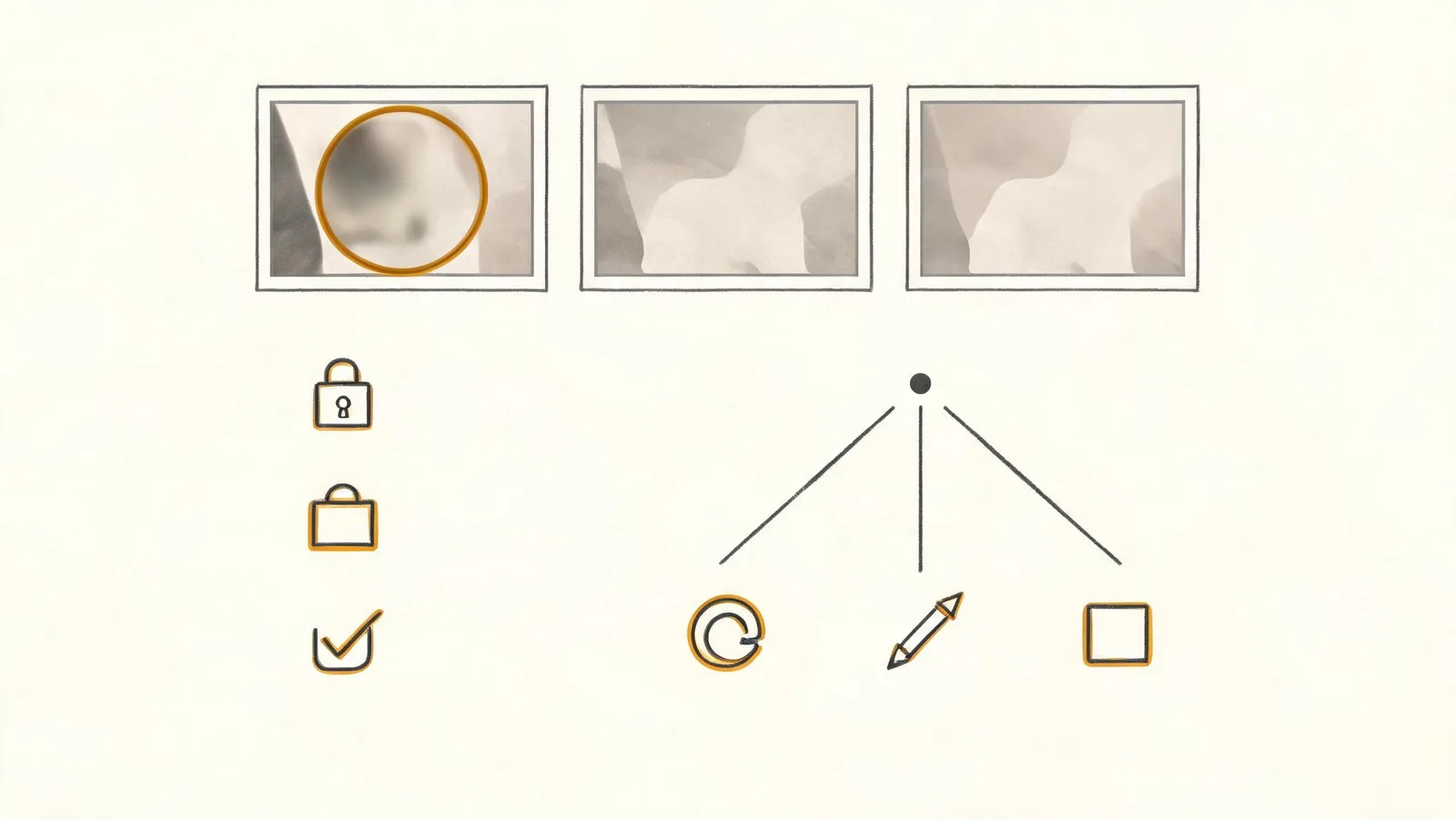
Conceptual revision workflow visual, not a ClipTrend interface or a claimed generated result.
Run the review in a fixed order
Use the same order every time so the urgent-looking detail does not hide a more serious problem:
- Safety and permission: is the source authorized and is the depiction appropriate for the intended use?
- Core claim: does the render imply a real feature, event, person, or endorsement that has not been independently approved?
- Primary subject: did the person, product, object, or focal action stay recognizable?
- Frame and timing: does the important visual remain visible at the intended size through the relevant seconds?
- Secondary detail: are hands, edges, shadows, reflections, background geometry, and generated text acceptable?
- Decision: accept, one limited retry, switch methods, or stop.
Record the outcome in a short note. “Rejected: v03; product cropped at opening; one retry requested to raise product, all other visual anchors protected; reviewer A” is enough. It helps a later teammate understand why the next render was made without pretending that it has been approved.
When a brief should become a new concept
Call it a new concept when the next request changes the job rather than repairs the render. Examples include replacing the intended audience, using a new product claim, moving from an existing product photo to a person-led story, changing the platform format, or abandoning the original template treatment.
That distinction protects the team from revision churn. A revision can be compared with its rejected parent. A new concept needs its own permissions, objective, source, reviewer, and success criteria. Revisit the pre-generation AI Video Template Checklist before making that decision.
FAQ
What belongs in an AI video template revision brief?
Include the rejected render, timestamp or section, visible defect, protected inputs, one requested change, boundaries, and the decision owner. It should tell a reviewer exactly what to compare.
How many changes should I request in one retry?
One material change. If a revision needs a new source, template, framing, action, and style, it is probably a new concept rather than a diagnosable retry.
Should I regenerate when the model invents text or a product feature?
Do not treat invented text or product detail as approved. Reject the output or use a controlled finishing process. Exact claims, legal copy, prices, and logos need deterministic approval.
When should I stop retrying?
Stop when the source permission, core claim, or concept is not approvable, or when the job requires precision that the generated render cannot reliably supply. Document the reason and re-brief only if the project still has a valid approved path.
Make the next render accountable
When a template render fails, preserve the evidence, isolate one visible defect, and protect the inputs that still work. A small, reviewable change makes the next output easier to judge—and makes it clear when the right answer is a conventional edit or a new brief rather than another unexplained retry.