Sean Avery · Updated
Travel Photo to Video: Location Privacy Checklist Before You Share
Before you share a travel photo turned into video, decide what location context the clip can safely reveal—not just whether the animation looks good. Check the original file, visible landmarks, people in frame, captions, tags, timing, and the audience for the post. If you would not want a stranger to infer where you are, where you stay, or who you are traveling with, make a private or delayed-share version instead.
Last updated: September 18, 2026 · about 9 min read
This is a sharing decision, not a generation tutorial
The original travel photo-to-video guide explains how to start with a strong travel still and ask for restrained motion. This companion begins after you have an output: should the animated clip be shared, with which details, and to whom?
Animation can make a background easier to inspect, keep a landmark on screen longer, or turn one still into a sequence that invites closer attention. The question is specific: what could this file, its framing, and its surrounding post reveal here? A private group after a trip has a different disclosure profile from a public post while you are still away.
First, separate metadata from visible clues
Photo and video files may contain location information. Google Photos explains that a camera app can capture location data and that location choices can affect sharing; it also notes that people may infer a location from landmarks even when a location is not explicitly shared. Review its current location-data guidance and instructions for editing photo locations for the service and account you actually use.
That creates two different checks:
- File-level information. Check whether the original photo or exported clip has a saved location, date, or other details you do not want sent through a direct share, cloud album, client handoff, or download link. Use the controls of the app or device you use; do not assume a social platform will remove every detail on every route.
- What viewers can see. A street sign, apartment number, hotel key sleeve, local transit marker, distinctive view, reflection, luggage tag, or companion's screen can identify more than a map pin does. A video gives viewers multiple frames to inspect.
Removing file metadata does not remove a recognizable coastline, a unique room view, or a real-time caption. Conversely, avoiding a visible landmark does not decide what happens to the original file when you send it outside a platform. Review both.
A practical travel-video privacy checklist
Use this checklist after the render and again in the composer where you will actually post it.
| Check | What to review | Safer next step when unsure |
|---|---|---|
| Original file | Location details and date information in the source and export | Share a copy with unneeded details removed, or use the platform's current sharing controls. |
| Video frames | Signs, house numbers, hotel details, tickets, reflections, and recognizable access points | Trim, crop, cover, or choose another output; do not rely on a fast scroll. |
| People | Companions, children, staff, or strangers who may not want to be identified | Ask, remove the clip, or choose a frame where they are not recognizable. |
| Caption and tags | City, hotel, route, date, live check-in, and friends' tags | Use a broader description, post later, or keep the audience limited. |
| Timing | Whether the post reveals that you are away from home or at a specific place now | Save it as a draft and share after you leave if that better fits your risk. |
| Audience | Public account, close friends, client workspace, group album, or direct message | Select the smallest audience that serves the purpose; re-check reshare permissions. |
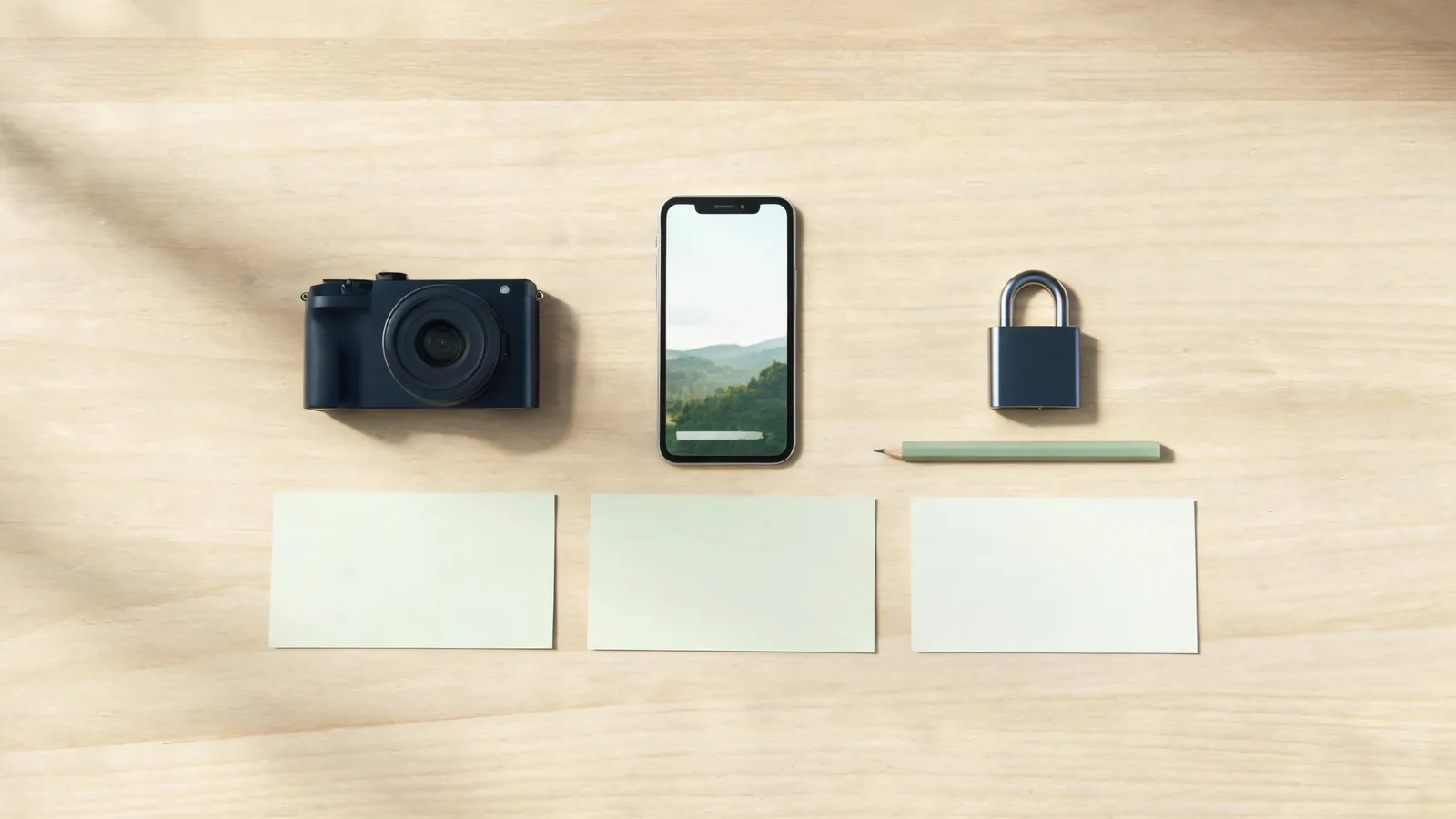
This editorial illustration is a planning visual. It does not show a real destination, address, device account, or platform setting.
Watch the animation from first frame to last
Do not assess privacy from a poster frame. Play the clip at ordinary speed, then pause on the start, the most detailed middle frame, and the end. Generated camera motion may reveal a background edge that was easy to miss in the original. It may also add invented signs or details that should not be presented as real.
Look for three kinds of problem:
- Original details brought into view. The source may include a reflection, key card, license plate, door number, school badge, address label, or companion's face that becomes more noticeable after a crop or slow push.
- Meaning created by the post. A harmless landscape can become location-sensitive once paired with “here now,” a specific hotel tag, a route, or a friend who is tagged publicly.
- Generated details that look factual. If an animation introduces text-like marks, an altered storefront, a different season, or a new crowd, do not use it as a record of what was there. Either discard it or make the description plainly creative rather than documentary.
The Australian eSafety Commissioner's current Instagram location guidance is a useful reminder that a location tag is a separate sharing choice and that account audience matters. It is platform-specific: check the live settings for any other service before you rely on the same behavior.
Choose a sharing version on purpose
You do not have to choose between posting the original file publicly and never sharing the memory. These options answer different needs:
- Private copy: Share the full clip only with people who were part of the trip, after you have checked what the file itself contains.
- Delayed public post: Publish a broader recap after you have left a place, without real-time location cues or live route details.
- General-location edit: Crop or choose a view that preserves the feeling of the trip without naming the exact hotel, trailhead, rental, or home base.
- Creative version: Use a generated motion clip as an illustration, but do not attach a factual claim that the generated detail or scene was filmed as shown.
- No-share decision: Keep it in your personal archive when the details are too specific to separate safely from the memory.
Make the choice that fits the people shown, the place, your timing, and your reason for posting. If a local community asks visitors not to publicize a fragile site, respect that request even if a location could be found elsewhere.
Keep the original, edit a copy
Preserve the unedited source in your own organized archive if you need it for personal memories, a client record, or a later review. Create a separate sharing copy for any crop, trim, metadata choice, caption, or disclosure. This helps prevent an accidental upload of a more revealing original.
Name the files clearly enough to distinguish them without putting a sensitive address into the filename. For example, a neutral project name and date may be sufficient for an internal archive. Do not rely on a renamed file as a privacy control; it only helps your own workflow.
When working with a group, explain which version is approved to post and ask companions not to add location tags or “we are here” captions later without checking. A carefully edited video can be undermined by a different public post that supplies the exact context.
A final 60-second review before publishing
Open the final file and post draft on the device and service you plan to use. Check the preview, audience, caption, tags, location field, and auto-suggestions. Ask yourself:
- Would I be comfortable if this clip were viewed, copied, or reshared outside the intended audience?
- Does it reveal where I am now, where I stay, or where someone else can be found?
- Does it include someone who has not agreed to be shown or tagged?
- Does the animation add a detail that could be mistaken for a fact about the trip?
- Is a public post necessary today, or would a private or delayed version meet the same goal?
If one answer is unclear, save the draft. A travel clip can be posted later; a copied location clue is harder to retract.
For the generation side, return to the travel photo-to-video guide or begin an image-to-video project with ClipTrend's AI video generator. The privacy decision remains yours even when the visual motion is generated.
FAQ
Does removing a photo's location metadata make a travel video private?
No. Metadata is only one layer. Viewers may still infer a location from landmarks, signs, captions, tags, timing, reflections, or other posts. Check the file and the visible story around it.
Should I wait until I return home to post travel clips?
That can be a sensible option when a real-time post would reveal where you are or that you are away. It is not a rule for every trip; choose timing based on your audience, the place, the people shown, and the context you are comfortable sharing.
Can an AI animation create misleading travel details?
Yes, a generated clip can alter or introduce details. Review it before describing it as documentary footage. If a sign, landmark, event, or setting is invented or changed, do not present that detail as something you saw.
What if a friend appears in the original travel photo?
Ask whether they are comfortable with the animation and the intended audience. A person may agree to a private group share but not a public post, tag, or promotional use. If you are unsure, choose a version where they are not identifiable.
Is a private account enough to protect a location?
It reduces the immediate audience but does not remove the need to check what the file and post reveal. Approved followers can still see, copy, or reshare content depending on the service and your relationship with them.
Sources and limitations
- Google Photos Help, How Google Photos protects your location data, checked September 18, 2026.
- Google Photos Help, Understand, find and edit your photos' locations, checked September 18, 2026.
- Australian eSafety Commissioner, Instagram locations, checked September 18, 2026.
This is practical privacy guidance, not a guarantee or legal advice. Product settings, sharing behavior, platform rules, and local expectations change; verify the live controls of the app and platform you will use.