Sean Avery · Updated
Product Photo-to-Video: E-commerce QA Checklist
Before publishing an AI product photo-to-video clip, compare the complete export with the approved product images and product facts. Reject it if it changes the logo, label, color, shape, variant, bundle, scale, material, included accessory, or claim—or if the destination cannot play the final file as intended. A beautiful loop is not ready for a listing or ad until it remains truthful about the SKU a shopper can buy.
Published September 22, 2026 · about 7 min read
This is the approval step, not the generation tutorial
The earlier product photo-to-video guide explains how to start with a clean image, ask for restrained motion, and choose a placement. This companion begins after a render exists. It answers a different question: should this finished clip be approved, regenerated, replaced, or sent through a normal production path before it reaches a product page, marketplace, email, or paid ad?
An ecommerce team needs more than a generic how-to. It needs a repeatable way to separate a visually pleasing clip from a commercially safe asset.
Prepare a small source-of-truth pack
Do not review from memory. Put these items beside the final export:
| Review input | Why it is needed |
|---|---|
| Approved front, side, and detail photos | Lets the reviewer identify invented or missing features. |
| Current product page or product-information sheet | Checks the name, variant, included items, and allowed claims. |
| Brand color and logo reference | Catches subtle hue, mark, and packaging drift. |
| The prompt, source file, and output filename | Makes a rejection reproducible and a fix traceable. |
| Destination requirements | Confirms crop, duration, audio, captions, and file handling for the actual placement. |
This is not an argument that one still image reveals every side of a product. If the request asks a model to reveal an unseen side, internal mechanism, precise finish, or technical behavior, it may be asking the model to invent material information. Use a real shoot, approved 3D asset, conventional edit, or a smaller motion instead.
The four QA gates
1. Product fidelity: does it still depict the SKU?
Watch the entire clip once, then pause at the start, middle, and end. Compare what is visible with the approved reference—not with what feels plausible.
Reject or escalate if you see:
- A changed logo, label, ingredient panel, control, port, seam, or closure.
- A different color, finish, texture, size relationship, count, or product variant.
- Added accessories, packaging, awards, badges, or included items.
- A product that bends, melts, opens, fills, or works in a way the approved material does not support.
For text-heavy packaging, complex jewelry, food, skin-contact products, safety equipment, or regulated goods, use a stricter rule: if the important detail cannot be read and confirmed against a source, it is not approved merely because the motion looks polished.
2. Claim fidelity: does the video imply more than you can support?
Generated motion can create a claim without putting a sentence on screen. A bottle that appears to dispense, a tool that looks like it completes a task, or a before-and-after transition can imply performance, contents, compatibility, or results. Compare each implication with the current approved product facts.
Keep price, availability, discount, certification, health, safety, environmental, and performance claims in a controlled layer that your normal reviewer can substantiate. For U.S. advertising, the FTC's Advertising and Marketing guidance is a useful starting point for the basic principle that claims need support; it is not a substitute for category-specific or local review. Verify the current requirements for every destination rather than assuming a product-page approval transfers to a marketplace or ad.
If a scene is aspirational rather than demonstrative, make that choice clear in the creative brief. Do not let a photoreal generated demonstration stand in for proof.
3. Brand and rights: was every input and outcome approved?
Check that the team has permission to use the product images, trademarks, people, locations, music, and other identifiable material in the requested context. A generation tool cannot grant a right that the source owner did not provide. If an unexpected person, competing logo, recognizable location, or confusing imitation appears, reject the clip even if the product itself looks correct.
Brand consistency is separate from fidelity. An accurate product can still be the wrong asset if the scene uses unapproved colors, tone, audience cues, or a claim style that conflicts with the campaign. Record the intended placement and audience in the review note; a restrained product-page loop and a fast paid-social opener have different acceptable treatments.
4. Delivery: can the target audience receive the final asset?
Review the exported file at the crop and sound state intended for the destination. Check the first second, the final frame, the loop point, legibility, safe areas, captions where required, and playback after upload or handoff. If an editor, platform, or client portal changes the file, inspect that delivered version too.
For a simple approval, write one of four outcomes:
| Outcome | Use when | Next action |
|---|---|---|
| Approve | Product, claims, rights, brand, and delivery checks pass | Save the version and placement approval. |
| Regenerate | The core source and use are valid, but motion or fidelity drifts | Change one relevant input or simplify motion. |
| Replace | The request needs unseen or exact detail the model should not invent | Use a real, approved, or conventional asset. |
| Escalate | A rights, claim, policy, or regulated-product question remains | Send the evidence to the responsible reviewer. |
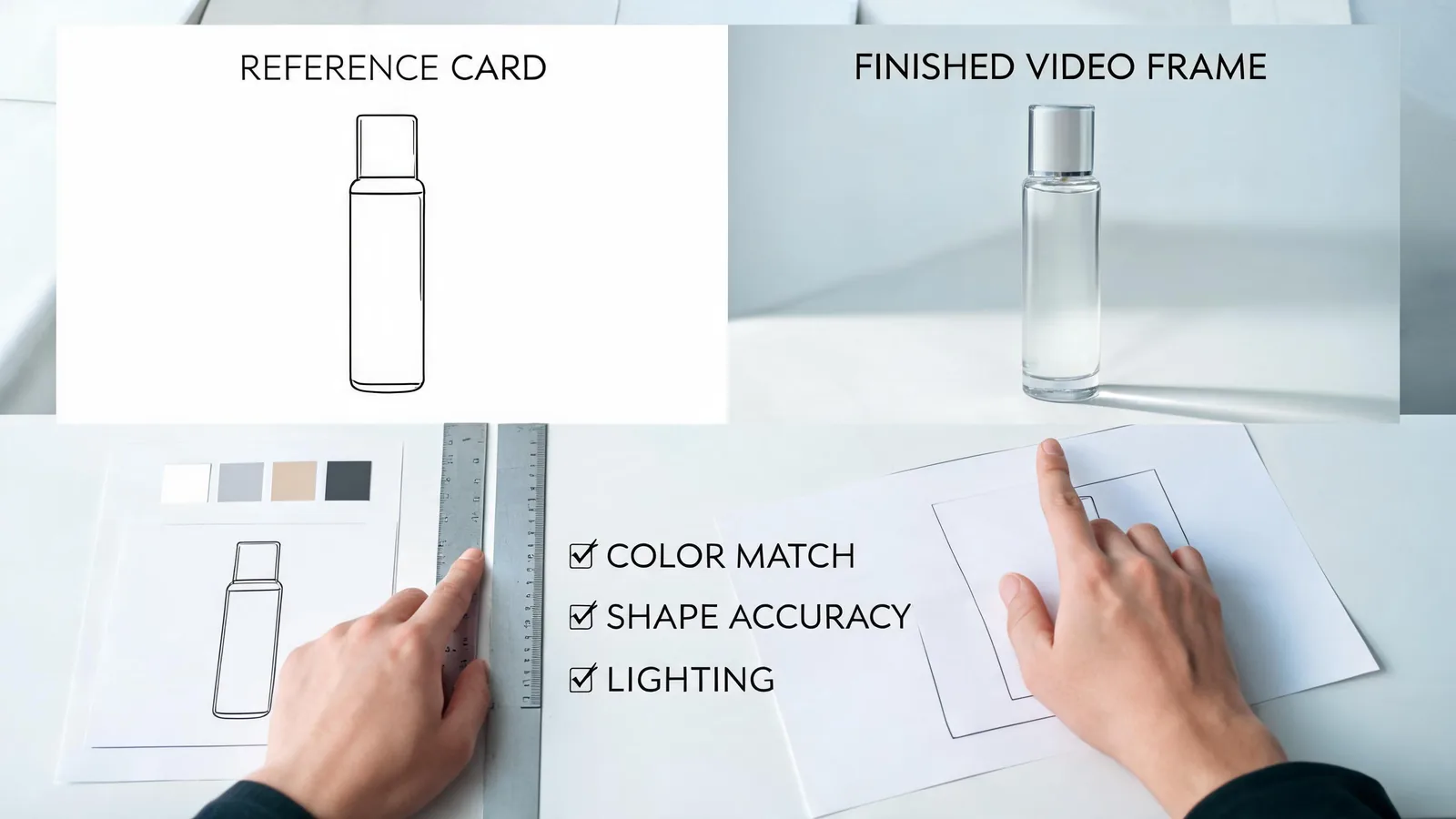
A clip should pass product truth before brand polish and destination formatting; a checkmark is an approval decision, not an AI-quality score.
A compact pre-publish checklist
Use this list after the generation is complete and before an upload is scheduled:
- [ ] The file maps to one approved SKU, variant, and product-information source.
- [ ] Logo, label, text, shape, color, material, quantity, and included items match the approved references wherever visible.
- [ ] No motion implies a use, result, endorsement, price, offer, certification, or availability that is not approved.
- [ ] No unexpected person, third-party mark, proprietary design, or sensitive context appears.
- [ ] The full video—not only a selected still—has been reviewed.
- [ ] The output has been viewed at the intended crop and tested in the delivery path.
- [ ] The final filename, source, reviewer, date, intended placement, and decision are stored together.
For high-risk product information, do not reduce a complex decision to a generic checklist. The responsible legal, regulatory, marketplace, or product reviewer should decide what evidence is enough for that category and destination.
Why this companion is deliberately narrower
The source article is about creating motion from a product image. It recommends simple movements such as a push-in or light sweep and warns against material distortion. This article does not repeat that process. It gives the person who approves the completed asset a later, distinct job: compare the result against the purchasable product and decide what happens next.
That separation is useful in a team. A creator can report what was generated; a product owner can verify what is true; a channel owner can verify destination rules. One person may cover all three roles in a small shop, but the questions remain different.
FAQ
What is the most important QA check for an AI product video?
Confirm that the whole clip still depicts the actual SKU and does not imply a feature, result, included item, or claim that the approved product information cannot support. Product truth comes before visual polish.
Should I reject a clip when the product label becomes unreadable?
If the label carries material product information or needs to be accurate in the placement, reject or replace it. A visually attractive motion effect is not a substitute for an accurate label, variant, or instruction.
Can I use an AI product video in an ad after it passes visual QA?
Visual QA is only one gate. Also check rights, approved claims, current platform and marketplace requirements, disclosures where appropriate, and the final delivered version. A pass on one surface does not automatically authorize another.
Sources
- ClipTrend, Product photo-to-video guide
- ClipTrend, Image-to-video tool
- U.S. Federal Trade Commission, Advertising and Marketing guidance