Sean Avery · Updated
AI Video Editor vs. AI Video Generator: Pick From Your Starting Asset
Choose an AI video editor when you already have a source clip that needs a controlled rewrite. Choose image-to-video when the asset you need to animate is a still. Choose text-to-video when you have no visual source and need the system to create a scene from a written brief. That starting-asset rule is more useful than a feature checklist because it tells you what the tool can reasonably preserve.
The terms overlap in marketing, and a single platform may offer all three workflows. This comparison is a decision guide, not a claim that an AI editor replaces a conventional timeline editor or that a generator can accurately recreate every specified detail.
The three starting assets
An AI video editor begins with moving footage. You upload a source clip and describe a change: adjust the environment, restyle an element, or make a limited rewrite while attempting to retain the parts you name. Its value is the source’s existing motion, framing, and timing.
An image-to-video generator begins with a still. You use a photo, illustration, product image, or other permitted frame as the visual anchor, then request an action or camera movement. It creates the motion that does not exist in the source.
A text-to-video generator begins with a written scene. It has the most freedom because there is no supplied visual asset to preserve—and therefore the most details for the system to invent and for you to review.
The choice is not about which category is “better.” It is about what you already know and what needs to remain under control. If the approved opening image already exists, starting from text asks the model to reinvent information you had. If the only requirement is a novel scene described in a brief, an editor has no source clip to revise.
A compact decision table
| If you have… | Start with… | Strong question to ask | Main review risk |
|---|---|---|---|
| A usable short clip | AI video editor | What one change should occur while this clip stays recognizable? | The new render alters a preserved detail. |
| A clear approved still | Image-to-video | What motion should make this image feel alive? | Motion or identity drifts from the source. |
| A script or loose concept | Text-to-video | What subject, action, camera, and mood make one understandable shot? | Too many invented details or a vague scene. |
| Exact captions, legal copy, or frame-accurate timing | Conventional editor after generation | Which elements must be exact and repeatable? | Treating generated pixels as verified copy. |
This table deliberately starts with assets, not model names. Providers, limits, model availability, and pricing can change. Your source material and acceptance criteria are the stable facts that should drive the workflow.
When an AI video editor is the right tool
Use an editor when the clip’s existing structure is useful: a product has already rotated, a person has already completed an action, or the camera has already found the right composition. Describe the smallest visible change and the elements that must remain stable.
For example: “Keep the camera, walking motion, and product position. Change the weather from clear to light rain. Preserve the original lighting direction and the product shape.” That is a revision request. It gives the reviewer a way to check whether the result earned its use.
ClipTrend’s production AI Video Editor is a prompt-guided source-video workflow. At the time this article was checked, its live page described source-video edits and optional reference-guided changes. The exact models and settings displayed in the workspace are the right place to confirm before you create an edit.
An AI editor is not the best choice when the original clip is fundamentally wrong. If the source has the wrong subject, intended action, or framing, repeated edits can make the revision history harder to judge. Begin again from the asset that contains the facts you actually want to preserve.
When image-to-video is the better answer
Image-to-video is the natural option when a still is the approved source: a product photograph, an illustration, a permitted portrait, or a designed key frame. The prompt should add a modest motion rather than re-describe every visible feature.
Start with one subject, one action, one camera direction, and one atmosphere. A concise brief such as “slow push-in as steam rises; keep the label and tabletop unchanged” makes a useful first test. It also gives you a clear reason to reject a result that changes the product shape or sends the camera in a different direction.
Use Image to Video when the still is the important visual evidence. If the opening frame needs improvement first, edit or replace that still before trying to animate it. Motion cannot reliably repair a weak source image.
When text-to-video makes more sense
Text-to-video is for a scene that does not yet exist as a usable visual asset. It is useful for exploratory concepts, atmosphere shots, abstract sequences, or a storyboard test before a shoot. The prompt has to supply more decisions because the model has no source photo or clip to anchor to.
Write the brief in layers: subject and action first, then camera, environment, light, and any needed audio direction if the selected tool offers it. Avoid baking factual claims, logos, legal copy, or real-world proof into a generated shot. Add verified text and approved assets later in a conventional production step.
The Text to Video workflow is a better fit when the requirement is “show a new scene” rather than “change this existing one.” It is not a shortcut to authentic documentation. A generated scene should be presented with appropriate context and disclosure when a reasonable viewer could mistake it for a real event or recorded evidence.
The overlooked fourth step: exact finishing
An AI workflow can create or revise the visual sequence, but some decisions should remain in standard editing tools: final trims, accessible captions, exact product names, legal statements, sound mix, brand type, and platform-specific exports. These items need repeatability, auditability, or both.
That handoff is not a failure of the generator. It is a practical division of labor. Let a generative tool do the creative rendering where variation is acceptable; let a deterministic tool handle the information that must not change.
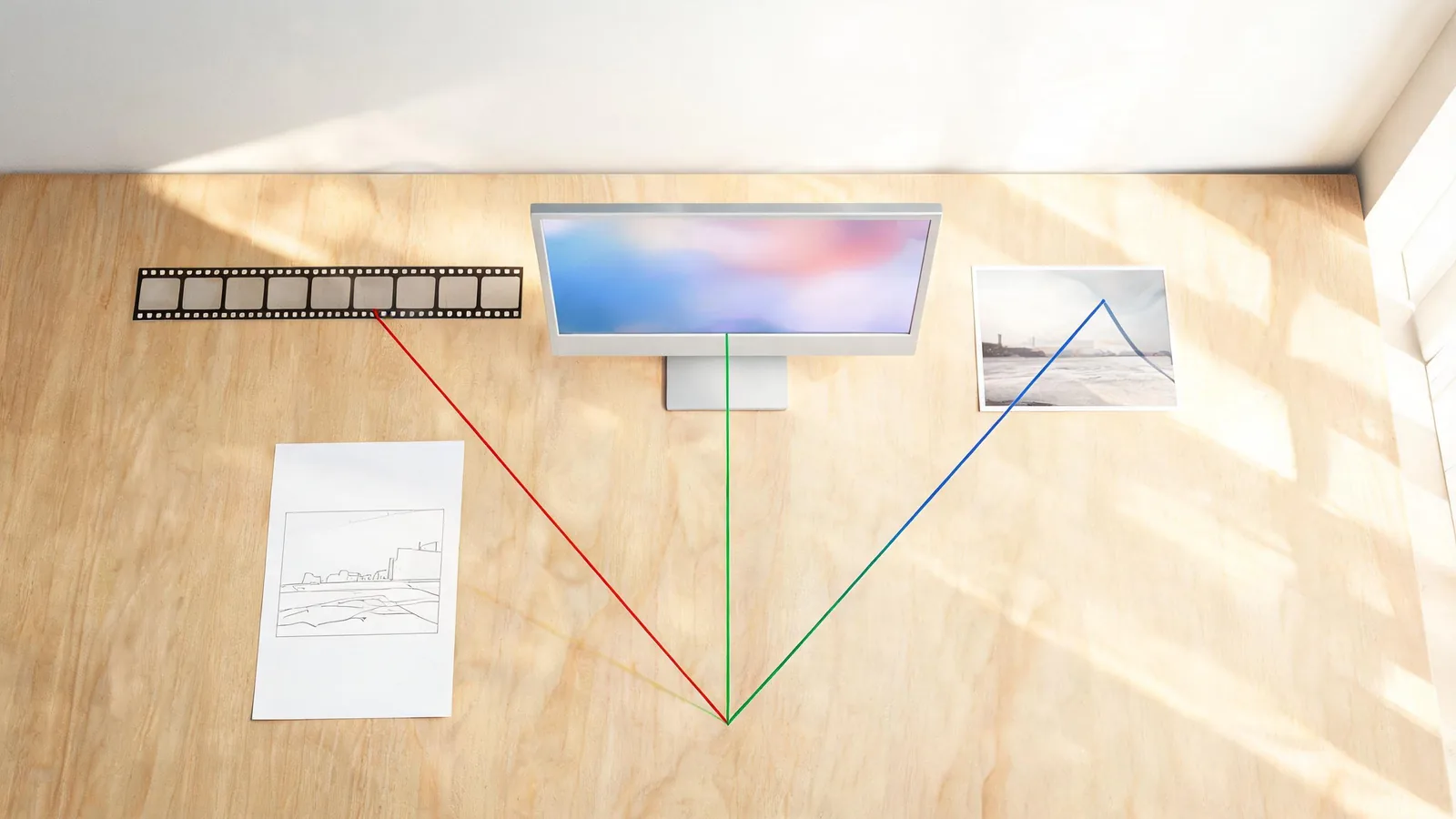
For content that will be published externally, retain the source asset, prompt, version selected, and intended use. The C2PA technical specification is a useful reference for media provenance technology, but provenance data alone does not verify permission, accuracy, or the suitability of a claim. Those remain human editorial responsibilities.
A five-minute selection routine
Before opening a model picker, answer these questions:
- What asset do I have today: a clip, a still, or only a written idea?
- What must stay recognizable or exact in the final result?
- What single change or action would make the output useful?
- What would make the result unacceptable: altered product details, changed subject, wrong camera, unreadable text, or a misleading implication?
- What part will be finished later with ordinary editing tools?
Then make one modest test. Watch it as a sequence, not a hero frame. If the test fails your defined acceptance condition, change one variable or choose a different starting asset. Do not turn a vague request into a long stack of untraceable revisions.
How this differs from the older glossary
The AI Video Generator Glossary explains the basic categories of image-to-video, text-to-video, templates, and effects. This companion answers a different decision: what should you open when you begin with an existing clip, an approved still, or no visual asset at all?
Templates and effects still have their place when you want a repeatable preset or a specific transformation. This article is about asset choice before that stage. A template can be a fast production route; it does not change the need to choose a source you are allowed to use and to review what the completed clip says.
FAQ
Is an AI video editor the same as an AI video generator?
Not always. An AI video editor generally starts with a source clip and asks for a revision. A generator can start from a still image or a text prompt and creates motion or a new scene. Many products offer both, but the source asset still determines the sensible starting workflow.
Should I use image-to-video or an AI video editor for a product photo?
Start with image-to-video if the product photo is your only visual source and you want to create the first motion. Use an AI video editor after you have a clip worth revising, and verify product details against approved assets before publishing.
Can text-to-video produce exact branding or legal text?
Do not rely on a generated frame for exact branding, price, legal language, or factual claims. Create the visual concept with text-to-video if appropriate, then add verified text and approved graphics in a conventional editor.
How do I avoid a misleading AI video?
Use authorized source material, define what must remain stable, review the full sequence, verify claims independently, and disclose material synthetic changes when context calls for it. Do not present a generated sequence as documentary proof of an event, person, or product behavior.
Choose the asset before the model
The fastest way to a usable result is to begin from the asset that already contains the information you need. Edit a promising clip in the AI Video Editor, animate a still with Image to Video, or build a new scene with Text to Video. Then review the whole sequence and finish any exact, factual, or legal elements outside the generative pass.