AI Video Generator Glossary: 4 Terms to Know
An AI video generator is a broad label, not one workflow. Image-to-video animates an existing visual, text-to-video starts from a written scene, a template supplies a repeatable structure, and an effect applies a specific transformation. Knowing the difference prevents a lot of bad prompts and mismatched expectations.
Last updated: July 25, 2026 · about 5 min read
The four terms in plain English
| Term | Start with | Best for | Watch out for |
|---|---|---|---|
| Image-to-video | A still image | Animating a controlled source | The first frame still needs to be clear |
| Text-to-video | A written description | An original scene or shot | Details can drift between generations |
| Template | A source image plus a preset format | A fast, repeatable social clip | The effect should support the message |
| Effect | A particular visual transformation | One recognizable motion or idea | It can overwhelm the subject |
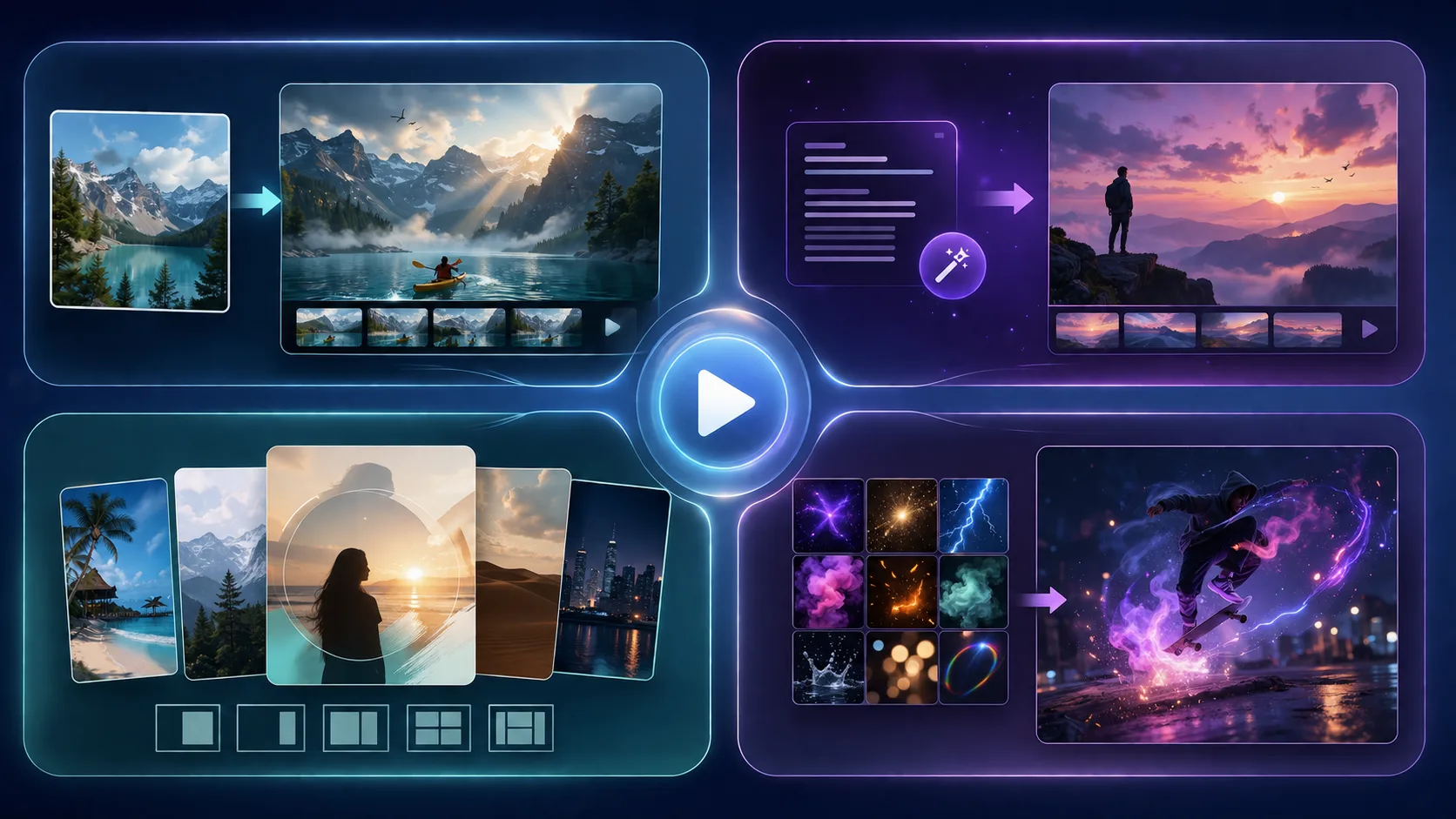
Choose the creation method from the job, not from the flashiest example.
Image-to-video
Image-to-video takes a still frame and gives it movement. It is the right starting point when the photo itself is the important evidence: a product, a person who has agreed to be animated, a place, or an approved illustration. Give the model one main action and one camera direction. A crowded first frame cannot be repaired by extra prompt adjectives.
For a custom sequence, start with image to video. If the opening frame needs work, the best first frame guide is more useful than generating ten random versions.
Text-to-video
Text-to-video begins with a description rather than a photo. It can be useful when you need an original situation, but it also means the system must invent more: face, setting, objects, and motion. Keep claims, logos, and exact product text out of the generated shot unless you will add verified assets in a normal editor later.
Templates and effects
AI video templates bundle a visual structure so you can begin with one image and a recognizable motion. An effect is the specific transformation inside or alongside that structure. Choose a template when repeatability and speed matter more than a custom shot list. Choose an effect when the transformation itself is the point of the clip.
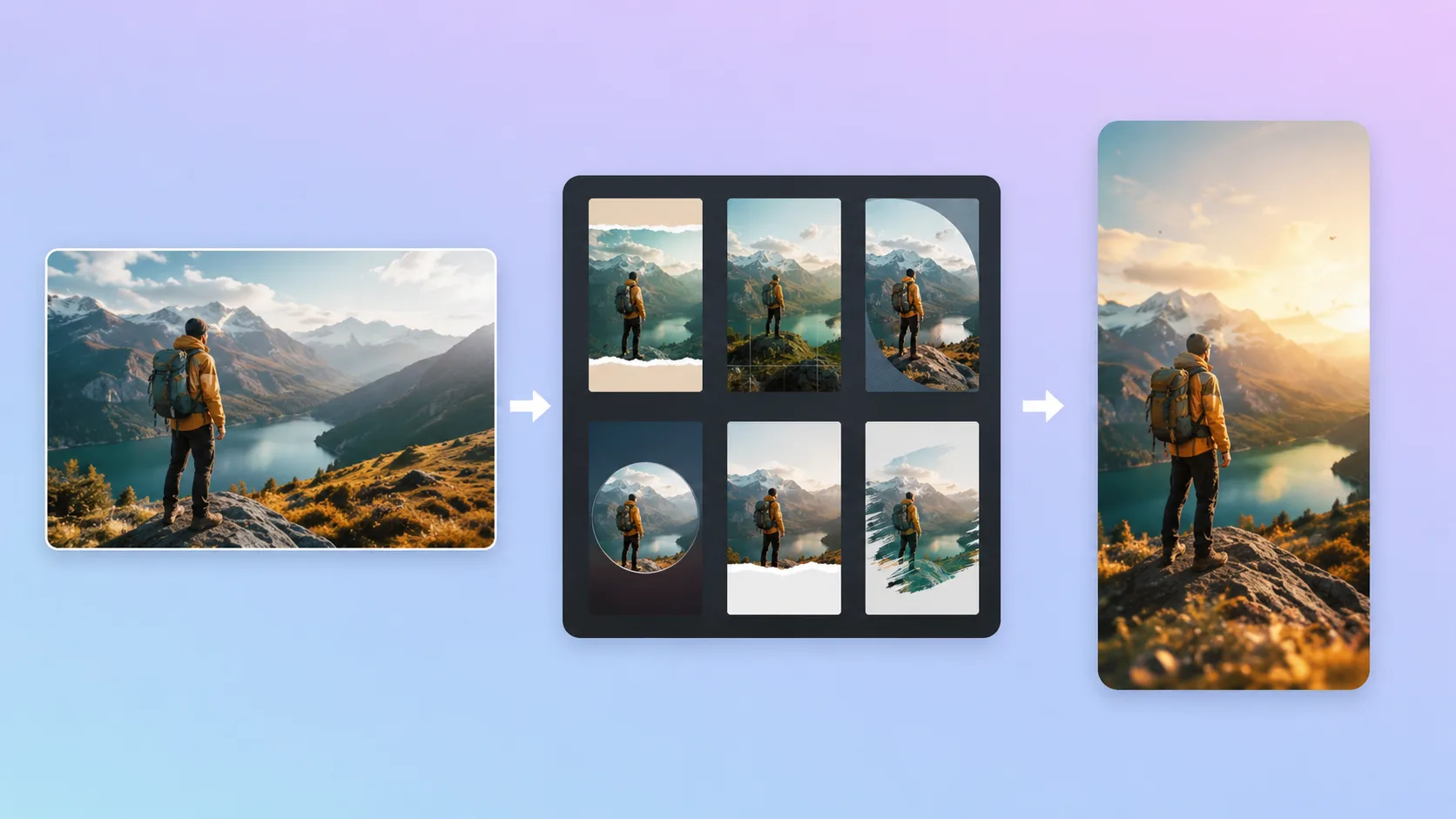
A template gives a structure; it does not verify claims or permissions.
Before you animate a real person, make sure you have permission and that the motion suits the source. Before you post a product clip, check any price, label, or performance claim against an approved source. The AI video template checklist covers those decisions.
A quick selection rule
Use image-to-video when you need one specific source to move. Use text-to-video when the scene itself is still an idea. Use a template when you want a fast, consistent social format. Use an effect when a single transformation is the story.
Browse AI video templates once you know which job you are trying to do. The right choice makes the first second easier to understand; the wrong choice only makes it busier.