Sean Avery · Updated
AI Kpop Dance Generator: Choose a Preset for a First Test
For a useful AI K-pop dance first test, keep one character fixed, choose one K-pop preset from the action library, and judge the completed clip before changing anything else. That narrow setup makes the result easier to read: you can tell whether the pose, motion, framing, and character work together instead of guessing which of several changes caused a problem.
This guide is for a creator who wants to test an AI dance idea before making a series. It is not a claim that one render predicts how a post will perform. A first test is simply a way to decide whether a chosen character-and-move combination is clear enough to keep developing.
Start with one decision, not a whole dance campaign
An AI dance experiment becomes hard to evaluate when the character, clothing, setting, camera direction, and dance all change at once. If the output feels wrong, there is no clean way to know what to change next.
Write one small question before opening a tool:
Does this character read clearly while performing this one K-pop-style move in a vertical short clip?
That question gives the test a boundary. It does not ask the output to settle an entire music-video concept, choose a soundtrack, prove a trend, or replace choreography review. It asks whether the selected visual recipe is worth a second pass.
ClipTrend’s live Beauty Dance template is built around a selectable character and an action library that includes K-pop, modern, and viral dance presets. The page also describes a vertical output. Those are the controls that matter for this first test; confirm the currently displayed settings and credit cost in the workspace before generating, because account options can change.
Choose the character before the move
Pick a character source that will make motion easy to inspect. A clear, permitted full-body or upper-body reference with ordinary lighting is usually a better test input than a heavily filtered, distant, or crowded image. If you use someone’s likeness, make sure you have permission for this animation and the intended use.
You can use a preset character, an authorized uploaded image, or a newly generated character where that option is available. Whichever route you choose, hold it steady for the first comparison. Do not switch from a studio portrait to a neon scene halfway through the test; that changes the visual problem as well as the character.
Before choosing a dance, check four simple things:
- The subject is recognisable at the crop you expect to use.
- Clothing and background do not hide the arms, hands, or torso.
- The source does not contain private details, a confusing logo, or text you need to preserve exactly.
- You can keep the original source and note which version you used.
The last point is practical rather than technical. If a later render looks better, knowing the exact source prevents a team from comparing two similar-looking files as though they were the same input.
Pick one K-pop preset with a visible beat
Open the action library and select one K-pop preset rather than treating every available move as part of a single prompt. A first test works best with motion that has an obvious beginning, a readable central gesture, and a settled ending. You do not need to judge whether it copies a particular performance; use the preset as a motion choice supplied by the template and review the actual result on its own terms.
Prefer a move that lets you inspect the parts most likely to become distracting in a short clip:
| Test choice | Why it helps | What to inspect |
|---|---|---|
| One clear arm-and-shoulder sequence | Easy to see whether the pose remains readable | Hand shape, sleeves, shoulder line |
| A modest turn or weight shift | Reveals whether the character still feels anchored | Body outline, floor contact, background stability |
| A simple camera relationship | Keeps attention on the selected move | Crop, headroom, and unexpected reframing |
Avoid trying to make the first render carry a long sequence, multiple dancers, a detailed story, or exact on-screen copy. Those may be creative goals later, but they make it harder to learn from the initial output.
Run the first test with the defaults you can explain
Once the character and preset are selected, leave optional creative changes alone unless they serve the question you wrote. If you can choose a setting, record it. If you cannot explain why you changed it, it probably belongs in a later test.
A compact first-test record can be as short as this:
| Item | Record |
|---|---|
| Character source | Preset name or approved source-file version |
| Chosen action | One K-pop preset name or preview label |
| Intended use | Private concept check, team review, or social draft |
| Accept / reject rule | Motion must remain readable through the full clip |
Generate only when you can say what would make the version unusable. Examples include an unrecognisable face, warped hands that pull focus, an accidental wardrobe or background change, a crop that cuts off the central motion, or a move that simply does not match the intended tone. A visually attractive single frame is not enough evidence; watch the whole sequence.
Review the output as a sequence
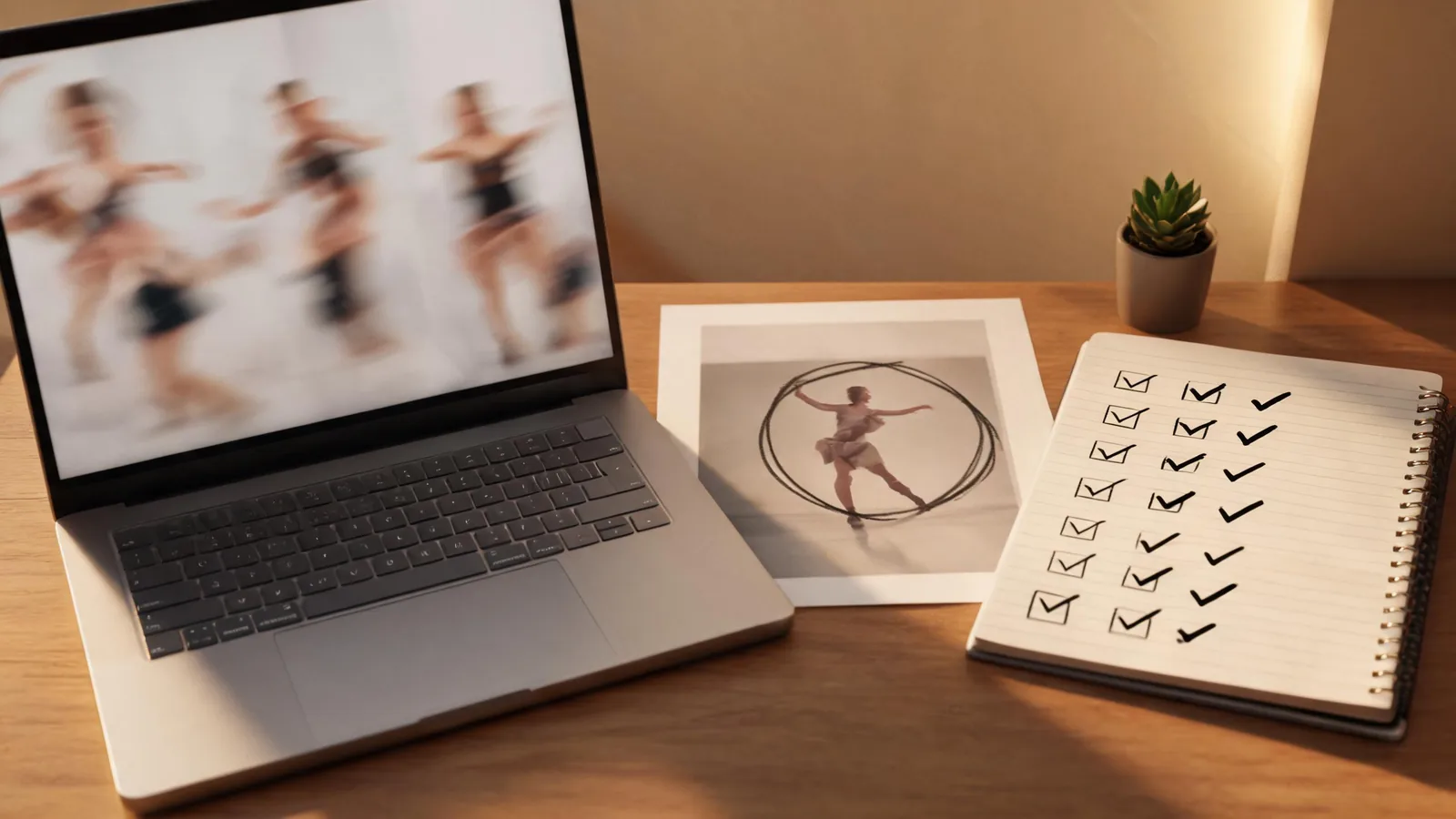
Watch once without pausing. Ask whether a viewer can understand the movement and character quickly. Then watch again and look for the details that matter to your specific test: hands, edges of clothing, facial consistency, camera crop, and the start-to-end transition.
Use this short acceptance checklist:
- The chosen move is readable without relying on a caption or soundtrack.
- The character remains identifiable from start to finish.
- The output does not introduce an important object, claim, label, or person that you did not approve.
- The vertical crop supports the movement instead of cutting through the key gesture.
- You have permission for the source material and a plan for any audio or platform disclosure that will be added later.
If the test fails, change one factor for the next run. Keep the character but choose a simpler move, or keep the move but use a clearer input. Changing both at once turns the next output into another ambiguous comparison.
Keep generated visuals separate from rights and music decisions
The action selection is not permission to use a named choreography, recording, or person’s likeness outside the tool. Review the current terms and rules for the destination where you plan to publish. For example, TikTok’s synthetic media policy is a useful starting point for checking how a platform describes labeled or misleading synthetic media, but it is not a substitute for the platform controls shown when you post.
If your team needs a provenance record, the C2PA specifications explain technical approaches to content provenance. They do not prove consent, ownership, accuracy, or a right to distribute a clip. Keep those decisions in your normal approval process.
From one test to a small, comparable series
Only after one combination works should you try a small comparison. Hold the character fixed and test a second preset, or hold the preset fixed and test a different permitted character. Label each result clearly. This is more useful than generating a large pile of disconnected clips because it gives you a reason for each new render.
For the later publishing and disclosure decisions, use the separate AI K-pop dance publishing checklist. That article covers source rights, review, and disclosure; this guide stays focused on the earlier decision of selecting one preset for a controlled first test.
FAQ
What is the best first preset to test in an AI K-pop dance generator?
Choose one preset with a clear central gesture and a readable start and finish. The best first choice is not necessarily the busiest one; it is the one that lets you judge character, motion, and crop without several variables changing at once.
Should I change the character and dance preset at the same time?
Not for the first comparison. Keep one constant so a failed result gives you a useful next action. Change the character or the preset on the next test, not both.
Can I publish the first AI dance render immediately?
Treat it as a review version first. Watch the entire sequence, confirm permission for every source, check any music and platform requirements, and disclose synthetic media when the destination’s current rules require it.
Make the next decision obvious
Choose one character, one K-pop preset, and one accept-or-reject rule. A modest first test will not answer every creative question, but it can tell you whether to keep the move, adjust the source, or stop before spending effort on a less clear idea. When you are ready to compare the combination, open Beauty Dance and use the current workspace controls as the source of truth.