Sean Avery · Updated
Photo-to-Video AI Editing: Fix a Generated Clip One Change at a Time
Photo-to-video AI editing works best as a controlled revision loop: keep the source clip, name one visible change, say what must remain stable, then review the entire new clip before making another request. Do not try to repair wardrobe, lighting, camera motion, background, and subject identity in one pass. A smaller edit gives you a clearer result to accept, reject, or refine.
This guide is for the common moment after a generated clip is nearly useful but one detail is wrong. It is not a promise that every change will preserve every frame. Prompt-guided video editing is generative, so review matters as much as the request.
Start with the clip you actually want to keep
First, decide whether the existing clip contains enough worth preserving. Save the exact source video and note the version you are reviewing. If the subject, composition, and motion are broadly right, editing that clip is usually more sensible than recreating a whole scene from a still. If the clip is wrong at its foundation—wrong subject, wrong action, or unusable framing—start a fresh image-to-video or text-to-video generation instead.
Use this quick distinction:
| Starting point | Better first move | Why |
|---|---|---|
| A short clip with one unwanted visual detail | Prompt-guided video edit | You have motion and composition worth retaining. |
| A good still image but no clip yet | Image to Video | The task is to create motion from a still. |
| A written idea with no approved visual asset | Text to Video | The scene, subject, and action still need to be created. |
| A clip whose basic story or framing is wrong | Generate a new version | Repeated edits may compound the mismatch. |
That decision prevents a familiar waste: asking an editor to solve a generation problem, then adding more instructions when the result drifts. The word “edit” can sound smaller than it is. A video-to-video request still asks a model to render a new moving sequence, so there is no guarantee of pixel-perfect continuity.
Build a one-change brief
The most useful prompt has three parts: what stays, what changes, and what must not break. Keep it concrete enough that a reviewer could check it without reading your mind.
Keep the person, pose, camera position, and room layout. Change only the jacket from gray to deep red. Preserve natural skin tone, lighting direction, and the existing walking motion.
This structure makes trade-offs visible. If the new result changes the jacket but shifts the camera, you have a specific reason to reject it. If it preserves the scene but misses the color, you know the next prompt should clarify the color—not add a second unrelated request.
Avoid words such as “better,” “more cinematic,” or “fix it” on their own. They are useful creative reactions, not observable instructions. Replace them with a testable description: “make the room late afternoon while keeping the same framing,” or “remove the cup from the table while leaving both hands unchanged.”
Choose one category for each pass
Run one class of change at a time:
- Appearance: wardrobe color, a simple prop, a restrained style adjustment.
- Environment: weather, time of day, background atmosphere, or a limited set dressing change.
- Continuity: preserve the subject, composition, camera, and key action while changing one named element.
- Finish: make a small, already-defined improvement after the main visual edit has passed review.
Do not treat this as a technical limitation or a universal rule. A model can sometimes handle several changes. It is a review strategy: when the request has one main variable, you can tell what caused a new problem and choose the next action responsibly.
Use the source and optional reference deliberately
In ClipTrend’s live AI Video Editor, the workflow begins with a source video and a prompt; an optional reference image can guide a change. The production page currently presents prompt-guided source-video edits, including Kling Edit Beta and Wan 2.7 Edit. Model options and account-specific settings can change, so use the workspace as the source of truth before spending credits.
A reference is most useful when it answers a visual question that words describe poorly: the exact fabric color, an approved product finish, a lighting mood, or a permitted location look. It is not a substitute for rights. Only upload video and reference material you own or are authorized to use, especially when it depicts customers, recognizable people, client work, or product packaging.
Keep the reference narrowly relevant. A board full of unrelated inspiration can make the desired change less clear. If a real product, person, or setting is important to the claim of a published clip, obtain approval and verify the final edit rather than assuming a reference has preserved it accurately.
Review the whole sequence, not a still frame
The accepted thumbnail is not the accepted video. Watch the output from start to finish at normal speed, then inspect the points where motion begins, overlaps, or ends. A successful color change can still introduce a jump in clothing edges, a shifted hand, a changed product shape, or a background inconsistency.
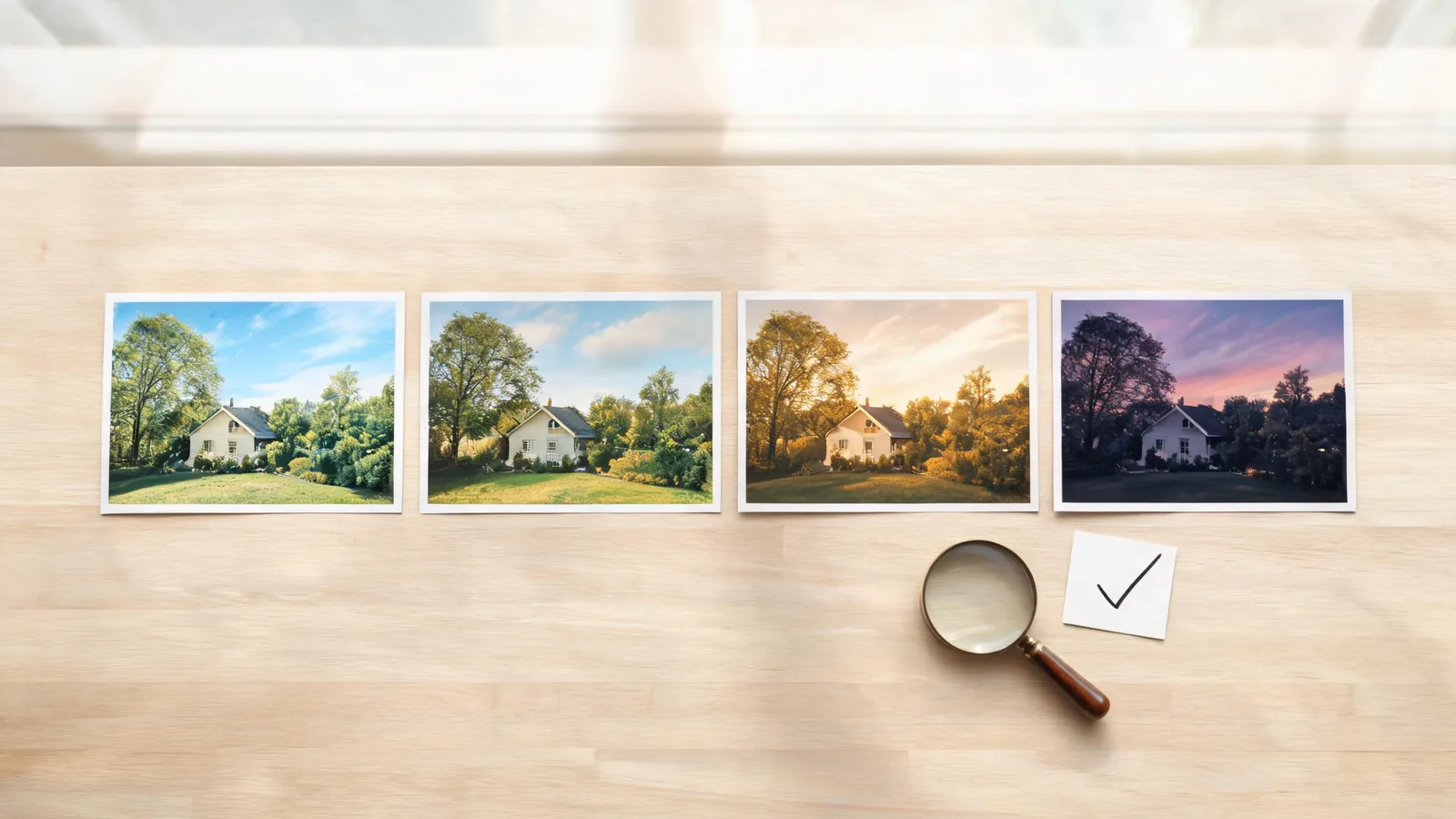
Use this short review pass:
- Does the requested change appear consistently rather than only in one frame?
- Does the person, product, place, or key object remain recognizable where it matters?
- Do motion, shadows, and boundaries remain plausible through the whole clip?
- Did the edit add an unintended logo, text, claim, or sensitive detail?
- Does the result still communicate the same thing without a misleading implication?
- Is a second change genuinely needed, or is this version ready for normal finishing work?
For a social clip, also view it at the intended aspect ratio and size. A fine edge issue can become obvious after a vertical crop. For an ad, help article, or client deliverable, compare every factual label and product detail with an approved source. Generative media should not be the evidence for a price, feature, testimonial, or event.
Decide whether to refine, restart, or finish elsewhere
After review, pick one path rather than endlessly stacking passes.
Refine once more when the source is still strong and the failure is limited and describable. Keep the next prompt anchored to the accepted parts: “keep this lighting and camera; correct only the bag handle.”
Restart from a clean source when the edit has changed the subject, scene logic, or basic action. A new first generation may be cheaper in attention than a long chain of repairs whose changes are hard to trace.
Finish in a conventional editor when the remaining work is deterministic: approved captions, exact brand type, legal copy, precise trims, sound mixing, or a known transition. Prompt-guided generation is a creative rendering tool; it is not a dependable replacement for controls that need exact repeatability.
Keep a simple version record: source filename, prompt, reference used, accepted result, and intended use. This is especially useful when a teammate needs to reproduce the decision or when an asset will be published in a context that calls for disclosure. The C2PA specification describes an open technical approach to recording media provenance; it does not determine whether a clip is accurate, authorized, or suitable for a particular claim.
A practical two-pass example
Imagine a five-second product lifestyle clip. The walking motion and camera are good, but the jacket color conflicts with the campaign palette.
- Save the accepted source clip and identify the single problem: the jacket color.
- Supply an authorized color reference only if it will make the desired result less ambiguous.
- Ask to keep the person, walk, room, camera, and lighting; request only the new jacket color.
- Review the full output. Check hands, sleeves, shadows, and whether the product remains unchanged.
- If the color is right but the product label has drifted, do not use the generated label. Restore or verify the approved product asset in the normal production workflow.
- If the clip passes, add any exact on-screen copy in a tool designed for that job, then retain the source and accepted export together.
The result is not a magic “one prompt fixes everything” workflow. It is a way to make each creative decision legible and reversible.
FAQ
Can photo-to-video AI editing preserve my original clip exactly?
No. A prompt-guided edit generates a new result from the source and instruction, so preservation is a goal to evaluate, not a guarantee. Keep the source, request one visible change, and watch the whole output before accepting it.
What should I write in an AI video editing prompt?
Name what stays, name one change, and state what must remain stable. For example: “Keep the subject and camera. Change only the weather to light rain. Preserve the existing walking motion and daylight color balance.”
When should I use image-to-video instead of video editing?
Use image-to-video when your approved starting asset is a still and you need to create the first motion. Use video editing when you already have a clip with motion and composition worth retaining but need a controlled rewrite.
Can I use a generated edit as proof of a product feature or real event?
No. Verify claims against approved sources. A generated or edited clip can illustrate a concept, but it should not be treated as evidence for facts, endorsements, product behavior, or documentary events.
Make the next change easy to judge
Start with the best available source, make one observable request, and review the result as a sequence. When you have a source clip worth refining, open the AI Video Editor; when the source is only a still, begin with Image to Video instead.