Sean Avery · Updated
AI Workout Video Generator: A First Test From One Photo
An AI workout video generator can turn one approved photo into a short vertical gym-style clip, but the useful first test is deliberately small: choose a clear solo photo, request one simple workout moment, and review the whole result before sharing it. On ClipTrend’s live AI Workout Generator, the one-photo workflow is presented as a six-second, 9:16 image-to-video effect. It is a creative transformation, not evidence of a real workout, fitness change, or training result.
This guide is a first-test method checked against that public ClipTrend page on September 17, 2026. The page currently describes a one-photo input and a short vertical output; controls, credits, and availability can change, so confirm the live workspace before starting. Use a photo you are allowed to animate, especially when it shows another recognizable person.
What this first test can answer
The goal is not to prove that a generated clip looks real in every circumstance. It is to answer one practical question: can a simple, clearly fictional fitness transformation communicate the intended idea without changing the person, outfit, or scene in a way that makes the clip unusable?
That is a narrower question than “Can AI make workout videos?” and it is more useful. A short test can expose warped hands, an unstable face, altered clothing, or motion that looks disconnected from the source. It cannot verify strength, body composition, gym experience, health outcomes, or a claim that a person actually trained.
Write down a modest target before you upload:
A single person in a plain athletic outfit makes one controlled gym movement in a simple setting. Keep the face recognizable, keep the clothing appropriate, use no logos or text, and make the result read as a stylized transformation.
The brief has a subject, action, setting, and boundaries. That gives the review a fair standard. “Make me look like a fitness influencer” does not: it leaves identity, age, clothing, setting, and claim risk unspecified.
Choose a source photo that gives the model room to work
The one-photo route starts with the source, not the prompt. Pick a photo that you created or have permission to use, with one person clearly visible and enough space around the shoulders, arms, and torso. A steady pose is easier to assess than a crowded group shot, mirror selfie with a busy background, or a compressed screenshot.
| Source choice | Why it helps | What to avoid |
|---|---|---|
| One adult, face visible, body mostly in frame | Gives the motion a clear subject and lets you check identity | Cropping half the face or both hands |
| Simple background and even light | Makes drift easier to spot | Mirrors, crowds, tiny signage, or visual clutter |
| Clothing you are comfortable depicting | Makes the first result easier to judge | A uniform, medical setting, or brand-sensitive garment |
| A photo you are entitled to animate | Keeps the creative test inside an agreed scope | Someone else’s photo, a minor’s image, or a confidential image without permission |
For a public post, use a source that does not make the result look like documentary gym footage. If a reasonable viewer could mistake the clip for a before-and-after health claim, change the framing, add clear context in the eventual post, or do not use the render. A generated visual can be playful; it should not become a substitute for a verified testimonial.
Run one controlled image-to-video test
Open the AI Workout Generator and use the one-photo mode shown in the current workspace. Keep the initial request intentionally conservative. You are looking for continuity, not for a dramatic montage.
- Upload the approved source photo.
- State one action, such as a controlled stretch, a steady stance, or a single simple rep.
- Ask to preserve the person’s recognizable features and the overall clothing context.
- Exclude text, brands, medical imagery, and invented fitness claims.
- Generate one short test and save the source, request summary, date, and result together.
You do not need a long prompt to make this test meaningful. A compact request such as “one gentle training movement, stable face and outfit, simple gym setting, no text or logos” gives you something specific to review. If the initial render is weak, do not change every variable at once. Decide whether the source crop, action, or setting caused the problem, then change one of those for a second test.
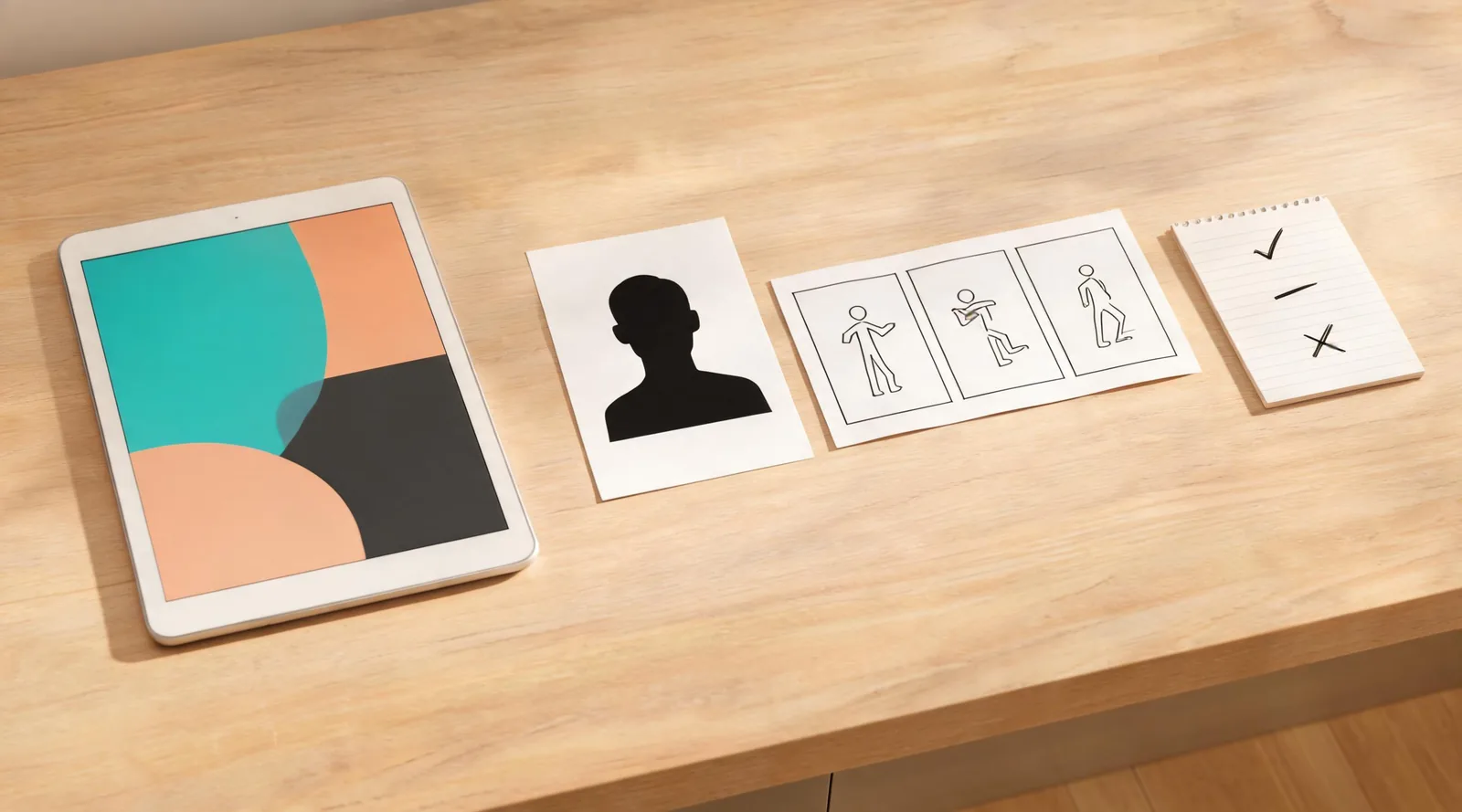
Conceptual review visual. It illustrates the approval method, not a measured ClipTrend output or a fitness result.
Review the whole six-second result
Watch the clip once at normal speed. Then check the beginning, action, and final frame. A striking thumbnail is not enough: the visible details must hold through the clip.
Use these five questions:
- Identity: Does the result still resemble the approved person, without a surprising face, age, or body change?
- Motion: Is the action simple and physically readable, without floating limbs, abrupt pose changes, or implausible equipment?
- Context: Does it remain clearly creative rather than claiming a real workout, body change, or coaching result?
- Source boundaries: Did it retain details that should not drift, such as clothing modesty, a tattoo, or a non-branded setting?
- Placement: Will captions, platform controls, and a disclosure still fit the 9:16 destination?
Reject a clip when the answer to any material question is no. That does not mean the tool failed; it means the first test has produced a useful decision. You can simplify the source, tighten the action, or use a regular editor when the story needs exact timing and literal accuracy.
Keep the “free” question honest
People often search for a free AI workout video generator because they want to test an idea before committing to a long production process. A free-credit or trial offer, when it is shown in your account, can make a small test possible. It is not a promise that every render, option, or future account will be free. Check the live pricing page and the workspace before you generate rather than relying on an old screenshot or a third-party claim.
The more important saving is scope: one reviewable test may tell you that the concept is not appropriate to publish. Avoid spending several attempts trying to force a generated clip to support a fitness promise that needs real evidence. Use verified footage, a trainer-approved script, or a conventional edit for instructions, transformations, endorsements, or health-related communications.
Share a stylized transformation with context
Before a public post, add the accurate context outside the render. A clear caption can say it is an AI-generated or AI-altered visual. Keep offers, coaching qualifications, safety guidance, and measurable claims in reviewed copy—not in a generated scene where letters and details can drift.
If your delivery workflow supports provenance records, retain them with the source and edit notes. The C2PA Content Credentials explainer is useful here because it distinguishes a tamper-evident provenance record from proof that a depicted claim is true. Provenance can help document a workflow; it does not validate a fitness result or replace permission.
For a broader treatment of source rights, generated-media context, and final review, see ClipTrend’s brand-safe AI video guide. If you need a more literal shot from an approved still rather than a preset transformation, start with Image to Video and keep the same review boundaries.
FAQ
Can I make an AI workout video from one photo?
ClipTrend’s public AI Workout Generator currently presents a one-photo image-to-video workflow that produces a short vertical fitness-style clip. Use a source you may animate, then review the full output before you share it.
Is an AI workout video proof of a real transformation?
No. A generated workout-style clip is a creative visual. It does not prove that someone exercised, achieved a result, received coaching, or used a product. Keep factual claims separate and verifiable.
What photo works best for a first test?
Use a clear, permitted solo photo with a visible face, a mostly unobstructed body, simple light, and an uncomplicated background. Choose a modest action for the first render so continuity is easy to inspect.
What should I do if the result changes the person too much?
Do not publish it as though it depicts that person. Try a simpler source crop or action only if you still have consent and a clear purpose. Otherwise, use a conventional edit or choose another creative approach.
Make the first test easy to reject
Open the AI Workout Generator, upload one approved photo, and ask one small question of the output. A clear keep, revise, or stop decision is a better result than a dramatic clip that has no responsible place to go.