Sean Avery · Updated
AI Video Effects vs. AI Video Editor: Choose a Template or a Source-Video Rewrite
Choose an AI video effect when you want a repeatable visual treatment and can begin from the kind of asset its workflow expects. Choose an AI video editor when you already have a moving source clip worth preserving and need one clearly described change. The distinction is whether you are selecting an effect recipe or rewriting footage with timing, motion, and framing.
Here, “effect” means a repeatable template-style treatment, not a guarantee that every template accepts the same input or produces an identical result. Check the live workflow, inputs, cost, and output controls before generating.
The short decision
Start with an effect or template if the visual idea comes first: a familiar transformation, reveal, movement pattern, or social format you want to test quickly. Its preset structure gives your request a useful starting point.
Start with an editor if the clip comes first: the action, camera move, timing, or product placement already works and you want to revise a limited part of it. A source-video rewrite should be judged against the original footage, not against an imagined ideal.
| You have | Better starting point | Why | First thing to review |
|---|---|---|---|
| A repeatable visual concept, but no essential existing motion | AI video effect or template | The workflow supplies a starting structure for the treatment | Whether the input and output match the intended format |
| A clip with good action and framing | AI video editor | The original footage gives the rewrite something useful to retain | Whether the requested change stays limited |
| An approved still, but no motion | Image to Video | The still is the visual anchor and new motion must be created | Identity, geometry, and camera drift |
| A written scene with no usable visual asset | Text-to-video | The system has freedom to create the opening visual world | Whether the scene is specific enough to evaluate |
The last two are included to prevent a common false choice: neither an effect nor a source-video rewrite is automatically right when the only approved input is a photo or a written brief.
What an AI video effect is good at
An effect workflow is useful when you recognize the shape of the result before you know every production detail. You might want a playful reveal, an object transformation, a motion treatment, or a familiar social format. A repeatable workflow narrows the setup so you can concentrate on whether your subject, crop, and idea fit the treatment.
On ClipTrend, the template catalog is the place to inspect currently available effect workflows. Treat a template as a starting recipe, not as proof that it will preserve every brand detail. Before you run it, check what it asks you to upload, whether the framing suits your intended platform, and whether the published example implies a kind of motion that your source can plausibly support.
Effects are especially helpful for short, exploratory tests:
- You are comparing two hooks for a vertical social post.
- The audience understands a familiar visual format without a long setup.
- You can use an authorized source image or clip that matches the workflow.
- The treatment itself is the point, not a precise revision to an existing sequence.
They are less helpful when the requirement is “keep this action, product position, and timing, but change one thing.” That calls for a source-aware review process.
What a source-video rewrite is good at
An AI video editor begins with moving footage. The source already contains camera movement, pacing, a subject position, and relationships between frames. A prompt-guided edit asks for a new render that attempts to carry selected parts of that source forward while changing something you name.
ClipTrend’s live AI Video Editor is a prompt-guided workflow for uploading a source video and an editing prompt; it can also accept an optional reference image. The live selection currently describes edit-capable models, but model labels, settings, and availability can change, so the workspace is the authority before you spend credits.
Use this route when the instruction can be expressed as one observable change:
Keep the walking pace, camera angle, and product position. Change only the weather from clear to light rain. Preserve the existing light direction and do not add text or logos.
That is a reviewable request. You can watch the source and output side by side, then decide whether the rain changed the item, altered the walk, or introduced an unwanted claim. “Make it more cinematic” is not reviewable in the same way: it does not say what must remain stable or what success looks like.
Conventional editors use reference-frame comparison for this same general discipline. Adobe’s documentation on comparing edits to clips describes reviewing a current frame against a retained reference. A generative rewrite needs an equivalent, whole-clip check because a good still image can conceal drift during motion.
Use the “one change” test before you choose
Ask these questions in order:
- Is there a source clip I would keep if nothing changed? If yes, an editor may protect useful motion better than restarting from a template.
- Can I name one primary change? If you need a new subject, new setting, new action, new camera, and new timing, you are no longer asking for a limited rewrite.
- Does a repeatable effect already describe the audience-facing idea? If it does, test that workflow first instead of writing a long prompt to imitate it.
- What must be exact? Approved copy, legal language, a product label, exact timing, or a factual claim belongs in a dependable finishing workflow, not in generated pixels.
- Can I reject the output quickly? Name the frame or behavior that would make the version unusable before you generate.
Choose the tool whose starting asset contains the facts you need to preserve.
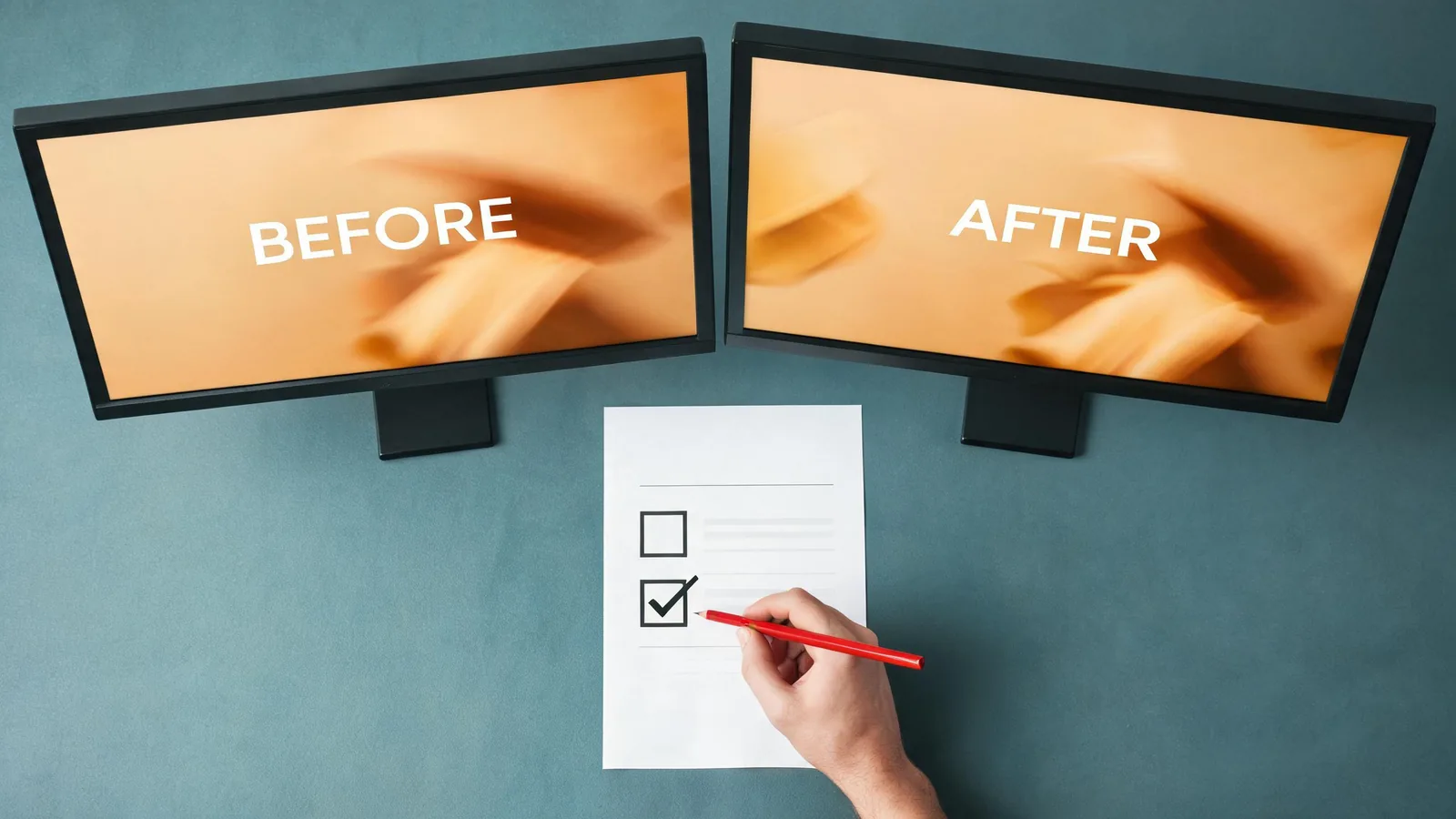
Conceptual workflow visual, not a ClipTrend interface or a claimed generated result.
A practical comparison: product clip with one problem
Imagine that a five-second product clip has the right camera movement and a clear product silhouette, but the atmosphere is wrong for the campaign.
Choose an AI video effect when the campaign wants a recognizable treatment and the original timing is not sacred. You may be testing whether a transformation or reveal format earns attention. Use an authorized source that fits the template, keep the product claim modest, and judge the result on clarity rather than assuming the treatment preserved the product faithfully.
Choose an AI video editor when the existing movement and framing are already approved. Ask for the single atmosphere change, keep the product shape and camera stable, and inspect the complete result. If the model changes the label, introduces a second product, or moves the subject unpredictably, reject the version even if the new atmosphere looks attractive.
Choose neither when the product needs exact readable packaging, regulated claims, or frame-accurate end cards. Keep those elements in an approved still or conventional finishing process. Generated media can illustrate an idea, but it is not reliable evidence for a product fact.
Review differently for each workflow
The same acceptance checklist does not fit every kind of generation.
For an effect or template
- Does the input match the workflow’s expected subject, crop, and orientation?
- Is the effect understandable in the first moments at the intended viewing size?
- Has the treatment distorted a person, product, place, or factual visual detail?
- Does the output introduce text, marks, or implications you did not approve?
- Is the result a useful variation, or merely a familiar effect pasted onto an unsuitable source?
For a source-video rewrite
- Does the requested change appear consistently through the sequence?
- Are the camera path, primary action, subject identity, and important object positions still recognizable?
- Do edges, hands, shadows, reflections, and background geometry remain believable while moving?
- Did the output change more than the request justified?
- Would a viewer mistake a generated alteration for documentary proof or an approved product record?
For both routes, use only material you own or are authorized to use. Do not use a generated result as evidence of a real event, testimonial, product feature, or person’s behavior without separate verification.
When to switch paths
Switch from an effect to a rewrite when the template supplies the visual idea but the campaign now depends on a particular existing clip staying recognizable. Save the accepted source and make one limited edit request rather than repeatedly forcing it through a treatment.
Switch from a rewrite to an effect when you are asking for a complete reinvention and the existing motion no longer matters. A template can provide a clearer first test than a long prompt full of incompatible preservation instructions.
Switch to Image to Video when your approved visual source is a still. Switch to normal timeline finishing when you need exact captions, approved logos, sound mixing, cuts, or legal copy. Those are not failures of AI workflows; they are different production jobs.
FAQ
Are AI video effects the same as AI video editing?
No. An effect or template is a repeatable treatment that gives you a structured starting point. AI video editing begins with an existing clip and asks for prompt-guided changes while attempting to retain the source elements you name.
Should I use an AI video editor if I only have a photo?
Usually no. If the approved asset is a still and you need its first motion, start with Image to Video. An editor is most useful when a moving source clip already contains timing or framing worth keeping.
How do I make an AI video rewrite easier to review?
Request one visible change, name what must stay stable, and compare the complete output with the source. Reject a result that changes a protected product detail, identity, camera relationship, or factual implication even if one frame looks good.
Can a template preserve product labels or exact on-screen text?
Do not assume so. Use verified source assets and a deterministic finishing process for exact labels, legal language, pricing, or other factual copy.
Pick the workflow that preserves the right thing
Use a repeatable effect when the treatment is the creative starting point. Use the AI Video Editor when an existing clip contains motion and framing worth retaining through one controlled rewrite. In either case, define what will make the version unacceptable before generating, then review the whole sequence rather than approving a single attractive frame.