AI Video Template Brief: A Team Handoff Checklist
An AI video template handoff should name the approved source asset, the exact template, the one job the clip must do, the allowed prompt changes, the reviewer, the output checks, and the publishing boundary. Put those decisions in a short brief before another person generates or posts anything. It turns a repeatable template into a repeatable team workflow.
Last updated: September 7, 2026 · about 7 min read
Copy this brief before you hand work over
Use the fields below after your team has selected a template. This is deliberately not another guide to choosing templates versus prompts. It is a handoff sheet for the next person who needs to make, review, or publish a specific clip.
| Field | What to record | Why it matters |
|---|---|---|
| Clip job | One sentence: what a viewer should understand first | Stops a template from becoming an effect without a message |
| Approved source | File name, owner, permission scope, and crop | Prevents a teammate from using a near-match or unapproved asset |
| Template | Exact template name or URL, plus the selected mode | Makes the result reproducible |
| Allowed changes | The one or two variables that may change | Keeps a test from becoming an uncontrolled rewrite |
| Must preserve | Product shape, person, framing, factual details, or other non-negotiables | Gives reviewers a clear rejection rule |
| Reviewer and decision | Named reviewer, deadline, and approve/revise/reject labels | Replaces vague “looks good” feedback |
| Publishing boundary | Destination, caption owner, disclosure, and items that need a normal editor | Separates generated visuals from verified copy |
Save the brief alongside the approved source rather than leaving it in a chat thread. If an incoming teammate cannot tell which source, template, or reviewer is authoritative in less than a minute, the handoff is not finished.
Start after the template decision—not before it
A template gives a clip a repeatable visual structure. It does not decide whether the source is licensed, whether product details are correct, who can approve a public post, or what a caption should claim. Those are team decisions, so they belong in the brief.
If your team is still deciding whether a template is the right starting point, read AI video templates vs prompts. If the format is already chosen, the practical next step is to make it executable by someone who did not join the first discussion.
For example, “Use the product reveal template for the new bottle” is not enough. A handoff someone can actually use says: “Use the approved bottle-front-03 source, crop to keep the label area clear, use the selected reveal template, preserve the bottle shape and cap color, change only the background mood, send the full result to Jordan for review, then add the approved price and caption in the editor.” The second version makes the constraints and ownership visible.
Define the clip’s job in one sentence
Give the template a job that can be checked in the first seconds of the finished clip. “Introduce the new bottle’s silhouette” is a job. “Make it viral” is an aspiration, not a review criterion.
The job should include the audience or placement when it changes the decision. A vertical social teaser and a product-page loop can use the same source but need different safe areas, pacing, and caption room. Write the intended placement into the brief so the generator does not accidentally optimize for the wrong crop.
Then state what must stay true. For a product, that might be the package shape, material, color, and absence of generated claims. For a person, it might be an approved portrait, ordinary representation, and the scope of their permission. For a fictional concept, it may be the visual continuity that an editor needs for the next shot.
Hand off the source asset with its limits
The source line needs more than a file attachment. Record the file name or location, who supplied it, the permitted use, and its crop or quality limitation. Do not expect a teammate to infer that a portrait is private, that a packshot is approved only for one market, or that a vertical crop needs caption space.
Make the source review quick:
- Is this the exact approved file, rather than a compressed copy or a similar take?
- Are the people and objects visible enough for the selected motion?
- Does the current crop leave the required safe area?
- Does the brief say who can confirm permission or product accuracy?
- Does the use stay within the agreed audience and destination?
When an answer is missing, pause the job. A template cannot repair an unclear source or invent a rights clearance. Our AI video template checklist covers the source, message, crop, and review questions that should be settled before a render starts.
Keep prompt changes small and observable
Name the exact template and the selected mode or preset. Then set a short change budget: for example, “keep the source and template fixed; test only the background mood,” or “hold the prompt fixed; compare two crops.” This makes the render useful as evidence rather than a new, undocumented creative direction.
Also name prohibited changes. A product workflow might prohibit altered text, labels, packaging claims, or apparent functionality. A portrait workflow might prohibit face replacement, unapproved context, or a more intimate gesture. These limits help the operator know when to stop rather than trying to prompt around a failure.
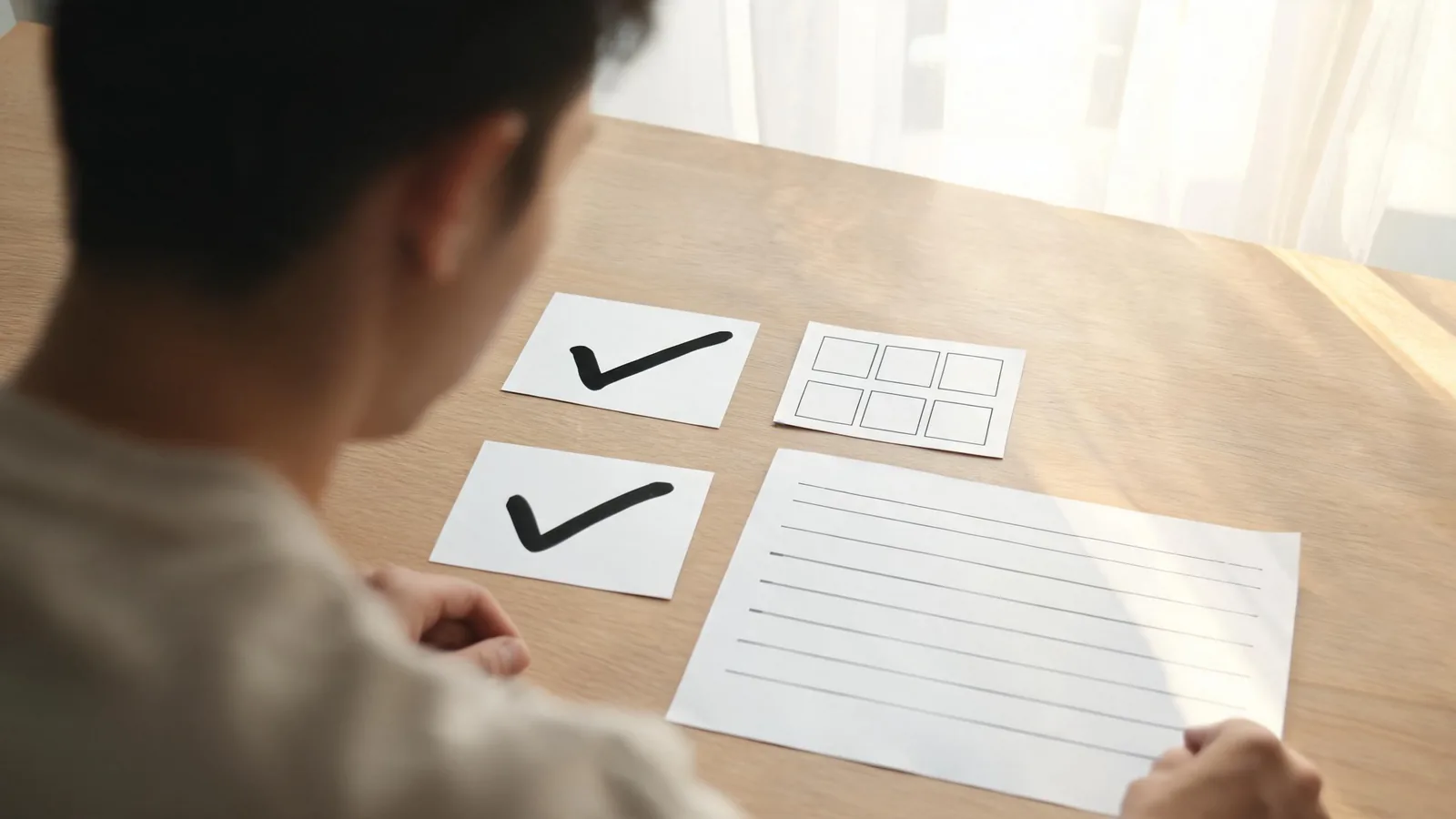
A useful brief gives the operator a constrained test and gives the reviewer a visible basis for accepting or rejecting it.
Give the reviewer a real decision
“Looks good” is not a handoff outcome. Ask the reviewer to choose one of three labels:
- Approve: The clip performs the stated job, preserves the listed constraints, and fits the intended placement.
- Revise: Keep the named source and template, but change one specified variable such as crop, motion strength, or opening frame.
- Reject: The source, concept, or output breaks a non-negotiable requirement. Start again with a new approved brief rather than quietly broadening the prompt.
Review the whole output, including transitions and the final frame. Check that generated visuals have not introduced a wrong object detail, an unstable face, a misleading context, or text that must be produced in a normal editor. Exact brand copy, prices, legal wording, subtitles, and regulated claims should come from verified source material, not from the generated video.
If your publication uses provenance information, record the source, tool, reviewer, and final export separately from the video itself. The C2PA specification is one public reference for how content provenance can be expressed; it does not replace your own approval record or make an inaccurate output acceptable.
Finish with a publishing boundary
The last line of the brief should say where the asset may go and who owns the final post. Include the destination, asset format, caption owner, any required disclosure, and whether the result is only an internal draft. This prevents a reviewable experiment from becoming an unintended public claim.
For realistic synthetic media, check the destination’s current rules at the time of upload. For example, YouTube explains when creators need to disclose altered or synthetic content. The rule is not a substitute for consent or accuracy; it is one publishing check among several.
Before you mark the handoff complete, make sure another person can answer these questions from the brief alone: What is this clip for? Which source is approved? Which template and mode are selected? What may change? What must not change? Who decides? Where may it be published? If any answer requires searching through old messages, add it to the sheet.
FAQ
What is an AI video template brief?
It is a short operational record that tells the next teammate the approved source, exact template, clip job, allowed changes, constraints, reviewer, output checks, and publishing limit. It is for handoff after a template has been selected.
How is a handoff brief different from a prompt?
A prompt describes the requested visual. A brief also records ownership, source permission, placement, what must stay true, review criteria, and the final publishing boundary. The brief gives the prompt context and limits.
Who should approve an AI video template output?
Name a reviewer who can evaluate the specific risk: a product owner for product accuracy, the represented person or their authorized owner for likeness use, and a publisher for the final destination. The brief can list more than one approval when needed.
Can a template make product text or prices accurate?
Do not rely on generated footage for exact text, prices, legal wording, or regulated claims. Add verified factual elements in a normal editor after the generated visual has passed review.
Sources and limits
- ClipTrend, AI video templates and AI video template checklist, checked September 7, 2026.
- Coalition for Content Provenance and Authenticity, C2PA specifications, checked September 7, 2026.
- YouTube Help, Disclosing use of altered or synthetic content, checked September 7, 2026.
This is an editorial handoff framework, not a legal or platform-compliance opinion. Confirm current rights, brand approvals, and destination requirements for the specific release.