AI Video Templates vs Prompts: Which Creates Better Clips?
AI video templates and custom prompts solve different creator problems. A template is best when you want a proven structure, a familiar trend, or a fast starting point. A prompt-first workflow is best when the idea is specific, unusual, or story-driven. The best clips often use both: start with a template for structure, then adjust the prompt for your product, character, camera movement, and platform.
The choice matters because AI video is not just about generating motion. It is about reducing failed attempts. A strong template can prevent vague prompts. A strong prompt can stop a template from looking generic. This guide explains when each workflow creates better clips.

Concept visual: templates help with structure; prompts help with specificity.
Quick Answer: Templates Are Faster, Prompts Are More Flexible
Use a template when your goal matches an existing format: product reveal, image-to-video trend, character motion, camera push-in, transformation, or short social hook. Use a prompt when you need a custom scene, unusual setting, specific action, or original brand direction. Templates reduce the blank-page problem. Prompts give you more room to describe what the model should do.
For most creators, the practical answer is not templates or prompts. It is templates first, prompts second. Start from a template that already understands the clip shape, then edit the prompt details to match your asset.
What an AI Video Template Actually Does
An AI video template packages a repeatable creative pattern. It may define the camera move, motion style, pacing, framing, or type of starting image that works best. A good template saves you from writing the entire scene from scratch. It also helps you avoid prompt mistakes that produce static images, warped motion, or unclear subject movement.
On ClipTrend, the template workflow is useful when you already know the kind of clip you want but do not want to rebuild the prompt formula each time. For example, a creator can start from a short-form trend template, upload a reference image, and then adjust the subject or motion language.
What a Prompt-First Workflow Does Better
A prompt-first workflow starts from your own description. That gives you more creative control, especially when the scene does not fit a known trend. If you are building a short product story, a specific fantasy scene, a cinematic opener, or a detailed camera move, the prompt carries more of the creative weight.
The drawback is that prompt writing takes practice. Many prompts are too vague. They say "make this cinematic" but do not explain the subject, motion, camera, lighting, duration, or what must stay unchanged. Prompt libraries can help, but they still need adaptation. The guide to image-to-video prompt examples is a better starting point than copying random prompts word for word.
Decision Table: Template or Prompt?
| Situation | Start with a template | Start with a prompt |
|---|---|---|
| You want to recreate a social trend | Yes. The structure matters more than originality. | Use only for small customization. |
| You need a brand-specific product scene | Use a product or reveal template if available. | Yes, if the scene has specific action or setting. |
| You are testing several ideas fast | Yes. Templates reduce setup time. | Use after one direction looks promising. |
| You need a rare camera movement | Use if a camera template exists. | Yes. Describe pan, zoom, dolly, orbit, or tracking. |
| You are making a highly original scene | Maybe for structure. | Yes. Originality needs precise direction. |
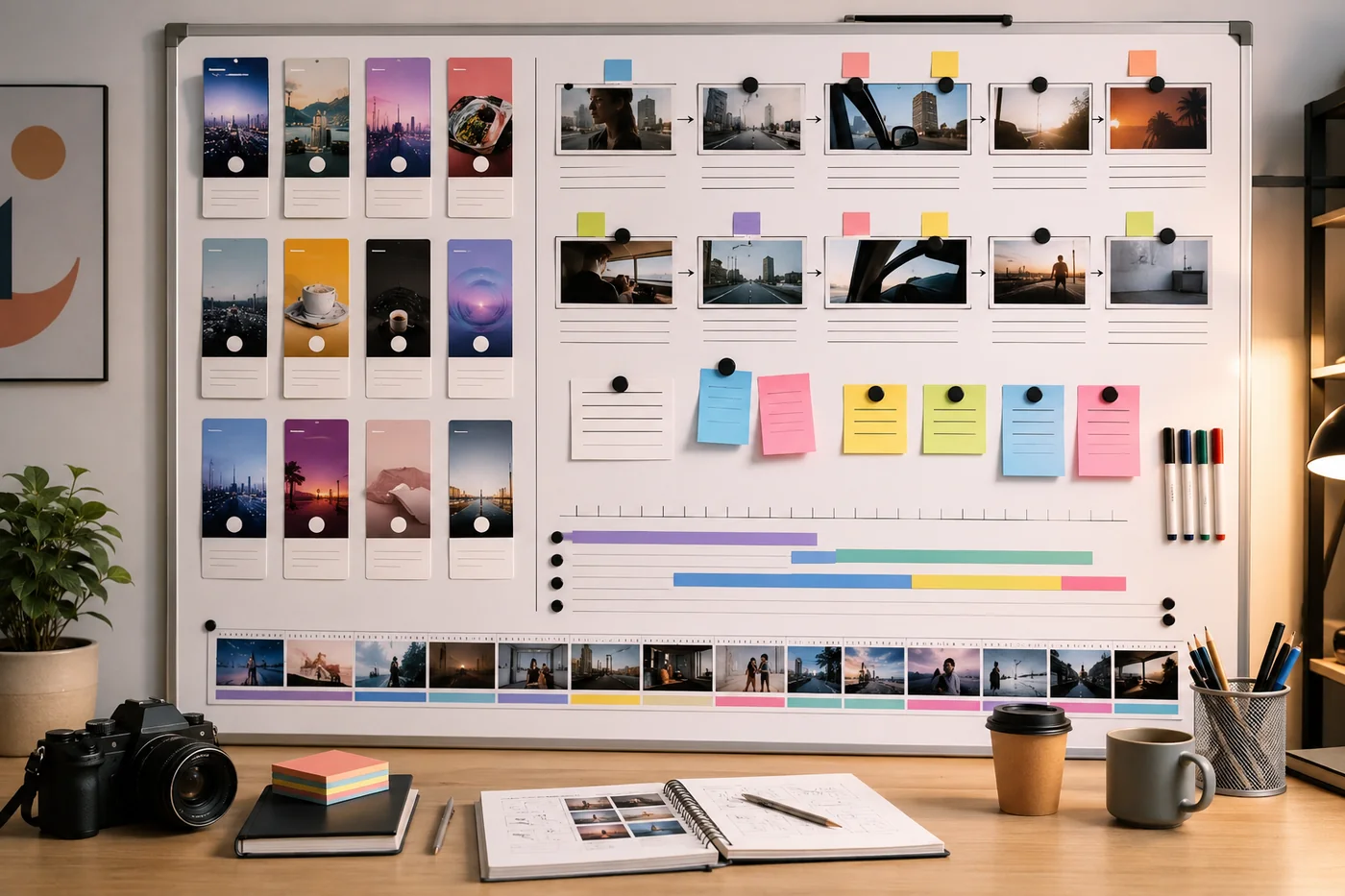
Concept visual: a good workflow narrows the creative choice before you spend renders.
How to Combine Templates and Prompts
The strongest workflow is a two-step process. First, pick a template that matches the shape of the clip. Second, rewrite the prompt details around your asset. Keep the camera move from the template if it is working. Change the subject, background, mood, and action so the final clip feels specific to your use case.
For example, a product reveal template might already handle timing and motion. You can then change the prompt to describe a skincare bottle on a clean bathroom counter, a sneaker rotating under studio light, or a coffee bag opening in warm morning light. The template gives the skeleton. The prompt gives the clip a point of view.
Platform Fit Changes the Choice
The same creative idea may need a different workflow on TikTok, Reels, YouTube Shorts, and paid ads. A trend-heavy platform often rewards speed and familiarity, so a template can help you move while the format is still fresh. A paid ad or brand channel may need more control over product details, visual pacing, and message clarity, so prompt editing matters more.
For short social clips, templates can help you produce more tests. For brand videos, prompts can help you avoid looking like every other creator using the same format. The guide on AI video templates for YouTube Shorts, Reels, and TikTok explains how platform context changes the creative decision.
Common Mistakes to Avoid
The first mistake is using a template that does not match the asset. A close-up portrait template may not work for a wide product photo. A fast-motion trend may not suit a delicate luxury item. The second mistake is leaving the prompt generic. A template can carry the structure, but it cannot guess your brand, product angle, or audience.
The third mistake is changing too many variables at once. If a render fails, you will not know whether the issue came from the template, source image, prompt, aspect ratio, or camera move. Change one or two things per test. The guide on AI video camera movement prompts can help you isolate motion language.
A Simple Testing Workflow
Start with three versions, not ten. Make one version from a template with minimal edits, one version from the same template with a stronger custom prompt, and one version from a prompt-first workflow. Compare them on clarity, motion, subject stability, and whether the first two seconds communicate the idea. This gives you a real basis for choosing the workflow instead of guessing.
When one version wins, make the next test smaller. Adjust the source image, camera move, or prompt wording one at a time. A controlled testing loop helps you learn which part of the workflow actually improved the clip.
Bottom Line
Templates create better clips when speed, repeatability, and trend structure matter. Prompts create better clips when originality, scene detail, and creative control matter. For most short videos, start with the template that fits the job, then use a focused prompt to make the result yours.