Best AI Photo-to-Video Generator: A Practical Comparison Checklist
The best AI photo-to-video generator is the one that produces a usable version of your source image for the job you need to finish. Do not choose from a demo reel alone. Run the same small test in each candidate, then compare source fidelity, the motion you can direct, output constraints, and how easily the accepted clip can move into editing. ClipTrend’s Image to Video workspace gives you a place to compare the model options currently shown with the same reference image and brief.
This is an evaluation guide, not a universal ranking. A model that wins a subtle product turn may not be the right choice for a portrait, a stylized scene, or a clip that needs sound. The aim is to make a defensible first choice without spending a week chasing incomparable samples.
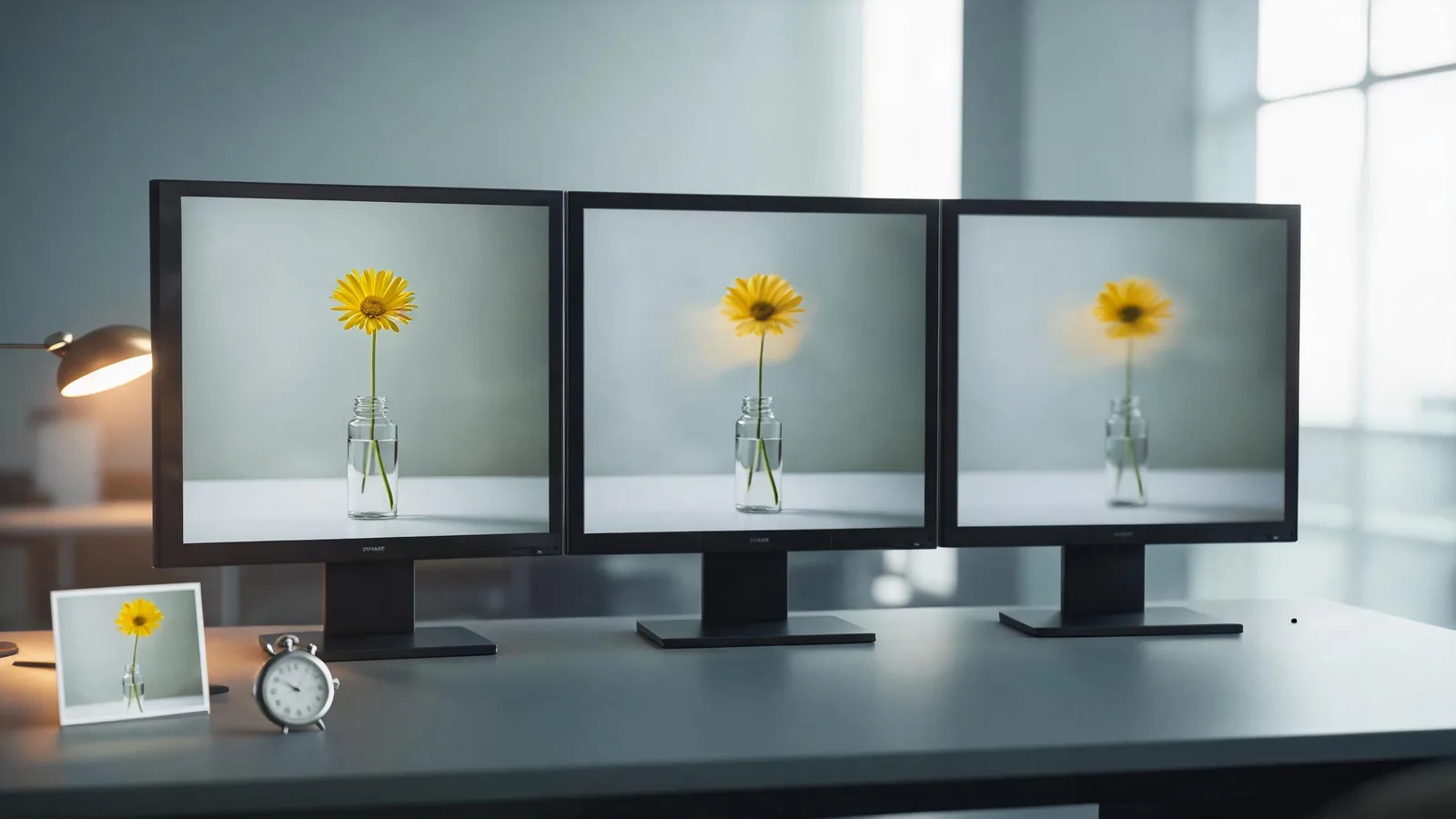
Start with a test that answers one question
Pick a source image you are allowed to use and a single motion objective. For a product, that might be “a slow push-in with a soft reflection change.” For a portrait, it might be “a slight head turn while the background stays stable.” For a travel photo, it might be “a gentle camera drift with only the water moving.”
Do not ask the first test to add a new story, change wardrobe, invent objects, move a camera, animate a crowd, and preserve tiny labels all at once. A crowded prompt makes it hard to tell whether a weak result came from the model, the source image, or an unrealistic brief.
Keep these variables the same for every candidate:
- the exact reference photo;
- one concise motion prompt;
- the target aspect ratio and duration, where the options match;
- the same destination and review standard; and
- the same number of first attempts.
This is the material difference from the original AI Image to Video Generator guide. That guide begins after tool selection and teaches how to prepare a photo, choose a motion lane, and review a render. This companion answers the earlier decision: which candidate deserves the next round of work.
Score the things that affect your actual delivery
“Best” becomes more useful when you turn it into a short approval sheet. Score each test as pass, revise, or reject rather than inventing a universal numerical ranking.
| Criterion | What to inspect | A practical pass signal |
|---|---|---|
| Source fidelity | Face, product shape, key object, composition | The approved subject remains recognisable and the image does not invent a critical detail. |
| Motion control | Prompted motion and stability | The visible action follows the brief without a disruptive drift or jump. |
| Output fit | Length, aspect ratio, audio, resolution, export terms | The result can be delivered to the intended editor or channel without a workaround you cannot accept. |
| Iteration fit | Cost, queue time, controls, repeatability | You can afford enough comparable tests to make a decision. |
| Editability | First and last usable frames, clean areas for real copy | An editor can cut the clip, add verified text, and make platform variants. |
No single result has to be perfect. A strong first-test winner is the option that has no disqualifying failure for the job. For example, a beautiful clip that changes a product’s shape is not a winner for a product page. A stable silent clip may be a winner for a social background but not for a scene that needs native dialogue.
Inspect source fidelity before admiring the motion
Start with the reference image beside the output. Look for changes that matter to your use:
- Does a recognizable person still look like the approved source, without claiming an exact identity guarantee?
- Does the product retain its overall silhouette, colour family, cap, or other essential geometry?
- Do hands, eyewear, jewellery, labels, or background edges remain coherent enough for the intended crop?
- Has the model introduced a logo-like mark, unreadable text, or object that was not in the brief?
If the test fails this check, do not rescue it with a flattering still frame. A photo-to-video clip is a sequence, so inspect the whole sequence. The strongest-looking second can hide a weak opening or a final frame that cannot be edited around.
Test motion control with one restrained prompt
Use one lane of motion first: camera, subject, background, or light. Then explain what must remain stable. A compact prompt can look like this:
Use the supplied photo as the first frame. Create a short vertical clip. Main motion: a slow camera push-in. Keep the object shape, colour, and background stable. Avoid extra objects, readable text, and abrupt scene changes. End on a steady usable frame.
The wording is not a promise. It is a common yardstick. If one candidate responds better to the same constraint, record that outcome. If every candidate struggles, simplify the motion or replace the source image before declaring one tool “bad.” A clear image with one subject and a calm background usually gives you a fairer comparison than a crowded or heavily filtered photo.
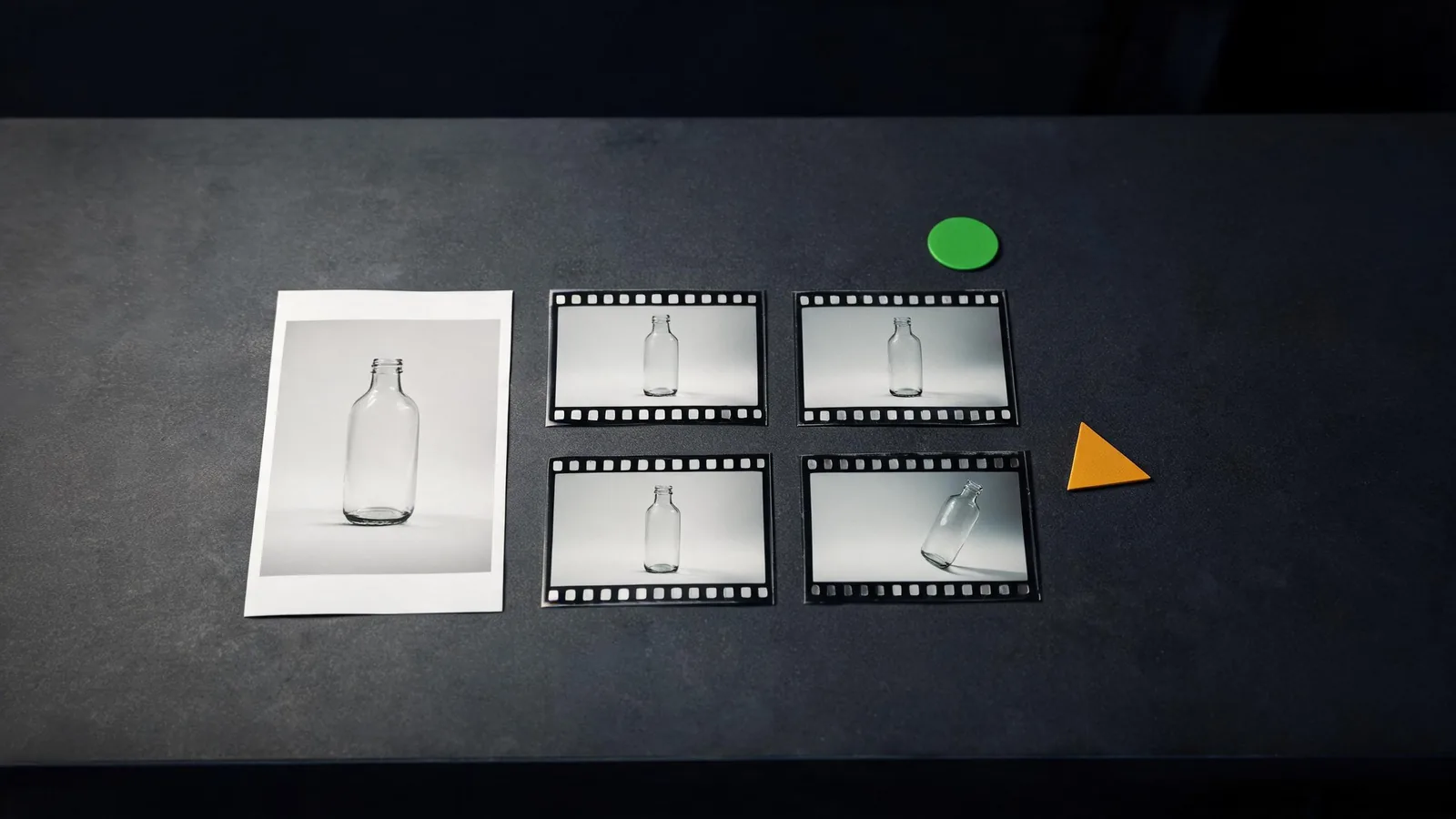
Check delivery limits before you commit
An acceptable preview is not the same as an acceptable deliverable. Before choosing a winner, confirm the settings and terms that apply to the account and model you are actually using:
- supported source formats and any reference-image limits;
- available duration, aspect ratio, resolution, and audio choices;
- expected cost or credits for the tests and a final version;
- watermark and download conditions;
- whether the result can be saved in a format your editor or destination accepts; and
- what happens if a job fails, is cancelled, or needs another attempt.
Use the current product workspace rather than an old review or a competitor comparison table as the source of truth. ClipTrend’s Image to Video tool shows the model-specific controls available in the workspace. The model list, supported settings, and credit cost can change, so make the decision from what is visible at the time of your test.
Decide with a small comparison record
Save enough information that a teammate can understand why you chose a tool without re-running every test. A useful record has:
- the reference-image filename and proof that you may use it;
- the exact prompt and settings used for each candidate;
- a link or filename for every rendered variation;
- one sentence on the accepted model’s strength;
- one sentence on the limitation you will handle in editing; and
- the intended delivery: internal concept, social post, client proof, or paid placement.
For sensitive, client, or public work, keep a separate approval step. The C2PA technical specifications are a useful reference for provenance systems, but they do not determine whether you have permission to use a source image or whether a generated depiction is appropriate. Consent, source rights, claims review, and disclosure policy remain your responsibility.
When ClipTrend is a practical comparison setup
ClipTrend is useful when you want to keep the reference image and comparison work in one Image to Video workspace. Start with the current model choices shown there, keep the brief unchanged, and choose the option that meets your pass criteria. Once you have an accepted test, use the more detailed image-to-video workflow guide to refine the source photo, narrow the motion, and review the final render.
Avoid describing any tool as universally best for every task. Your evidence is the repeatable test you ran, the output you can inspect, and the delivery requirements you must meet.
FAQ
Which AI photo-to-video generator is best?
There is no reliable universal winner. The best choice is the candidate that preserves the parts of your approved source that matter, follows the required motion, and exports a usable result for your destination under terms you can accept.
How many tests should I run before choosing?
Run a small, comparable first round. One controlled test per candidate can identify clear failures; add a second test only when two options pass the same standard and you need a tie-breaker.
What should I test first: quality or features?
Test source fidelity and the required motion first. Then confirm output limits, costs, rights, and editability. Features that do not help your delivery are not a reason to choose a model.
Can I use an AI video result as final proof of a product or event?
No. Treat generated clips as creative output, not proof of a real-world event, product claim, price, result, or endorsement. Add verified text and approved claims in your editorial or production workflow.
Choose the tool after the test
Use one reference image, one restrained brief, and one review sheet. That gives you a clearer choice than a generic “best tools” list. Run a comparable photo-to-video test in ClipTrend when you are ready to evaluate the options visible in the workspace.