AI French Kiss Video: Choose the Right Quality Mode
Choose one photo when an approved picture already shows both consenting adults; choose two photos only when each adult has approved a separate portrait for this use. Then use Standard 480p for a quick preview or casual share, and High Quality 720p when facial consistency matters enough to justify the higher credit cost. Review the complete synthetic clip before anyone else sees it.
Last updated: September 7, 2026 · about 7 min read
The short decision
ClipTrend’s AI French Kiss generator has two input modes and two quality choices. The easiest way to choose is to make the input decision first, not to start with resolution.
| If your approved input is… | Start with… | Then choose… |
|---|---|---|
| One clear photo that already includes both adults | 1 Photo | Standard for a first preview; High Quality when the extra facial-detail check is worth the credits |
| Two separate, approved portraits | 2 Photos | Standard for a modest first test; High Quality for a more careful final candidate |
| An unclear, cropped, filtered, or unapproved photo | Neither | Stop and get a better, explicitly approved source first |
The live generator currently labels Standard as 480p and High Quality as 720p. Standard is the lower-credit choice: 23 credits for one photo or 28 for two. High Quality uses its own generation workflow and currently costs 50 credits for one photo or 55 for two. Those are product settings, not a promise that every source will create a publishable result; check the live page before starting because tool availability and credit terms can change.
Begin with consent and the right input
An upload is not a substitute for permission. Before you use a portrait in a romantic synthetic video, make sure every depicted person is an adult and has specifically agreed to the scene and the intended audience. A public post, an old shared photo, or a likeness that happens to be available online is not permission to make a romantic clip.
Use 1 Photo only if the single picture already contains the same two adults and both have approved this exact use. It is a good fit for a clear, ordinary couple photo where both faces are visible. The workflow animates the pair already in the scene; it is not a reason to crop a stranger into someone else’s photo.
Use 2 Photos when the adults have separately approved their portraits to be merged. Choose images with similar framing, ordinary lighting, and a visible face. The tool can compose the people into a new scene, but it cannot verify the relationship, the source rights, or whether the resulting moment matches what they agreed to. If the project needs a different background, agree on that context as well.
Do not use minors’ images, public figures, scraped portraits, or images of someone who cannot give informed agreement. Do not use the output to harass, impersonate, or falsely imply a real event or relationship. For a full consent-and-review workflow, read our two-photo AI kiss video guide.
Standard versus High Quality: make a practical choice
Standard is a sensible first pass when you are still checking whether the approved source, framing, and concept are workable. It produces the generator’s 480p option and has the lower credit requirement. It is not “low effort” or automatically disposable: watch the entire clip and delete or replace any output that changes the people, context, or tone in an unwanted way.
High Quality is the 720p option. The current product describes it as a sharper result intended to keep facial details more consistent. It is useful when you have already chosen a solid source and need a stronger candidate for a personal share or a carefully reviewed social post. It is not a guarantee of identity preservation, realism, or approval for commercial use. The credit difference is large enough that a controlled Standard test can be a sensible way to identify a bad source before you spend on the higher-quality route.
Avoid deciding by a vague rule such as “always use the best setting.” Choose High Quality when the final use makes the extra resolution and detail consistency materially useful, the people shown have approved that intended use, and you have enough credits for the selected one- or two-photo workflow. Choose Standard when you are testing a permitted source or making a private, lower-stakes draft. If the image is poor or approval is unclear, neither setting fixes the underlying problem.
A five-step workflow that keeps the choice controlled
- Write down the intended use. Name the people, audience, platform, and whether the clip is private, public, or commercial. Get agreement before the upload, not after a result looks good.
- Pick the input path. Use one photo only for a single approved couple photo. Use two photos only for two approved portraits. Do not mix in unrelated faces to test the feature.
- Run the smallest useful test. Start with Standard if you need to validate the source, crop, or overall idea. Keep the input and intended audience fixed while you review it.
- Escalate deliberately. If the Standard test is appropriate but you need a 720p candidate with the product’s High Quality option, select the same input mode and check the current credit requirement on the live French Kiss generator.
- Review before sharing. Watch at normal speed, pause at transitions and the final frame, and ask whether the result still respects the people and context that were approved.
This approach gives each render a reason. It also helps you distinguish an input problem from a quality-setting decision. Re-running the same weak source at a higher setting is rarely a useful fix.
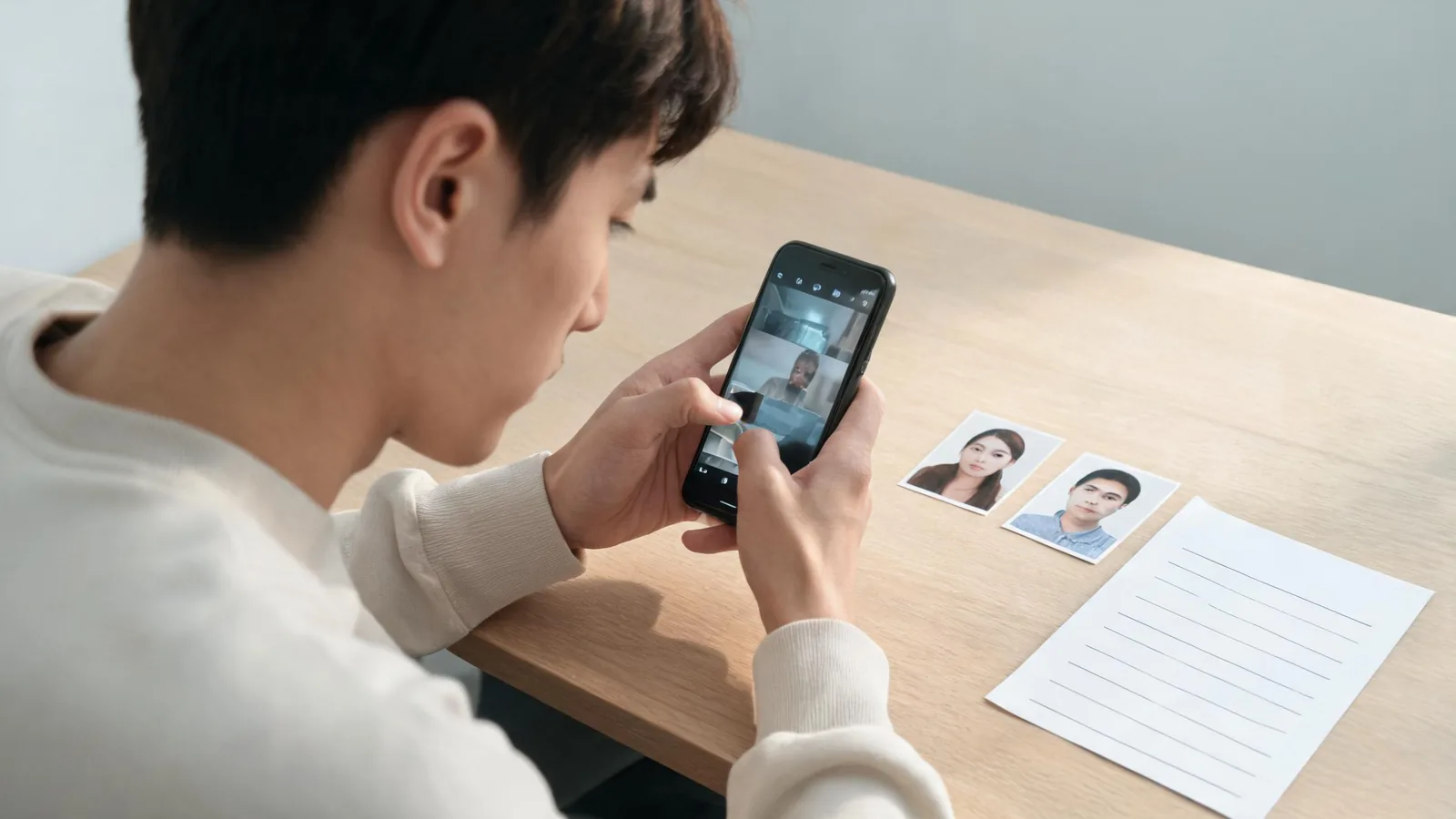
Use the mode choice to guide a small, reviewable test—not to make a synthetic moment look like unedited footage.
Review the full output, not just the best frame
Before sharing, check the beginning, transition, kiss, and final frame. A clip can look acceptable in a thumbnail while introducing identity drift, a changed outfit, an unexpected background, or a gesture that the people did not approve. Compare the output with the intended use that was agreed, not merely with the source photo.
For a public or commercial post, keep a record of the approved sources and the use scope. Add clear context so viewers are not led to believe they are seeing a camera-recorded event. If you plan to upload realistic synthetic content to YouTube, review its current altered or synthetic content disclosure guidance during the upload process. Platform requirements change, and a label does not cure a non-consensual or misleading depiction.
Reject the result if a person looks materially unlike themselves, if the intimacy level or setting changes what was approved, or if the post would imply something happened in real life. A failed review is a reason to stop, choose a new approved source, or use a different concept—not a reason to keep regenerating.
What “free” should mean here
Searches for an “AI French Kiss video generator free” often imply a no-cost trial. The honest answer is to consult the live product page and your account’s current credit balance. ClipTrend’s current page states that eligible new accounts receive starter credits, while each workflow has a stated credit cost. That can make a first eligible generation possible, but it does not mean unlimited free creation or grant rights to use someone’s image.
Check the price and credit notice at the point of generation. Do not make a claim to clients or followers about free access unless it matches the current account and product terms they will actually see.
FAQ
Should I use one photo or two for an AI French Kiss video?
Use one photo only when it clearly shows both consenting adults and both have approved the synthetic scene. Use two photos when each adult has approved a separate, compatible portrait to be merged. If consent or source quality is unclear, do not generate.
Is High Quality always better than Standard?
Not automatically. High Quality is the current 720p option and is designed for sharper, more consistent facial detail, but it costs more credits. Standard 480p is a practical first test when you need to check the approved source and concept.
Can a higher setting repair a bad source photo?
No. Start with a clear, permitted image with visible faces and reasonable lighting. A quality setting cannot provide consent, restore a missing face, or make an unapproved use appropriate.
Can I post an AI French Kiss video publicly?
Only when every depicted adult agreed to the intended public use, the full output passes review, and your caption and platform settings do not misrepresent it as a real event. Check the destination’s current synthetic-media rules before posting.
Sources and limits
- ClipTrend, AI French Kiss generator, checked September 7, 2026 for current modes, resolutions, and credit labels.
- YouTube Help, Disclosing use of altered or synthetic content, checked September 7, 2026.
This is practical editorial guidance, not legal advice. Product options, credits, and destination-platform requirements can change.