Two-Photo AI Kiss Video: Consent-First Setup Guide
To make a two-photo AI kiss video responsibly, get clear permission from both adults before uploading either image, agree on the intended use and audience, use clear compatible portraits, and review the complete output before you share it. A tool can turn two photos into a short synthetic clip; it cannot create consent, clear music rights, or make a misleading post acceptable.
Last updated: August 31, 2026 · about 8 min read
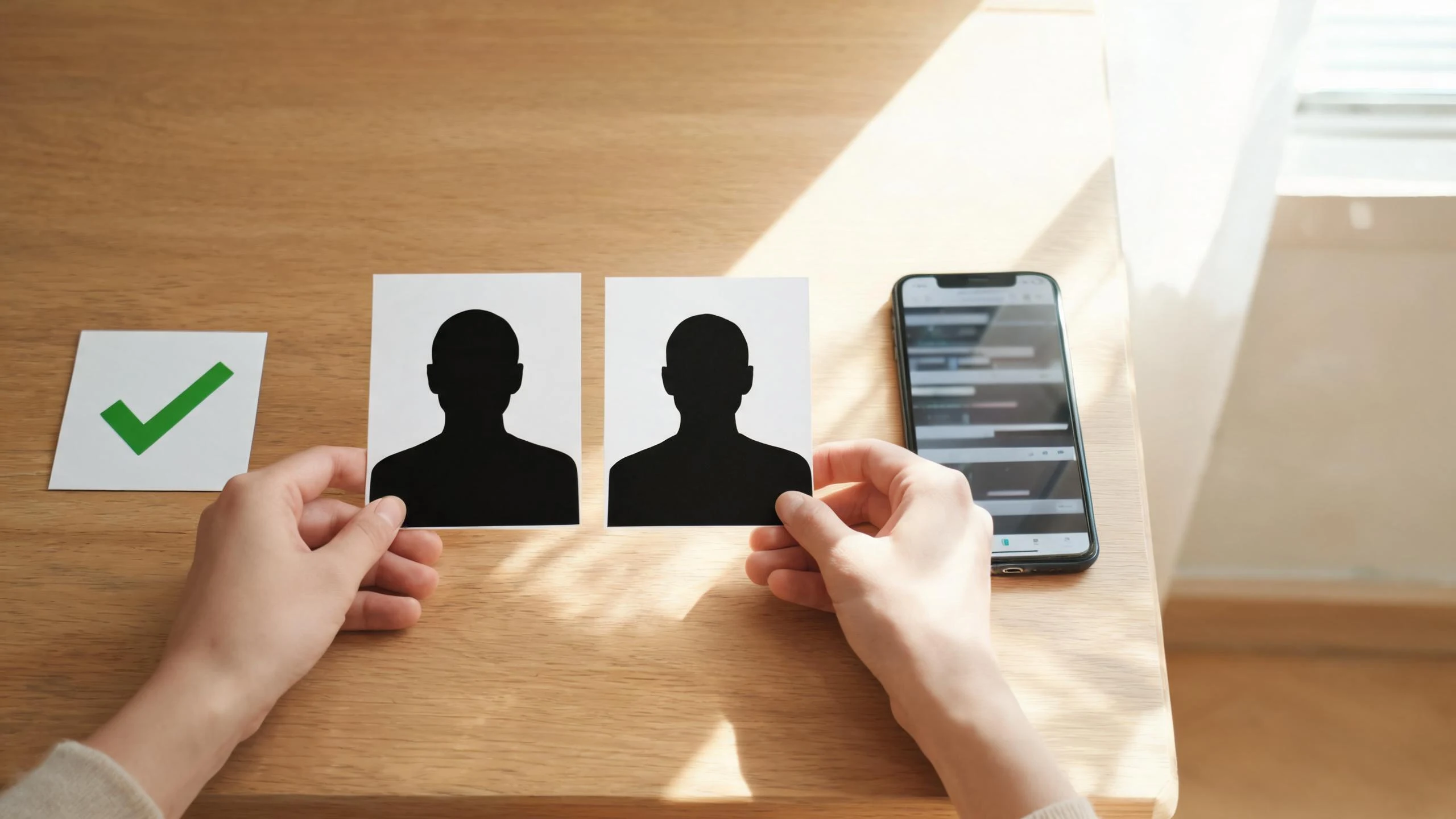
Treat each source photo as an approved input, not an invitation to create a romantic scene.
Start with the decision, not the upload
The important question is not whether a generator can join two portraits. It is whether both people have agreed to this specific romantic depiction and its destination. A public profile image, an old group photo, or an image sent privately is not the same as permission to create and post a synthetic kiss scene.
Use a short written record when the clip will leave a private chat, be made for a client, or feature anyone other than yourself. It does not need to be complicated. Confirm the source images, the type of scene, where it may appear, whether paid promotion is allowed, and how either person can withdraw permission before publication. Stop if either person is unsure.
Do not use minors’ images, public figures, scraped portraits, or images of people who cannot give informed agreement. Do not use the result to mock, pressure, harass, impersonate, or imply a real relationship or event. This guide is practical editorial advice, not legal advice; rules and platform tools change, so check the current terms for the destination where you plan to publish.
What makes two source photos easier to review?
For an adult pair who have approved the project, choose one current, clear portrait for each person. The goal is not to make the output look “more real”; it is to give the workflow stable visual inputs that are easier to inspect for mistakes.
| Input check | Prefer | Avoid |
|---|---|---|
| Face visibility | A single unobstructed adult face, reasonably front-facing | Sunglasses, heavy shadows, a crowd crop, or an obscured face |
| Image quality | A sharp image with ordinary lighting and a visible head-and-shoulders frame | Extreme filters, compression, or a very small screenshot |
| Pairing | Similar framing and lighting for both portraits | One close-up paired with one distant full-body photo |
| Context | A source that both people recognize and approved | A reposted, scraped, or ambiguous image |
| Intended use | A stated private or public destination | “Use it anywhere” without a shared understanding |
ClipTrend’s French Kiss generator is the current product page to consult for the live two-photo workflow and its input controls. Confirm the page’s current requirements before you upload. The product page is a capability reference, not a substitute for consent or a promise that every input will produce a publishable clip.
A consent-first two-photo workflow
- Name the people and the use. Confirm that both people in the images are adults and agree to a synthetic romantic scene. Say whether the clip is for a private message, a social post, a client draft, or another specific purpose.
- Agree on boundaries. Decide whether it can be downloaded, reposted, edited, used in an ad, or kept after the first share. If one person says no to any of those, respect that limit.
- Prepare one clean portrait per person. Use the input checks above. Keep the original files in your own approved project folder rather than copying random web versions.
- Use the current tool flow. Open the live French Kiss generator, add only the approved images, and read any in-product confirmation carefully. Do not treat a checkbox as proof that you have permission.
- Generate a private draft first. Do not post directly from a preview. Download or watch the full result with the people represented, if practical, before the public version exists.
- Review the whole clip. Look for identity drift, altered clothing, unwanted suggestive detail, wrong context, facial glitches, and an ending frame that changes the tone. A clean first second does not clear the remainder.
- Add an honest label and caption. Do not describe the scene as a real event. Use the destination platform’s current synthetic-media or AI-use setting where required or available.
- Keep a removal path. If a person revokes permission or the clip circulates outside the agreed context, remove your copy and any posts you control. Do not argue that a generation credit makes the depiction yours to keep.
This sequence is deliberately slower than a one-click upload. It reduces the chance that a viral-looking result becomes an unwanted representation of a real person.
Review the result before anyone sees it
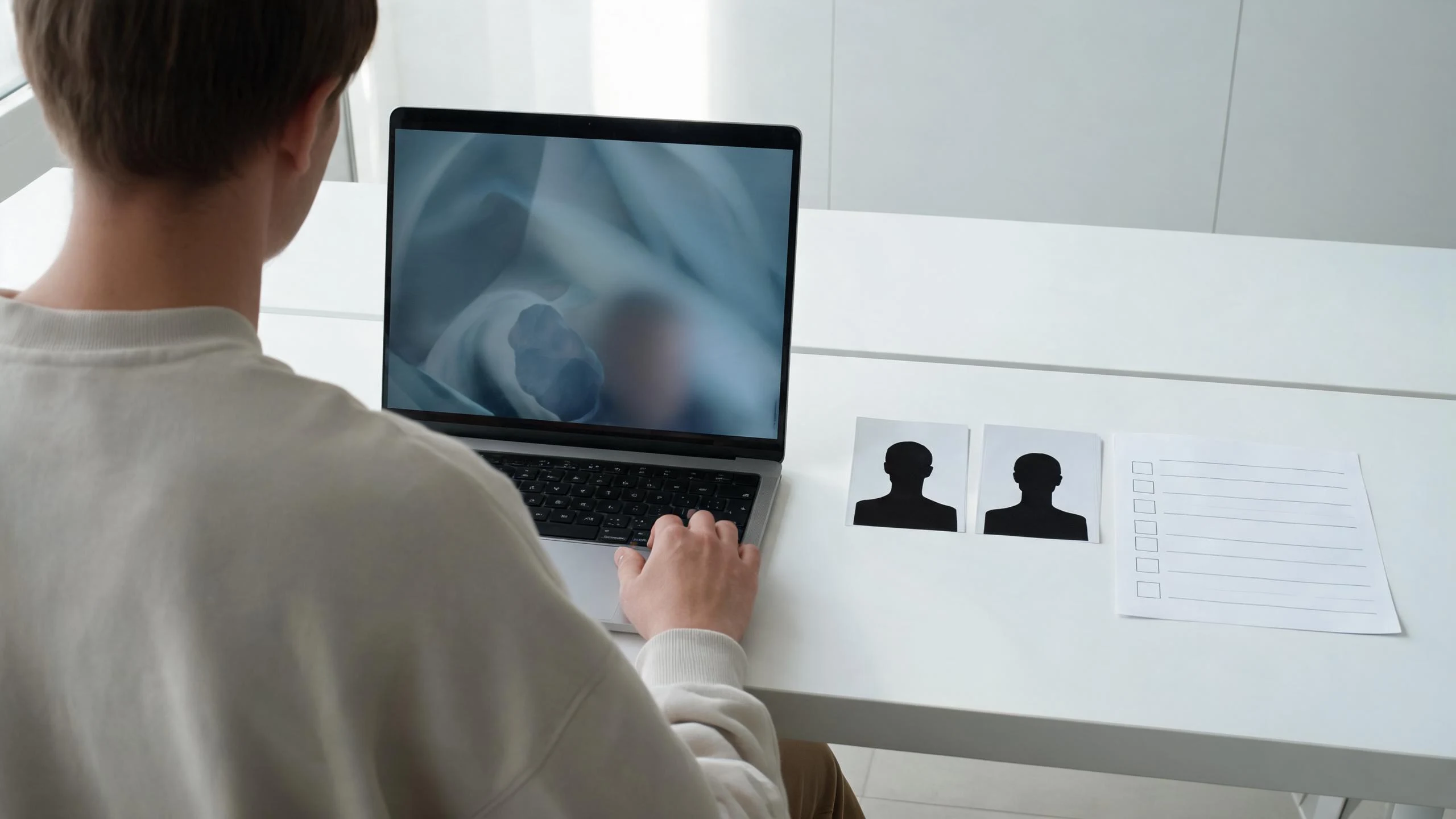
Watch the full output at normal speed and pause on the transitions and final frame.
Use this small go/no-go review after every generation:
- People: Are these the two adults who approved the project? Does either person look unlike themselves in a way that changes the meaning of the scene?
- Context: Does the clip introduce a setting, clothing, gesture, or intimacy level that was not agreed?
- Accuracy: Could a casual viewer mistake it for camera-recorded footage or a real relationship moment?
- Distribution: Does the caption, sound, and platform setting match the agreed audience? Music and audio permissions are separate from the visual generation.
- Exit: Can you remove the post and source files if someone changes their mind?
Reject the output if any answer is unclear. Regeneration is not an obligation to keep trying; a different photo pair or a different concept may be the responsible choice.
Disclose realistic synthetic media on YouTube
If you upload a realistic synthetic clip to YouTube, review the platform’s current GenAI disclosure guidance. YouTube says creators must disclose AI content that makes a real person appear to do something they did not do, alters real events or places, or generates a realistic scene that did not happen. The setting is available during upload and may add a label for viewers.
That requirement is a useful editorial baseline even when you publish elsewhere: state that the clip is AI-generated, avoid captions that imply the interaction happened, and check the destination’s current rules before posting. A disclosure is not a cure for a non-consensual or harmful depiction.
Watch one two-photo workflow tutorial
This third-party tutorial is included as general two-photo workflow context. It is not a demonstration of ClipTrend, does not establish current ClipTrend settings or price, and does not replace the consent and review steps above.
It shows Wondershare Virbo’s “AI Kissing Generator” workflow. Review the tool’s own policies and the people’s permission before applying any workflow from a video.
When not to make the clip
Choose a different idea when consent is missing, the people shown are minors or may be minors, the source is a celebrity or stranger, the goal is to create sexualized content, or the post could plausibly cause someone reputational or personal harm. A fictional couple, consenting adult actors, or non-identifiable characters can be safer creative alternatives, but they still need honest labeling if the result looks realistic.
For general preparation and upload safety, see our AI video commercial-use guide. For a broader creator review, our brand-safe AI video checklist covers source, claim, and distribution questions beyond romantic effects.
FAQ
Can I make an AI kiss video from two photos?
You can use a two-photo workflow only when both depicted adults have clearly agreed to the intended synthetic romantic scene and its planned use. Prepare compatible, approved portraits and review the full result before sharing it.
Is a public photo permission to make a romantic AI video?
No. A public photo does not by itself give you permission to create or publish a synthetic romantic depiction of that person. Ask first and respect the scope of the answer.
What should I check before posting a realistic AI kiss video?
Confirm consent and audience, watch the complete clip for unwanted changes, clear any audio separately, use the destination’s current AI disclosure tools when applicable, and write a caption that does not imply a real event occurred.
Can I use a two-photo AI kiss video in an ad?
Only if both people agreed to the commercial use and you have cleared every other asset, including audio. Keep the approval specific to the campaign and provide a way to withdraw or remove the content where practical.
Sources
- ClipTrend, French Kiss generator
- YouTube Help, Disclosing use of GenAI content
- YouTube, AI Kissing Generator tutorial