Can You Use AI-Generated Videos in Marketing?
AI video commercial use needs a review process: check the source material, the tool's current terms, the claims in the finished ad, and the people shown in it. AI video templates can speed up a creative workflow, but a template does not grant rights to an uploaded photo, a brand asset, a voice, or a factual statement.
Last updated: July 13, 2026 - about 7 min read
Quick answer
Treat AI video commercial use as a four-part check: you have permission for the inputs, the provider's current terms fit the intended use, the finished clip does not make unverified claims, and a person reviews every frame before publication. This is general operational guidance, not legal advice. For a high-stakes campaign, get advice from a qualified professional who knows your market and materials.
Start with the assets you upload
The first question is simple: can your team use this image, video, logo, audio, or likeness for this campaign? Do not assume that finding an image online, receiving it in a chat, or generating a new version of it answers that question.
| Input | Practical check before generation |
|---|---|
| Product image | Confirm it is your current product and approved brand asset |
| Customer photo | Confirm permission covers this use and channel |
| Employee or creator likeness | Confirm the agreed purpose, territory, and duration |
| Music or voice | Confirm the license and any platform limits |
| Reference image from elsewhere | Do not upload it unless you have a valid right to use it |
Keep a small record of the source and approval. That is more useful than trying to reconstruct the decision after an ad has already gone live.
Read the current tool terms for the actual account
AI services can have different rules by plan, location, input type, and feature. Before you use AI video templates for an external campaign, confirm the provider's current terms, privacy choices, retention policy, and any commercial-use conditions for the account you are using. Do not rely on an old blog post or a screenshot from another plan.
Also consider whether the upload includes confidential information. A product photo that has not launched, a customer image, or a private location can need a separate internal approval even when the marketing team owns the asset. Good AI video commercial use practice is to make that approval visible before a render is shared.
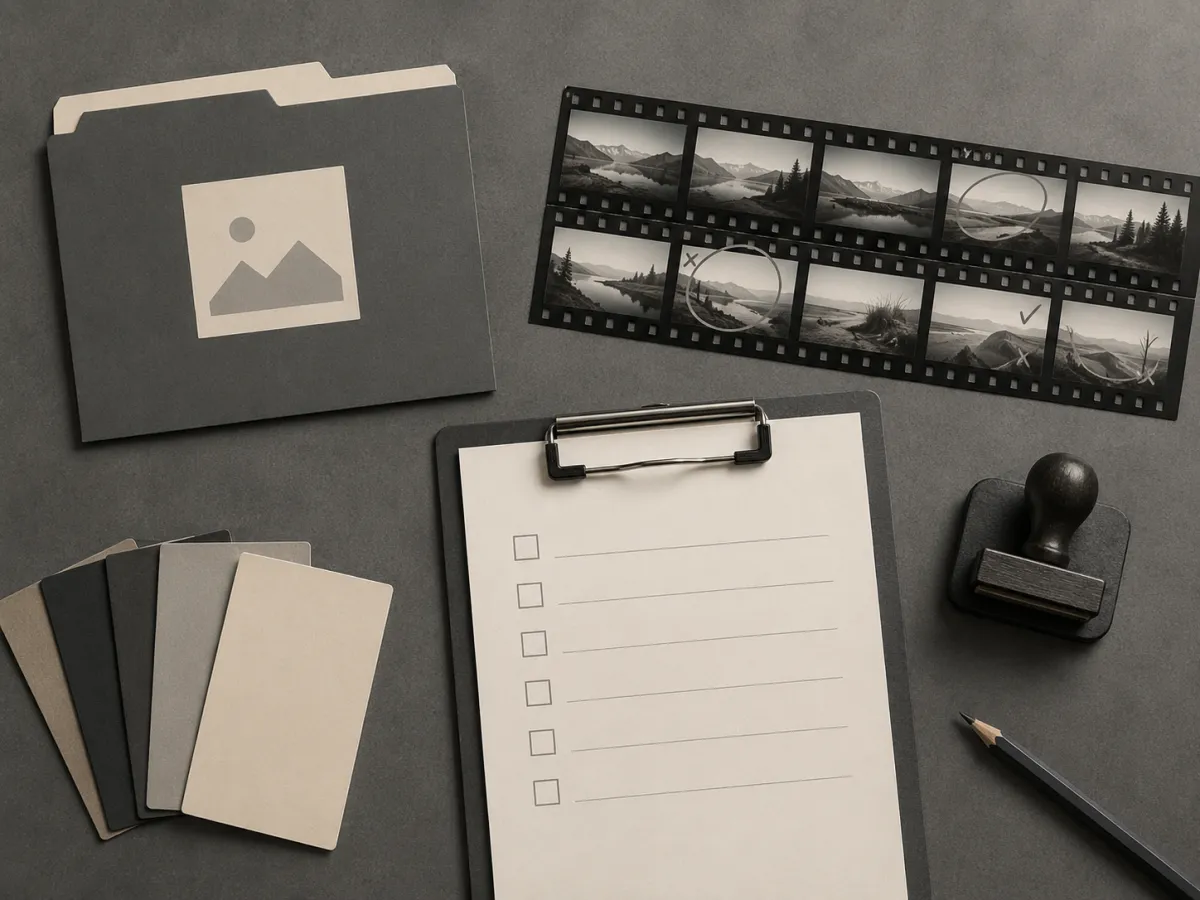
The safest workflow records the input, checks the output, and keeps the factual copy outside the generation prompt.
Review the finished video like an editor
Generated motion can introduce things that were never in the source: changed labels, extra fingers, altered faces, invented product parts, or unreadable text. Watch the full clip, not only the first frame.
Check for:
- Product shape, color, logo area, and packaging changes.
- Depictions that could be mistaken for a real customer result or endorsement.
- Claims about performance, price, availability, safety, or outcomes that have not been verified.
- People, voices, locations, or brand marks that you did not approve.
- Captions and disclosures added in the editing tool, where they can be checked and corrected.
Generated visuals can support a creative idea. They should not be used to imply proof that the business does not have.
Keep the campaign honest at the handoff
Make each person responsible for a small part of the approval: creative checks the visual, brand checks the asset and logo treatment, and the person who owns the claim verifies the copy. The final editor should place exact pricing, availability, and disclosures as real editable text rather than asking an image model to render them.
If you are testing a new effect, run it first with non-sensitive, approved material. Keep the first production use narrow, then expand only after the review process works.
FAQ
Does an AI video tool automatically give me commercial rights?
Do not assume so. Review the provider's current terms for your account and feature, and separately confirm your right to use every input and claim in the campaign.
Can I use a customer's photo in an AI-generated ad?
Only when you have appropriate permission for that specific use. Consent, privacy, and publicity rules vary, so use a clear internal approval process and seek professional advice where needed.
What should I verify in a generated product video?
Check every frame against approved product assets. Remove or correct changed labels, invented details, misleading representations, and any factual claims that cannot be substantiated.
Related guides
- Browse AI video templates
- AI face swap video: safe use cases
- Product launch video template guide
- Image-to-video prompt examples
Commercial use is not a button inside an AI video tool. It is the review process around the source, the terms, and the finished claim.