AI Dance Video for TikTok: Vertical Setup Checklist
For an AI dance video on TikTok, start with a permitted full-body source that already works in a vertical crop, choose one restrained motion, keep the dancer inside the safe frame, and review the complete clip before adding audio or posting. A motion template can help create a short dance clip, but it cannot grant permission for a person's likeness, clear a song, or make a cropped or unstable output publishable.
Last updated: September 1, 2026 · about 8 min read
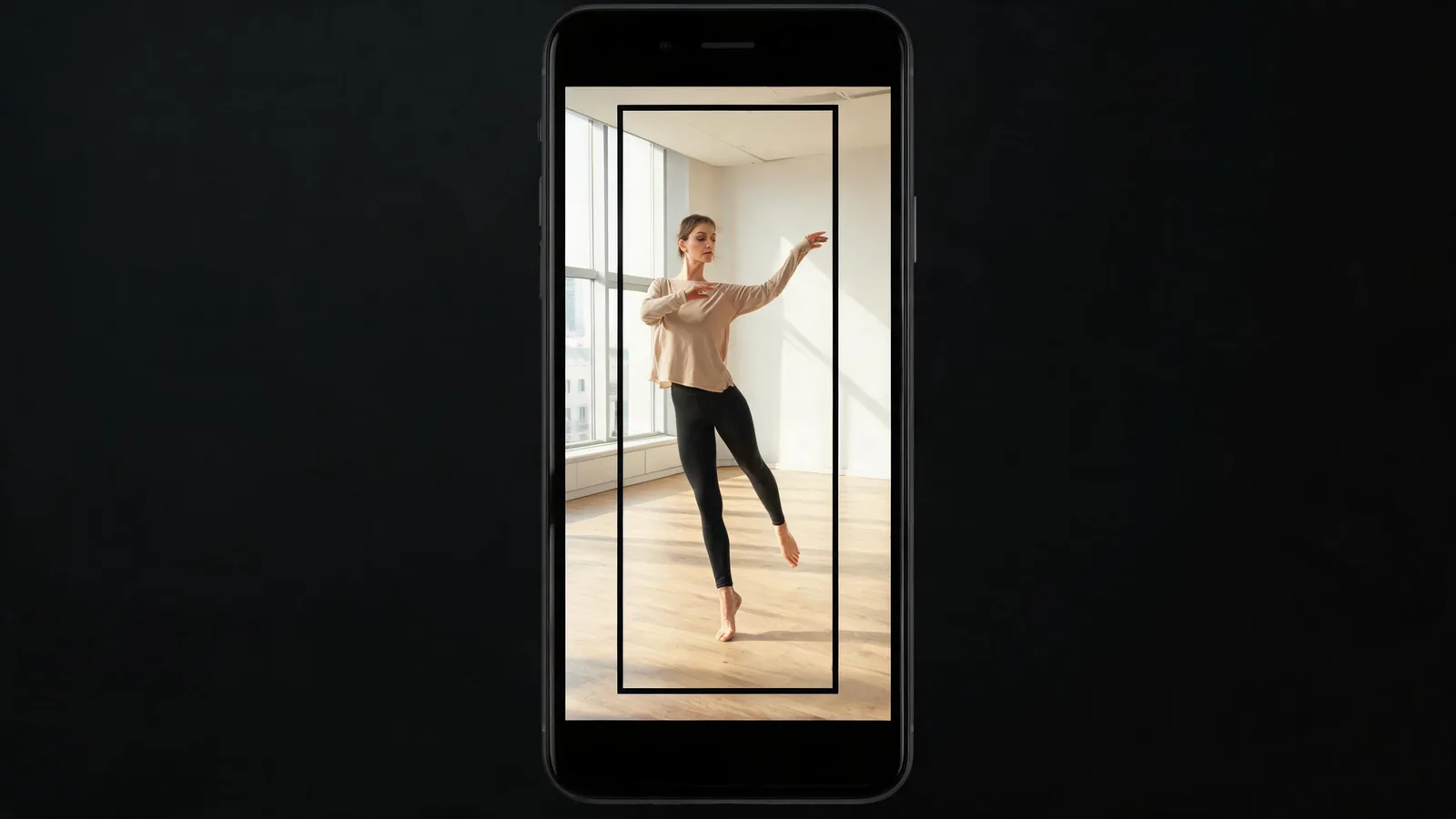
Plan the vertical crop before generation, not after the dancer's hands and feet have already been cut off.
This is a different job from choosing a motion template
Our older AI dance video generator guide explains how to match a source image to a motion template. This companion answers a separate publishing and framing question: can the finished dance clip survive a vertical TikTok presentation without misrepresenting the person, breaking the crop, or relying on unlicensed sound?
The difference is practical. A source can be good enough for a template and still fail in a phone-first frame because the hands, feet, or end pose land outside the usable area. A clean generated dance can still be unusable when it is paired with music you cannot use, a caption that implies a real performance, or a platform disclosure setting you skipped.
Choose a vertical-ready source image
Use a single adult who has agreed to this intended animation, or an original character you are allowed to use. The image should show the whole body or enough of it for the selected movement; a head-and-shoulders portrait is not a reliable starting point for a full dance.
| Source check | Good sign | Rework or reject when |
|---|---|---|
| Frame | Head, hands, and feet have room above and below | The crop cuts ankles, elbows, or the top of the head |
| Subject | One clear adult or approved character | It includes strangers, a public figure, or uncertain age |
| Outfit | Clothing edges and limbs are visible | Loose layers or objects hide the body shape needed for motion |
| Background | Simple setting with clear separation | A crowd or busy pattern competes with the dancer |
| Rights | The image and proposed use are approved | “It was publicly posted” is the only permission you have |
Use the live AI Dance Generator or Trending Dance template for current controls and pricing. This article does not promise a certain model, aspect ratio, credit cost, or export option; verify those details in the live workflow.
Build one vertical-first test
- Set the final placement. Decide that this is for a vertical feed before creating the clip. Keep important action away from the extreme top and bottom and leave room for any caption or native interface overlays.
- Pick one readable action. A small step, turn, arm movement, or simple pose change is a more useful first test than rapid footwork, a floor move, and a moving camera together.
- Protect what must not change. Ask the tool to preserve the approved person's identity, outfit, body proportions, and background. Do not ask it to imitate a specific performer's protected likeness or imply that a real person made the performance.
- Generate a private draft. Keep the first output off the posting schedule. It is a test of the framing and motion, not evidence that the concept is ready.
- Review every second. Watch it once at normal speed and once for details: face, hands, feet, clothing, floor contact, the final pose, and the vertical safe area.
If the test fails, simplify before you reroll. Replace a weak source, reduce the motion, or choose a calmer camera. Changing the source, movement, setting, wardrobe, and prompt all at once gives you no useful feedback.
Check the crop, sound, and claim before posting
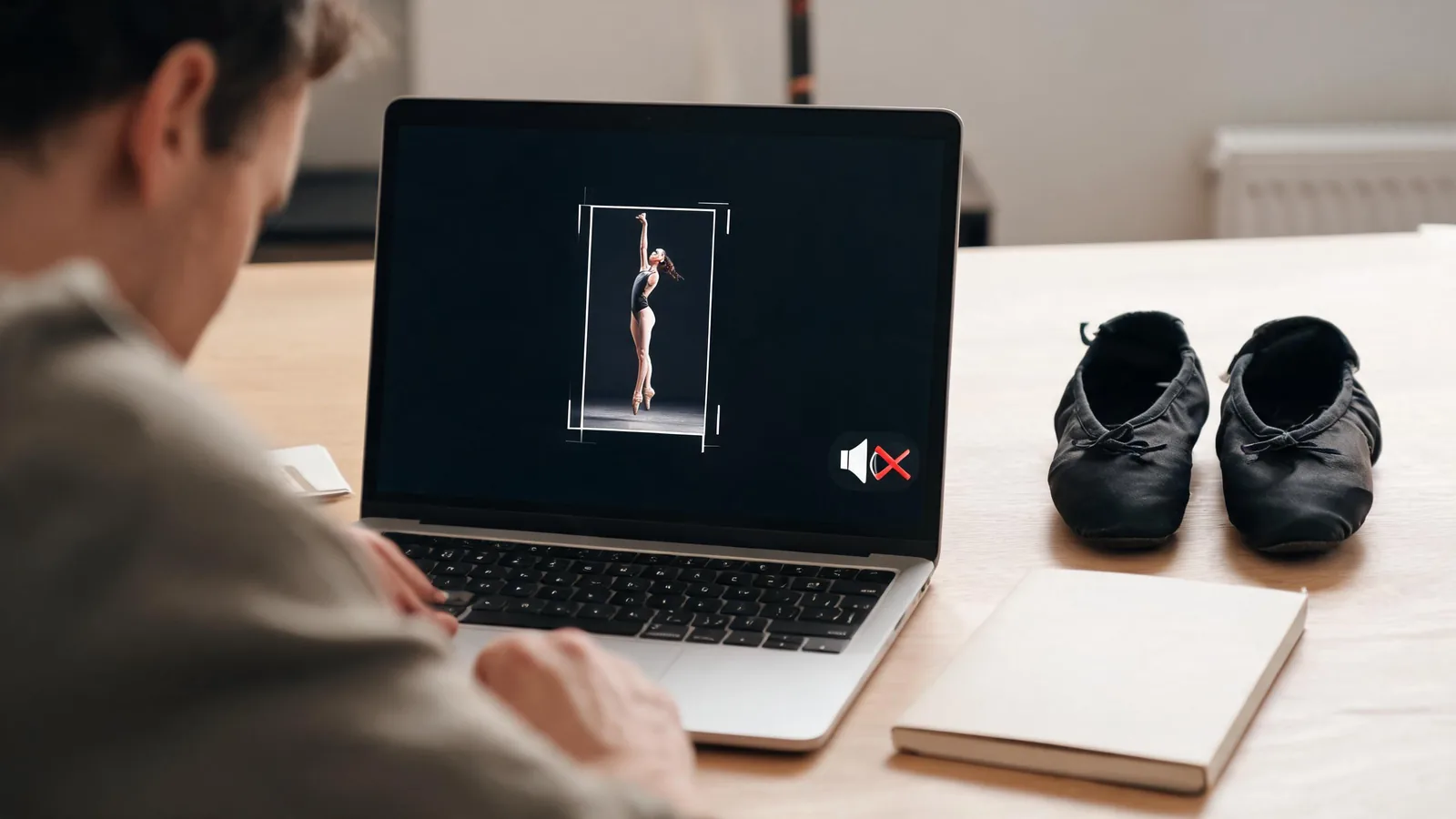
A good vertical clip has enough margin for the full performance and a clear final frame—not just a flattering opening still.
Run these checks immediately before upload:
- Vertical composition: Does the subject remain readable when viewed on a phone? Are hands, feet, and the ending pose still in frame?
- Visual stability: Did the model alter body proportions, clothing, face, or background in a way that makes the result confusing or inaccurate?
- Likeness permission: Does the clip represent only someone who approved this dance depiction and destination? Do not use minors, celebrities, or strangers.
- Music and choreography: Audio permissions are separate from a generated visual. Use music you have cleared for the destination or choose the platform's own licensed options where appropriate. Do not assume a trending sound is reusable for a client campaign.
- Caption and disclosure: Do not present the clip as footage of a real performance. Check the destination's current synthetic-media controls and add a clear description where needed.
TikTok's current AI-generated content guidance is a primary starting point for its label rules. Check it at upload time because platform controls and policies change. The page is not legal advice, and it does not replace contracts, releases, or music licences for a commercial project.
Know when a free test is enough
A no-cost first test is not the same thing as an unrestricted posting right. Before a paid production, check the current plan, export, and usage terms for the exact workflow you will use. A first test is successful if it answers one decision: whether your approved source and restrained movement hold together in the destination crop.
If it does, you can decide whether more iterations or a different export option are worth the current cost. If it does not, paying for more runs may not solve a framing or source-image problem. Start with the cleaner image or smaller movement instead.
For broader input guidance, see our AI K-pop dance publishing checklist. It covers source rights, output review, and audio decisions for a closely related workflow; this article stays focused on the vertical TikTok setup and final-review decision.
A relevant tutorial, with a limitation
The independent video below is included because it specifically addresses TikTok dance-video creation with AI. It is not a ClipTrend walkthrough, does not confirm current ClipTrend controls or pricing, and its “free” language should not be treated as a guarantee about any current tool or platform.
The video is workflow context only; review the live product and TikTok pages before publishing.
FAQ
Can I make an AI dance video for TikTok from one photo?
You can begin with one approved, vertical-ready full-body image or original character. Keep the first action simple and review the full output for crop, anatomy, identity, and final-frame problems before posting.
What photo works best for an AI TikTok dance video?
Choose an image with one permitted adult or approved character, visible hands and feet, enough headroom and foot room for a vertical crop, clear clothing edges, and a simple background. A tightly cropped portrait is a weak source for full-body motion.
Can I use any TikTok sound with an AI dance video?
No. The generated visual does not clear music or choreography. Use audio you are allowed to use for the specific platform and purpose, and check additional licensing requirements for ads or client work.
Do I need to label an AI-generated dance clip?
Check the destination platform's current AI-content policy and upload controls, especially when a realistic clip could be mistaken for a real performance. A label does not make an unapproved likeness or unlicensed asset acceptable.
Sources
- ClipTrend, AI Dance Generator
- ClipTrend, AI dance video generator motion-template guide
- TikTok Support, AI-generated content guidance
- YouTube, How to Create Free Viral TikTok Dance Videos using Viggle AI