AI Dance Video Generator: Animate Characters With Motion Templates
An AI dance video generator works best when the dance motion, source image, and safety boundary are clear before you render. Use a full-body or character reference, choose one motion template, protect identity and outfit details, and review the whole clip for body stability. Do not use dance generation to impersonate real people or animate someone without permission.
For creators, the useful workflow is not "make anything dance." It is "turn an approved character, avatar, product mascot, or original image into a short motion clip that stays consistent."
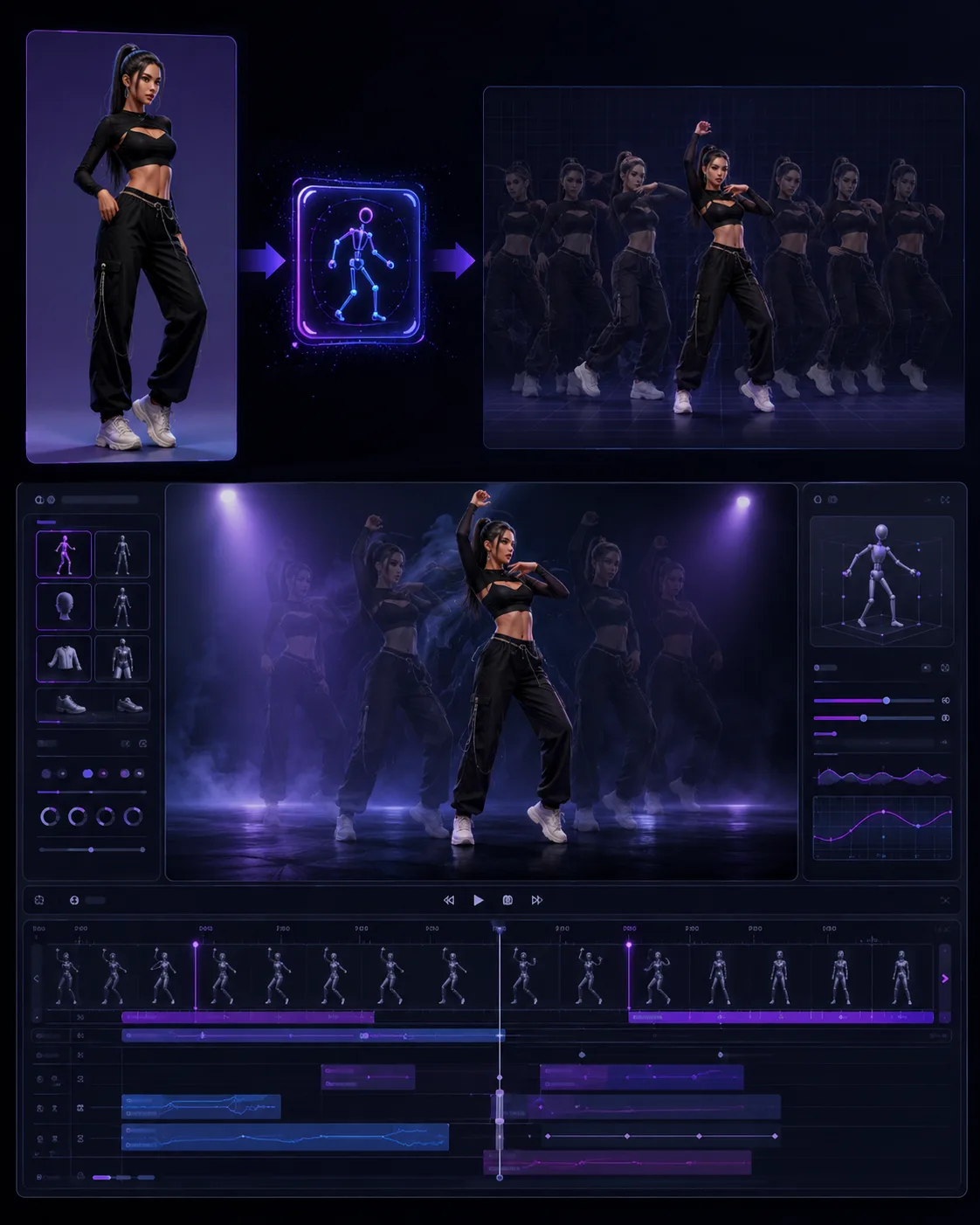
Concept visual: dance templates work best when the character, framing, and motion style are planned together.
Quick answer
Use this workflow:
- Choose an image you own or have permission to animate.
- Prefer a full-body or three-quarter reference.
- Pick one dance or motion template.
- Keep the camera framing simple.
- Add a prompt that protects the character, outfit, and face.
- Watch the full clip, not just the thumbnail.
If you are animating a portrait crop, avoid full-body dance. Use subtle head, shoulder, or upper-body movement instead.
What an AI dance video generator actually does
An AI dance video generator applies a motion pattern to a character, person, avatar, or image. In template workflows, the movement may come from a prebuilt dance pattern. In prompt-first workflows, the motion is described in text. Some workflows combine both: template for rhythm and pose, prompt for character details.
Dance is harder than a simple photo animation because the model must preserve body proportions through repeated movement. Feet, hands, elbows, clothing edges, and face stability are common failure points.
That is why a template can help. A good template gives the model a known motion structure. Your prompt then explains what must stay stable.
Use safe source material
Use:
- Original characters.
- Your own avatar.
- Product mascots.
- Brand-approved model images.
- Stock or licensed images that allow this use.
- Your own photo, if you are comfortable with the result.
Avoid:
- Celebrities or public figures.
- Private people without consent.
- Images of minors.
- Copyrighted characters you do not have rights to use.
- Deceptive edits that imply someone danced or performed when they did not.
This is not only a policy issue. It also makes the creative result cleaner. Original characters and approved references are easier to reuse across a series.
Pick the right image
Dance motion needs more body information than a normal image to video clip.
Best source image:
- Full body visible.
- Hands and feet visible.
- Simple pose.
- Clear outfit edges.
- Stable lighting.
- Background not too busy.
Risky source image:
- Cropped at the waist.
- Hands hidden or crossed.
- Long coat covering legs.
- Busy group photo.
- Extreme perspective.
- Very loose clothing that hides body movement.
If the source image is only a headshot, use AI video templates for portrait motion instead of a full dance template.
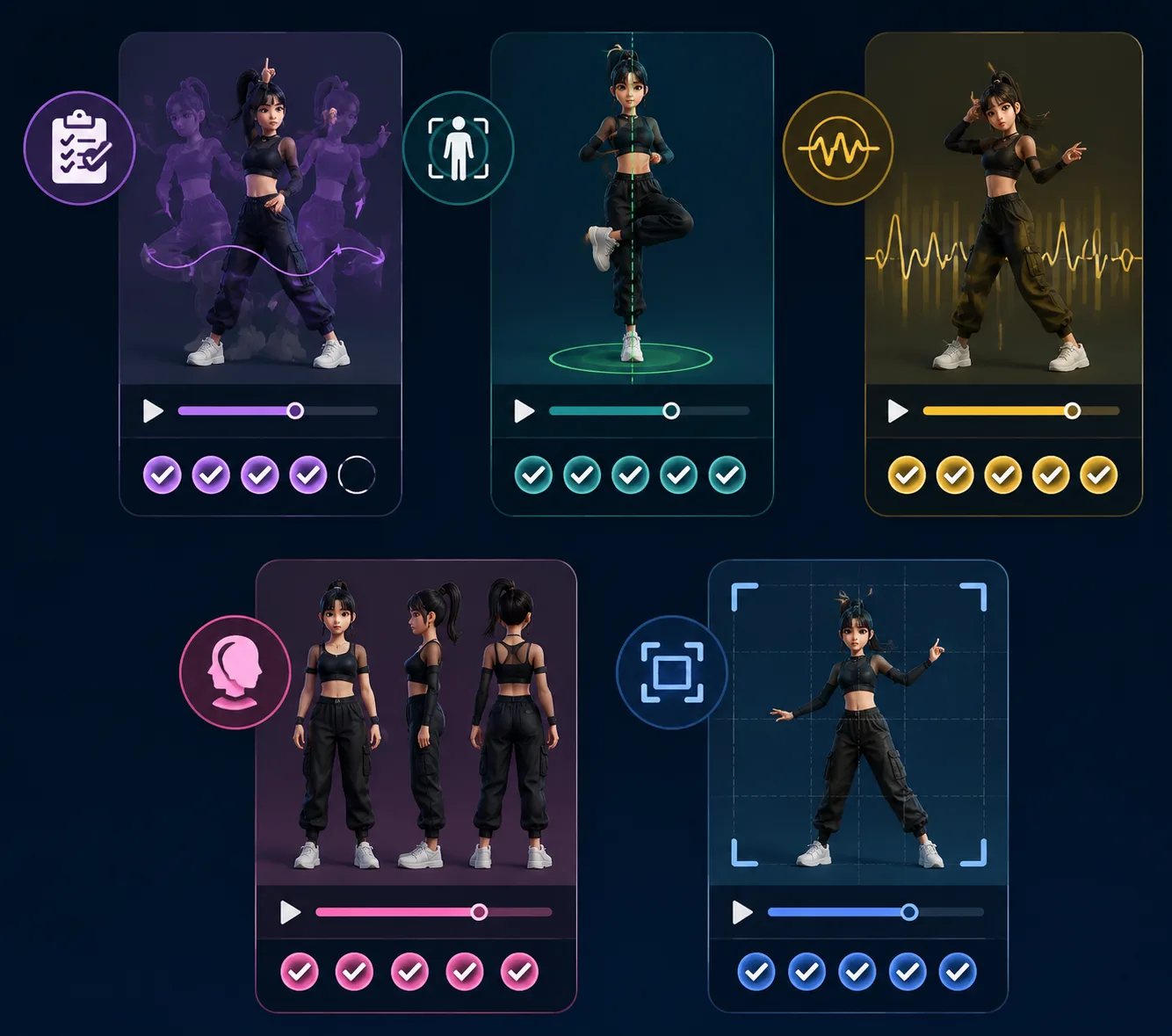
Before rendering, check body visibility, motion intensity, character consistency, and final-frame usability.
Prompt pattern for dance templates
Use a protection-first prompt:
Use the uploaded character as the reference. Keep the same face, outfit, color palette, body proportions, and character identity. Apply the selected dance motion with natural rhythm. Keep hands, feet, clothing edges, and background stable. Do not add extra people or change the character.
For a stylized avatar:
Animate this original avatar with a short upbeat dance loop. Keep the same costume, hairstyle, face design, and color palette. Use smooth full-body motion, stable camera framing, and a clean ending pose.
For a product mascot:
Animate this original product mascot with a playful dance motion. Keep the mascot shape, colors, and logo-free design stable. Use simple steps and a gentle camera push-in. End on a clear hero pose.
If the first version breaks hands or feet, reduce the motion rather than adding more instructions.
Template or custom prompt?
Use a template when:
- You want a known dance pattern.
- You need a fast social clip.
- You are testing several characters with the same motion.
- The goal is rhythm and energy, not custom choreography.
Use a custom prompt when:
- The character has a specific story role.
- The movement needs to match a scene.
- You want a subtle performance rather than a dance trend.
- The camera and action are more important than the dance style.
The broader guide on AI video templates vs prompts explains how templates and prompts divide the work.
Review checks
Watch the full clip once without pausing, then inspect details.
| Check | What to look for |
|---|---|
| Body stability | Limbs should not change length or detach |
| Face consistency | Face should not drift into a different identity |
| Outfit | Clothing should follow the body without melting |
| Hands and feet | Fingers and feet should stay believable during motion |
| Camera | Framing should not crop off important movement |
| Safety | Result should not imitate or misrepresent a real person |
If the clip fails, change one variable at a time. Try a cleaner image, a slower template, or a narrower prompt.
Good use cases
AI dance video generation can be useful for:
- Original character promos.
- Avatar intros.
- Game character motion tests.
- Mascot clips.
- Creator experiments with consented images.
- Short-form content drafts.
It is less suitable for:
- Exact choreography proof.
- Legal performance documentation.
- Highly realistic celebrity mimicry.
- Scenes where hands, feet, and props must be perfect.
If you need character replacement rather than dance, use the character swap AI video workflow instead.
Frequently asked questions
What is an AI dance video generator?
It is a tool or workflow that applies dance-like motion to a character, avatar, person, or image. The best results use a clear source image, a motion template, and a prompt that protects identity and outfit details.
What image works best for AI dance videos?
A full-body image with visible hands, feet, and outfit edges works best. Cropped portraits and busy group photos are risky for dance motion.
Can I use a real person's photo?
Only use a real person's photo if you have permission and the result will not mislead viewers. Avoid celebrities, minors, private people, and deceptive edits.
Are dance templates better than prompts?
Templates are better when you want a proven motion pattern quickly. Prompts are better when you need custom character action, story context, or a less trend-like movement.
Bottom line
Use an AI dance video generator as a controlled creative workflow. Start with approved source material, choose one motion template, protect the character details, and review the whole clip before you publish.