Image to Video AI: Animate Any Photo or Try Today's Viral Trends
Upload a photo, pick from 40+ models and turn it into a video: image-to-video, text-to-video and face swap, all in one place. Or jump into this week's viral AI video effects below.
Add one photo to animate it, several to use as references, or none to make a video from your prompt.
MiniMax H3's 10s and 15s clips need 768p or 2K. Only 5s is available at 480p.
ClipTrend is an image to video AI you can try for free: animate any photo with 40+ AI models, or star in viral AI video effects from TikTok and Reels, with new ones added every week.
Trending AI photo and video effects
Find a look or trend to make with your own photos
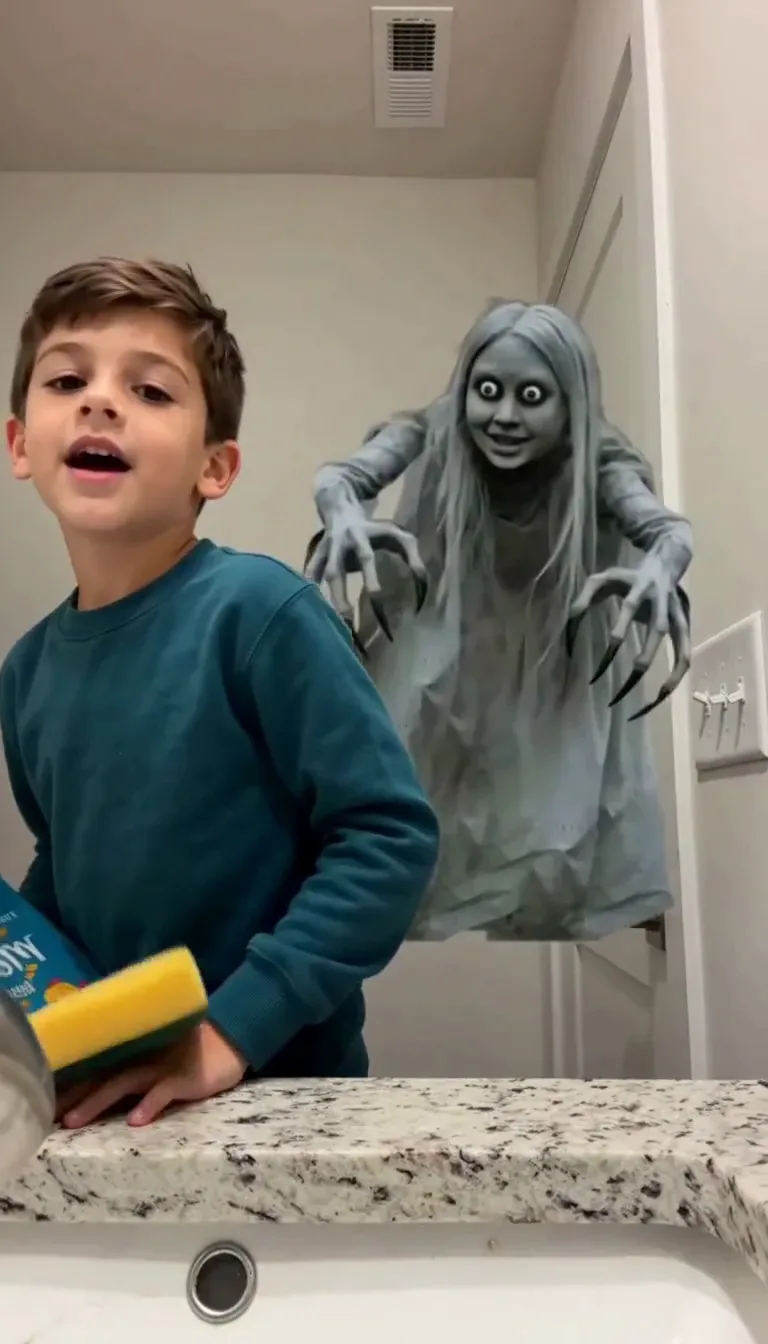
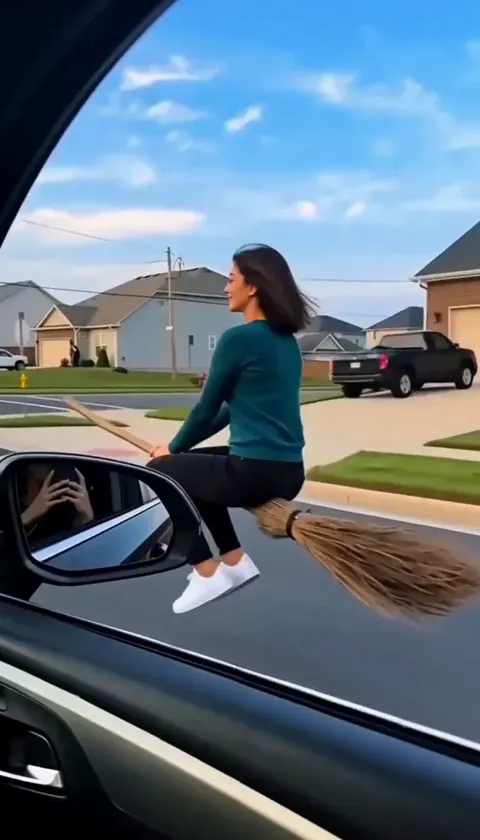
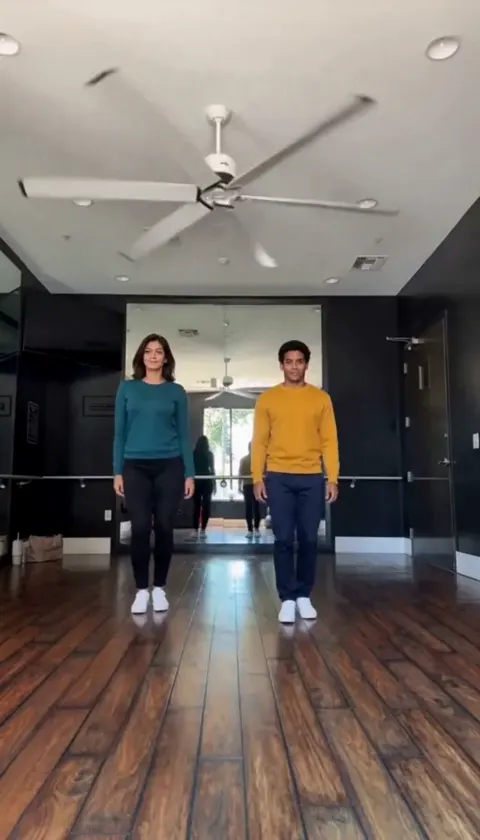
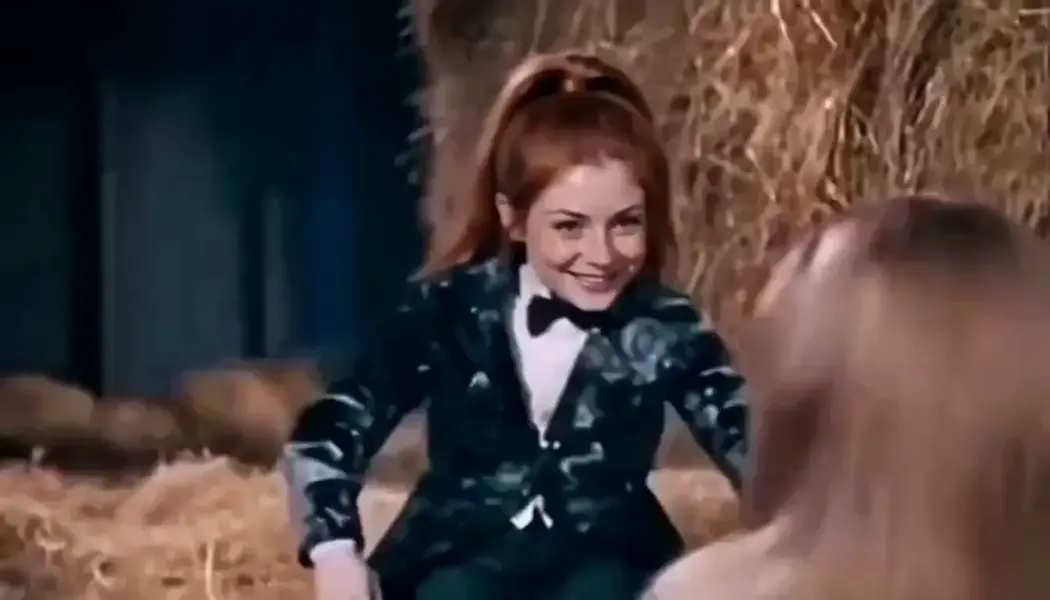
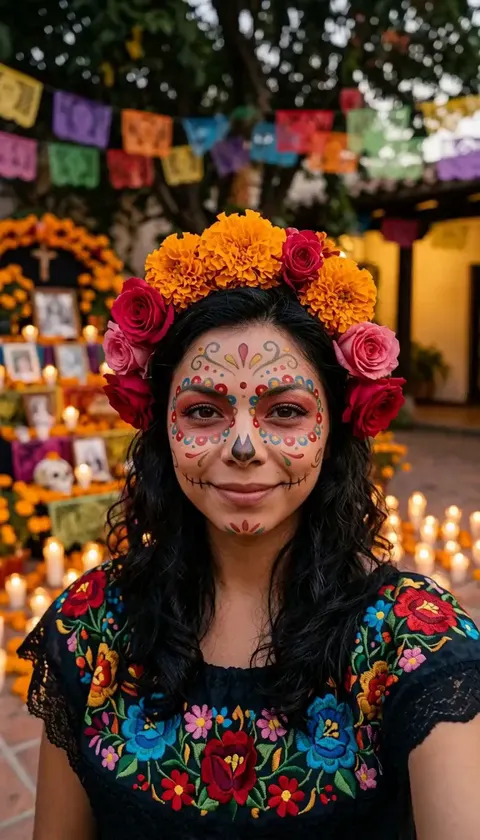
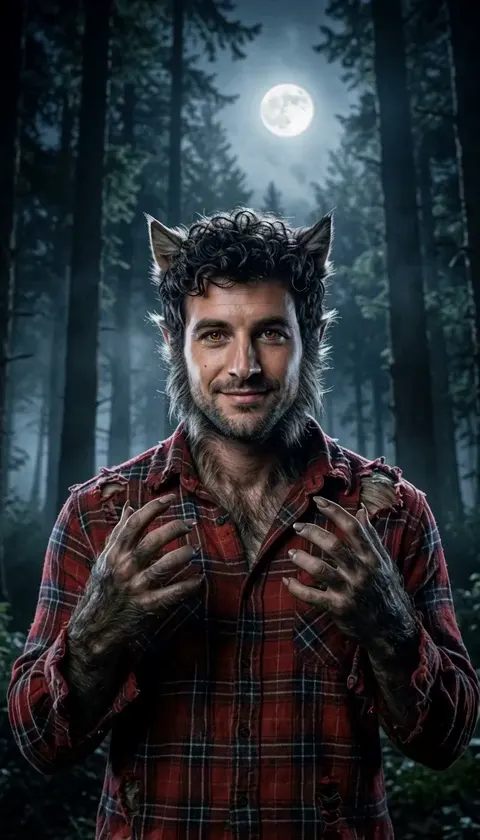
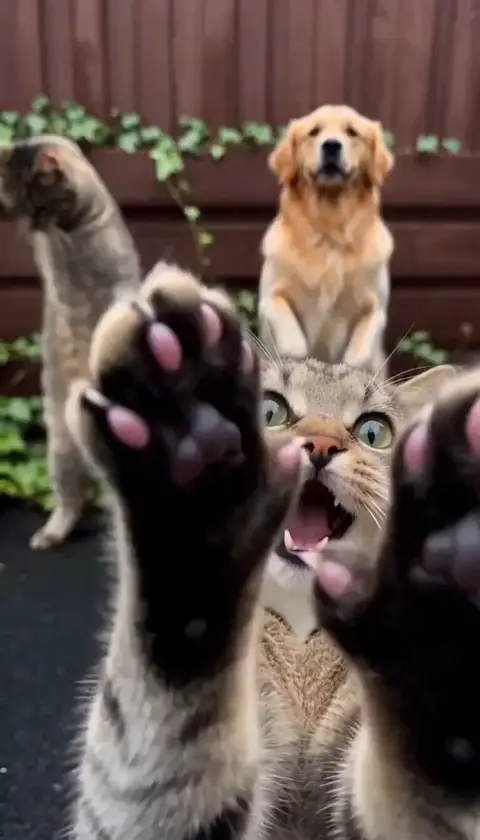
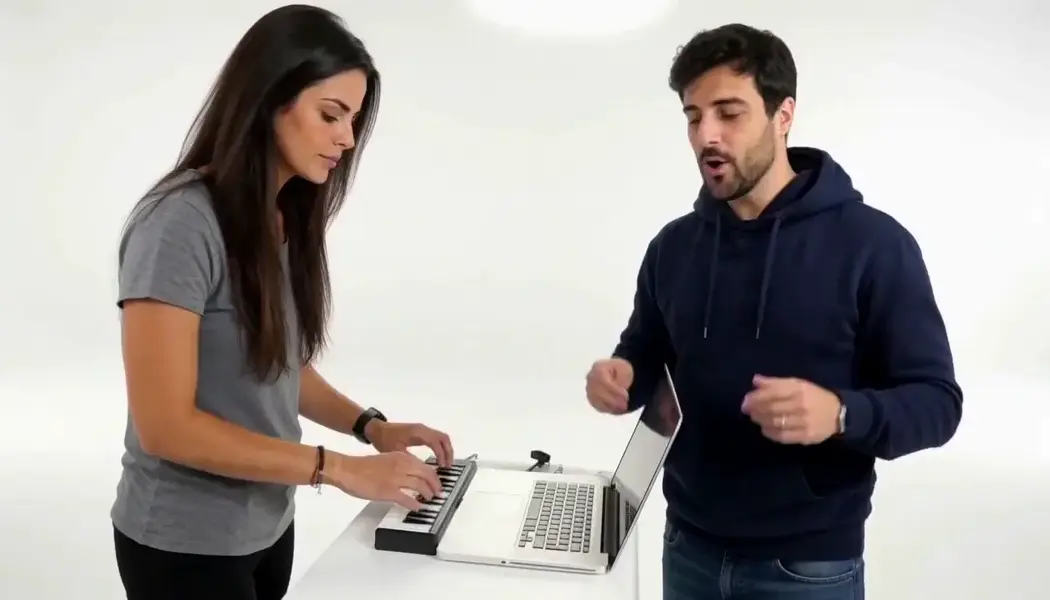
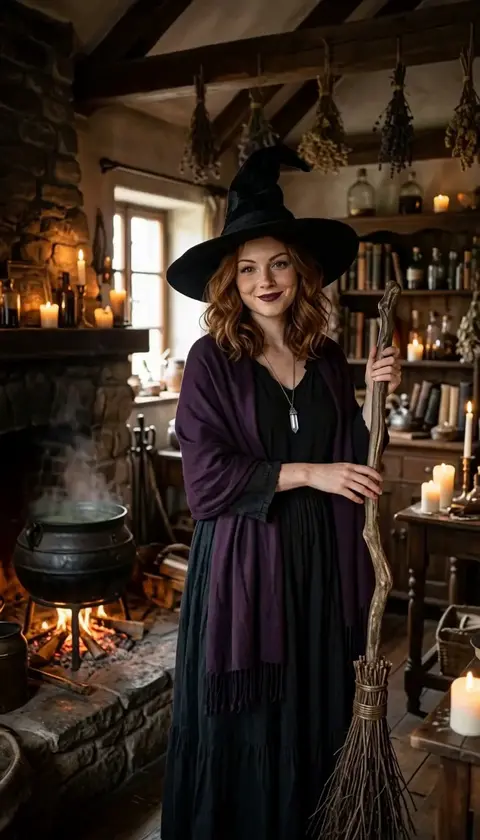
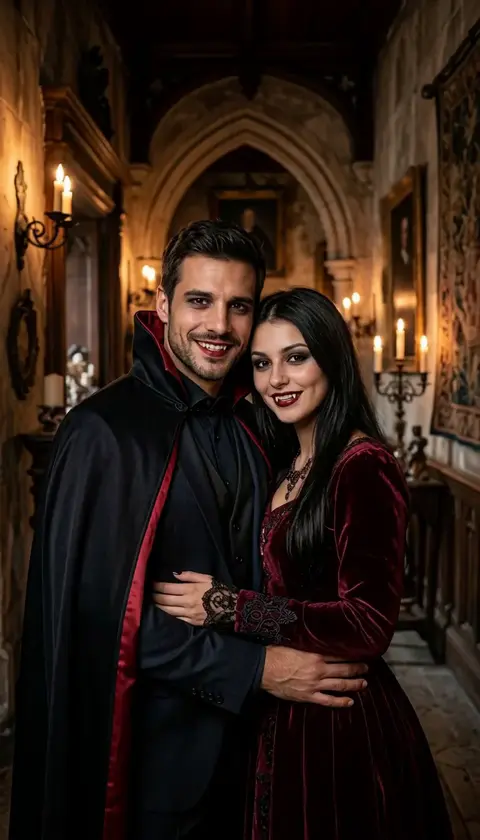
AI Image to Video — and Every Other AI Capability in One Workspace
Each capability is a full workspace with every supported model behind it — open one and start generating.
Video tools
10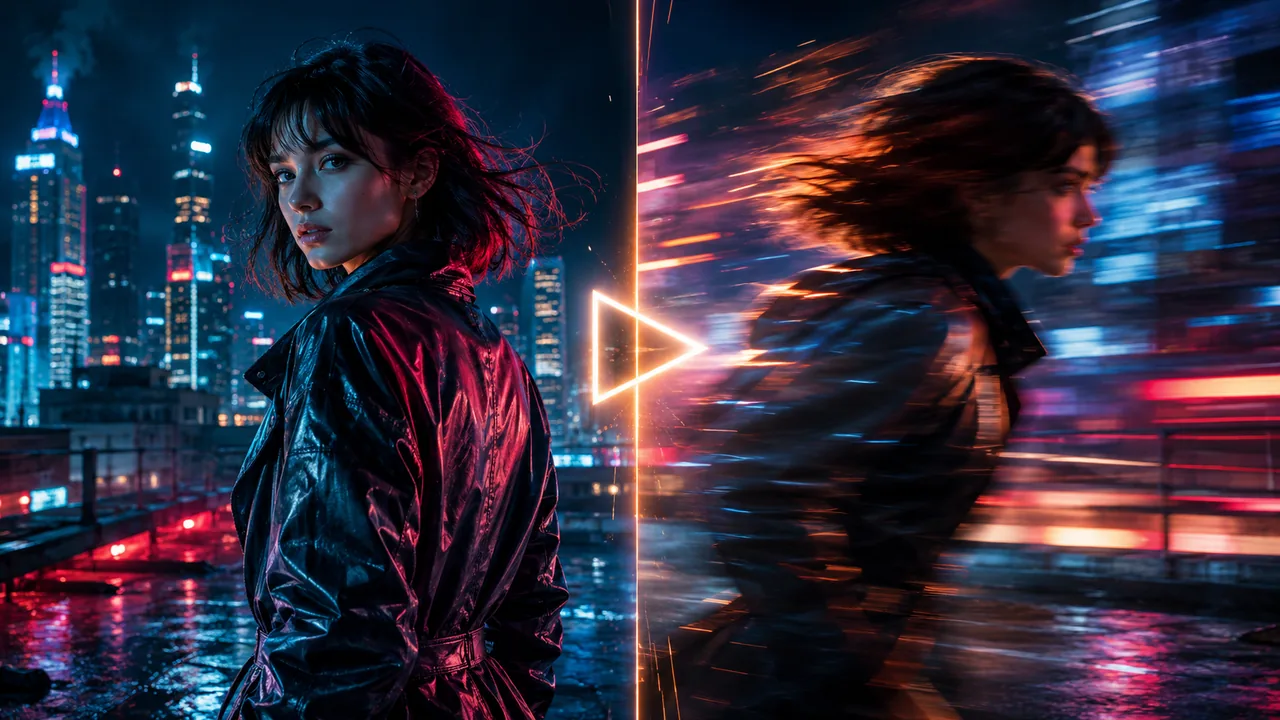
Animate a photo or restyle a clip with motion-aware AI.
Image/Video to Video
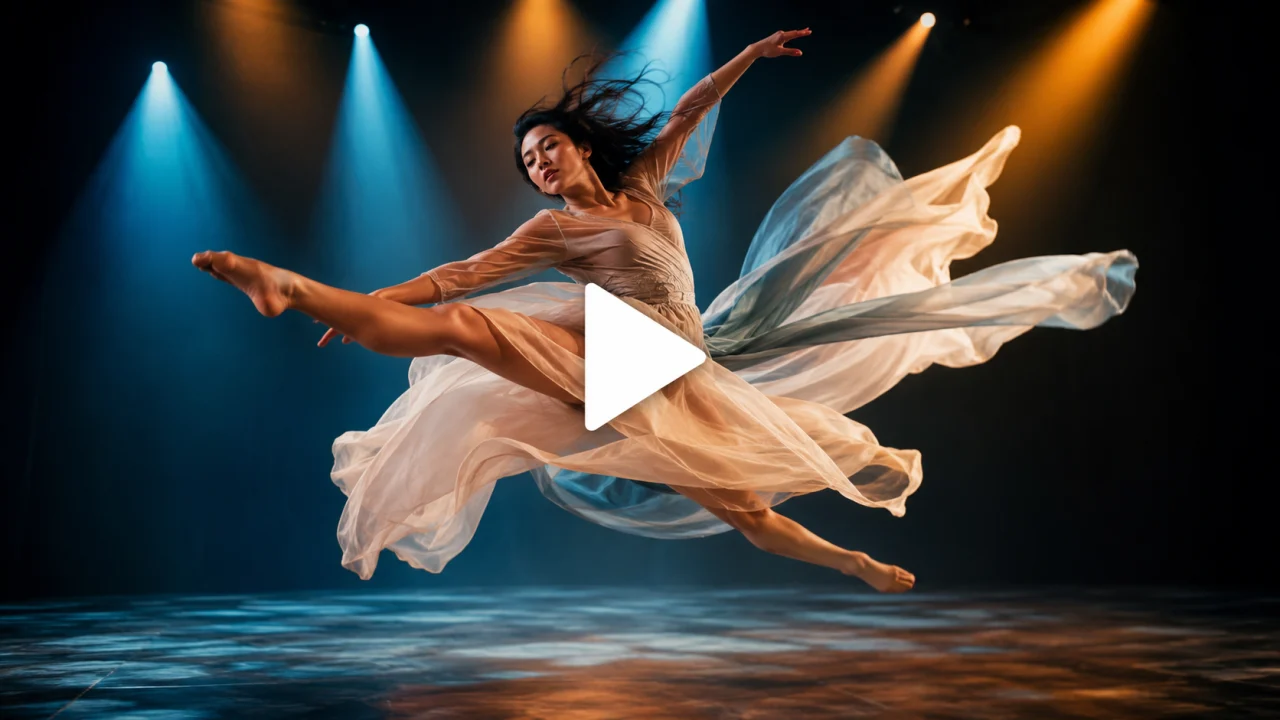
Type a scene and get a finished AI video — no footage needed.
Text to Video
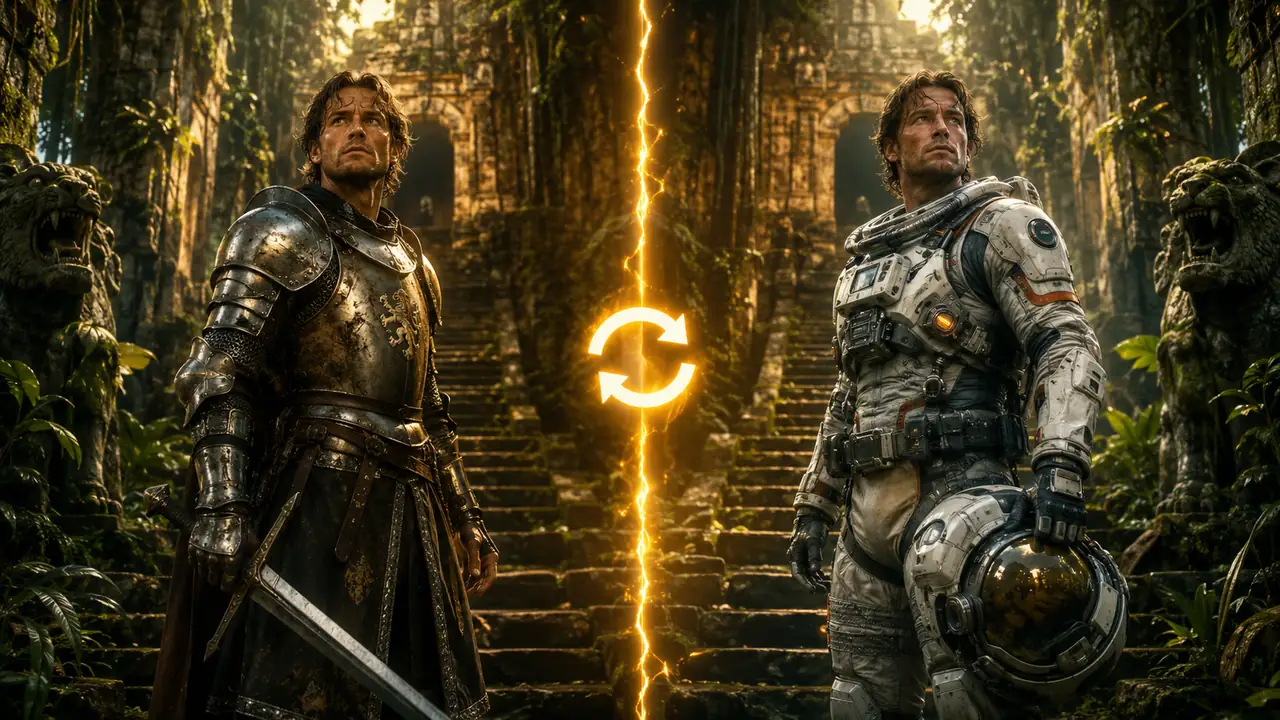
Drop a new character into a clip while keeping the action.
Character Swap
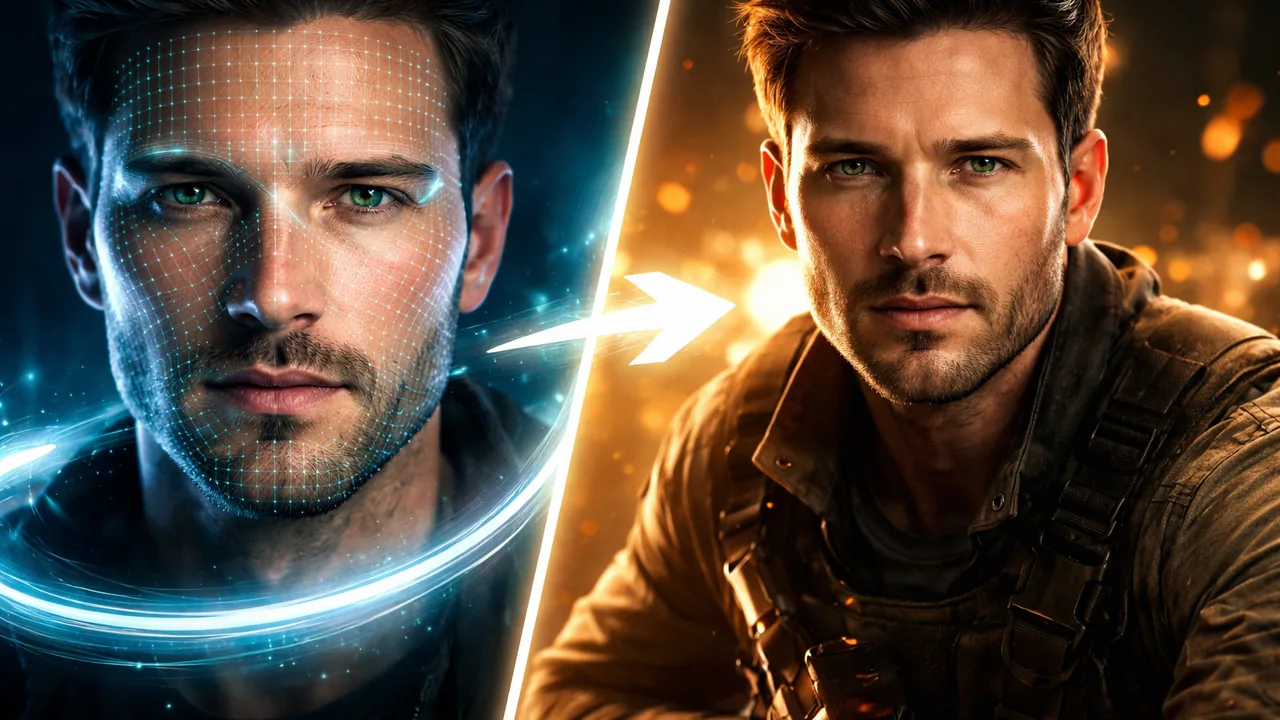
Swap a face into any video while keeping the motion natural.
Video Face Swap
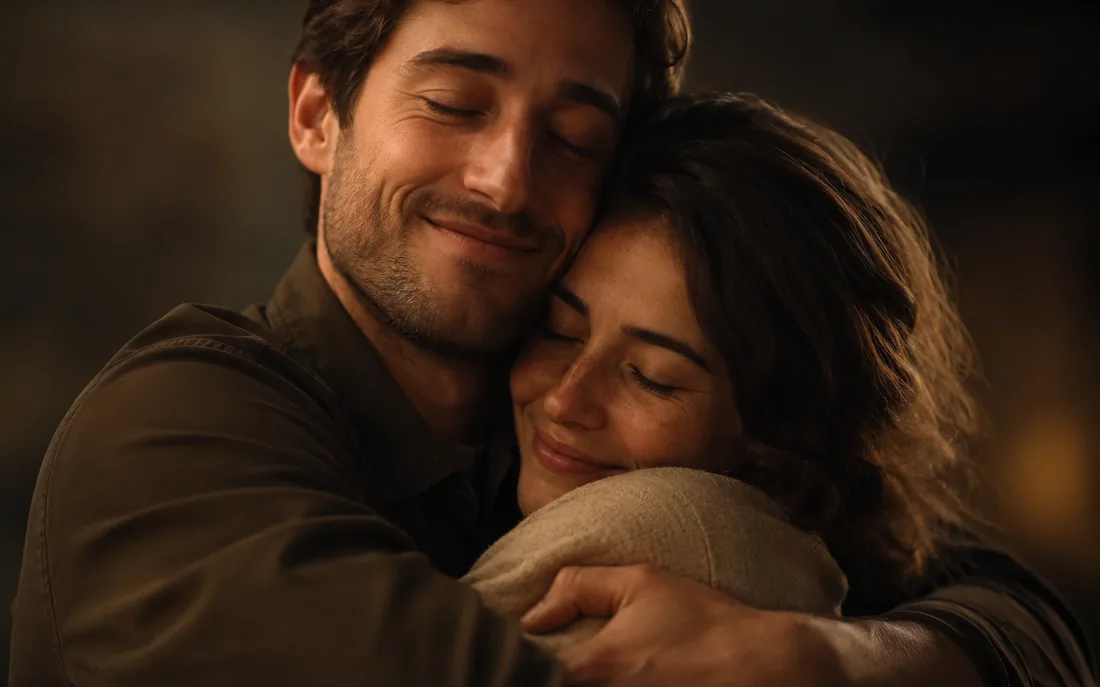
Turn one or two photos into a warm hug video.
AI Hug Generator
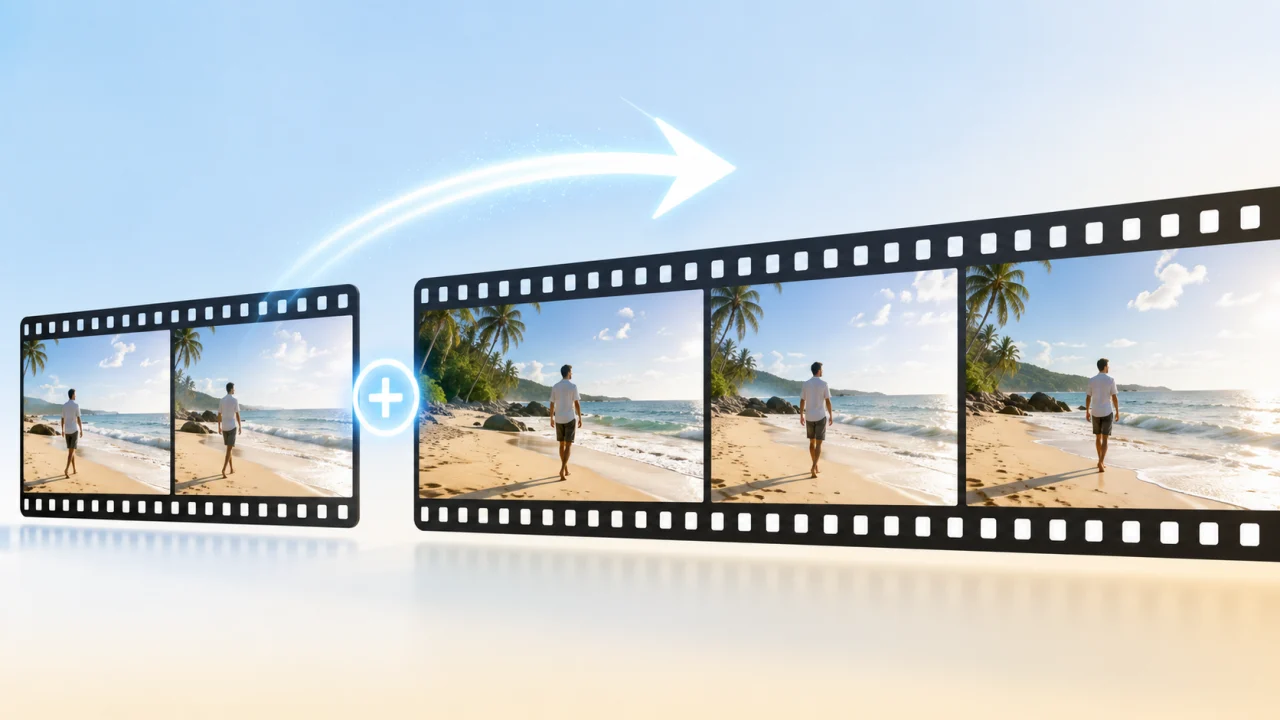
Continue an existing clip with AI-matched extra seconds.
Video Extend
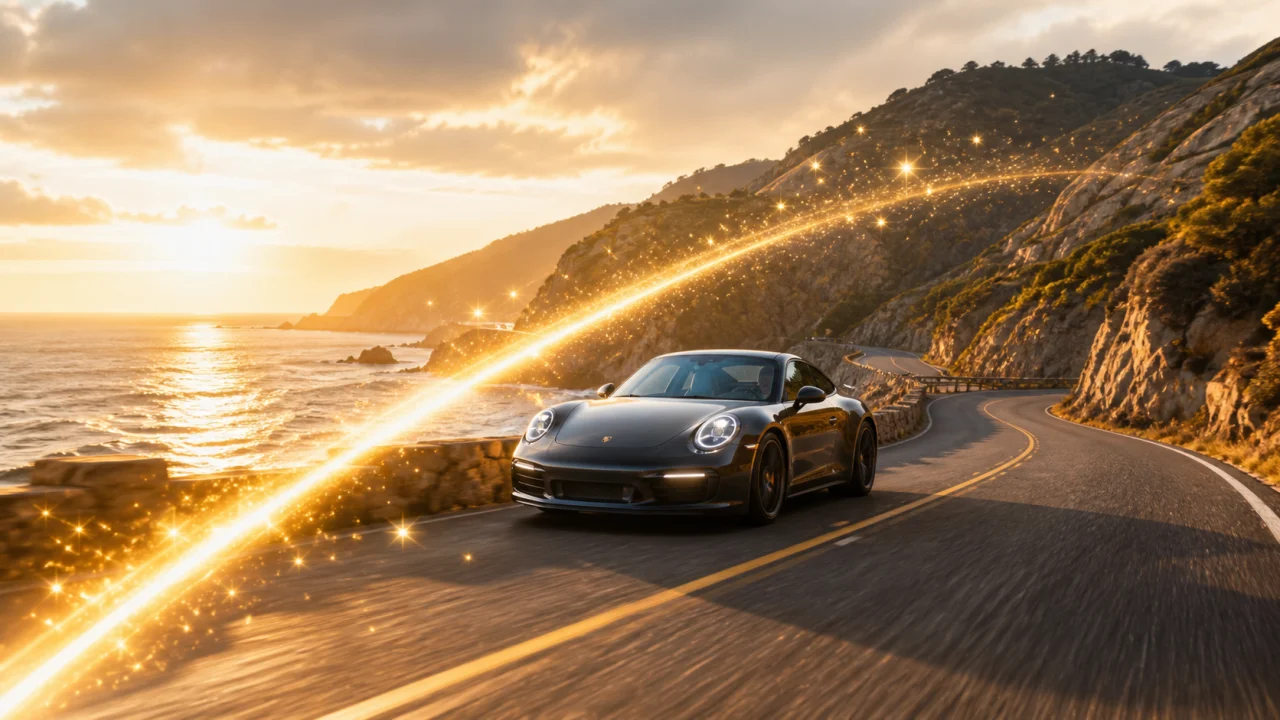
Edit and retouch footage with prompt-driven AI changes.
Video Edit
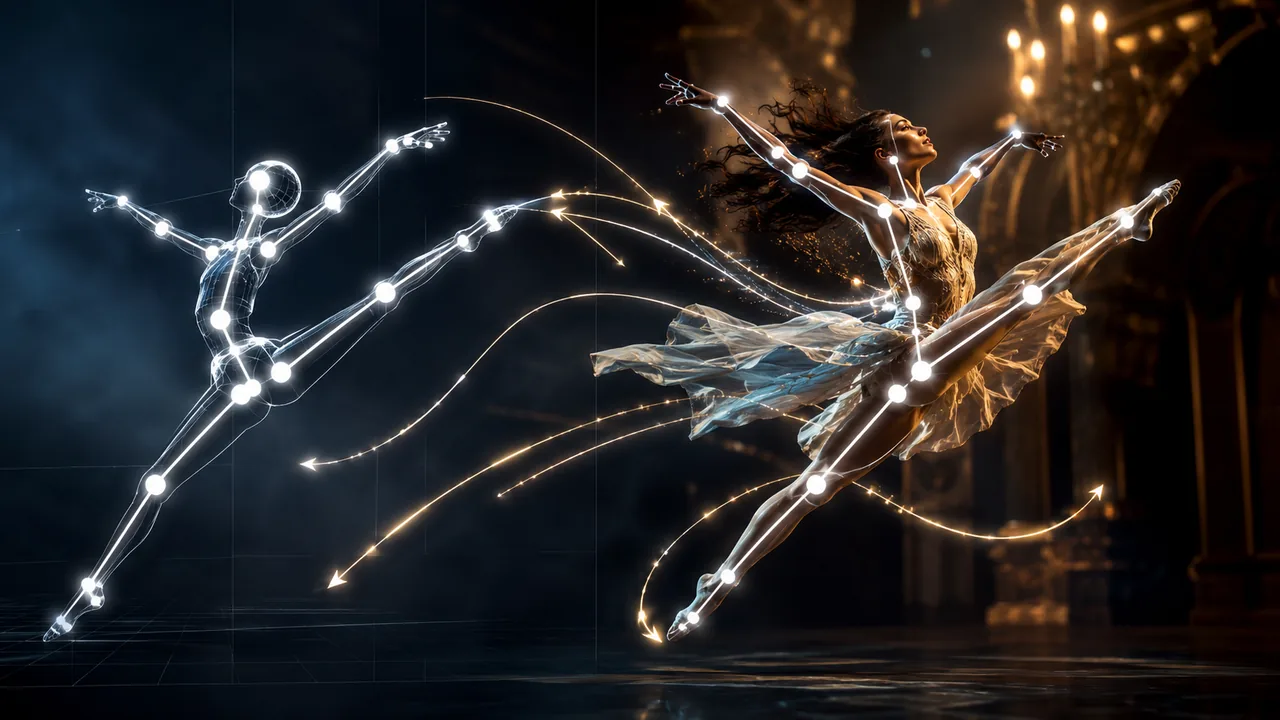
Drive your character with the motion from a reference clip.
Motion Control
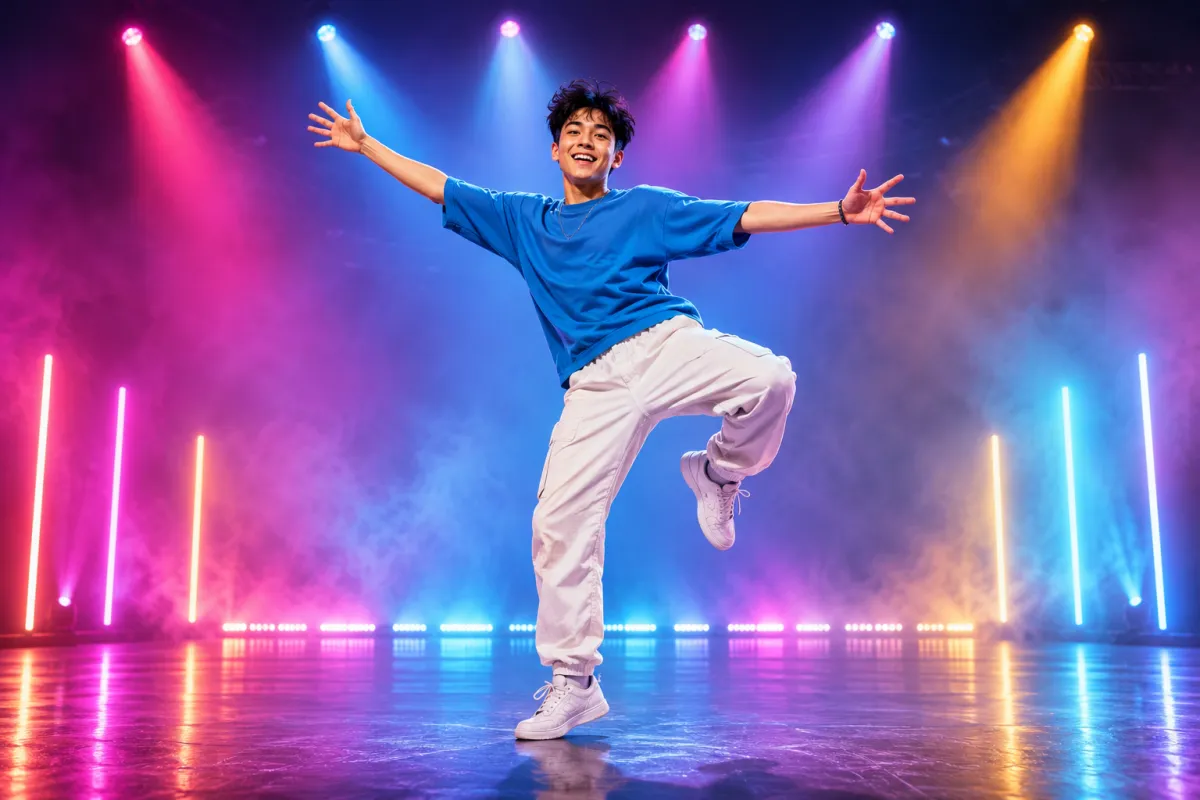
Make your photo dance — pick a move or paste a clip.
AI Dance Generator
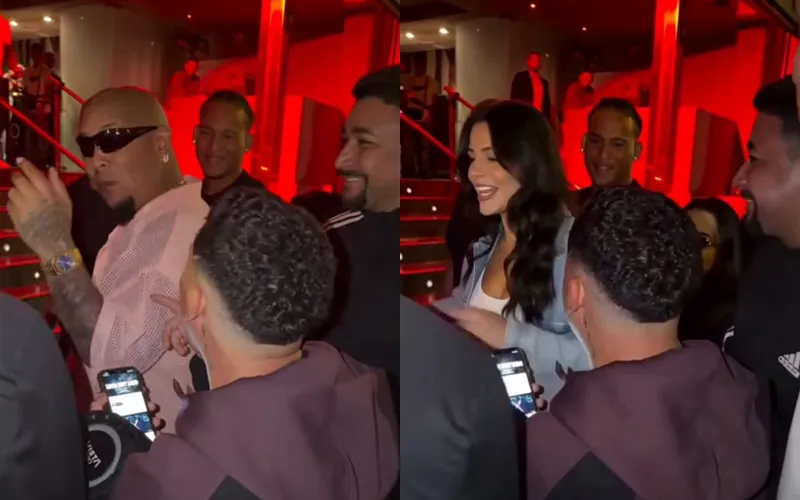
Put yourself in the viral Bulin 47 freestyle from one photo.
Bulin 47 AI
Image tools
6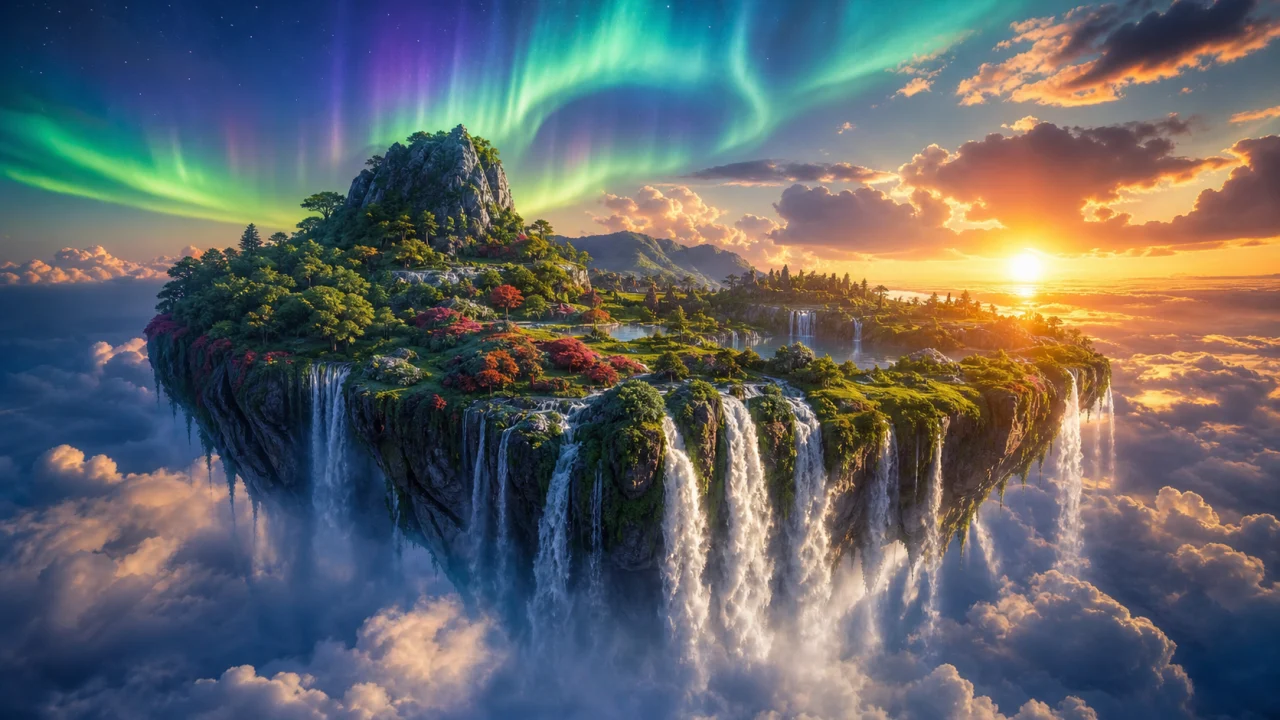
Generate stills, thumbnails and key art from a prompt.
Text to Image
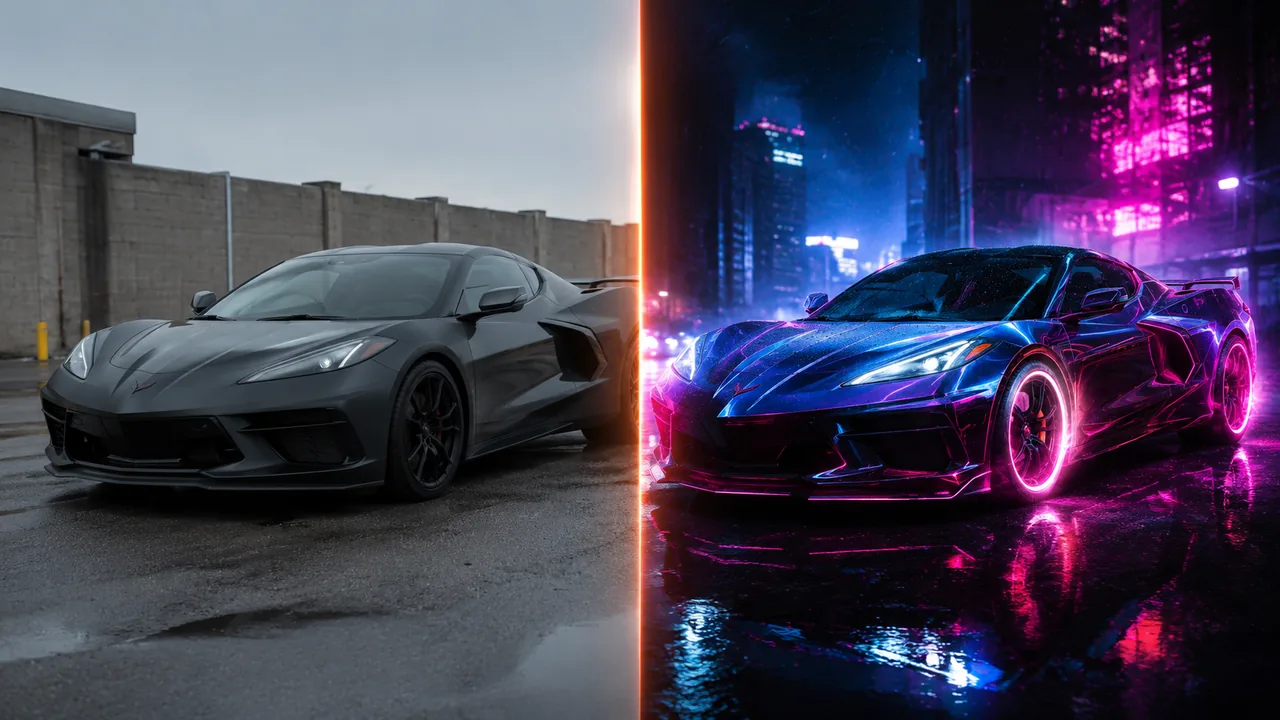
Edit or restyle an existing picture with the AI Image Editor.
AI Photo Editor
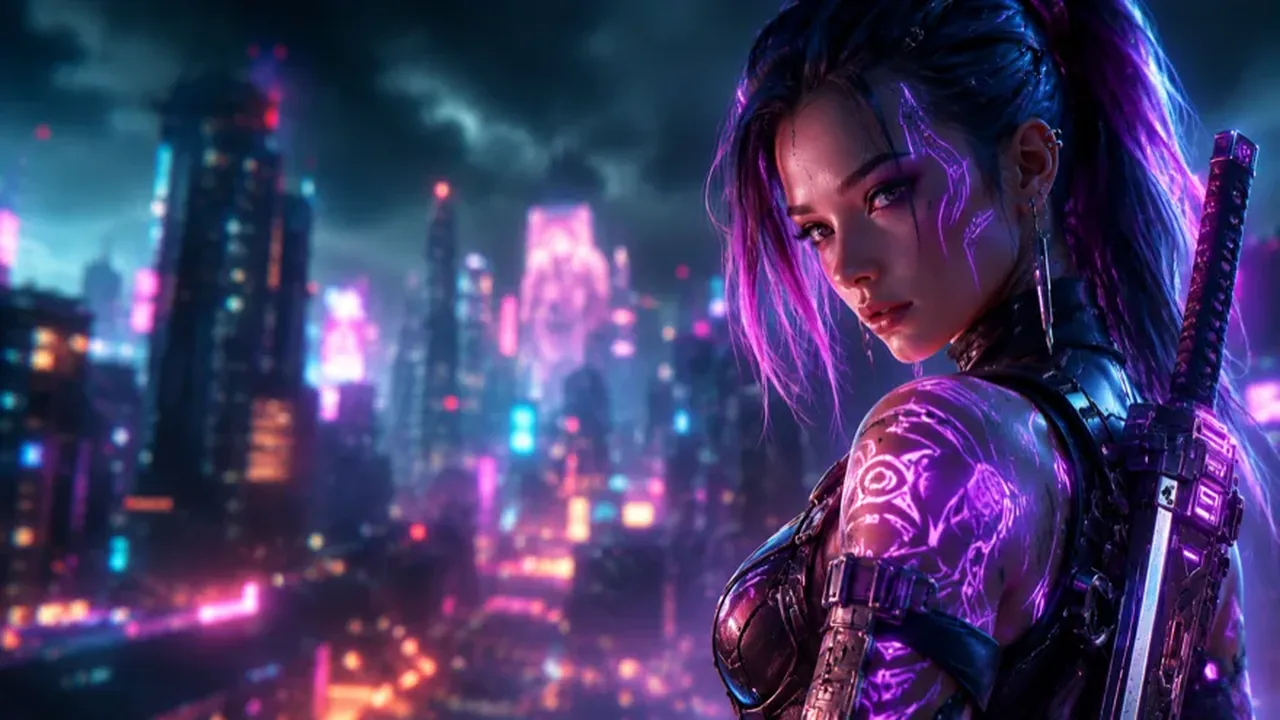
Create consistent AI characters for posts and stories.
AI Character
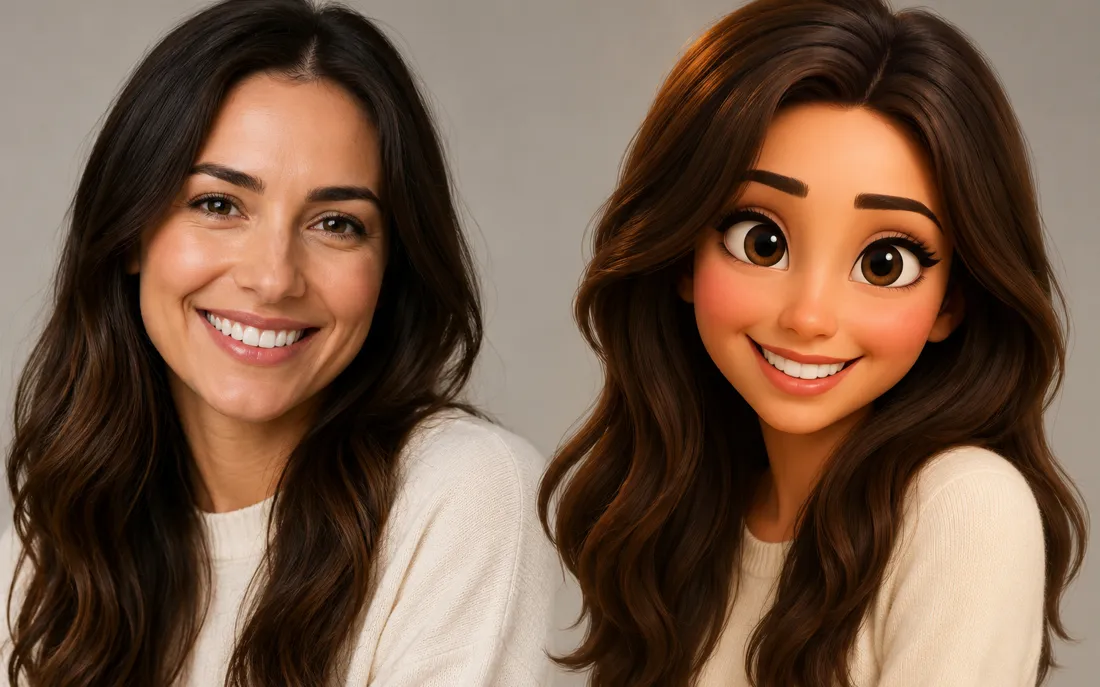
Turn a photo into a fun 3D Pixar-style cartoon image.
AI Cartoon Generator
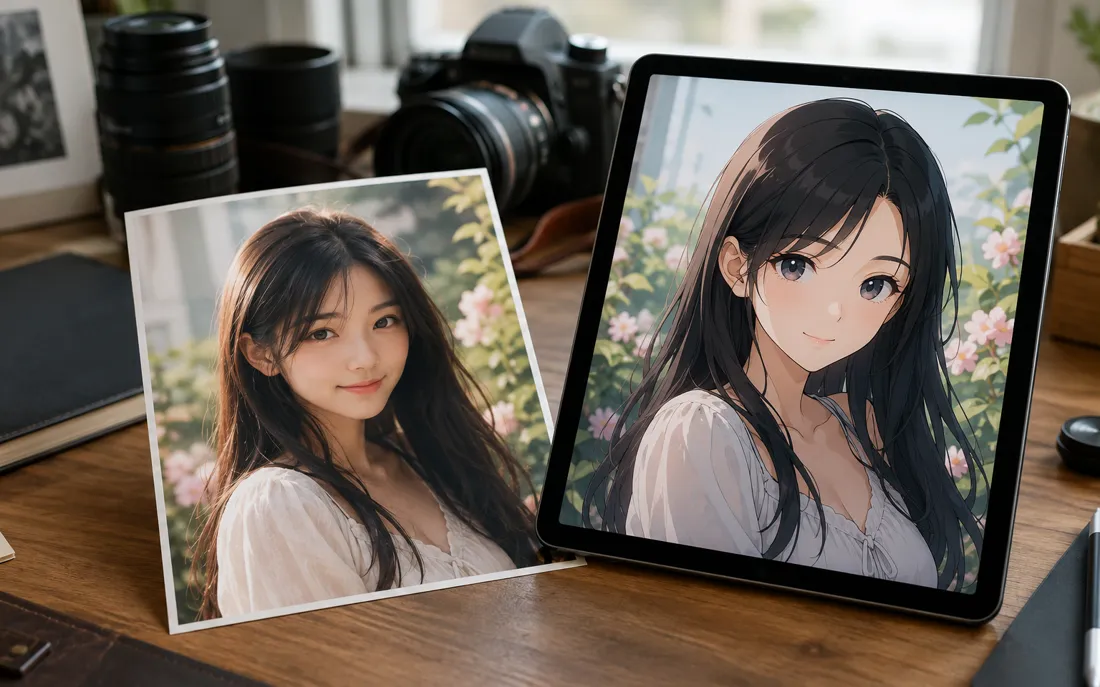
Turn a photo into a believable anime portrait image.
AI Anime Generator
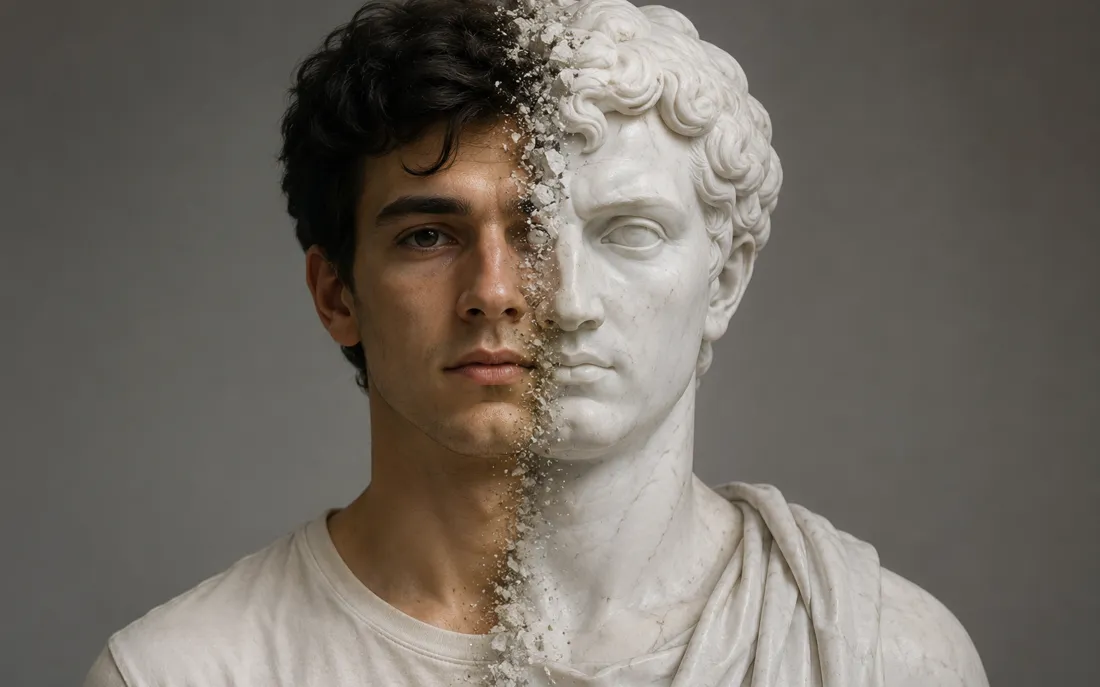
Turn a photo into a classical white marble statue image.
AI Statue Generator
The Best AI Image to Video Models, All in One Place
Seedance, Kling, Veo, Wan, Grok and more — the engines behind AI image to video and image generation, switchable inside any workspace without changing tools.

Seedance 2.5
ByteDance's flagship — long clips with audio and multi-reference input.

Vidu Q4
ShengShu's newest: photo or multi-reference clips with synced sound.

Kling 3
Cinematic motion and strong prompt adherence.

Veo 3.1
Google's video model with native audio.

Wan 2.7
Fast, versatile video generation by Alibaba.

Grok Imagine
xAI's imaginative video & image engine.

Nano Banana 2.1
Google's newest: fast, low-cost images and edits.
Nano Banana Pro
Top-tier 4K image generation from text.

Ideogram 3.0
Best-in-class text rendering inside images.

GPT Image 2.5
OpenAI's image model for precise edits.
Trending AI Video Effects
Real viral AI video effect templates powering trending TikTok and YouTube clips — pick one, upload a selfie, and remake it in one click. Pay-as-you-go credits, watermark-free paid exports.
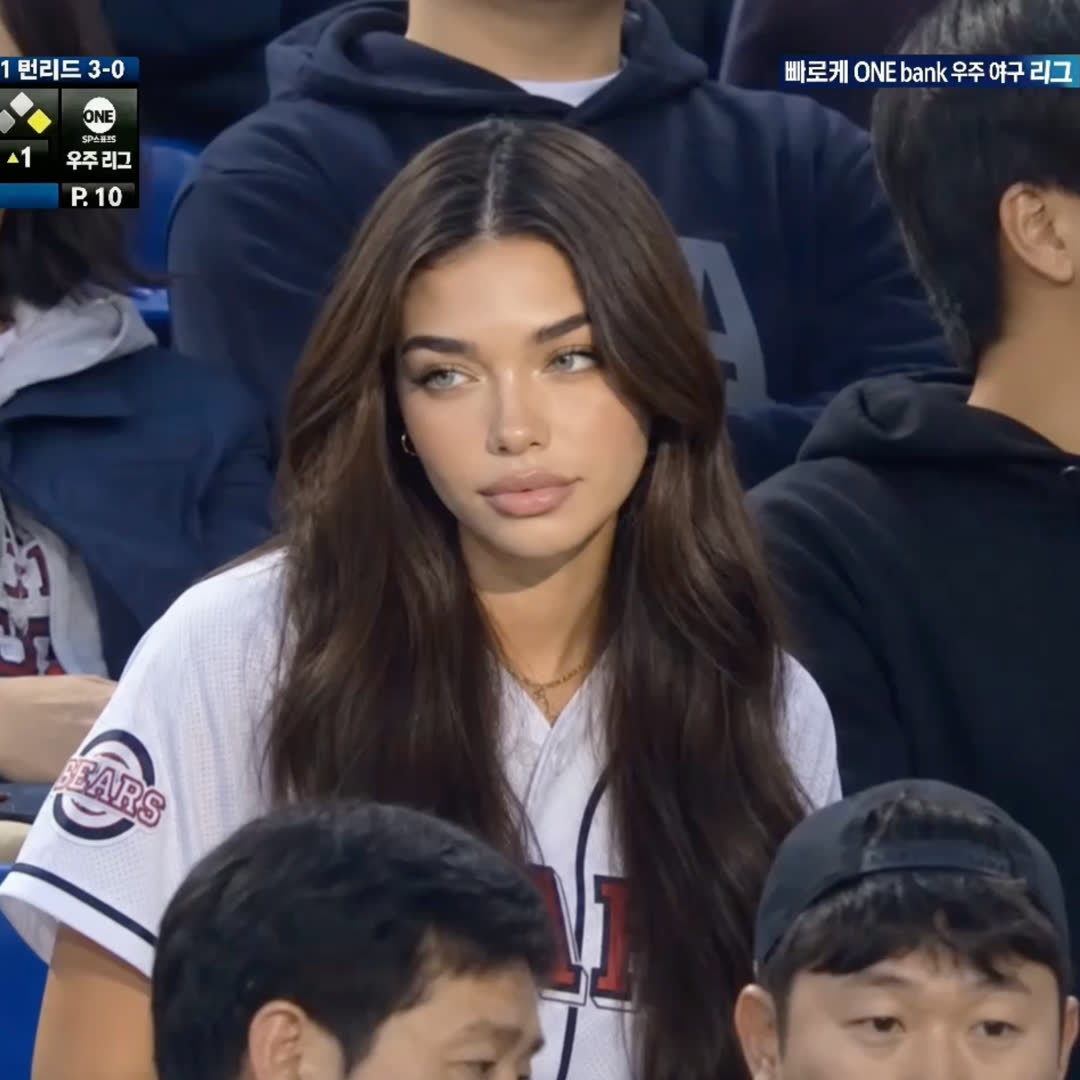
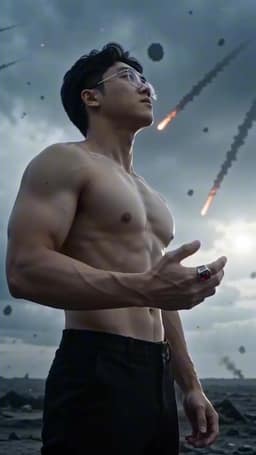
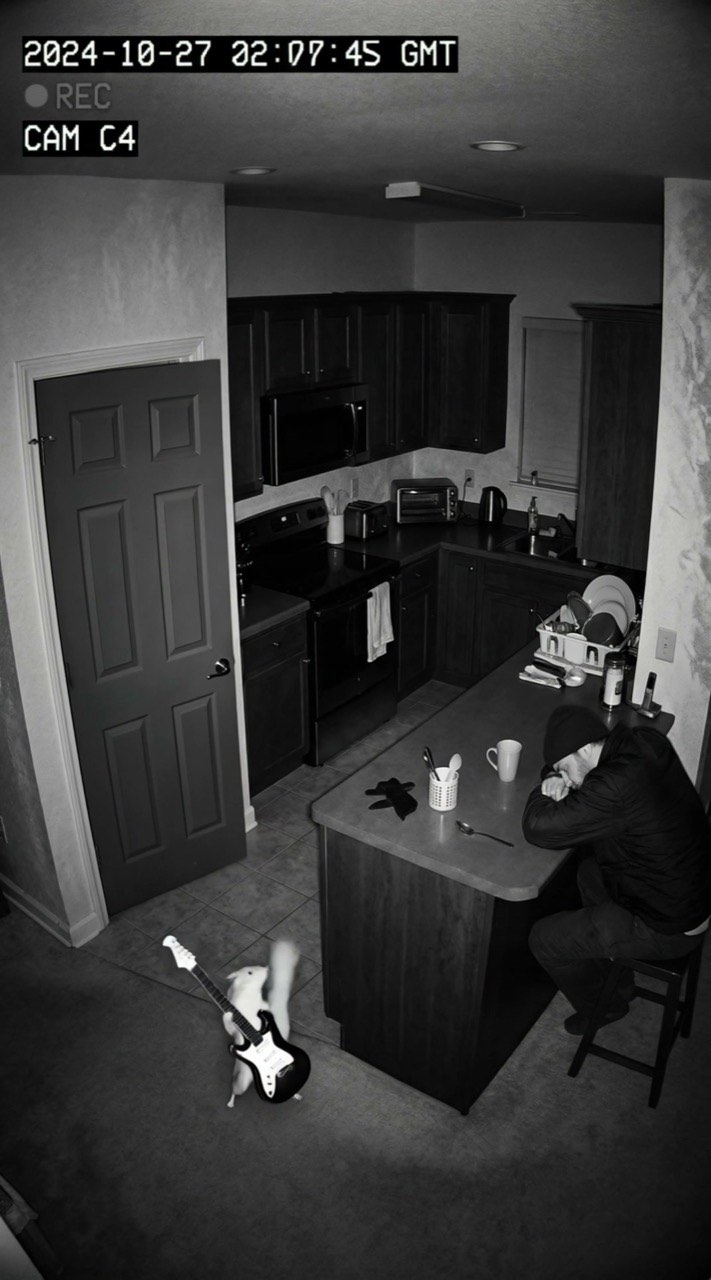
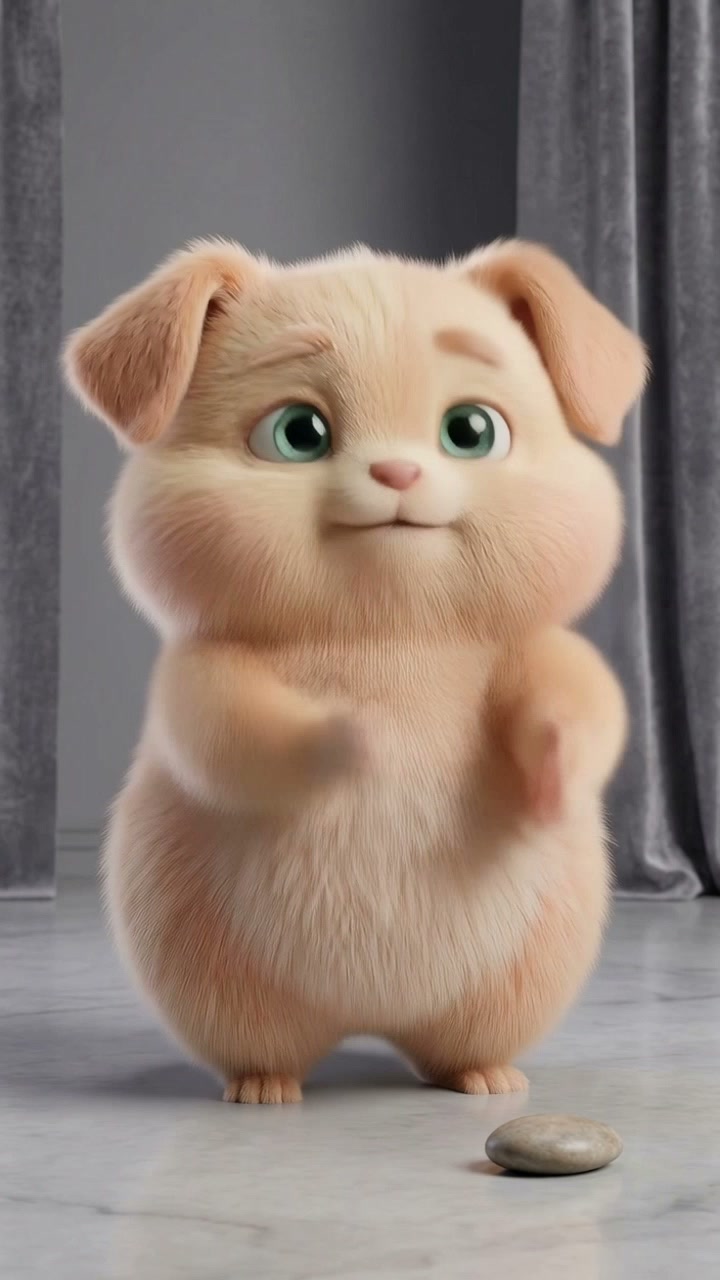
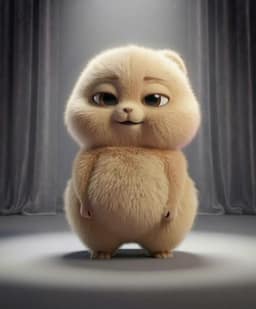
Built around the speed of trends
Live-trending AI videos, 20+ top models in one workspace, zero-prompt templates, and unrestricted Seedance 2 real-face support.
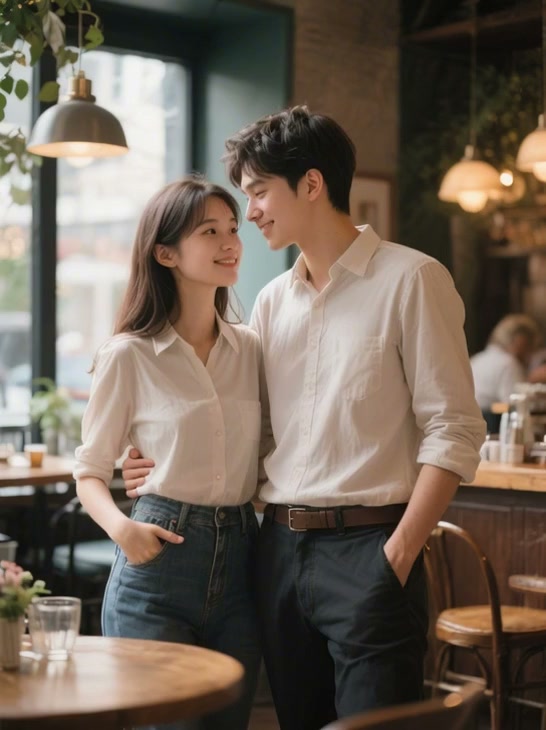
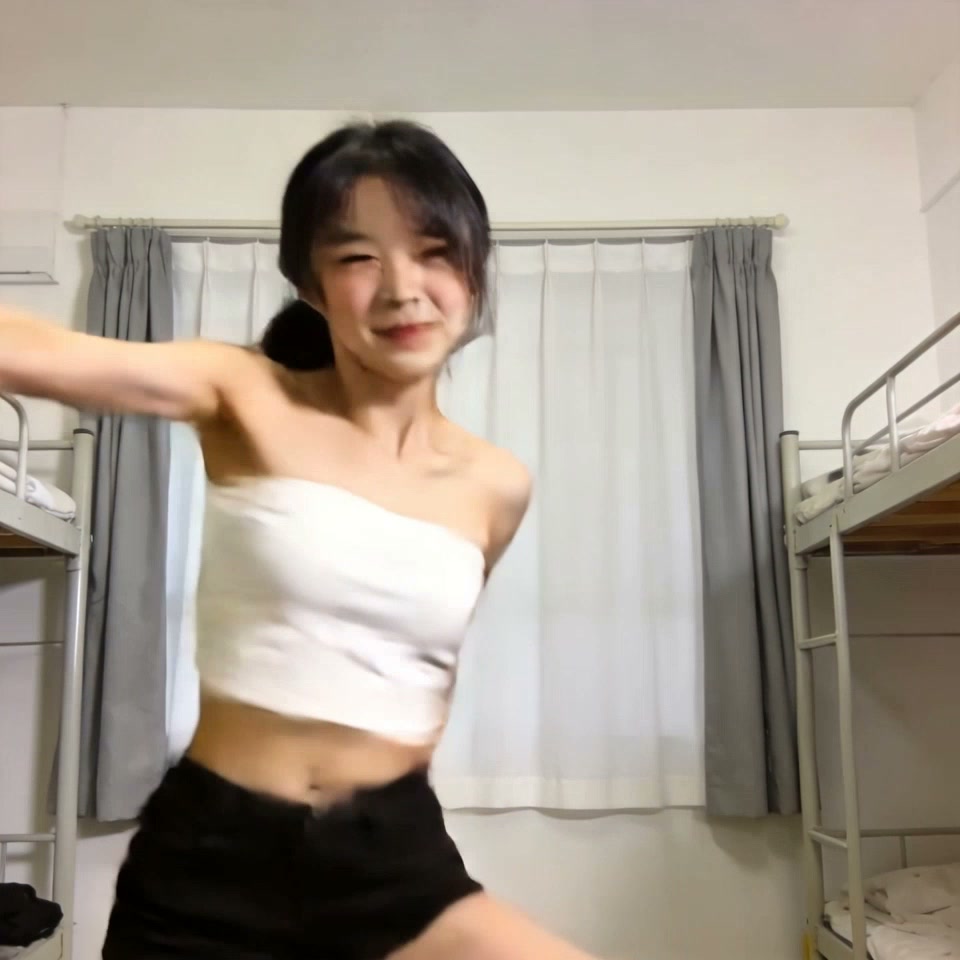
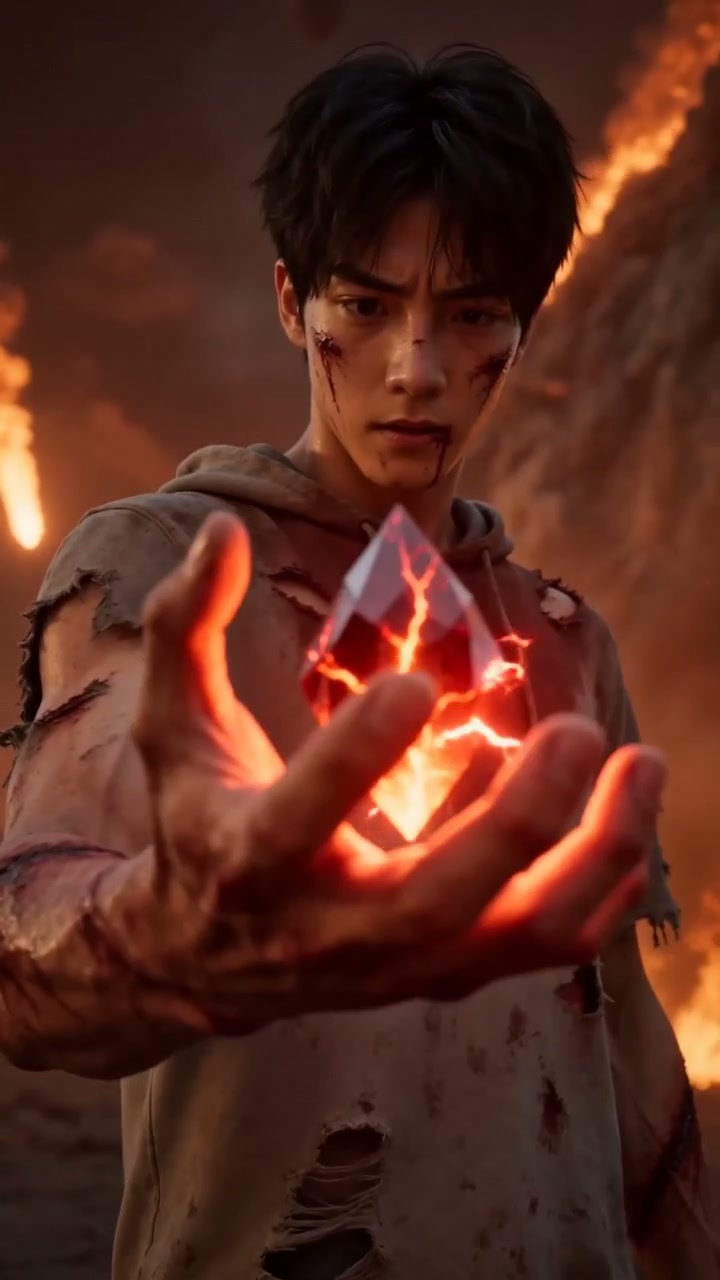
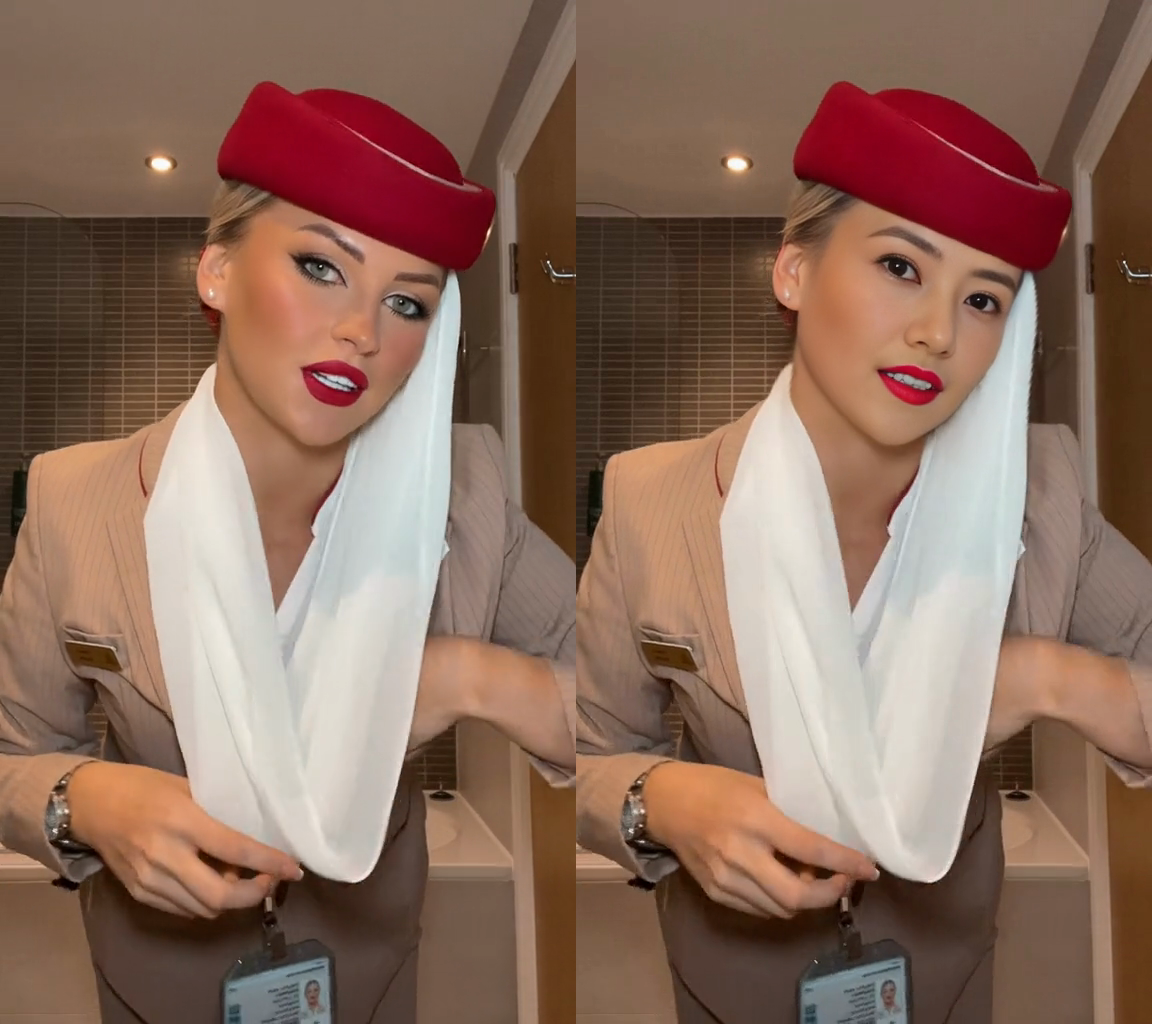
Real viral AI videos, not stock thumbnails
Pick a clip that's actually viral — see real view counts before you generate. Every AI image to video run is unique, so you can ship a series of takes from the same viral effect without repeats.
No prompt engineering, just paste & go
Skip the prompt headache — every viral template is pre-tuned. Stuck? Hit Surprise Me for 4 ready-to-go options. Found a clip you love? Paste the TikTok URL and we lift the motion for you to remix.
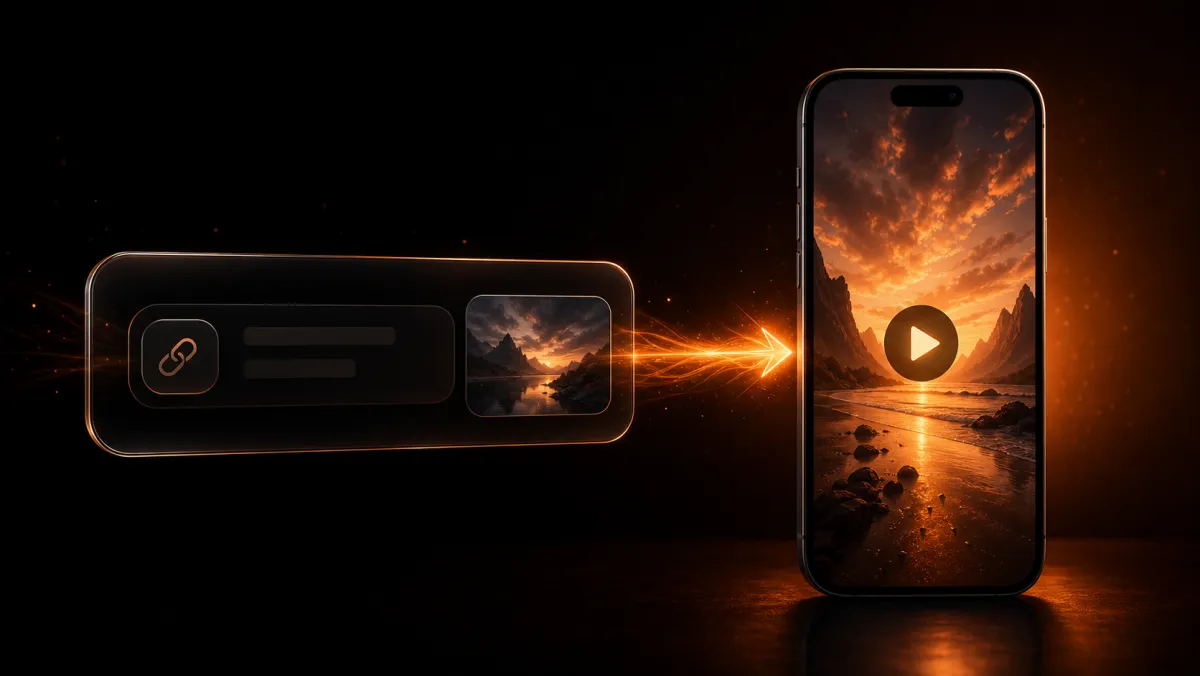


20+ AI models, one click away
Stop juggling 5 different model sites. Seedance 2.5, Kling 3, Veo 3.1, Wan 2.7, Nano Banana, Grok — switch with one click for any viral AI video style.
Real human faces — no Seedance 2 censor
Upload a real face — keep it locked across every frame. Most AI tools censor recognizable people. Seedance 2 in our AI image to video workspace doesn't — face swap stays sharp.
Why creators trust ClipTrend for viral AI videos
Commercial-safe
Commercial license + watermark-free output on every generation.
Auto-refund
Failed generations automatically refund your credits — no ticket needed.
2-day reply
Email support replies within 2 business days — real humans, not bots.
Mistake credits
If we cause a problem, you get credits back on top of the refund.
Ready to Try a Trend?
Open the gallery, pick an AI video effect template, and jump straight into a real template detail page — browse free, pay only when you generate.
Browse TemplatesFrequently Asked Questions
Everything you need to know about AI image to video and trending effects on ClipTrend.ai.
What is ClipTrend?
Is image to video AI free on ClipTrend?
How often does ClipTrend add new viral AI video effects?
How does ClipTrend pricing work?
What is the best AI image to video generator?
How does AI image to video work on ClipTrend?
How do I turn a photo into an AI video?
How do ClipTrend credits work?
Does ClipTrend work for commercial or business use?
How is ClipTrend different from Runway, Pika, or Canva AI?
What makes ClipTrend a better AI image to video tool than other platforms?
Is ClipTrend a video repurposing tool?
Who is ClipTrend for?
Can I create ClipTrend videos from a photo, a short clip, or a prompt?
What ClipTrend is for
ClipTrend is an online studio for short AI videos and images. Pick a trending effect or template, upload a photo or type a prompt, and ClipTrend turns it into a clip you can download and share.
What you can make
Social videos with trending AI effects, product and marketing clips, animated photos and AI-edited images for your own projects.
Signing in with Google
Google sign-in is only used to create your ClipTrend account and sign you in. We receive your name, email address and profile picture, and nothing else. We use no other Google APIs and never access your Gmail, Drive, contacts or any other Google data.
Not allowed
Nudity and sexual or intimate content, including AI-generated non-consensual intimate imagery (NCII); anything sexual involving minors; and putting a real person in a video or image without their consent. Uploaded photos, videos and prompts are automatically screened before every generation, and we may suspend or close accounts that break these rules.
