AI Cat Dance Video Generator: First-Test Checklist
An AI cat dance video generator works best when you begin with one permitted, full-body cat photo and one simple dance idea, then review the whole clip before sharing it. Choose an image with visible paws, ears, tail, and markings; avoid asking the model to change the cat, room, outfit, and choreography at once. The result can be a playful fictional post, but it is not proof that a real cat performed the movement.
Last updated: September 3, 2026 · about 7 min read
Disclosure: This is editorial workflow guidance, not veterinary, legal, or platform-policy advice. Check a tool's current controls, terms, and the destination's synthetic-media rules before you publish.
What to prepare before the first render
The first test is a source-quality test, not a contest to make the largest movement. Start with a photo you took or are allowed to animate. The cat should be the only main subject, with its outline separate from the background. A full-body standing or seated photo gives an image-to-video system more information than a close crop of a face.
Use this quick check before uploading:
- You own the photo or have explicit permission to use and animate it.
- The cat's face, ears, paws, body, and tail are visible enough to review.
- The image is sharp, evenly lit, and free of stickers, captions, or a busy collage.
- There is only one animal in the important part of the frame.
- You know where the finished clip will be posted and whether a disclosure is appropriate.
If the photo is sentimental, a gentle blink or head tilt may be a better choice than a dance. For a light social experiment, use a current AI pet dance generator workflow and keep the source file, prompt summary, and final version together so you can explain what was made.
Choose one movement that matches the photo
Many bad first results come from a mismatch: a chest-up portrait is asked to do a full routine, or a cat lying under a blanket is asked to jump across a room. Start with one readable action and leave the rest of the scene alone.
| Source photo | Sensible first motion | Avoid in the first test |
|---|---|---|
| Full-body standing cat | Small side step, raised paw, gentle sway | Fast spins, a new costume, a new room |
| Sitting cat with paws visible | Seated bob or one paw wave | Full-body leaps or elaborate footwork |
| Portrait crop | Blink, ear twitch, modest head movement | Calling it a dance clip |
| Cat with a busy background | Re-crop or use a cleaner image first | Adding background effects and motion together |
The goal is not to imitate a specific viral dance exactly. A small, original, cat-shaped movement is more likely to look coherent and less likely to turn an identifiable pet into a generic animal. Treat any result as a made visual, not a record of an animal's behaviour.
Write a narrow first prompt
Describe what must remain stable before naming the motion. That order gives you a clear reason to reject the clip if it changes the cat's identity.
Try this prompt structure:
Keep the uploaded cat's face, fur pattern, eye colour, ear shape, body proportions, paws, tail, and indoor background stable. Create a short, gentle, fictional dance-like sway with one raised paw and a small side step. Use a steady camera. Do not add other animals, clothing, readable text, or a different setting. End on a clear full-body frame.
Replace only the action after the first attempt. If you simultaneously change the source image, camera angle, rhythm, background, and prompt, you will not know what improved or harmed the output. Keep accurate captions, names, offers, and any product claims in a normal editor rather than asking a generated scene to render them.
Review it as a cat owner would
Watch the full clip at normal speed, then pause at the opening, largest movement, and final frame. Do not approve it because one thumbnail looks cute. The review should answer whether it is still recognizably the same permitted cat and whether the post communicates its fictional nature where that matters.
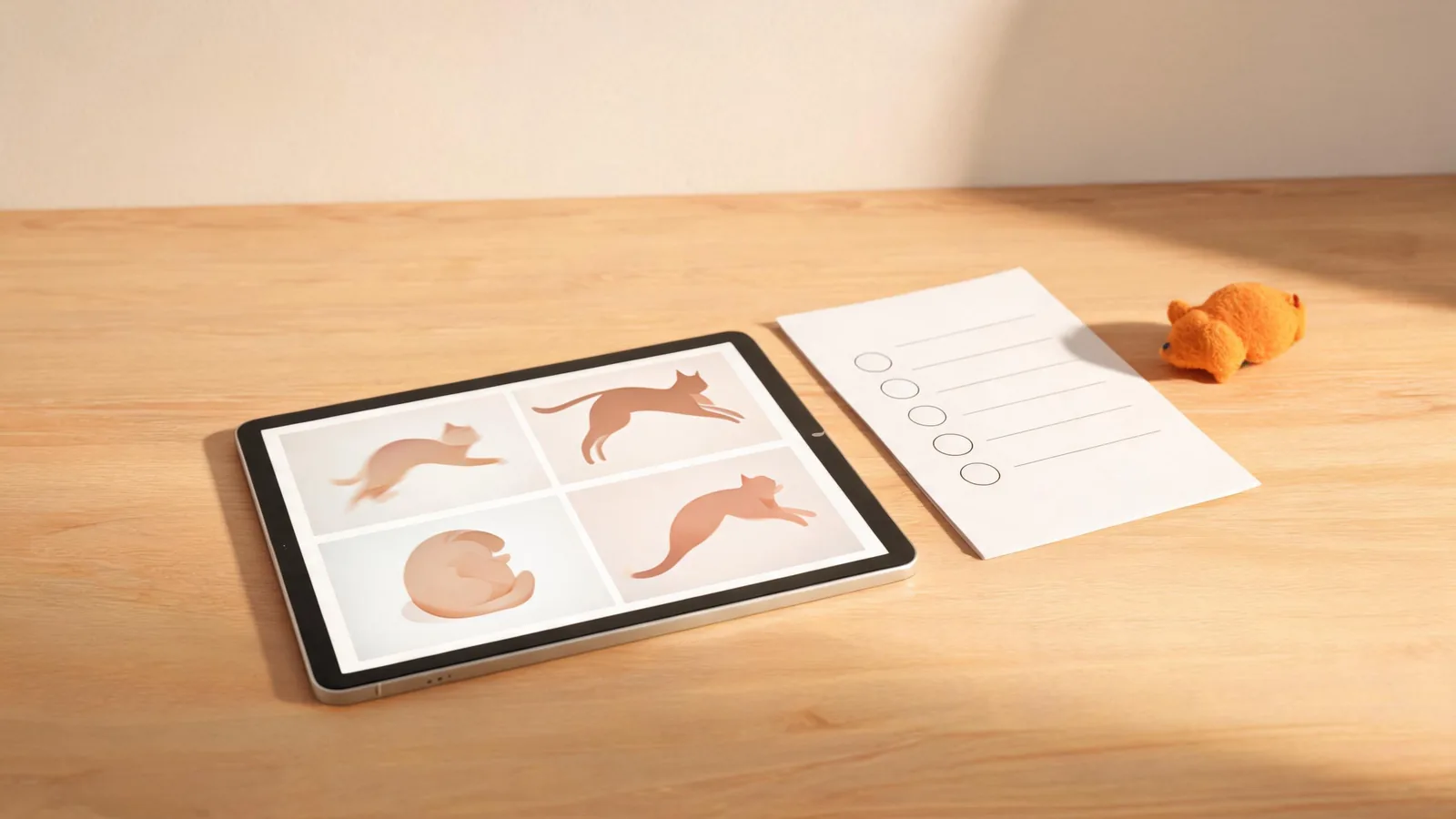
Review the movement, identity, crop, and posting context—not only the most flattering frame.
Use these approval questions:
- Identity: Are the face, markings, paws, tail, and proportions plausibly the same cat throughout?
- Movement: Does the motion stay within what the source image can support, without warped limbs or extra body parts?
- Context: Did the clip introduce another animal, a branded object, or a setting you did not approve?
- Crop: Is the cat visible after platform controls, captions, and your intended vertical or horizontal crop?
- Meaning: Could a reasonable viewer mistake the generated clip for documented footage of the pet? If so, add clear context or choose a less realistic treatment.
If the answer to the first two questions is no, simplify the requested motion or choose a better source. Do not conceal a broken result with rapid cuts, a large sticker, or a claim that it is “real.”
Keep the post playful and honest
Do not use an AI pet clip to suggest animal training, health, temperament, a rescue story, or an event you cannot substantiate. Avoid using another person's pet photo without their permission, even if it came from a public account. A humorous fictional clip can be a reasonable creative use; a misleading story about a real animal is a different thing.
When a destination or audience needs more context, say that the motion was AI-generated or materially altered. A disclosure does not create permission for the photo, music, or brand assets, and it does not turn an inaccurate claim into a safe one. It simply helps viewers understand the nature of the visual.
Some production tools may support Content Credentials. The C2PA Content Credentials explainer describes how signed provenance data can record creation and editing assertions. It is useful context, not a substitute for permissions, a clear caption, or a human approval pass.
A relevant tutorial, with limits
The independent tutorial below shows how to make an AI cat dance video. It demonstrates a general animal-dance workflow, not ClipTrend controls, prices, output rights, or current platform requirements.
Check the live product interface and destination policies before using any workflow shown in the video.
FAQ
What photo works best for an AI cat dance video?
Use a permitted, sharp photo with one cat, visible paws and body outline, natural light, and enough background space for the intended small movement. A full-body image is better than a close face crop for a dance-like action.
Why did my cat change shape in the generated clip?
The source may not show enough of the body, or the request may demand more motion than the image can support. Start over with a clearer full-body photo, one smaller action, and explicit stability instructions for markings, paws, tail, and proportions.
Can I post an AI cat dance video as if it were real footage?
No. Do not present a generated or materially altered clip as documentation of what a real cat did. Give viewers appropriate context and follow the policies of the destination where you post it.
Is a pet dance template the right choice for every pet photo?
No. A personal portrait, memorial image, or cropped photo may need gentle motion or no animation at all. Match the tool and movement to the image and to the reason you are creating the clip.
Sources
- ClipTrend.ai, AI pet dance generator
- Coalition for Content Provenance and Authenticity, Content Credentials explainer
- HitPaw, How to Create AI Cat Dance Video