ClipTrend.ai Blog
AI Video Guides & Tutorials
Tutorials, model guides, and best practices for AI image-to-video and photo-to-video, from the ClipTrend.ai team.
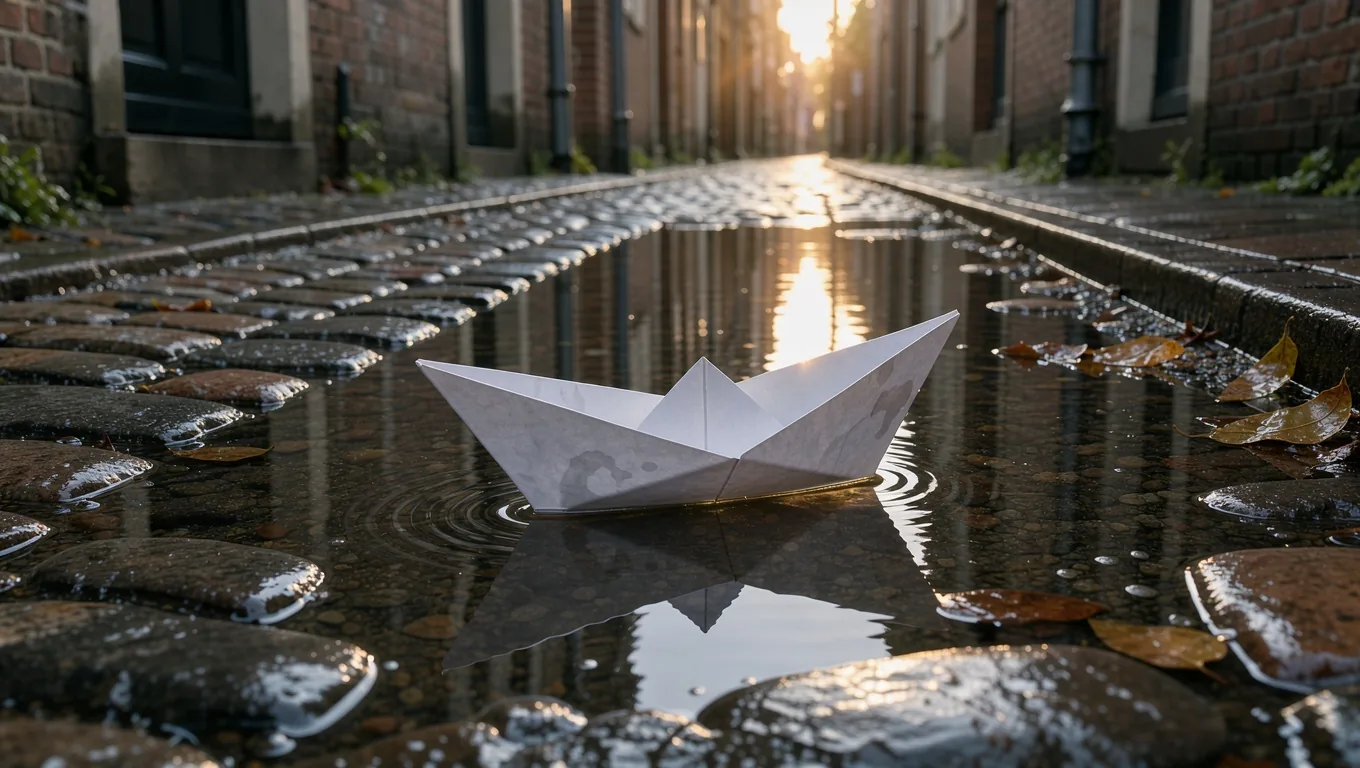
FLUX Image to Video: Animate a FLUX 3 First Frame
Follow a FLUX image to video workflow: create a FLUX 3 Image first frame, then animate it in ClipTrend with the example's prompts and settings.
Two-Photo AI Kiss Video: Private Draft and Deletion
A practical post-generation checklist for access, sharing, retention, and removal of a consented two-photo AI kiss video draft.
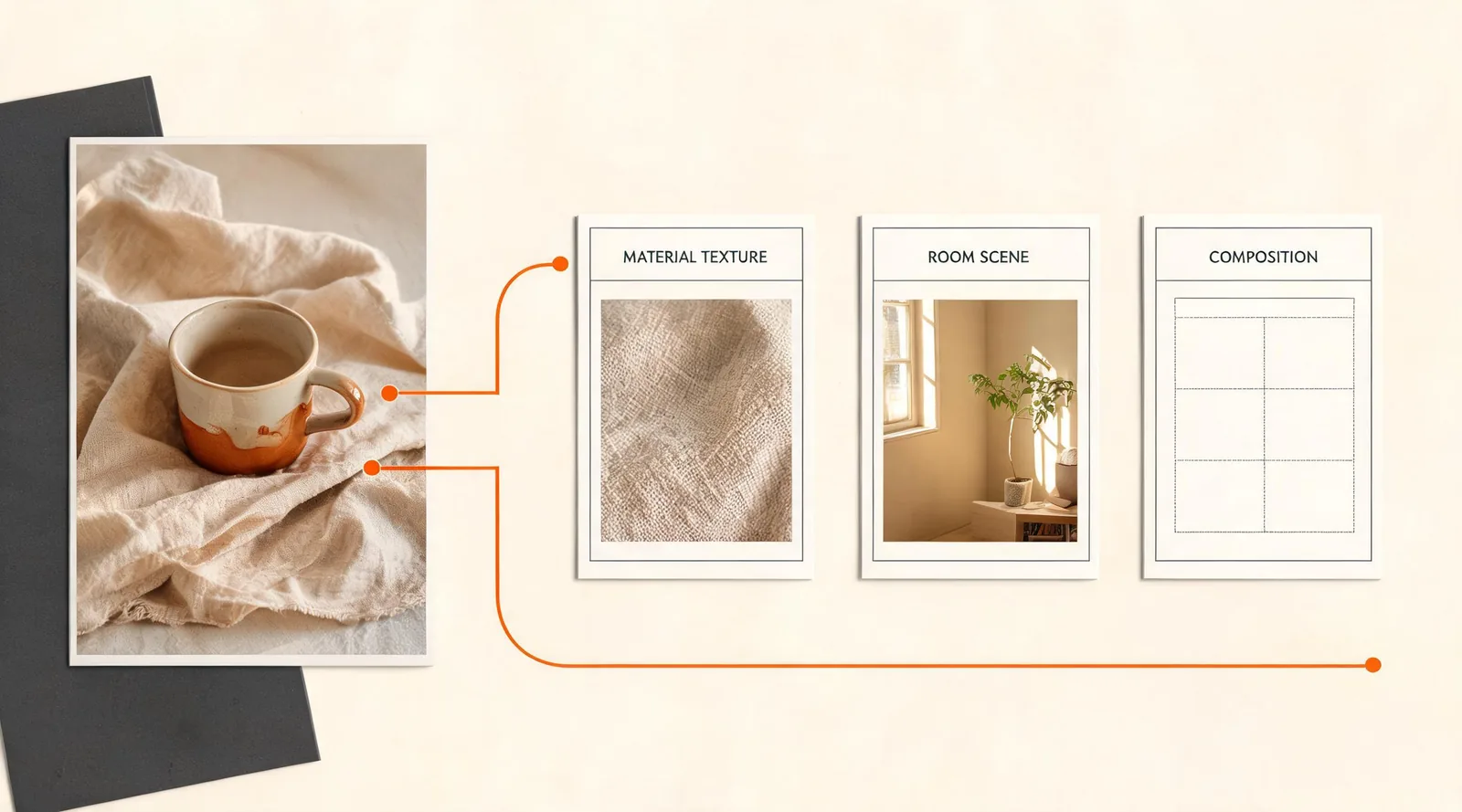
AI Photo Editor: Fast vs. Pro for Reference Images
Choose Fast for a focused one-photo edit or Pro when several approved references need to guide the same AI Photo Editor result.
AI Photo to Video: Get Permission Before You Animate
Use this AI photo-to-video source permission checklist to confirm photo ownership, identifiable people, requested motion, audience, approval records, and a stop rule before upload.
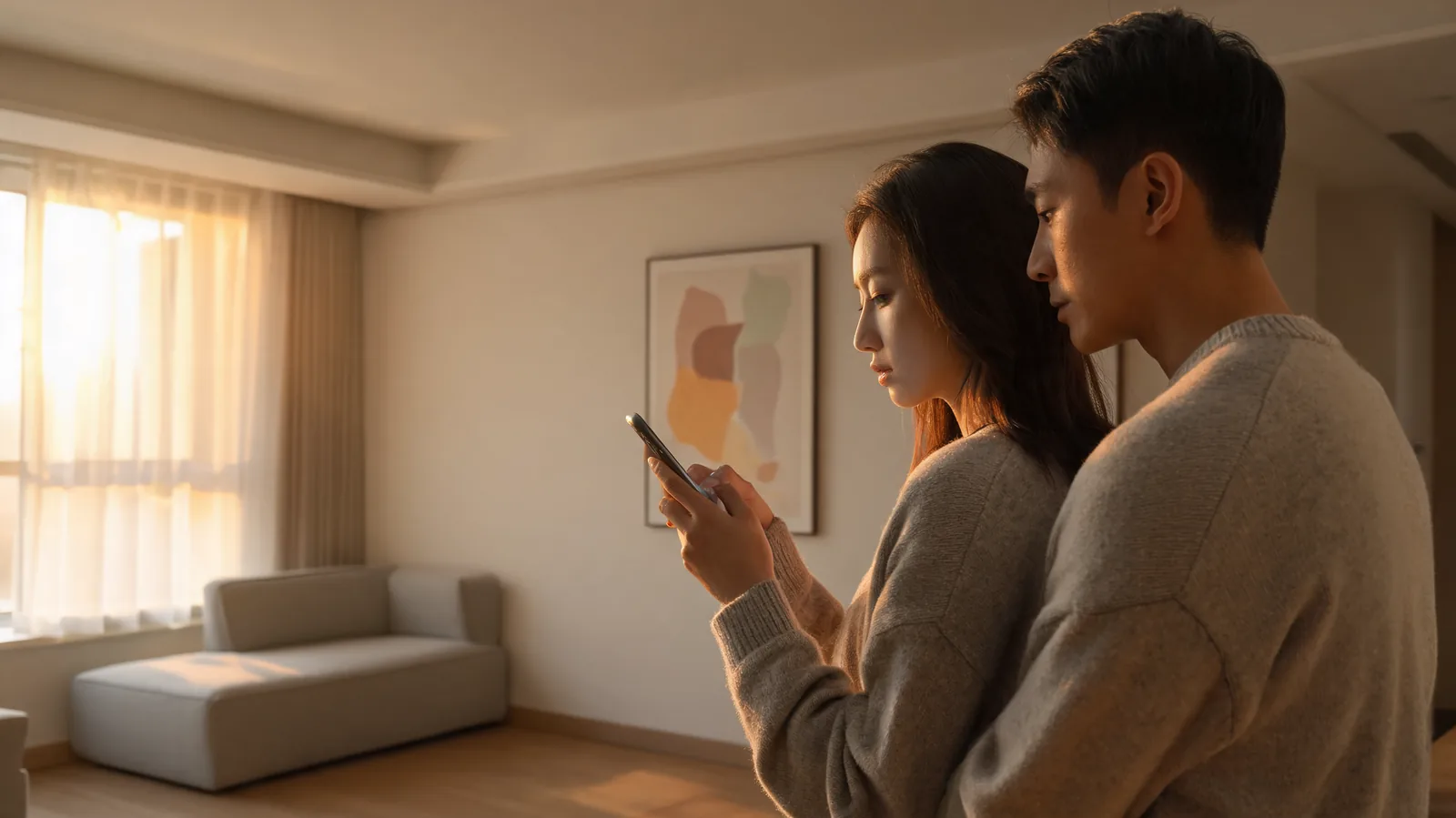
AI Kiss Generator: Choose 5 or 10 Seconds With Sound
Use ClipTrend’s AI Kiss Generator High Quality mode to choose a 5- or 10-second sound-enabled kiss clip, then review consent, source quality, timing, and the completed result.
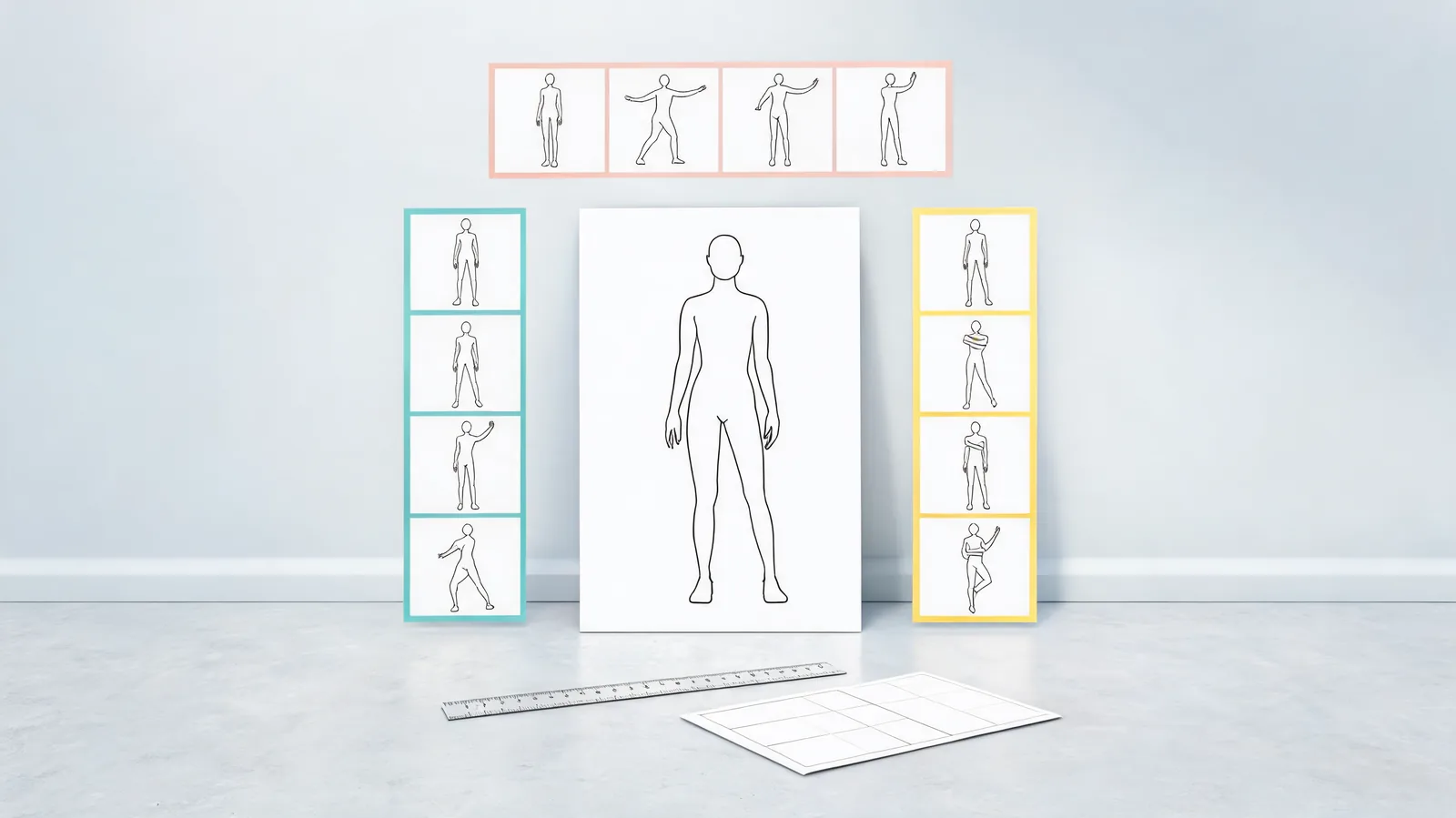
Viggle AI Dance Generator: Compare Motion References Fairly
Compare Viggle AI dance motion references fairly: lock the character image, crop, duration, and approval rule; test one reference at a time; then choose or stop.
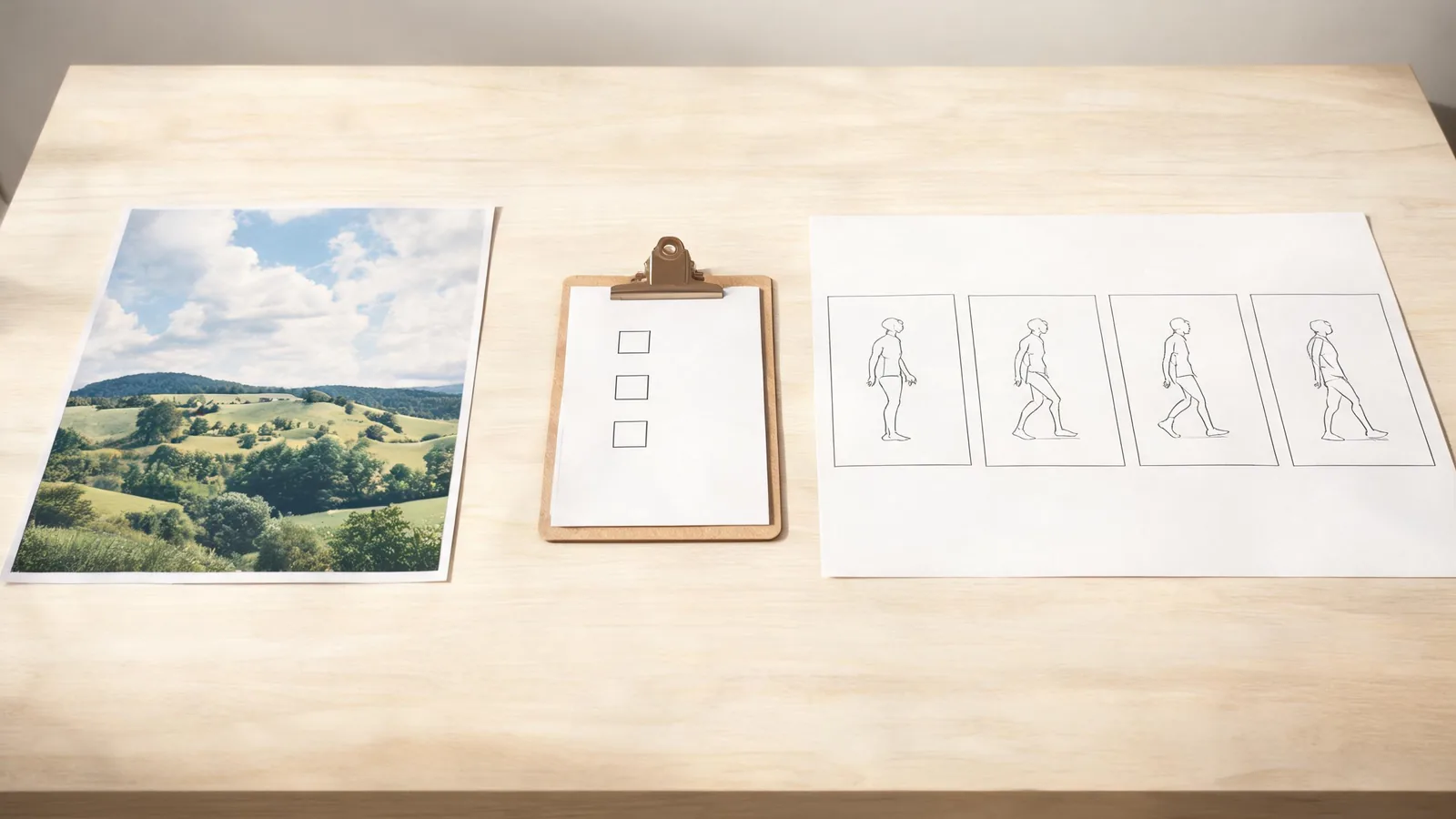
Meta AI Photo to Video: A First-Test Checklist
A careful first-test checklist for Meta AI photo-to-video: confirm current access, use an approved image, isolate one motion, and decide whether the output is usable.
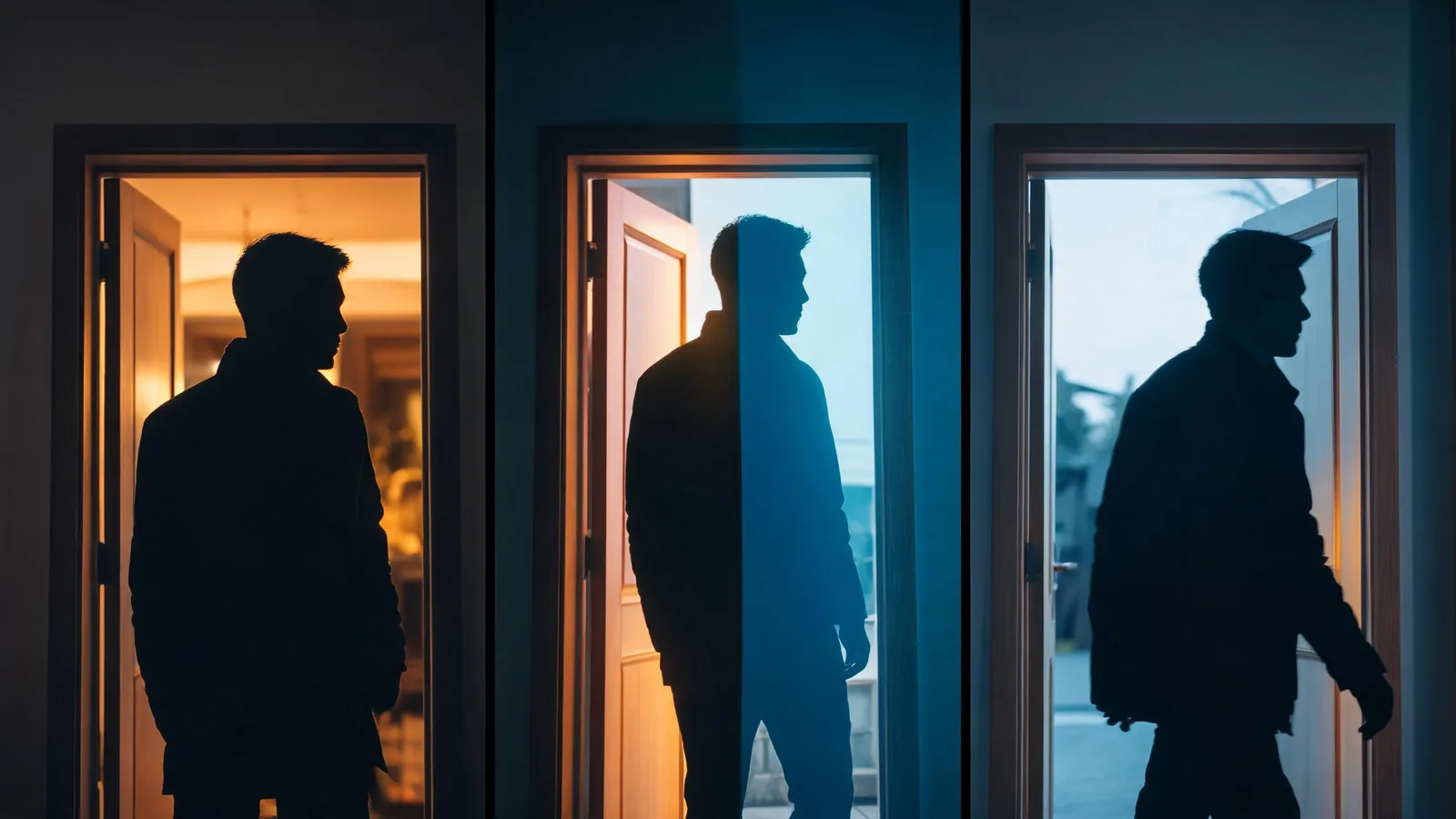
AI Video Transition Effects: Review Before You Share
Review AI video transition effects before sharing: inspect identity, geometry, light, camera direction, and the final frame, then choose a constrained retry or a clean cut.
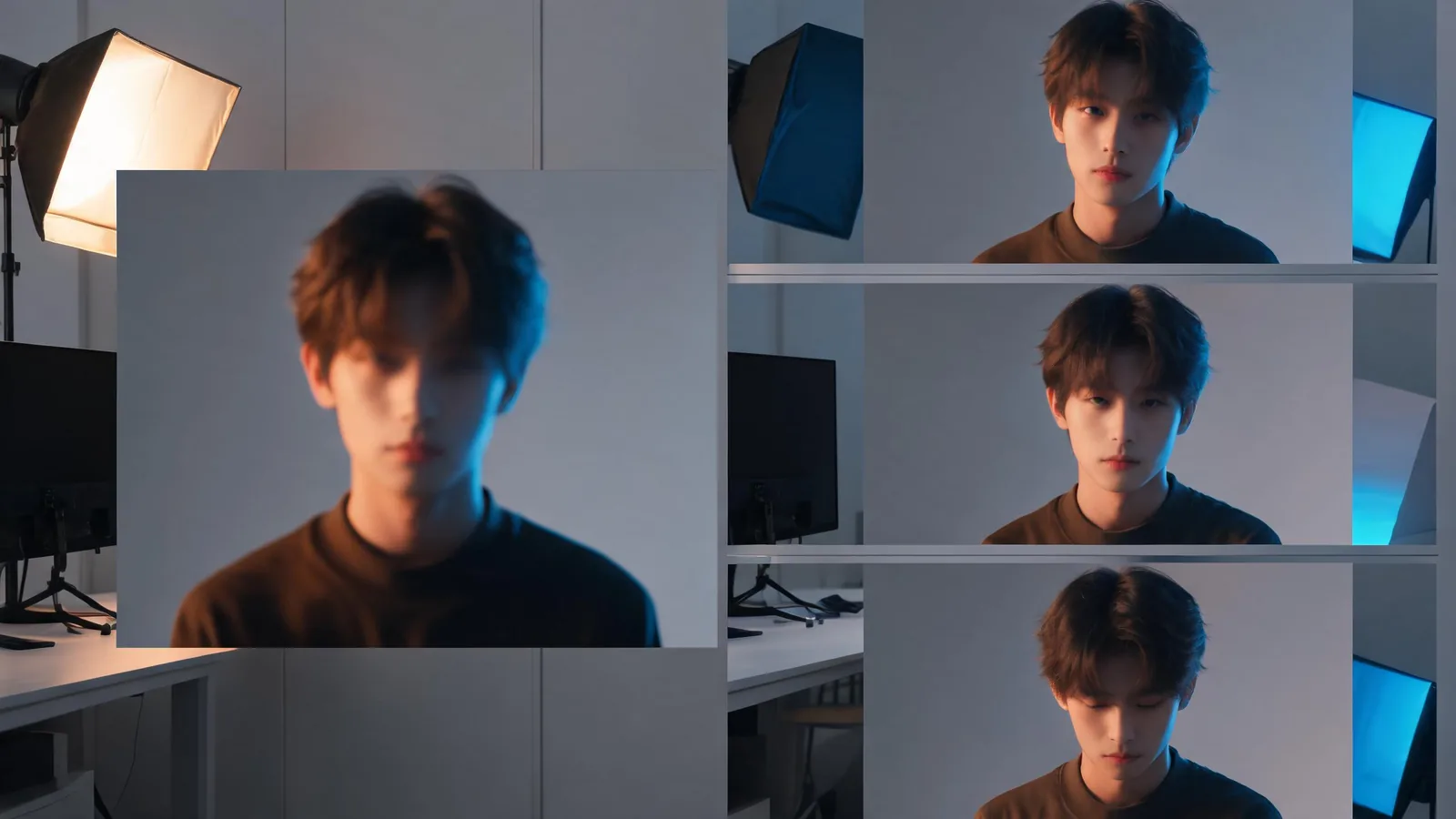
Vidnoz AI Photo to Video: A First-Test Checklist
Test Vidnoz AI photo to video with one permitted image, a small motion brief, a full-clip review, and a clean comparison note before committing to a workflow.
AI Video Generator Test Brief: Plan One Controlled Clip
Use this one-clip AI video generator test brief to choose an approved source, protect the details that matter, change one variable, and make a clear next decision.
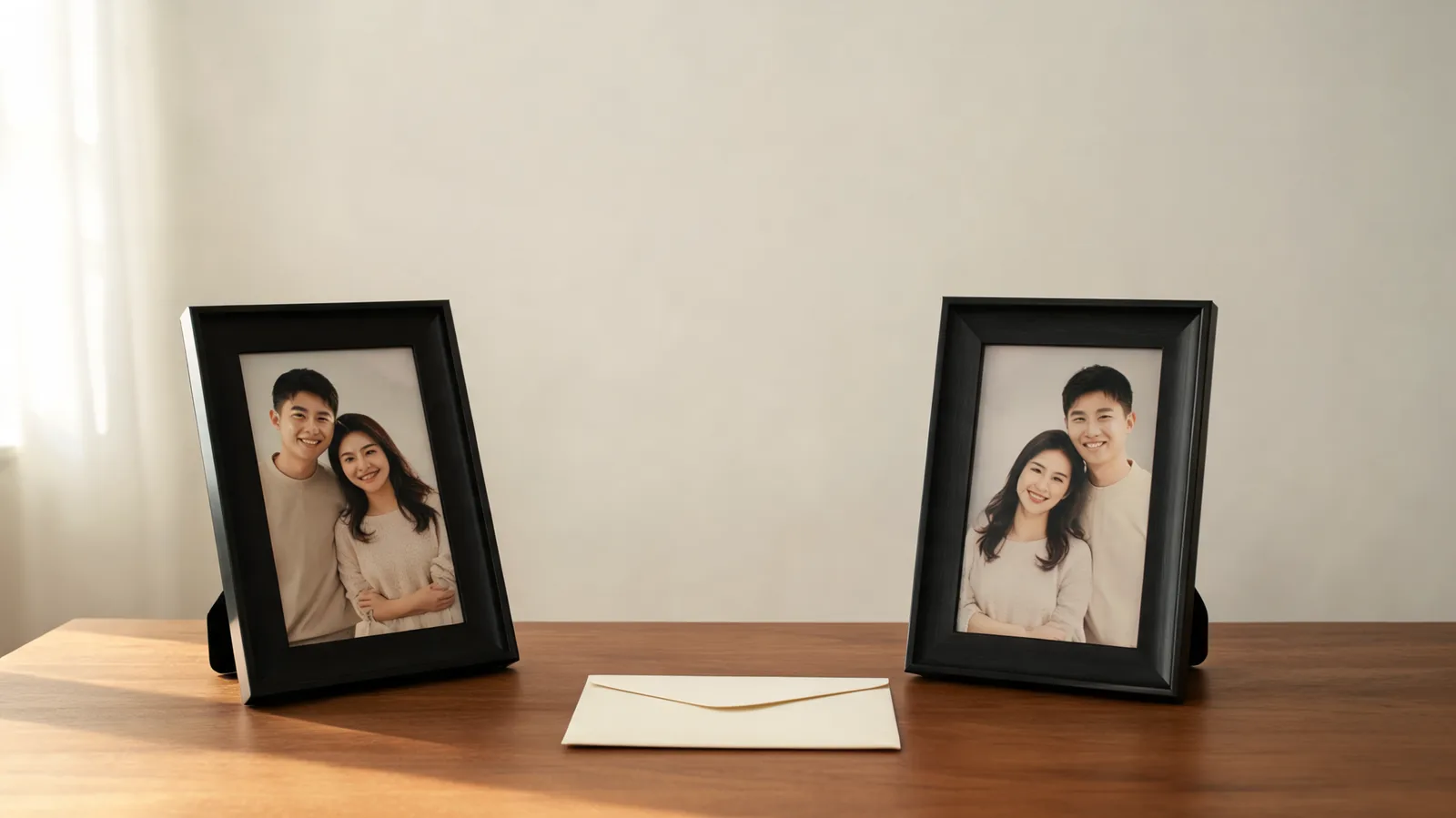
Bridal Carry AI: Prepare Two Photos Before You Generate
Prepare two clear, permitted photos for an AI bridal carry video: choose a workable pair, protect identities, set the scene, and review the short result honestly.
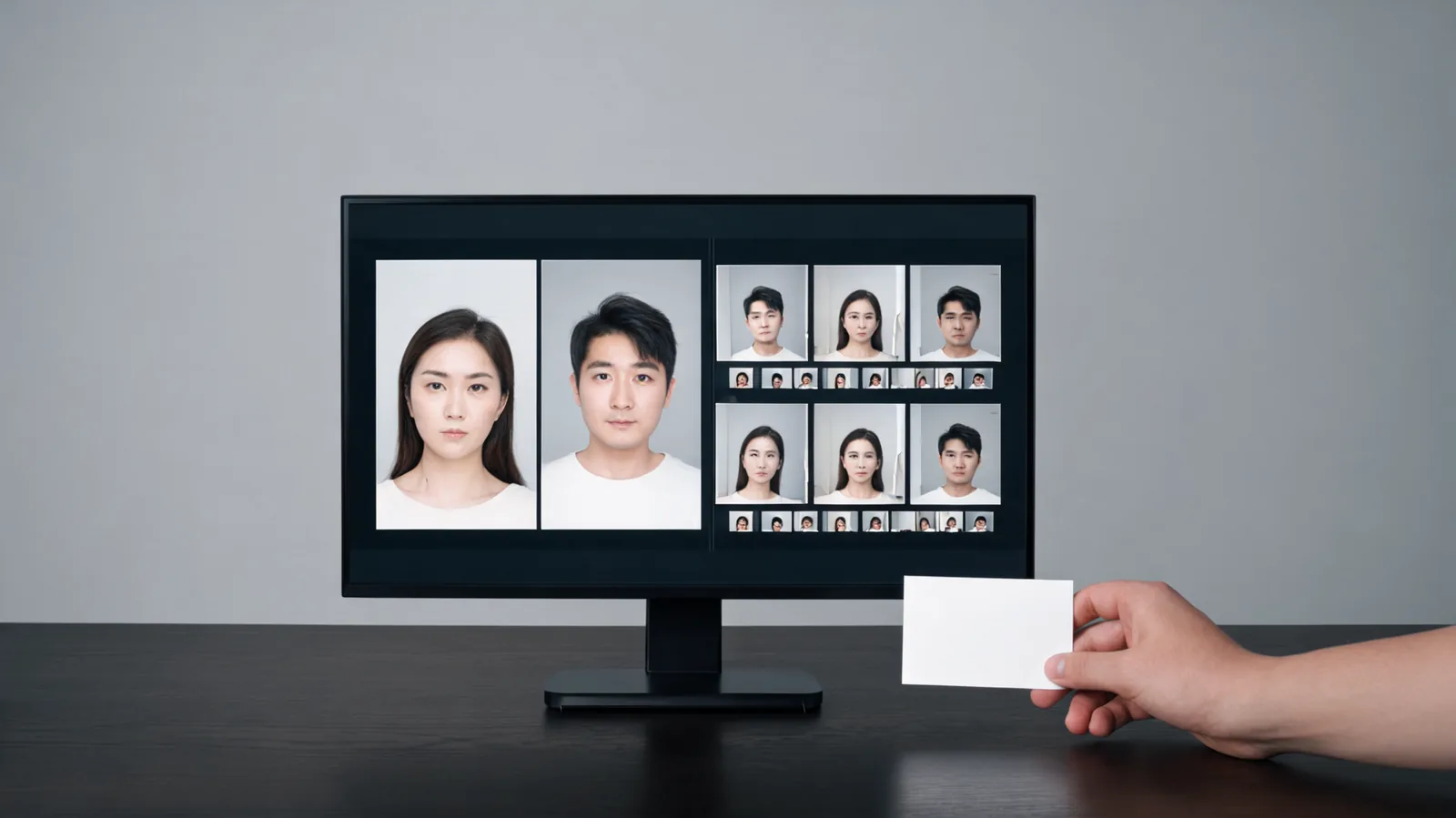
AI Face Swap Video: Match a Face Reference to a Source Clip
Use this AI face-swap source-video checklist to decide whether a permitted face reference and clip are close enough in angle, lighting, scale, and context to test.
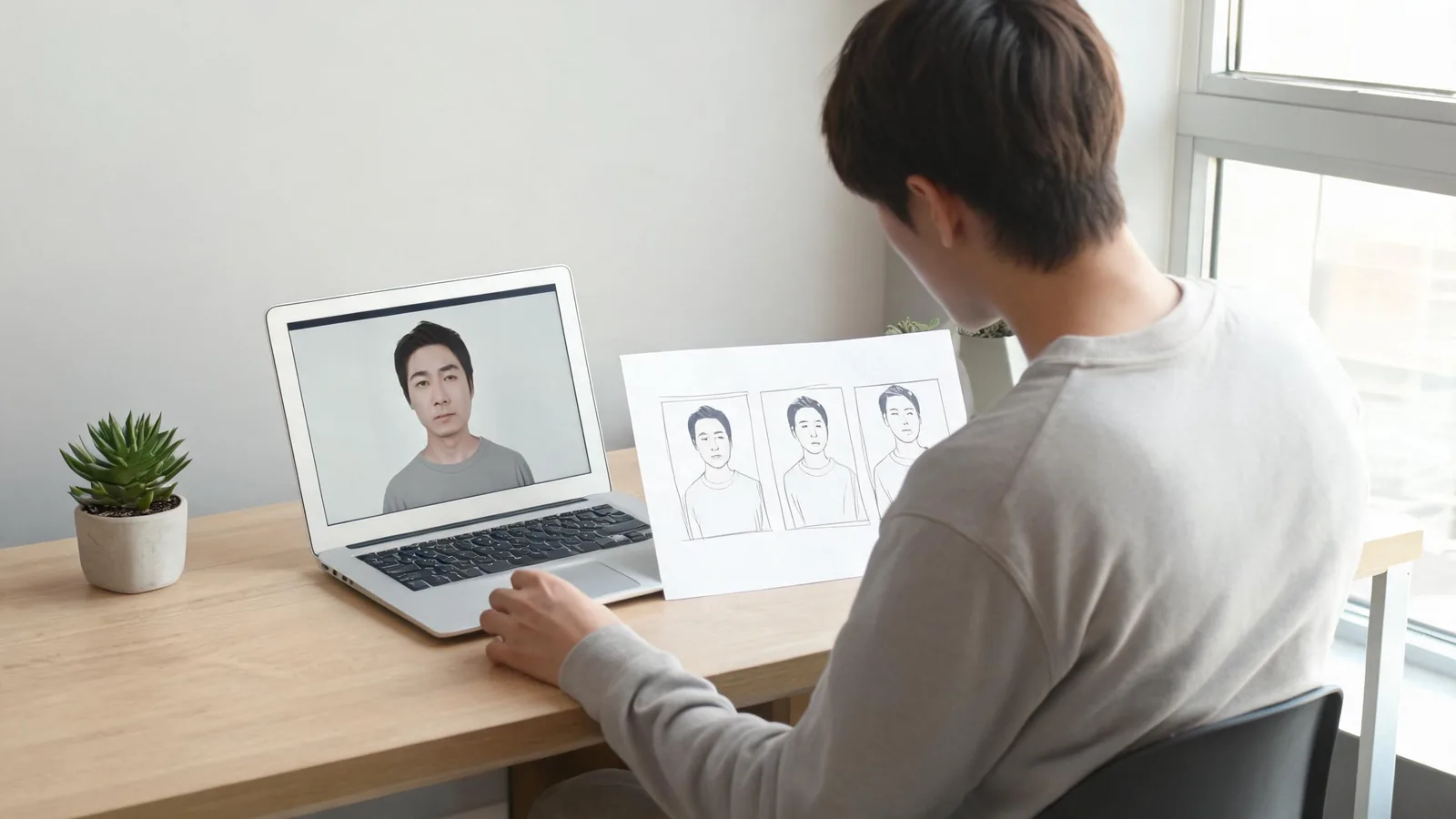
Easemate AI Photo to Video: A First-Test Checklist
Run a practical EaseMate AI photo-to-video first test with one permitted still, one motion brief, and a clear review before you make more clips.
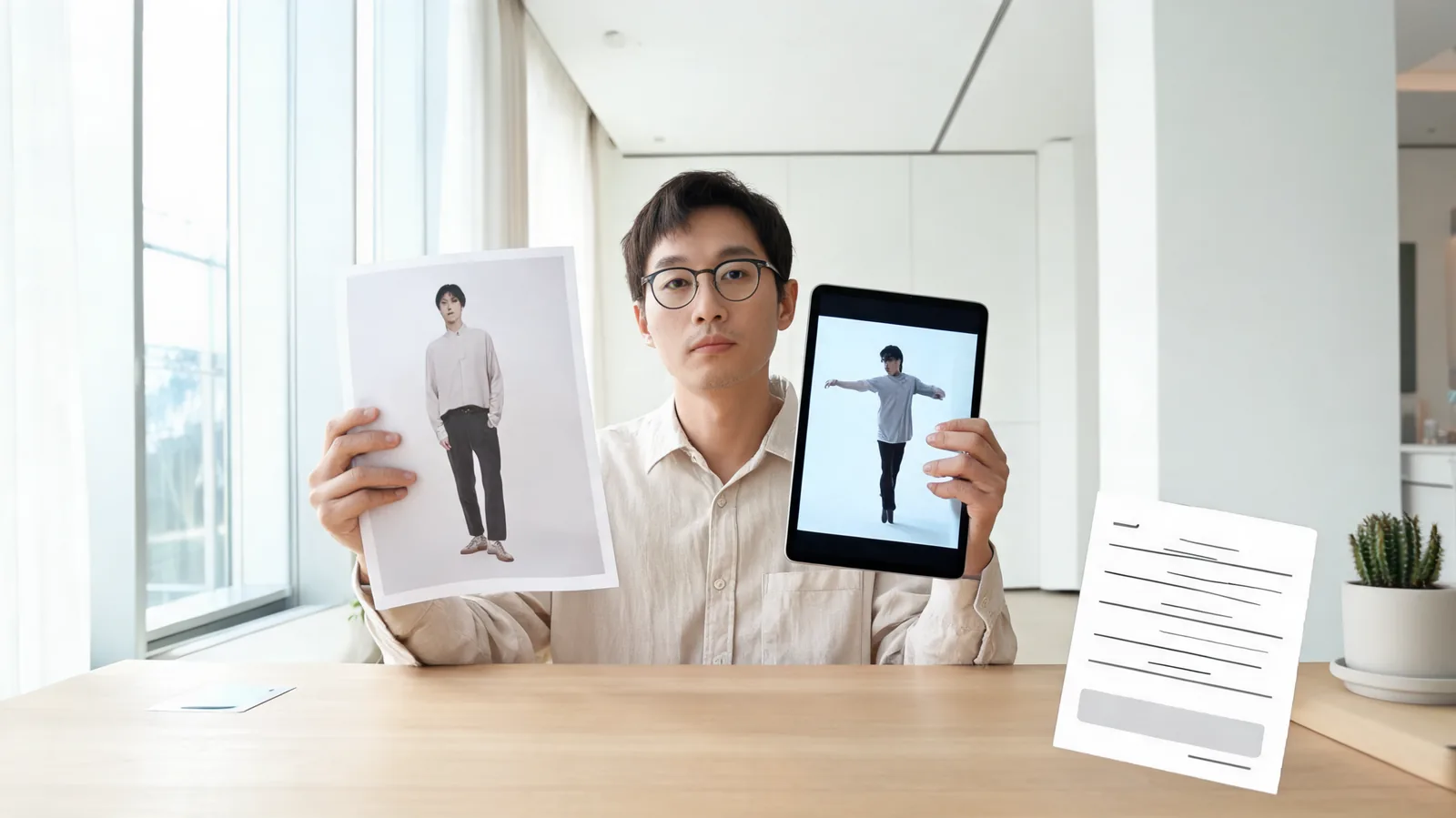
Vidnoz AI Dance Generator: A First-Test Checklist
Test Vidnoz AI Dance Generator with one consented source photo, a controlled dance brief, and a practical review checklist before you post.
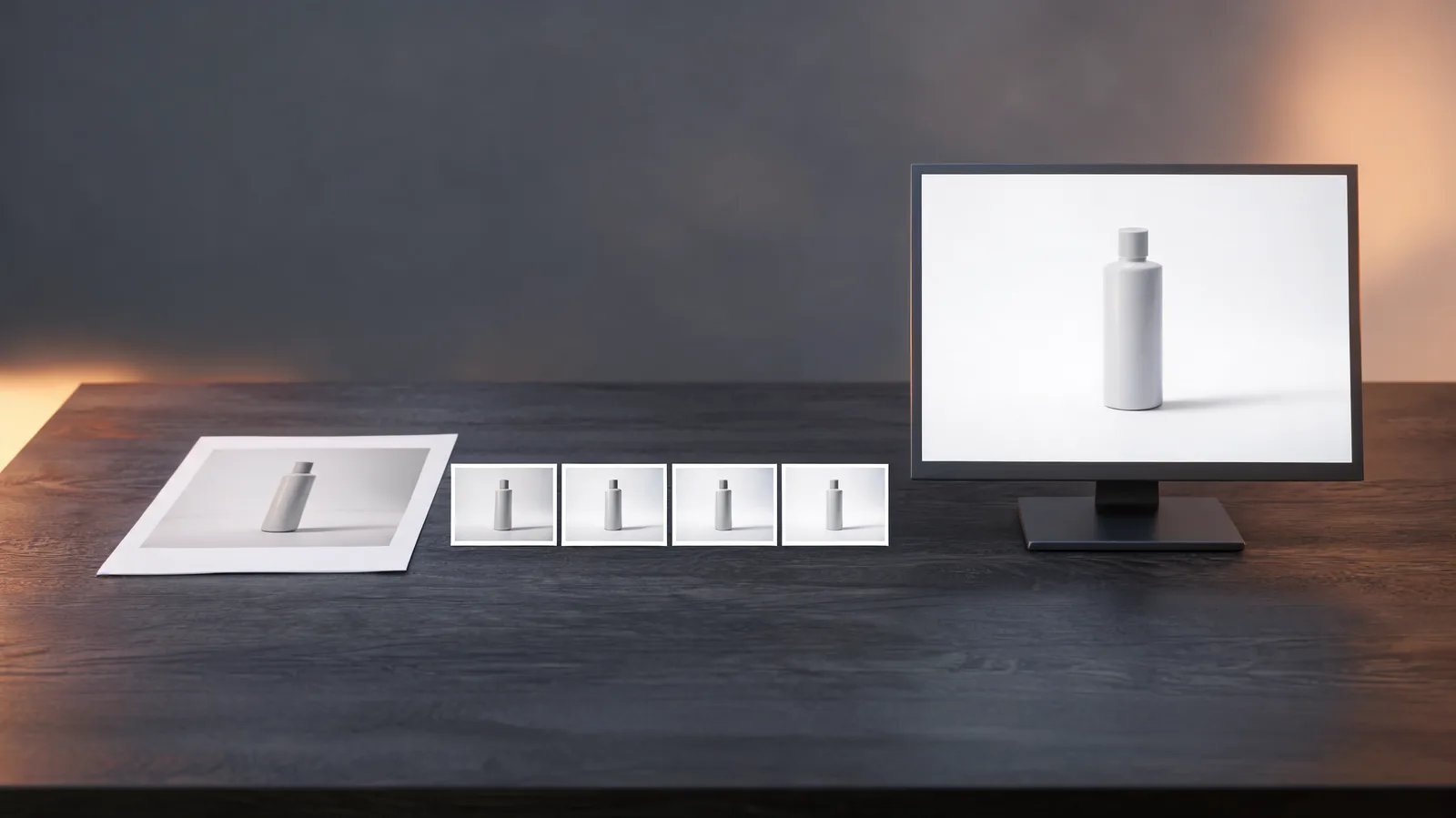
Runway AI Photo to Video: A First-Test Checklist
Run a controlled Runway AI photo-to-video first test with a clear brief, a source-image check, and an honest review before you commit.
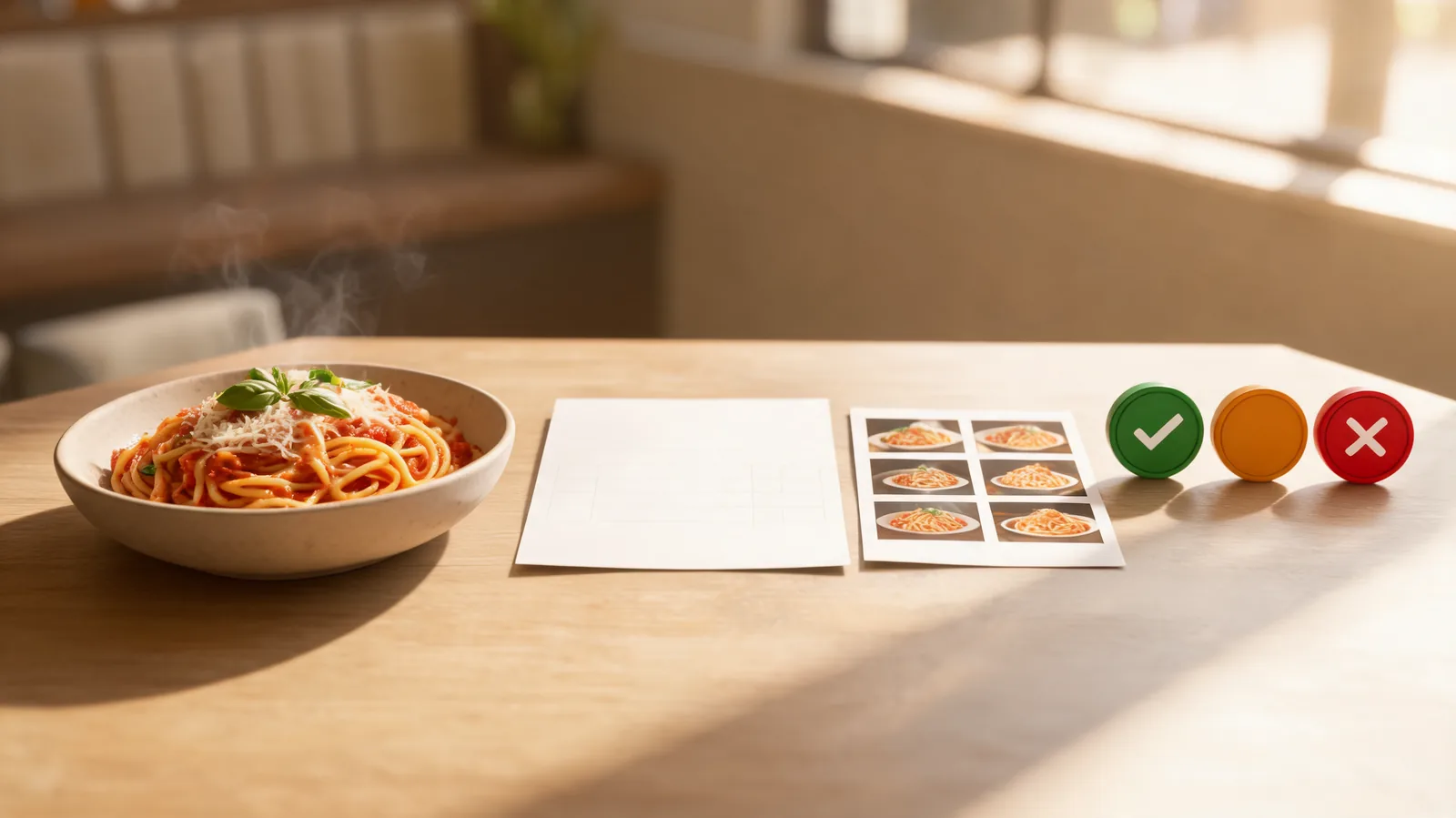
Food Photo-to-Video: Restaurant Menu Accuracy Checklist
Review an AI food photo-to-video clip against the restaurant’s approved menu before publishing it, with checks for dish, price, ingredients, and availability.
Canva Photo to Video AI: A First-Test Checklist
Run a controlled Canva photo-to-video AI test, assess the result honestly, and decide whether the workflow fits your next clip.
Photo-to-Video First-Frame Handoff: A Team Checklist
Hand off an approved photo-to-video first frame with the version, rights, crop, prompt baseline, and acceptance rule a teammate needs.
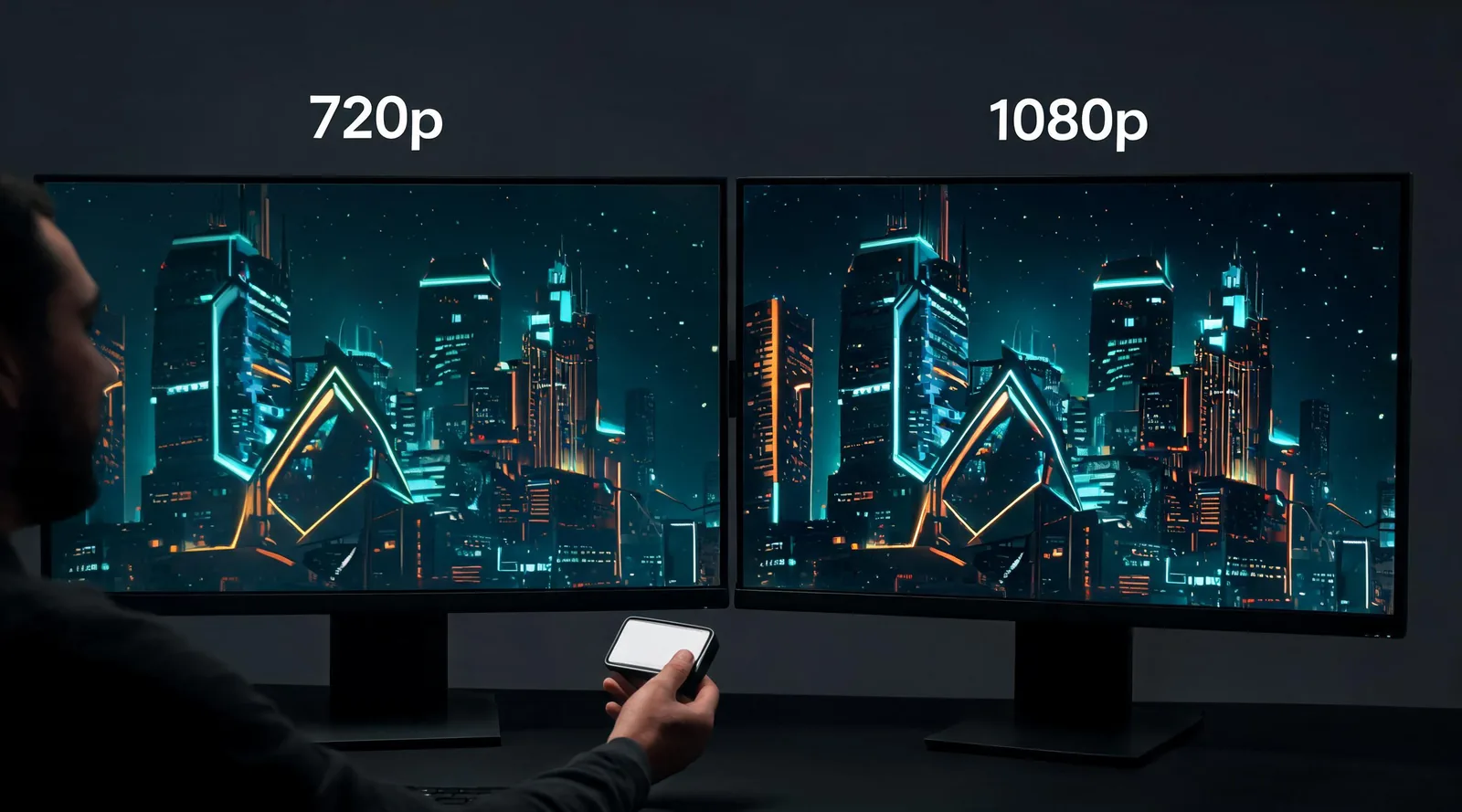
Seedance 2.5 1080p vs. 720p: Which Should You Use?
Compare Seedance 2.5 1080p and 720p before you generate: choose a practical resolution for review, delivery, cost, and HEVC playback.
Product Photo-to-Video: E-commerce QA Checklist
Review an AI product photo-to-video clip before an ecommerce listing or ad goes live: protect product truth, claims, variants, and delivery quality.

MiniMax H3 Image to Video: Test an End Frame
Test MiniMax H3 image to video with an end frame: a focused first render, a simple prompt, and a review method for reliable motion.
AI Video Disclosure Checklist for Brand Posts
Use this AI video disclosure checklist for brand posts to decide what viewers need to know, where to say it, and what to retain for approval.
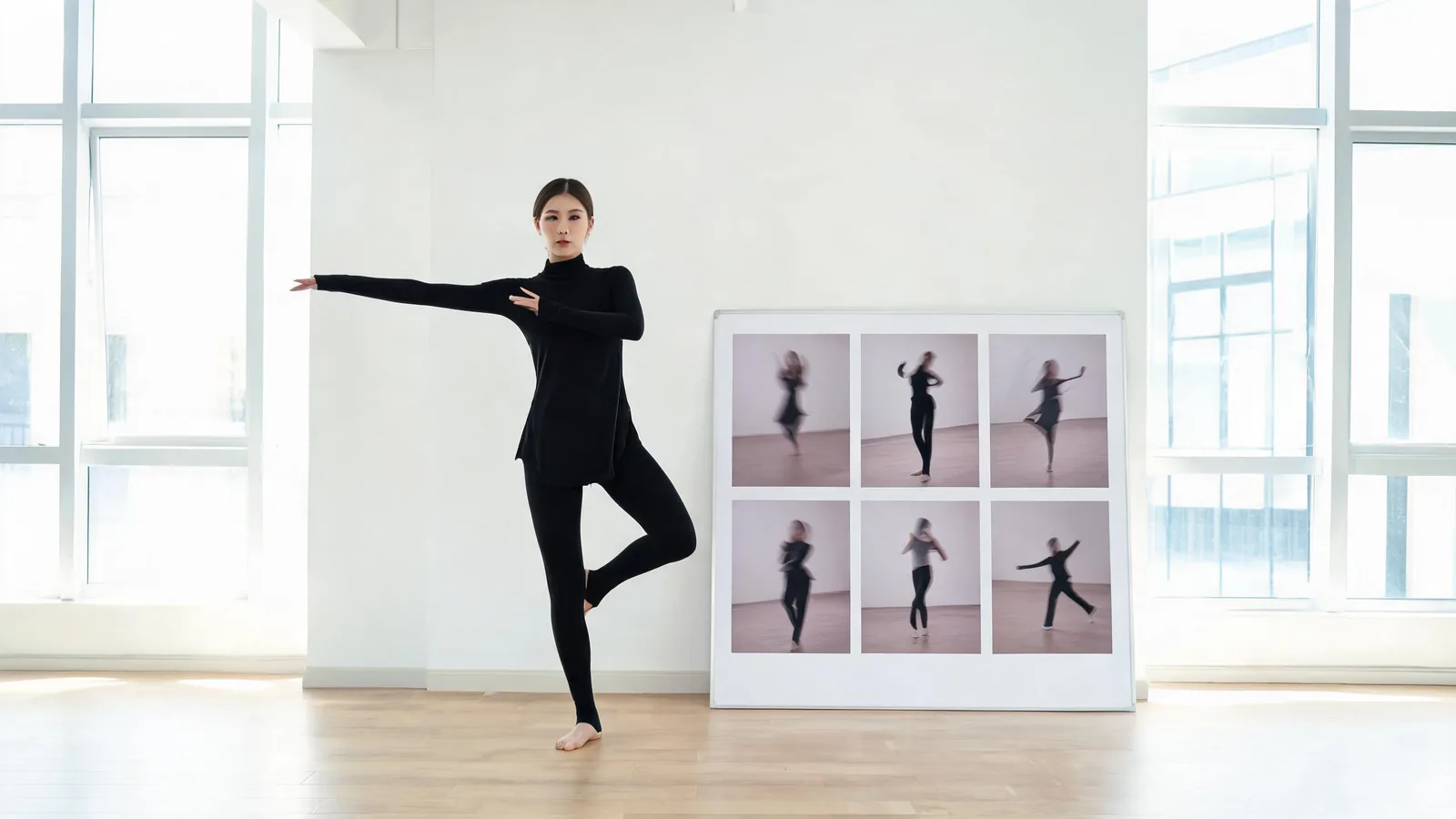
AI Kpop Dance Generator: Choose a Preset for a First Test
Run a more useful AI K-pop dance first test: keep the character fixed, select one preset, and review the completed vertical clip before changing the move.
AI Video Editor Handoff Checklist: Prepare a Generated Clip
Hand a selected generated clip to an AI video editor with the approved version, intended trim, verified copy, and unresolved limits clearly recorded.
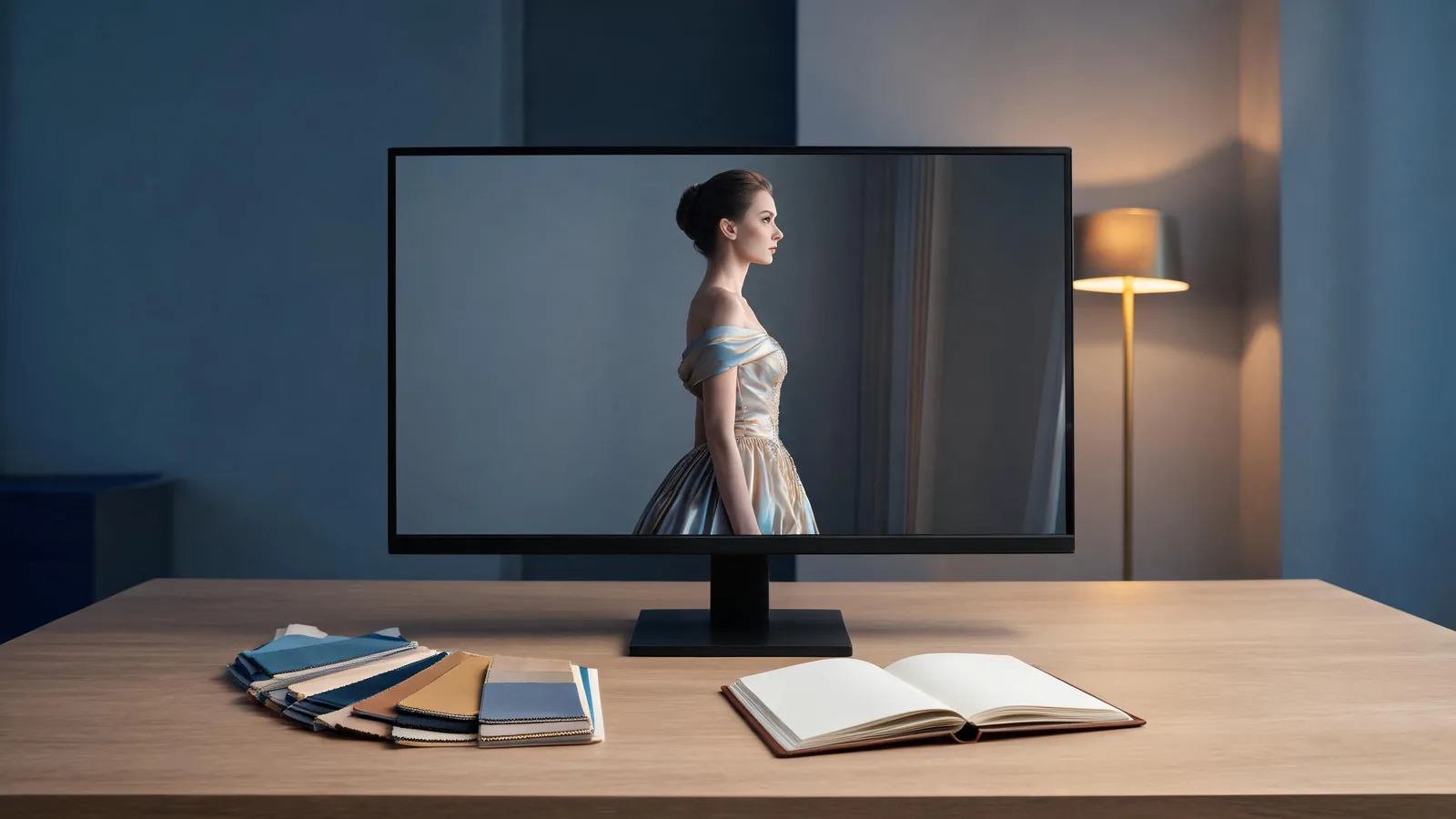
AI Prom Generator: A Careful First Test With an Adult Photo
Learn how to run a careful adult-only first test of an AI prom generator: choose a permitted photo, set a limited brief, review identity and outfit changes, and decide what is safe to share.
Travel Photo to Video: Location Privacy Checklist Before You Share
Before sharing a travel photo turned into video, review metadata, landmarks, companions, timing, captions, and audience settings so a beautiful clip does not reveal more location context than you intended.
Old Photo to Video AI: A Family Review Checklist Before You Share
Use an old photo to video AI checklist to preserve the original, invite the right family reviewers, and share a memory clip without implying history it cannot show.
AI Workout Video Generator: A First Test From One Photo
Test an AI workout video generator from one photo with a small brief, careful source choice, and a practical review before you share.
Kling vs Runway vs Pika: Image-to-Video Compared (2026)
Kling vs Runway vs Pika for image-to-video, updated October 2026: clip length, native audio, resolution, free tiers and prices compared side by side.
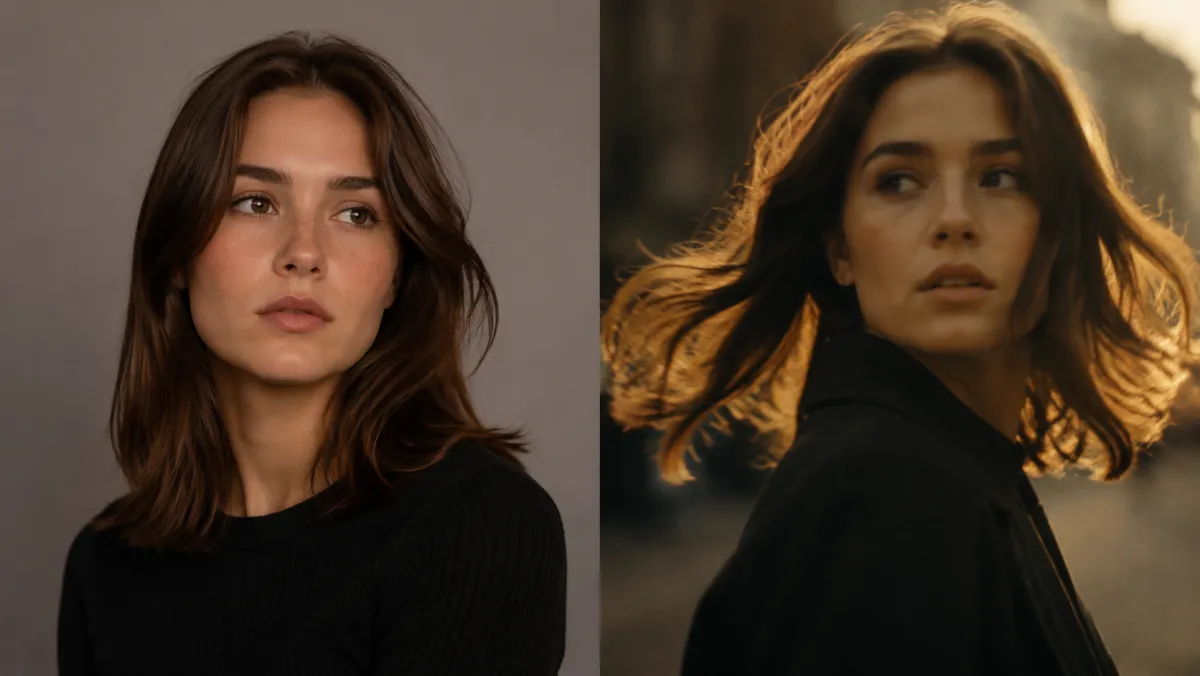
Best AI Image to Video Generators in 2026 (Tested)
Best AI image to video generators of 2026, tested: Kling 3.0, Veo 3.1, Runway, Seedance 2.5, MiniMax H3, Luma, Pika and ClipTrend. Updated October 2026.