
Compare your AI Nail looks
Try a clean, understated manicure
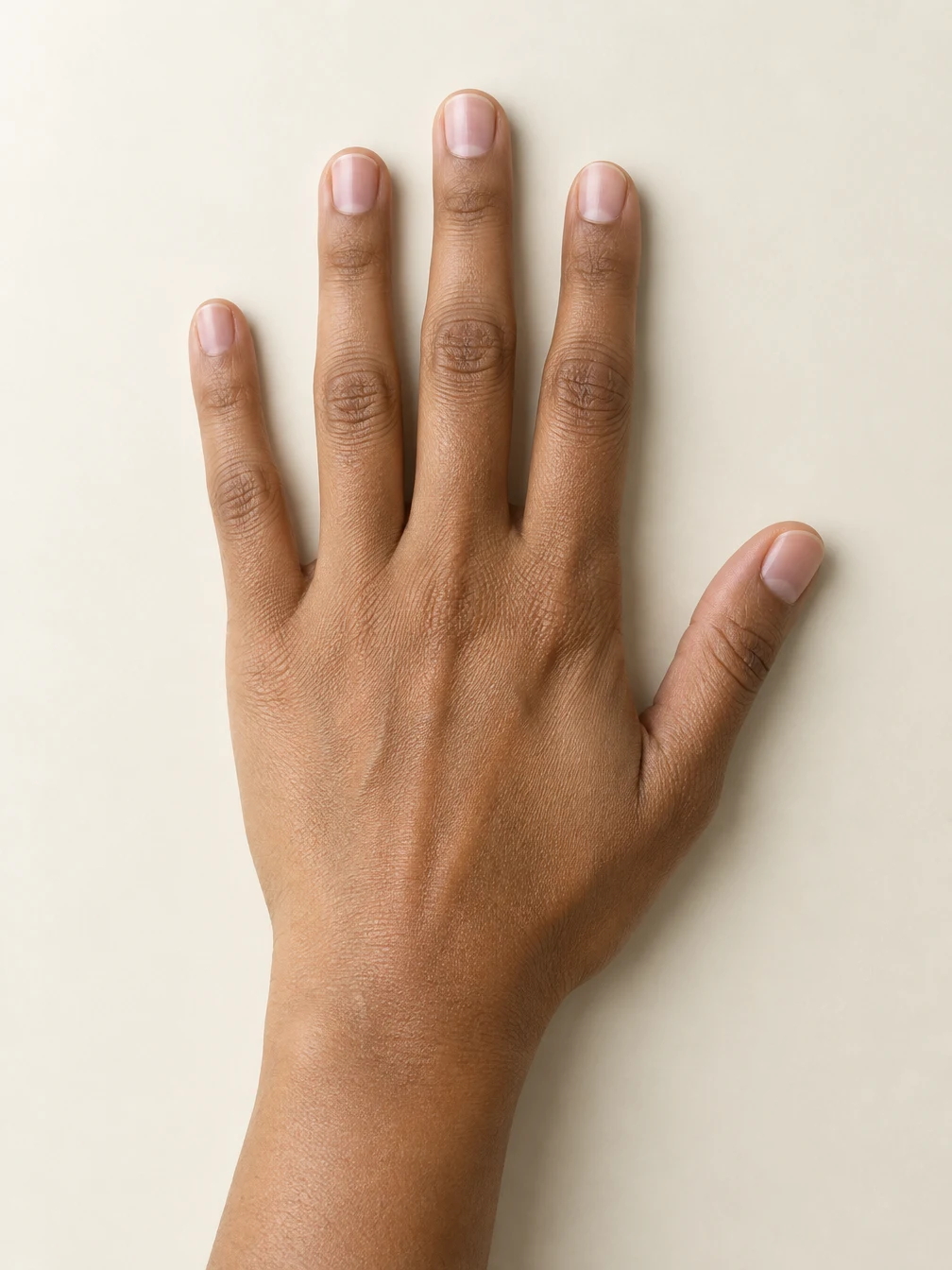
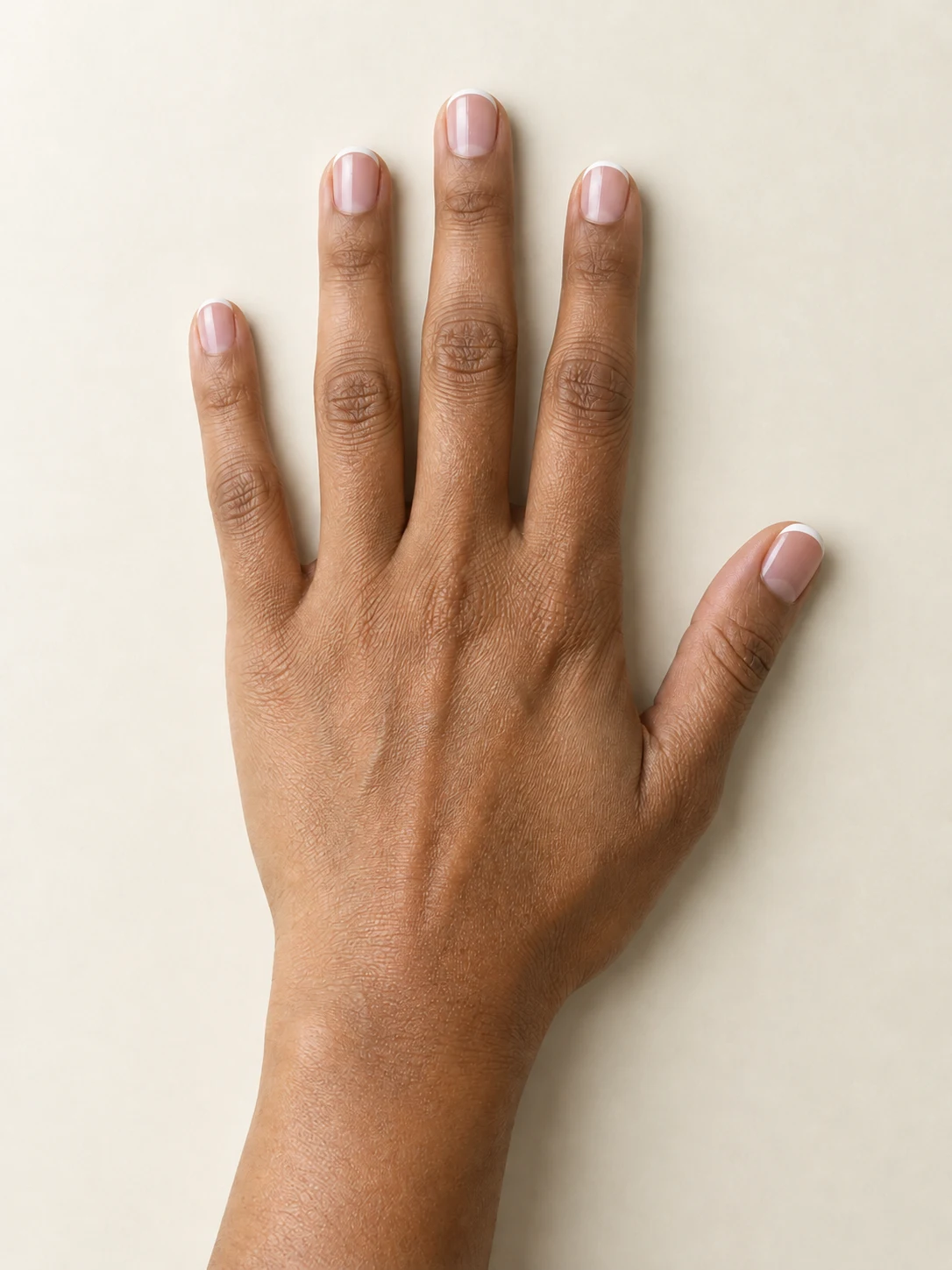
AI Nail starts with a photograph of your own hand. The French tips preset asks for a sheer blush base and a thin white edge on each visible nail, with a clear glossy finish. It is a useful first look when you want a restrained manicure that works with the nail length already shown in your photo. Place one hand on a plain surface, separate the fingers gently and photograph it from above. Leave room around every fingertip and include the thumb if you want to preview its nail. Soft daylight helps the nail edges stay readable. The displayed example uses the same fictional adult hand as the other two looks. Compare the input with the finished image, especially the cuticles, nail shape and finger spacing. AI Nail creates an appearance preview; it does not measure your nails or guarantee that every detail will stay unchanged.
Compare a richer color on the same hand
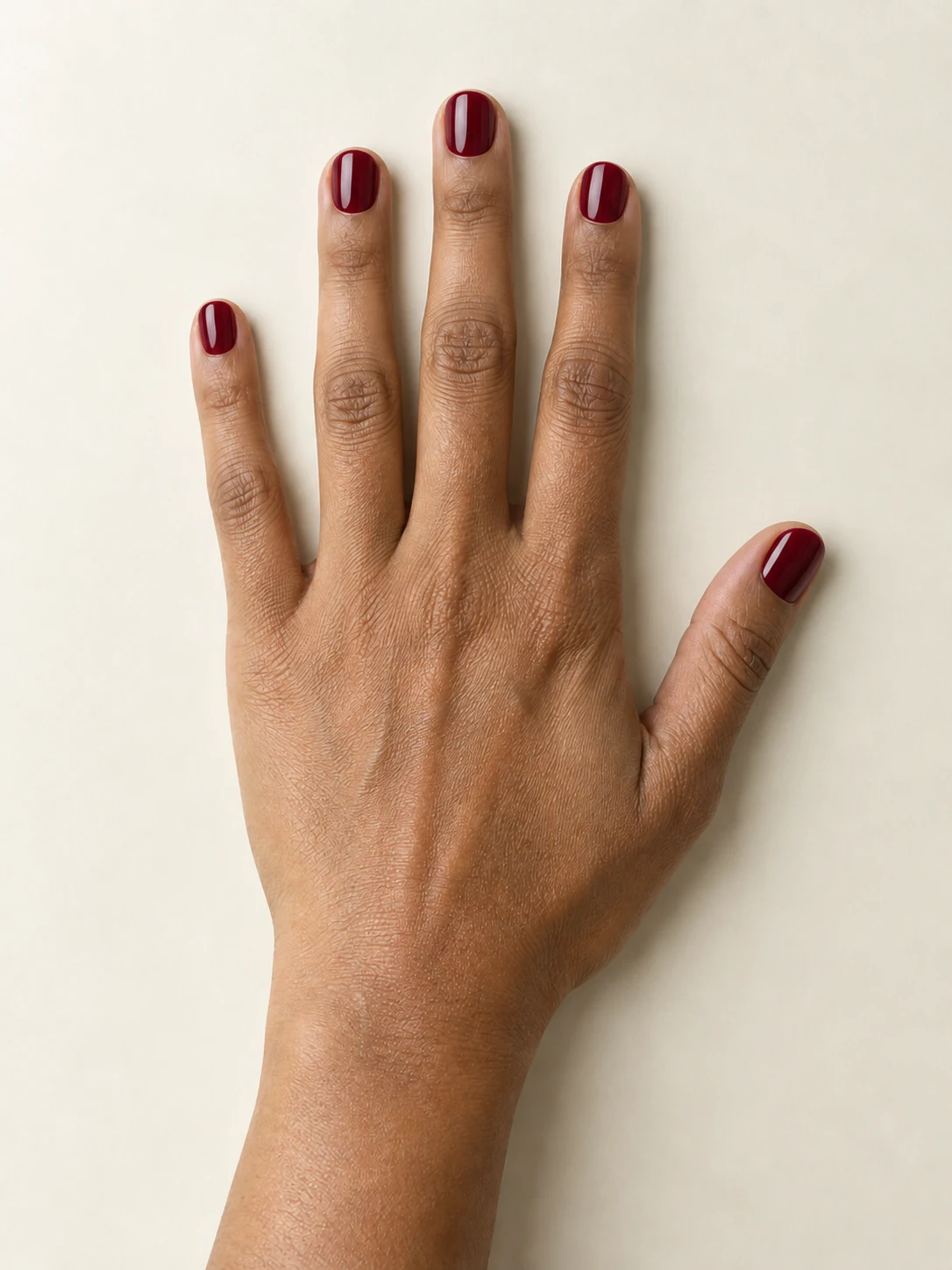
Select Burgundy gloss for a deep wine-red manicure with smooth coverage and reflected highlights. This AI Nail preset changes the requested polish rather than adding a costume, replacing the background or producing a separate design sheet. The example shows what the preset made from the bare-nail hand beside the generator. All three tabs use that same starting image, which makes the color difference easier to compare. Your own lighting and skin tone will influence the finished appearance. A very dark, blurred or heavily filtered photo can make the boundary between nail and skin harder to recognize. Check the full image for polish on the skin, unusual finger shapes or an edge that has moved. If those details matter for your use, choose a clearer input before another generation. Each request produces one image; selecting a different look and generating it uses another four credits.
Preview a softer finish before saving
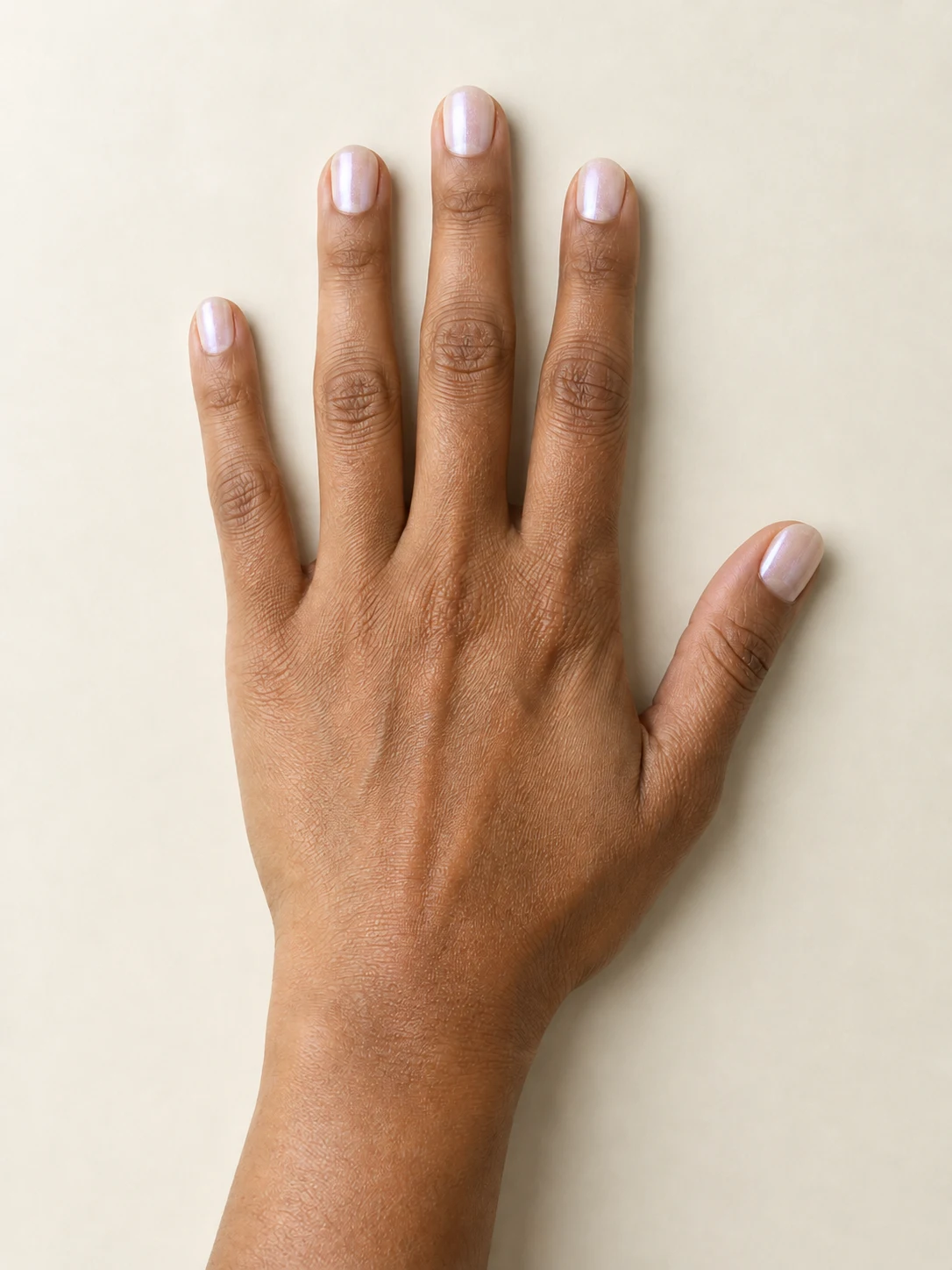
Pearl shimmer asks AI Nail for translucent ivory polish with a gentle pink-lavender sheen. The finish is intended to look softer than a mirror-chrome manicure, without added gems or raised decorations. Use the example to compare the tone and finish, while remembering that generated reflections can differ between attempts. The output is one 1K-class still image in a vertical three-to-four composition. It is a visual starting point for discussing a look, rather than a color-accurate product swatch or a promise that a salon can reproduce the image exactly. Once your image is ready, inspect all visible nails, then use Download on the result card. You can also find the completed image in your creation history. Reopening or downloading that same result does not start a new generation. Keep the saved original if you want to compare another AI Nail style later.
Make your hand photo easy to read
The three examples use one fictional adult hand. Your own photo supplies the hand pose, skin tone and visible nail shape.
A clear starting photo
Keep every nail visible
When to use it
You want to compare a manicure on your own hand.
What it produces
One 1K-class still image in a vertical 3:4 composition.
- ✓One adult hand in focus
- ✓Separate fingers and visible nail surfaces
- ✓A plain background with soft light
A look to discuss
Review before sharing
When to use it
You want a visual idea to compare or show a nail artist.
What it produces
A downloadable cosmetic preview, with generated details.
- ✓Check fingers, edges and cuticles
- ✓Compare the result with your source
- ✓Discuss real-world feasibility with your nail artist
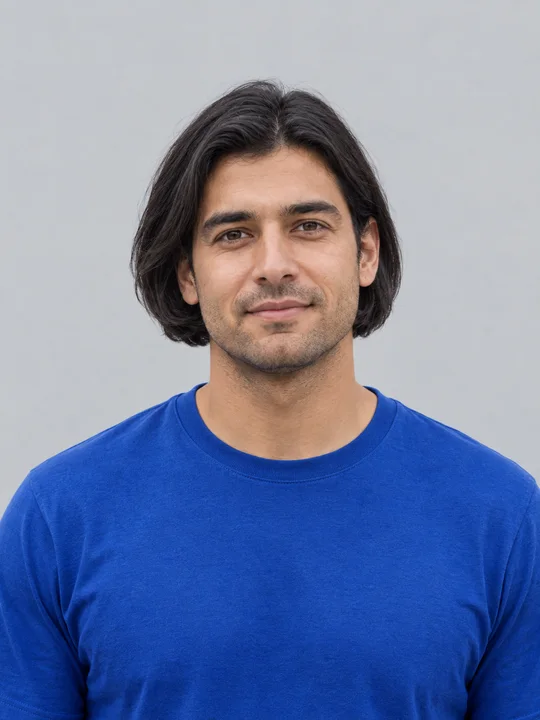
AI Bob Haircut
Preview a chin-length bob on one adult portrait.
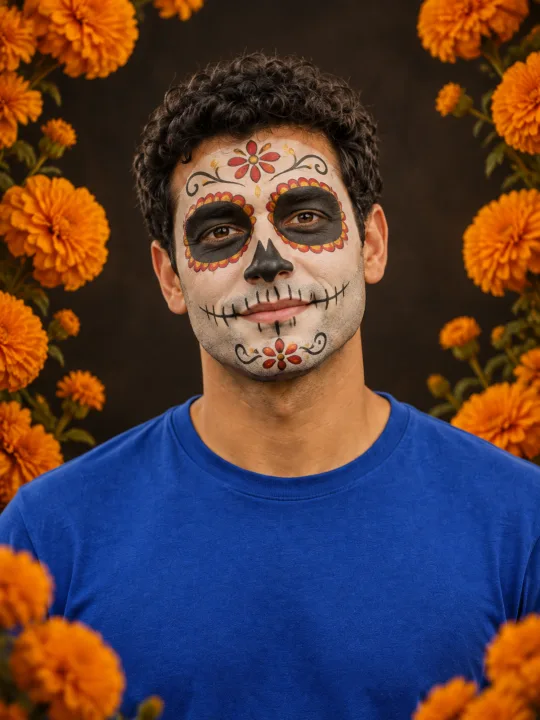
Filtro Catrina IA
Add floral Day of the Dead makeup and marigolds to your portrait.

Head Cutout
Create a head-only transparent PNG from one adult portrait.
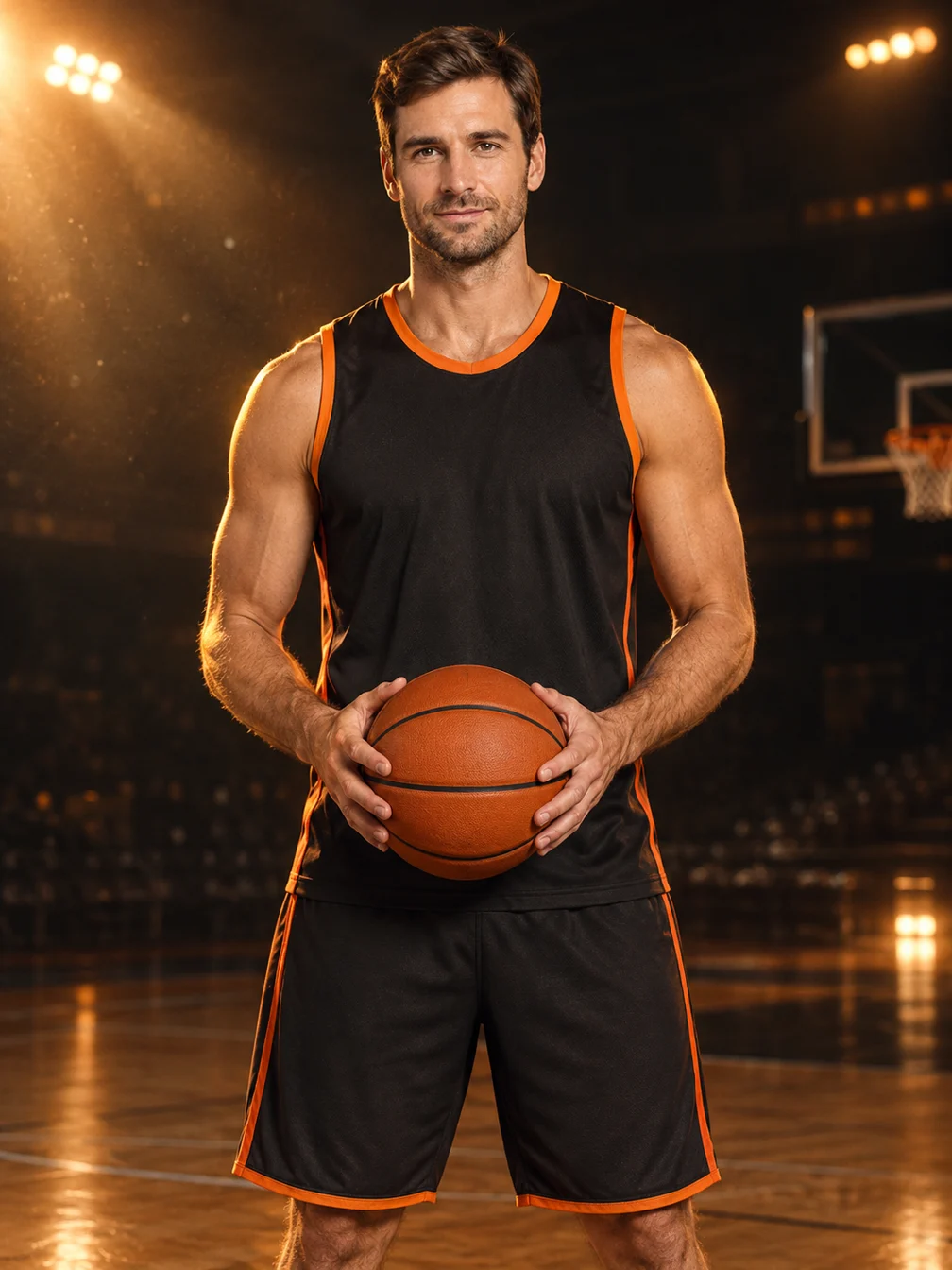
Basketball Poster
Turn your portrait into a basketball poster in arena, retro-card or neon-court style.
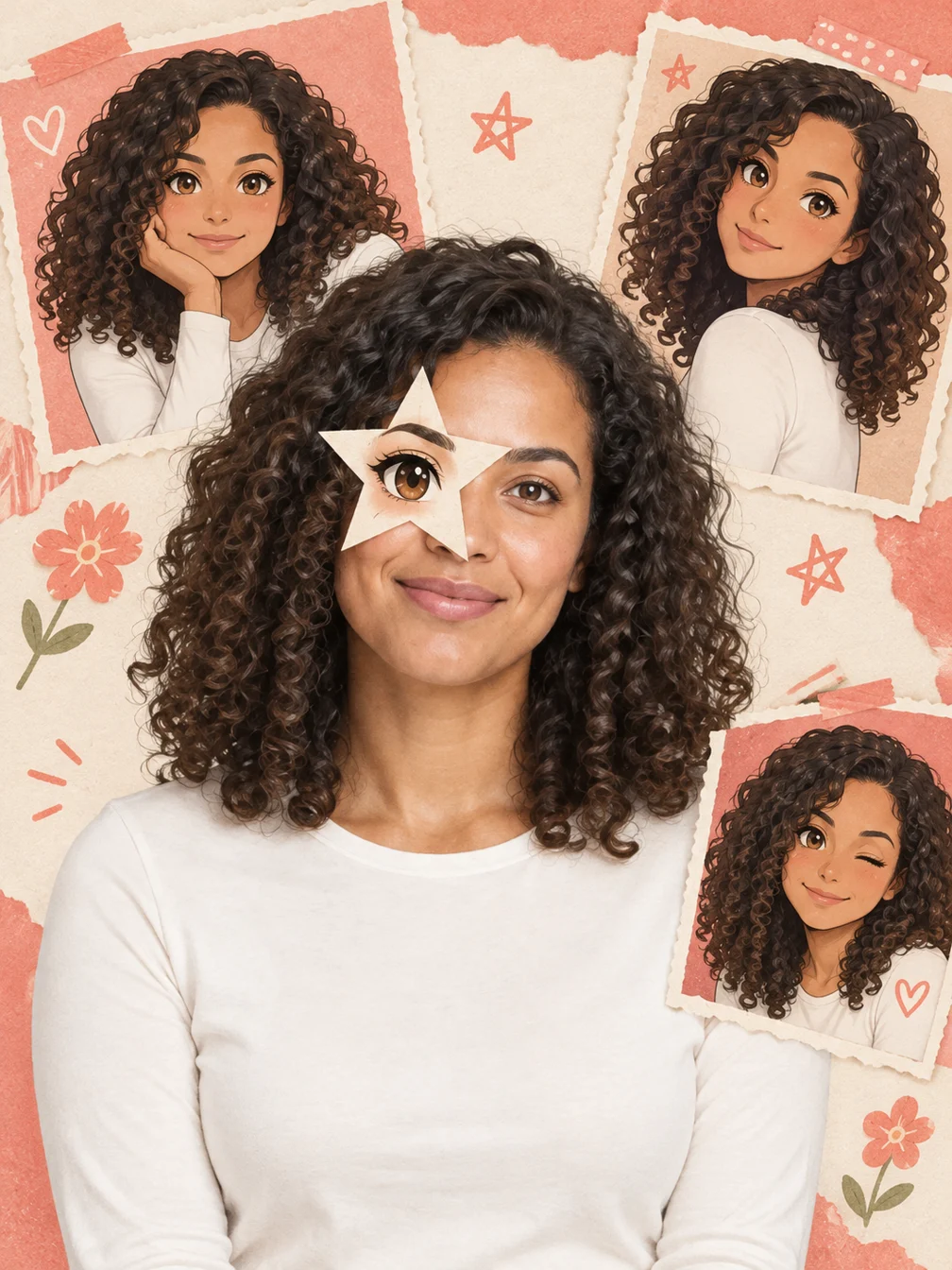
Anime Eye
Add one illustrated eye cutout and matching original anime-twin panels to your selfie.

Dime Dime Baby AI
Make the approach, bread-bite and turn-away party video.
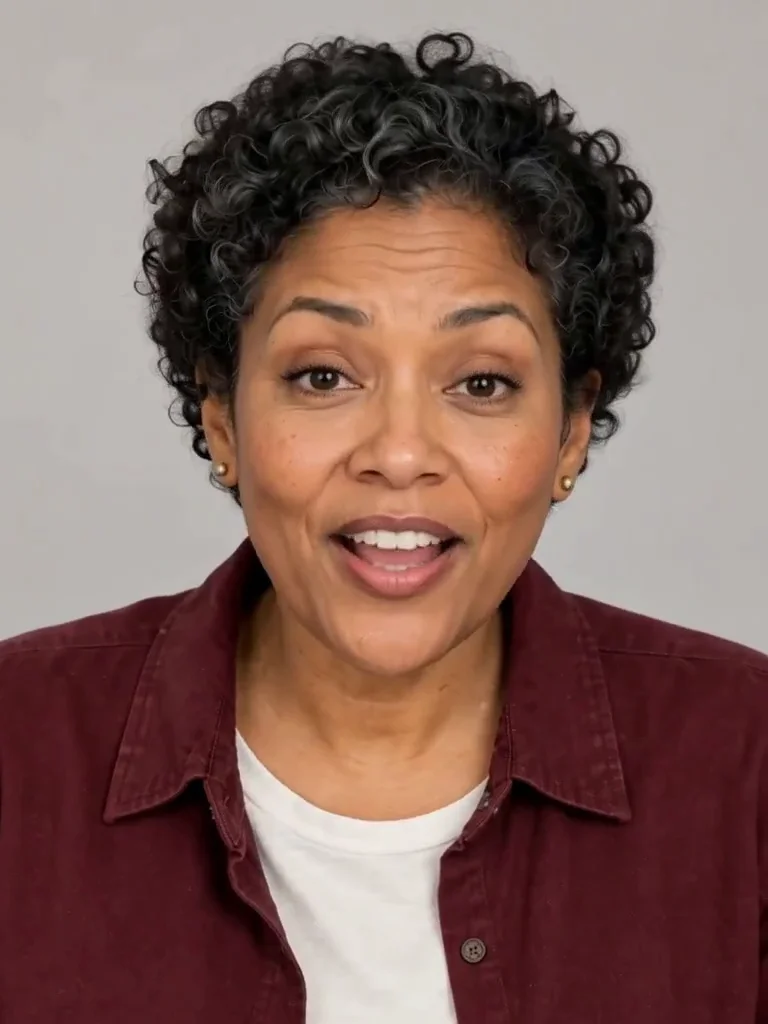
Photo to Talking
Give an adult portrait a short spoken line.
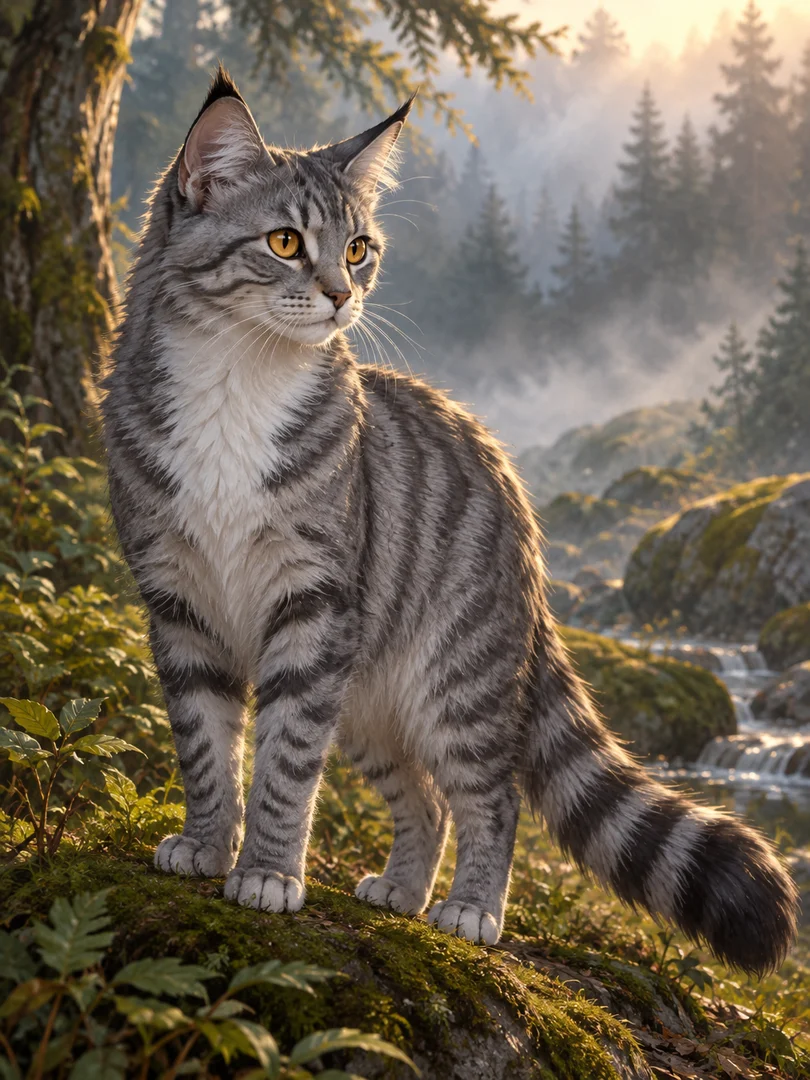
Warrior Cats OC
Design an original cat character from your description.

GTA Style
Illustrate your portrait with bold outlines and a coastal sunset.
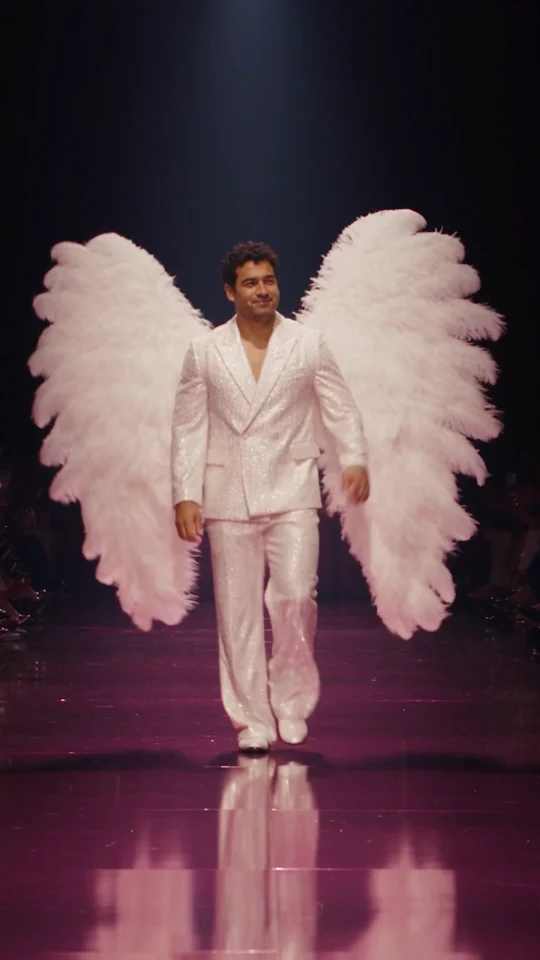
Runway Walk
Walk the runway in a white suit and feather wings, from one adult photo.

Angel Costume
Preview white wings, an angel outfit and a halo on your photo.
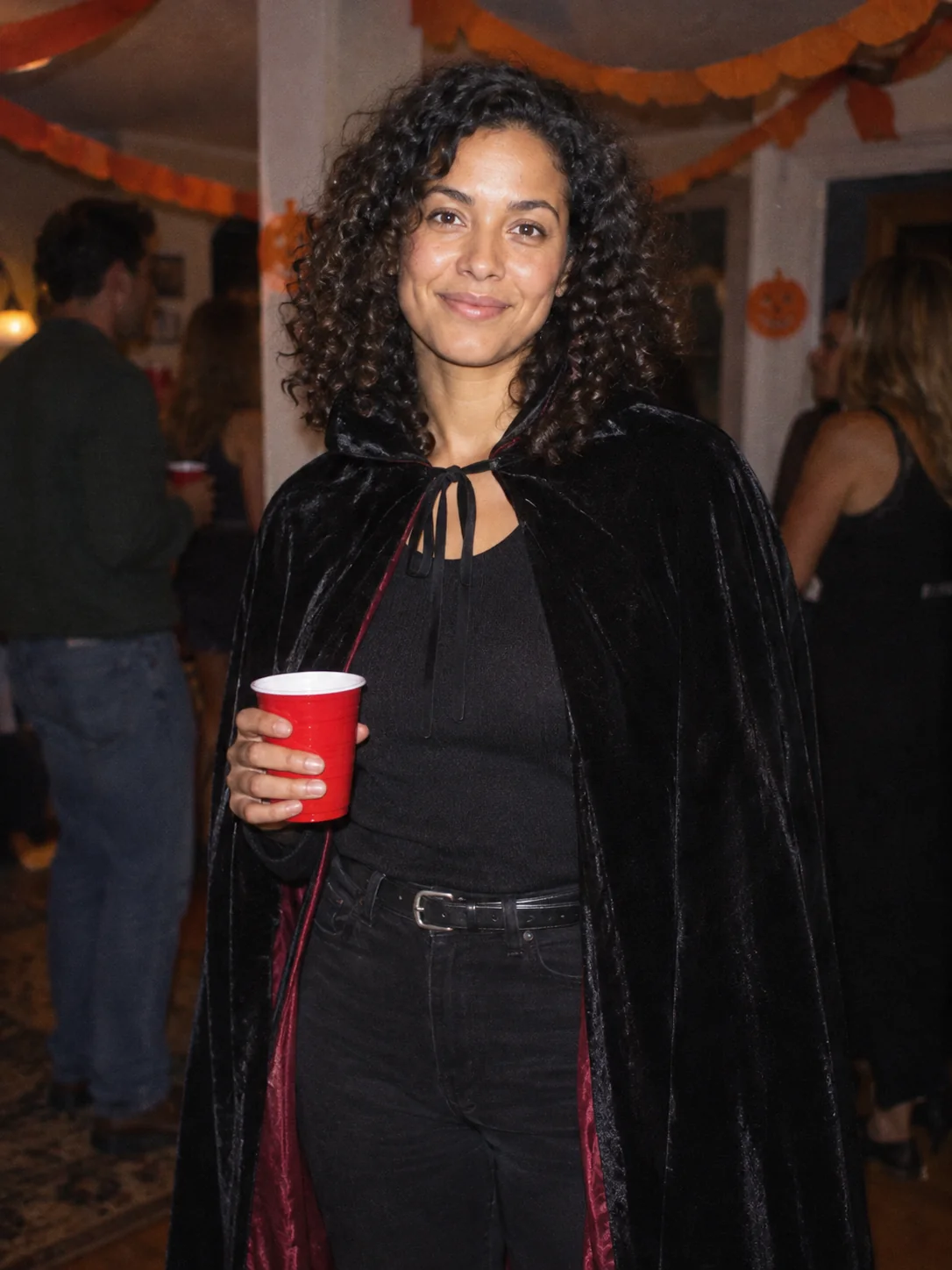
Costume Party
Put yourself in a Halloween costume party photograph.
Frequently asked questions
What does AI Nail do?⌄
AI Nail creates a still manicure preview from a hand photo. Choose French tips, Burgundy gloss or Pearl shimmer, upload one clear photo, sign in and generate. The preset asks for a polish change while keeping the hand pose and surrounding scene. Generated fingers, nail edges and small details can still change, so compare the result with your original before using it.
What hand photo should I upload?⌄
Use a photo you own or have permission to edit, showing one adult hand with the nails in focus. Rest the hand on a simple background and separate the fingers so the nail surfaces are visible. Avoid motion blur, overlapping fingers, gloves and very strong shadows. The tool previews appearance; it does not assess nail health, measure your hand or provide medical advice.
Can I choose my own color, nail shape or reference image?⌄
This version has three fixed presets. French tips uses a blush base and thin white tips, Burgundy gloss requests a deep wine-red polish, and Pearl shimmer requests a subtle ivory sheen. There is no custom prompt box, second reference-photo upload or masking editor. The request aims to keep the original nail length and shape; it does not guarantee precise geometry.
Can I try AI Nail free, and what does each image cost?⌄
One generation costs 4 credits and produces one image. Eligible new users signing in with Google using a Gmail address can receive welcome credits, enough to try the tool. Trial eligibility restrictions apply. Later requests use your remaining credit balance. Compare the displayed examples before generating; changing tabs by itself does not create an image or spend credits.
Will the preview match a real manicure exactly?⌄
No. AI Nail produces a generated appearance preview, not a physical manicure, a measured fitting service or a certified polish-color match. Nail shapes, fingers, reflections and skin details may be reinterpreted. Review the full result for distortions. If you show an image to a nail artist, discuss which details are practical rather than treating the generated picture as a guaranteed outcome.
How do I download or return to my result?⌄
Wait for the current request to finish, then inspect the image and choose Download on the result card. Your completed image is also available in creation history when you return to the account. Downloading the same completed result does not charge another generation. A new request, including another style made from the same hand photo, is a separate four-credit generation.