
One photo, a whole library of dances
Pick a move, and you’re dancing
The AI dance generator comes with a whole library of ready-to-go moves — K-pop Bounce, Hip Sway, Body Wave, Club Shuffle, Chinese Trend and more, all tuned to look natural. Upload one photo, tap a move, and the dance is mapped onto you. No choreography to learn, no filming yourself.
- ✓Tap and go — a dozen-plus trending moves, applied with one tap
- ✓Always growing — new viral dances keep getting added to the library


Real motion, mapped onto you
We transfer the chosen dance’s full-body motion onto your photo frame by frame, so footwork, arms, hips and rhythm all line up. It’s real motion transfer, not a wobble filter. Out comes a 9:16, watermark-free MP4 ready for Reels, TikTok and Shorts.
- ✓True motion transfer — the whole routine is moved onto you, not faked
- ✓9:16, no watermark — a vertical MP4 you can post straight to short-form
Saw a dance you love? Paste the TikTok link
This is what sets us apart — see a dance going viral on TikTok and you don’t have to wait for us to add it. Paste the video link and we pull the dance’s motion straight off it to use as your reference, so your photo can do that exact routine. The newest, hottest, most niche moves are one link away. You can also upload your own short clip.
- ✓One link is enough — paste any TikTok link and we extract the dance motion
- ✓Never behind a trend — moves the library doesn’t have yet, a link away


Your face, kept exactly
It’s you doing the dance from start to finish — not a face swap and not someone else. The model keeps your face, hairstyle, skin tone and outfit from your photo and only adds the motion, so friends recognise it’s you at a glance.
- ✓No face swap, no stand-in — your features are kept straight from your photo
- ✓Only the motion is added — the real you, just dancing
Which photo should you upload?
The AI dance generator works from a single photo — the only choice is how much of you it shows.
Full-body photo
Show your whole frame for a complete dance.
When to use it
When you want the full routine — footwork, arms and posture all moving together for a head-to-toe dance clip.
What it produces
Animates your entire body into a natural, energetic dance while keeping your face and outfit true to the photo.
- ✓Best for full dance routines and trend recreations
- ✓Captures footwork, hips, arms and posture
- ✓Great for a standing or full-length shot
- ✓Your face, hairstyle and outfit kept exactly
- ✓Ideal for a TikTok dance trend
Upper-body photo
A quick selfie or portrait works great.
When to use it
When you want a fast result and mainly care about a head-and-shoulders groove or a fun reaction clip.
What it produces
Adds a rhythmic upper-body groove under your unchanged face — the quickest way to a shareable dance clip.
- ✓Fastest path to a dance video
- ✓Best for selfies and head-and-shoulders portraits
- ✓A relaxed sway or confident bop
- ✓Your face and expression kept true
- ✓Ideal for a quick, casual post
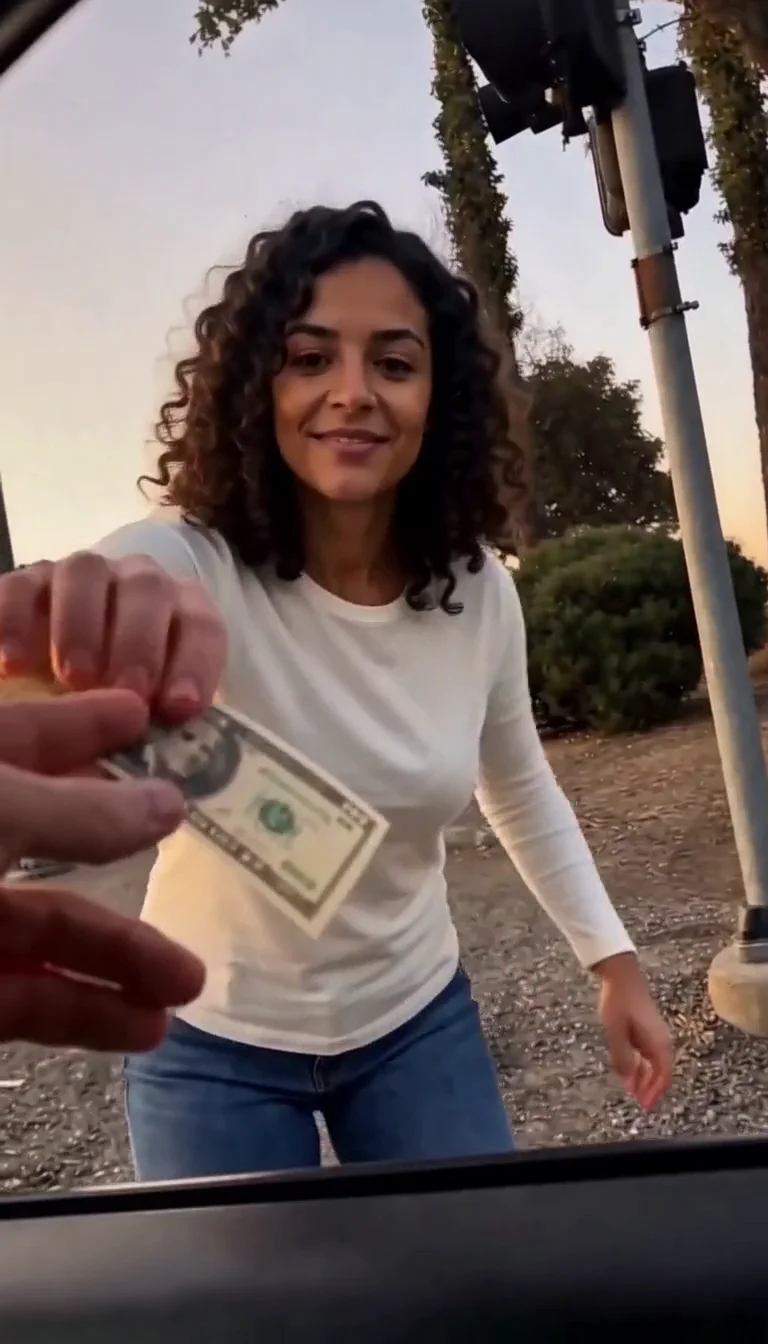
Plug Walk
Follow the car-window cash handoff, then step back into the reference dance.
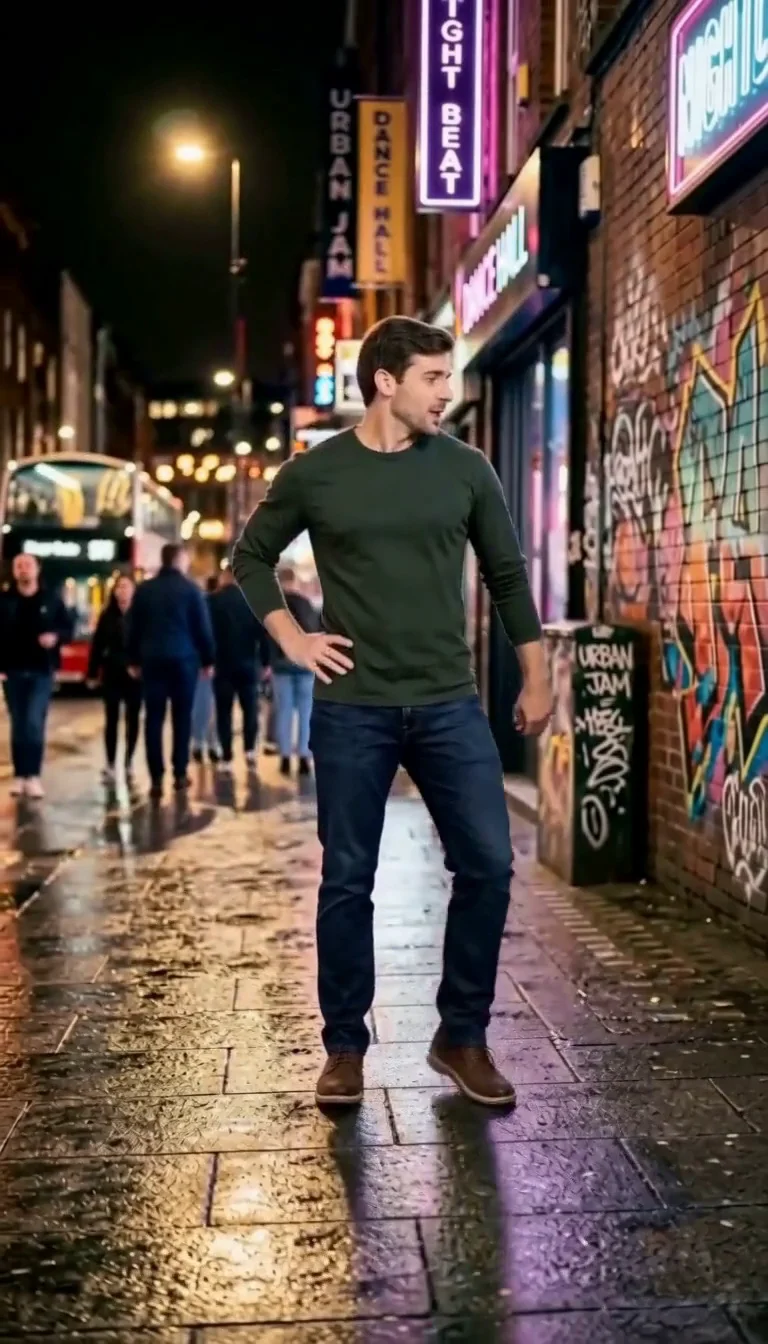
6 7 Dance
Follow a fourteen-second Six Seven street dance with counting gestures, bouncy steps and claps.
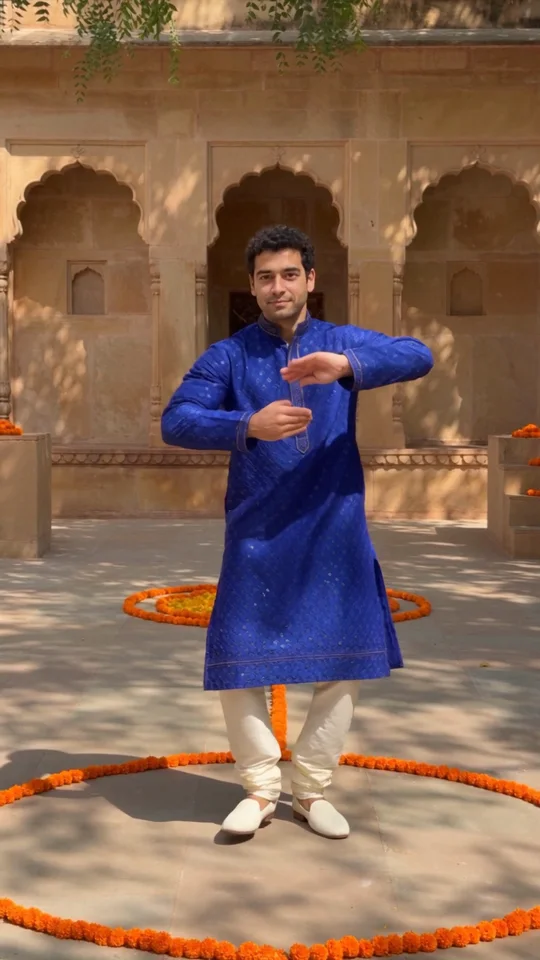
Bollywood Dance
Make a ten-second courtyard dance from one adult photo.
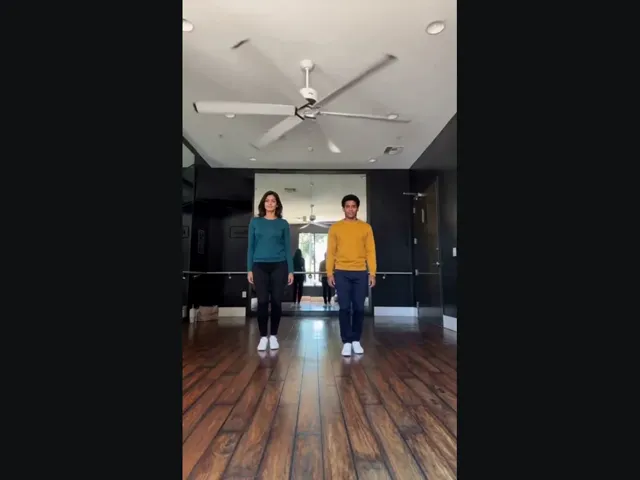
Thriller Dance
Upload two photos, pick the left and right dancers, and put them into the studio duo’s Thriller moves.
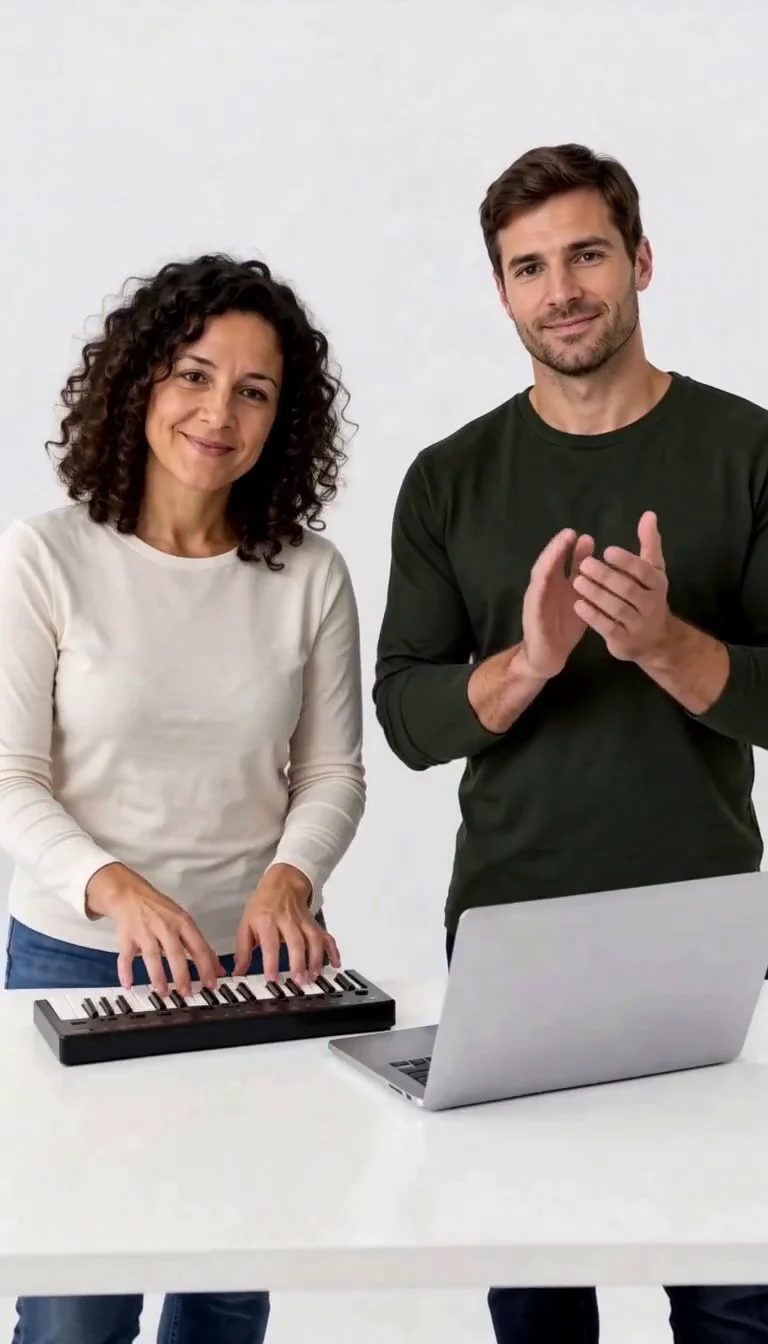
Keyboard Duo
Put two adults in a keyboard-and-clapping studio sketch.
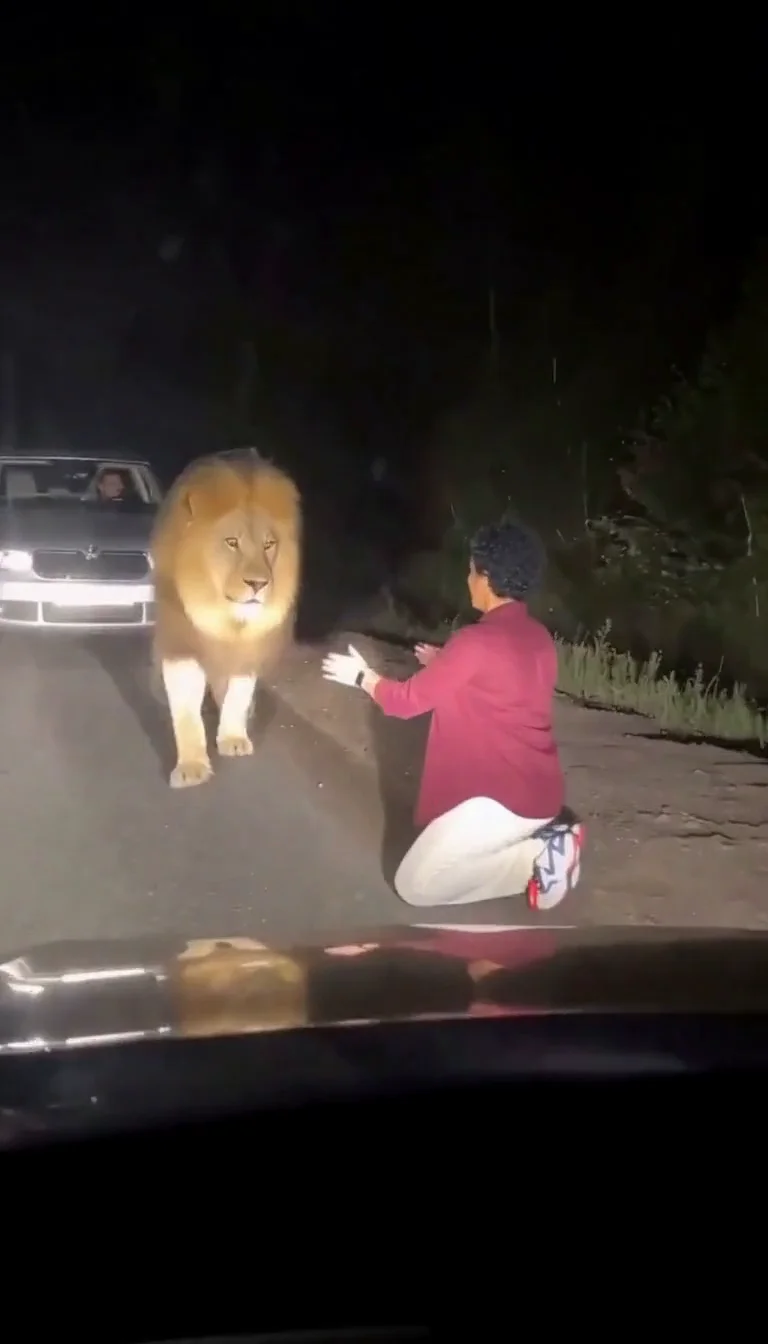
Lion Friend
Meet a calm lion on a nighttime road, stroke its mane and share a fictional embrace.
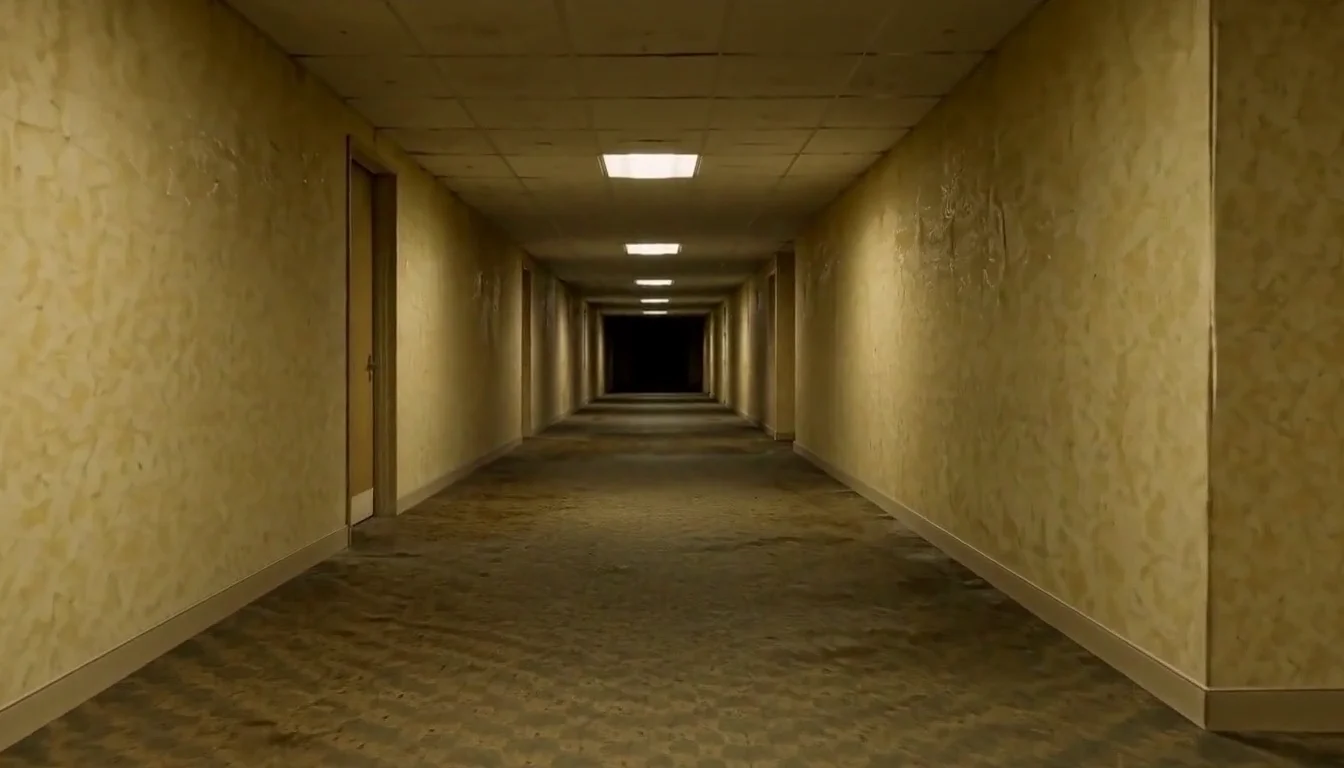
AI Backrooms
Animate your empty corridor with a slow camera push and flickering fluorescent lights.
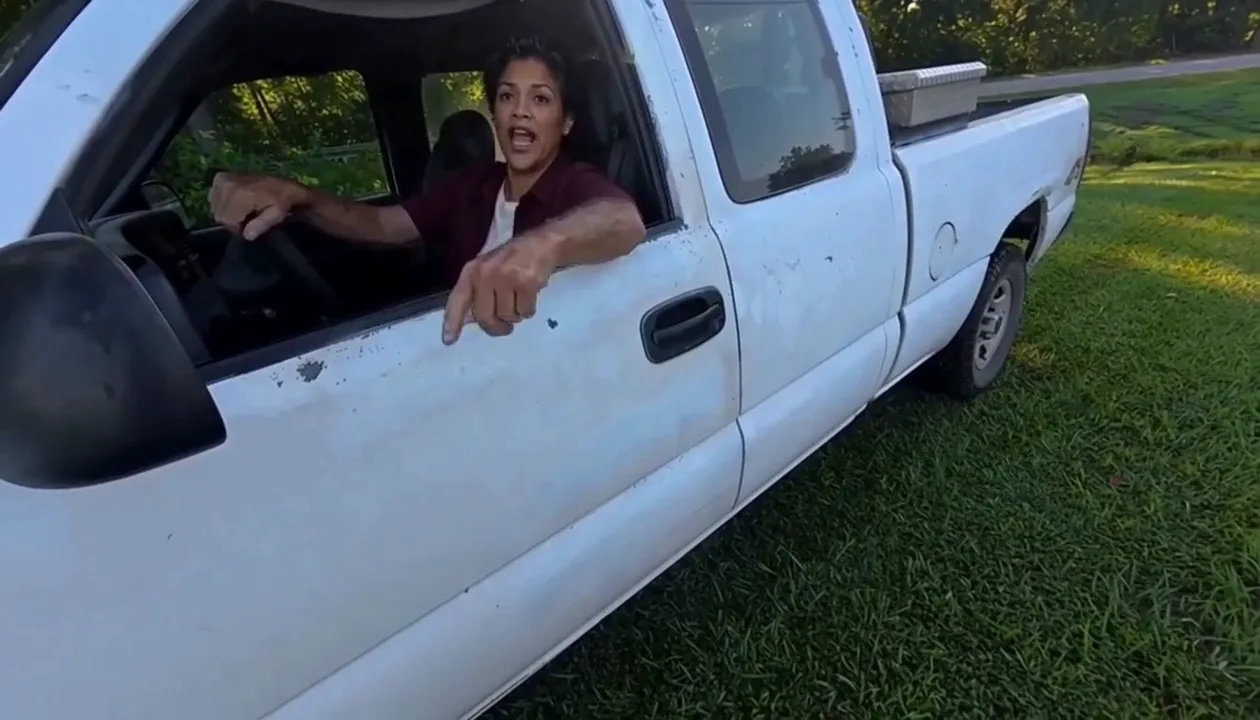
Hit Road Dude
Make a reference-guided pickup-truck meme from one adult portrait.
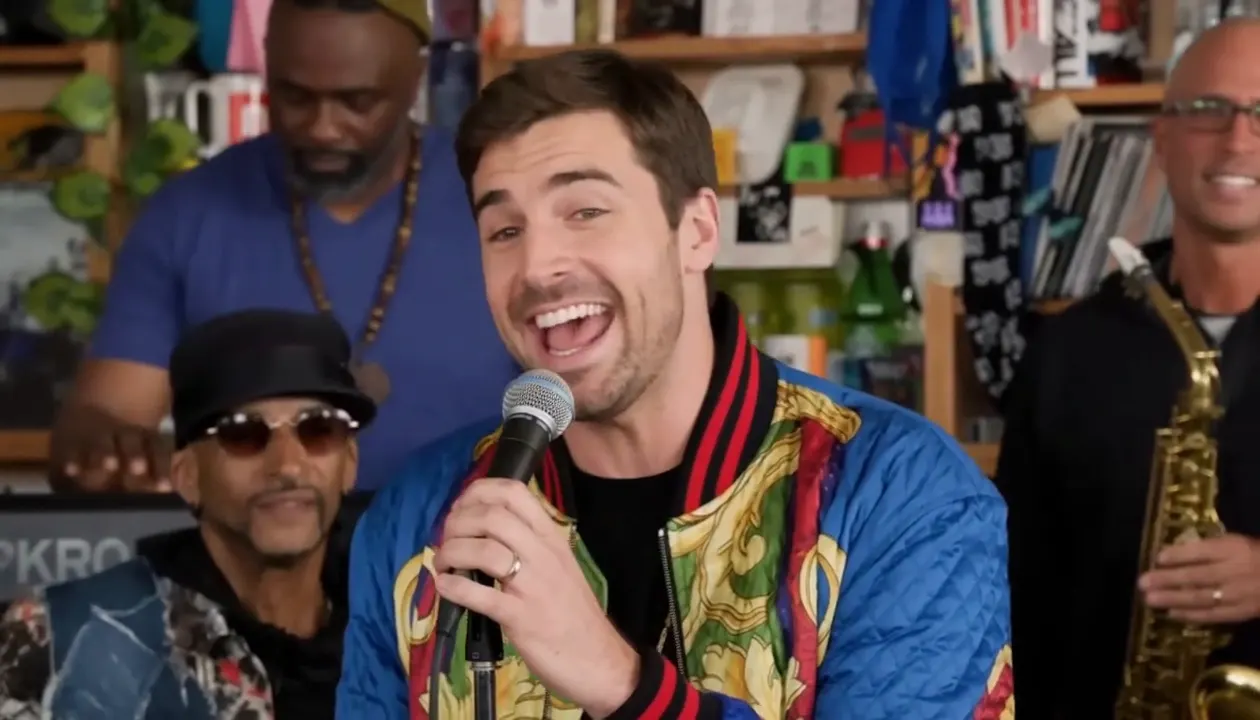
Tiny Desk AI
Put your photo in the lead-singer spot of a ten-second office-desk concert.
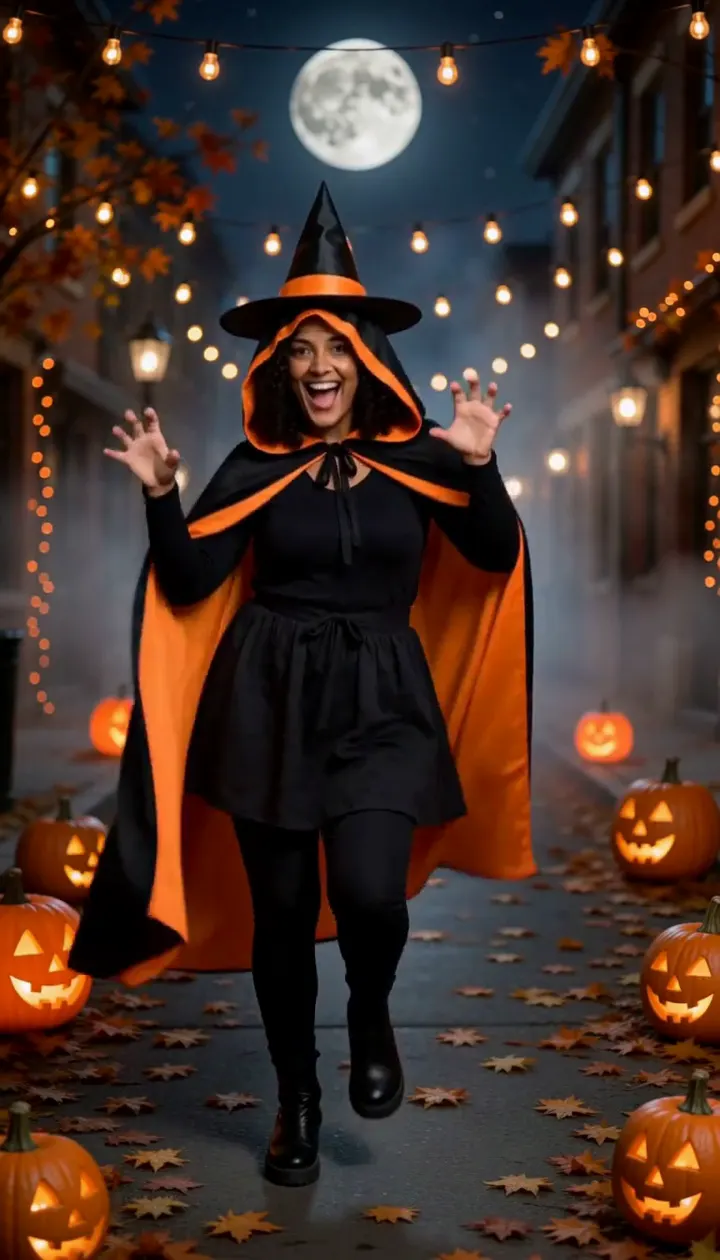
Halloween Dance
Turn one adult photo into a ten-second costume dance on a jack-o'-lantern street.
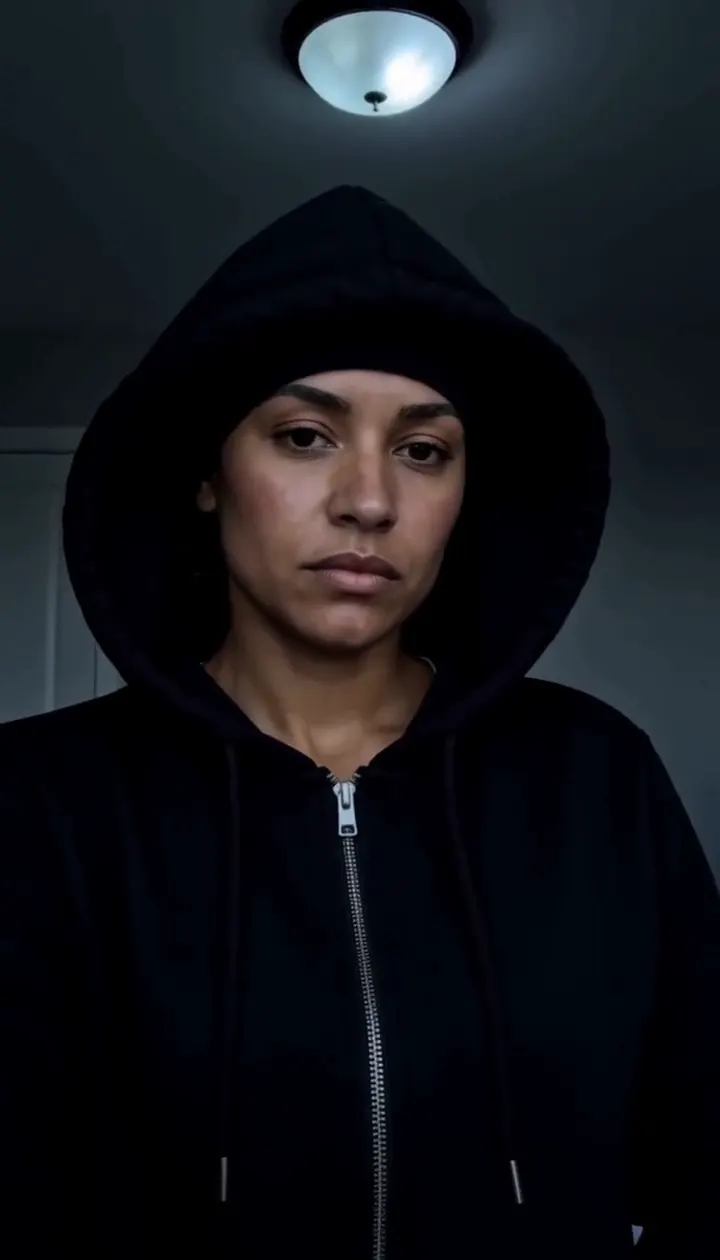
Skull Cap Trend AI
Pull on the cap in a bright room, then hard cut to a cold stare in the dark.
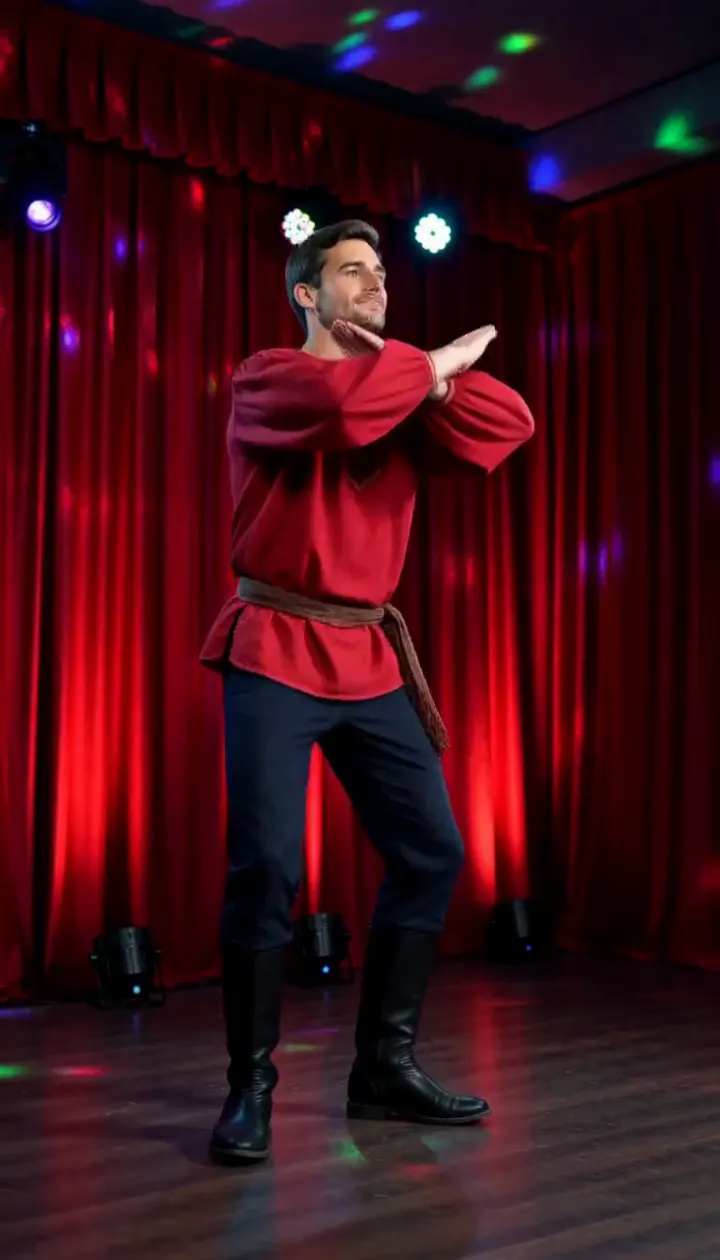
Rasputin Dance AI
Turn one adult photo into a ten-second folk disco dance with squat kicks and a spin.
Frequently asked questions
How does the AI dance generator work?⌄
Upload one clear photo of yourself and the AI dance generator animates it into a short, energetic dance video — your photo starts moving to a beat with natural rhythm, all from a single upload. There’s nothing to film and no editing: pick a photo, press generate, and watch the dance appear.
Will it change or swap my face?⌄
No. It references your face from your own uploaded photo and keeps your face, hairstyle, skin tone and outfit unchanged — only movement is added. It stays the real you dancing, not a face swap or a different person. An automated safety check runs on uploads before anything is generated.
Do I need one photo or more?⌄
Just one. The AI dance generator is a single-photo effect — upload one clear, front-facing shot and it handles the whole dance. A full-body photo captures the complete routine; an upper-body selfie gives a quick groove.
What do I get, and is it watermarked?⌄
You get a short 6-second vertical (9:16) MP4 of your dance, exported with no ClipTrend watermark, so it’s ready for Reels, Shorts, stories or a quick share. Generation runs on credits, with a free allowance to start and pay-as-you-go after.
What photos work best for a dance video?⌄
Clear, well-lit, front-facing photos with your body visible give the smoothest result. A full-body shot lets the whole body dance; an upper-body shot focuses on a head-and-shoulders groove. JPG and PNG both work — blurry, tiny or heavily filtered shots can lower the result quality.
Can I make my pet or a group photo dance?⌄
The AI dance generator is tuned for a single person, and that’s where it looks best. A clear solo photo gives the cleanest, most natural movement; group shots and pets can work but results vary. For animals specifically, try our dedicated pet dance effect.
Can I use it on my phone?⌄
Yes. It runs in your mobile browser — no app to install. Pick a photo from your camera roll, tap generate, and save the dance video straight to your phone.
How long does it take, and how do credits work?⌄
Most clips render in well under a minute, often in a few seconds, and you can watch the result appear right on the page. New accounts start with free credits so you can try the AI dance generator at no cost. Credits vary by the dance move you pick and its length — a longer dance costs a little more — and the exact cost is always shown next to the Generate button before you run it. After your free credits it’s simple pay-as-you-go with no subscription.
Make your photo dance in seconds
Upload a single photo, get an energetic dance video — watermark-free, no subscription, your face kept exactly.
Open the AI dance generator