
Create your AI Backrooms result
Start with an empty corridor
Use an image of an empty indoor corridor with a clear vanishing point. Straight walls, visible ceiling lights and an unobstructed floor help the model preserve the space during the camera move. Our starting image is an original generated yellow corridor. The preset adds a slow forward push and a little fluorescent flicker; it does not need a person, a monster or a jump scare. A busy scene or a room full of objects may change more during the animation.
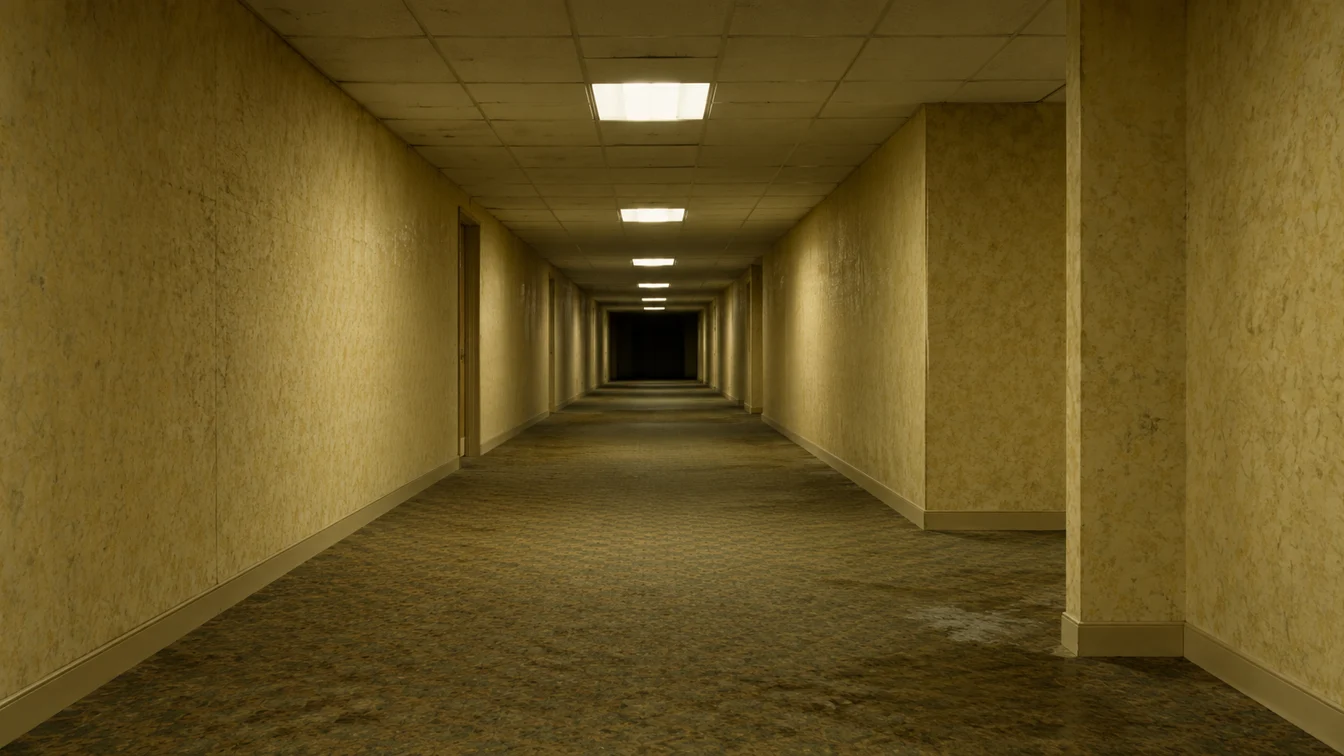
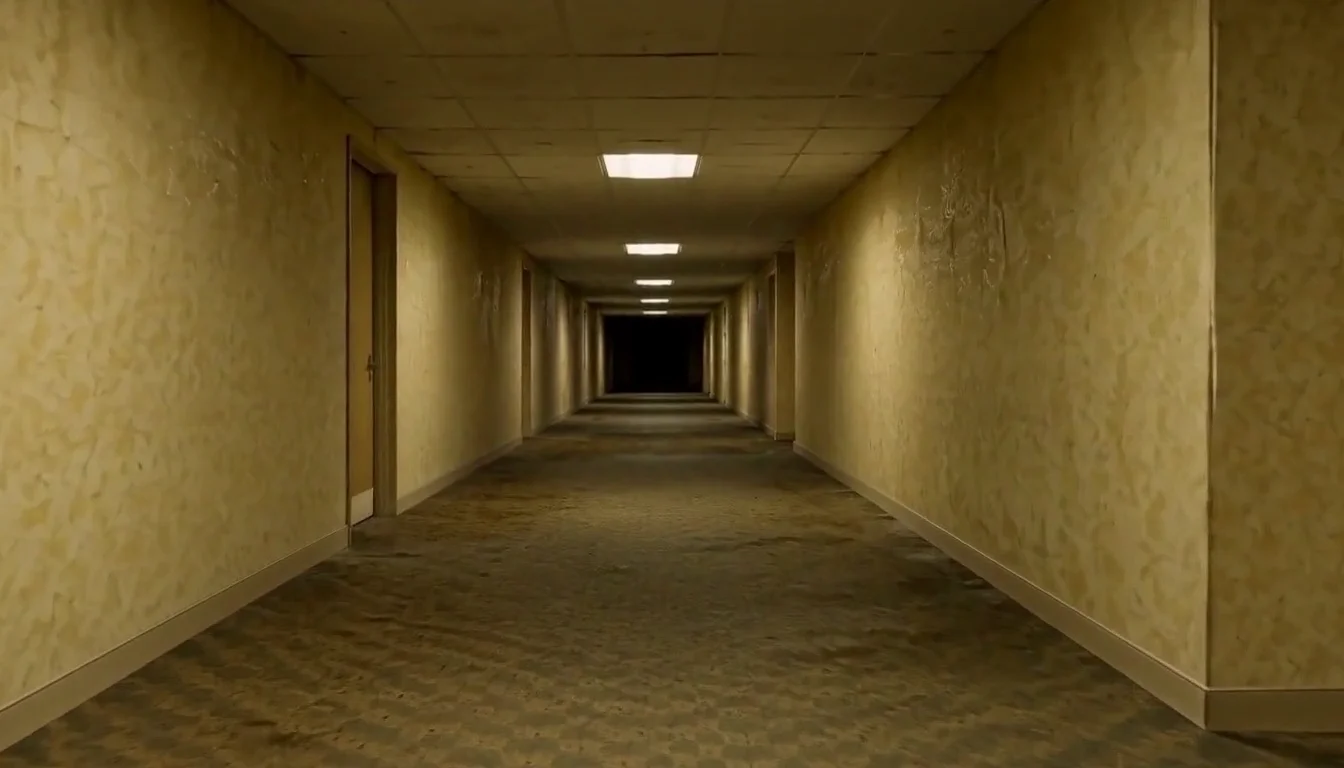
Inspect the complete generated example
The five-second preset keeps the corridor empty and moves the camera slowly forward. Overhead fluorescent lights flicker slightly while a quiet hum gives the scene its atmosphere. This is an image-guided animation, so you can upload a different corridor instead of using our yellow example. Geometry, shadows and light changes are generated and may not remain pixel-identical to the input. Watch the whole result before sharing, especially where walls meet the ceiling and the floor.
Download your completed MP4
The price shown before generation is 24 credits for one approximately 5-second video. The welcome allowance can cover this preset if your account has enough credits remaining. After generation finishes, inspect the full result and use Download on the result card, or return to it in your creation history. Downloading an already completed result does not start a second generation. Busy periods may take longer than usual; an active request remains visible in your account. Generated details can vary, so review the result before posting it publicly.
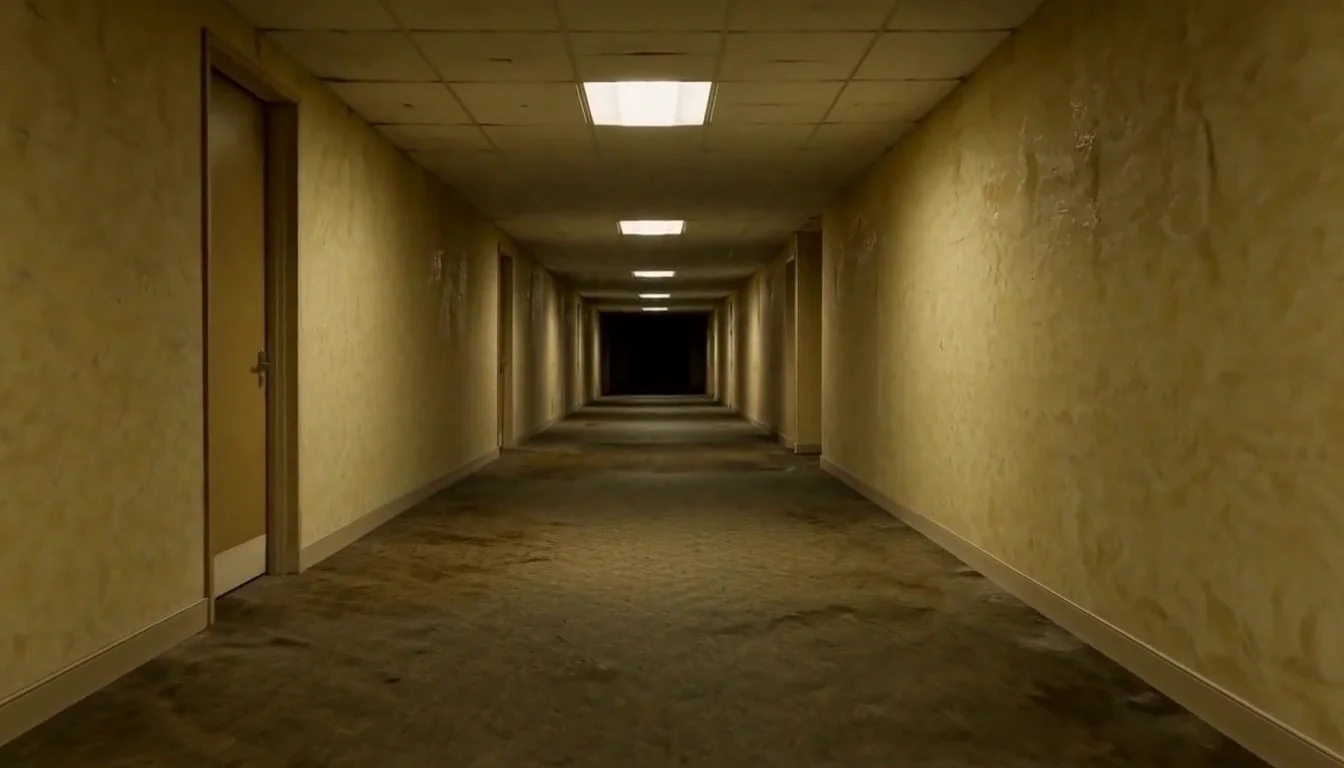
A clear corridor works best
The displayed input and output are actual samples from this preset.
One empty scene
Clear walls and floor
When to use it
Animate your empty corridor with a slow camera push and flickering fluorescent lights.
What it produces
A short generated MP4.
- ✓No people
- ✓Clear perspective
- ✓Visible ceiling lights
Lion Friend
Meet a calm lion on a nighttime road, stroke its mane and share a fictional embrace.

Basketball Poster
Turn your portrait into a basketball poster in arena, retro-card or neon-court style.
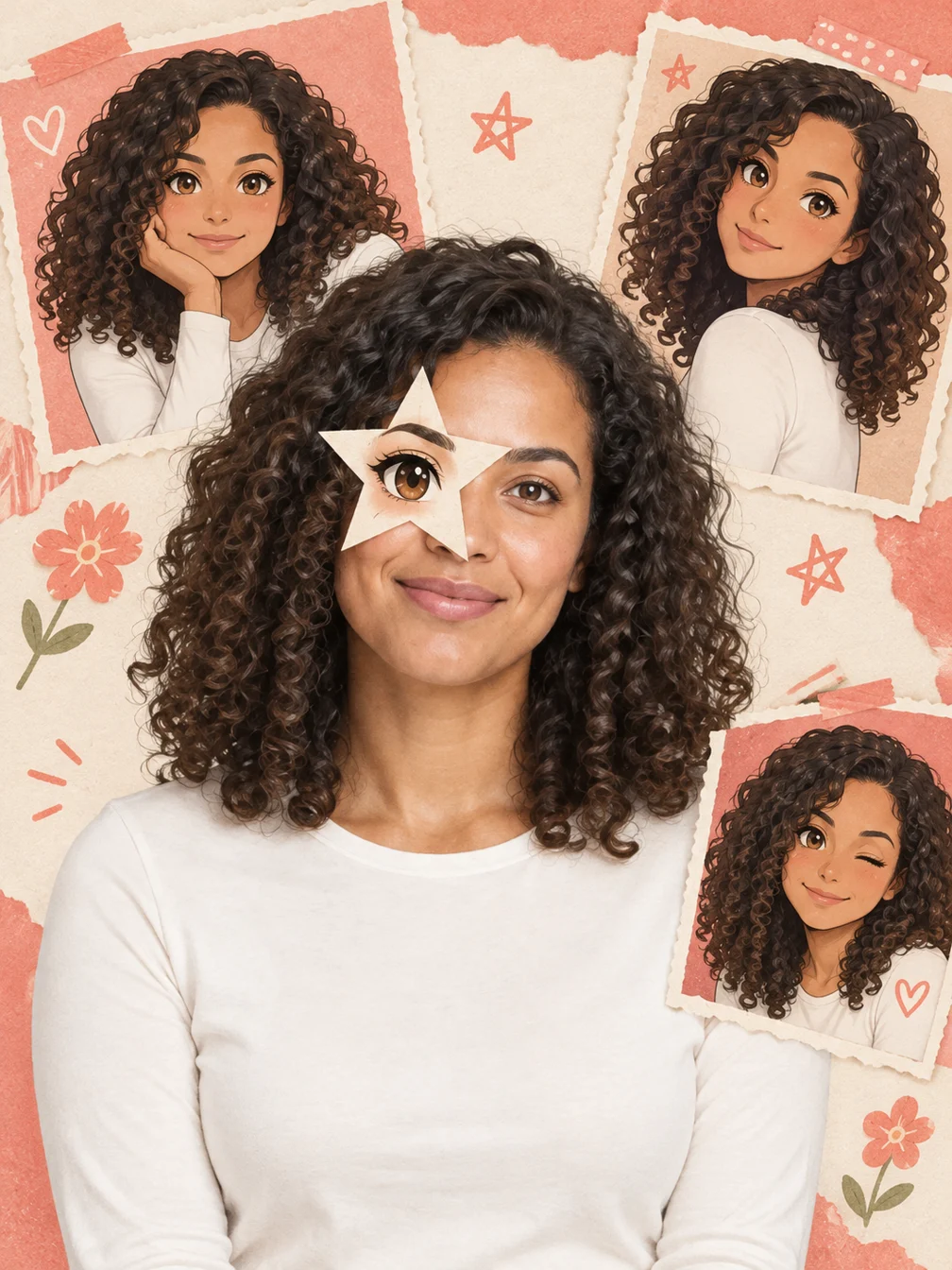
Anime Eye
Add one illustrated eye cutout and matching original anime-twin panels to your selfie.
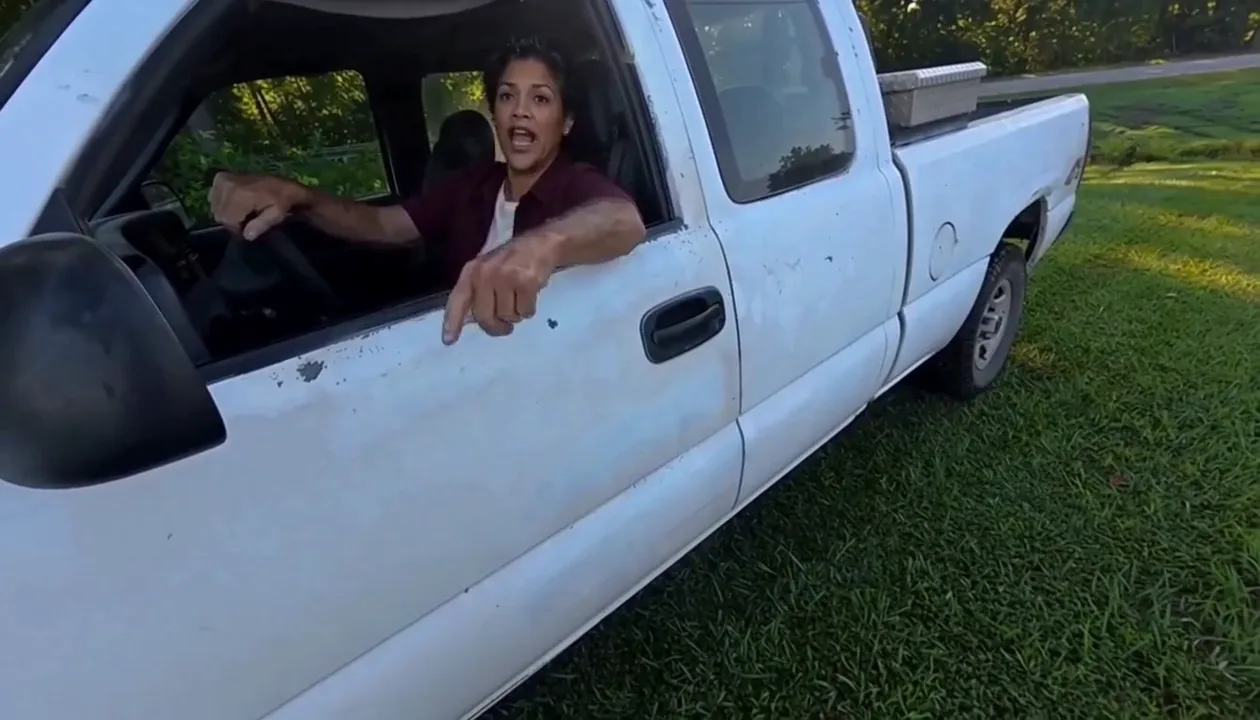
Hit Road Dude
Make a reference-guided pickup-truck meme from one adult portrait.
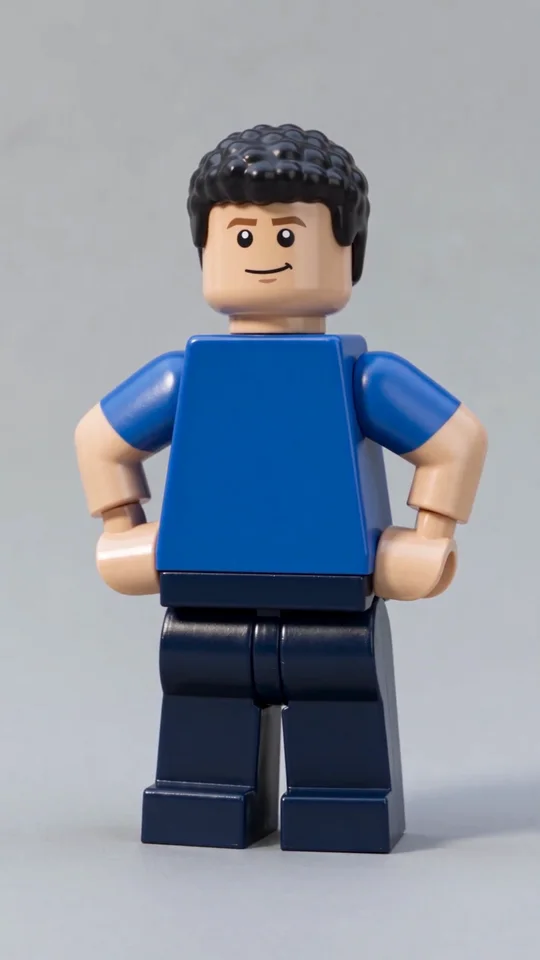
AI Lego Man
Transform one adult photo into a molded brick toy video.

GTA Style
Illustrate your portrait with bold outlines and a coastal sunset.
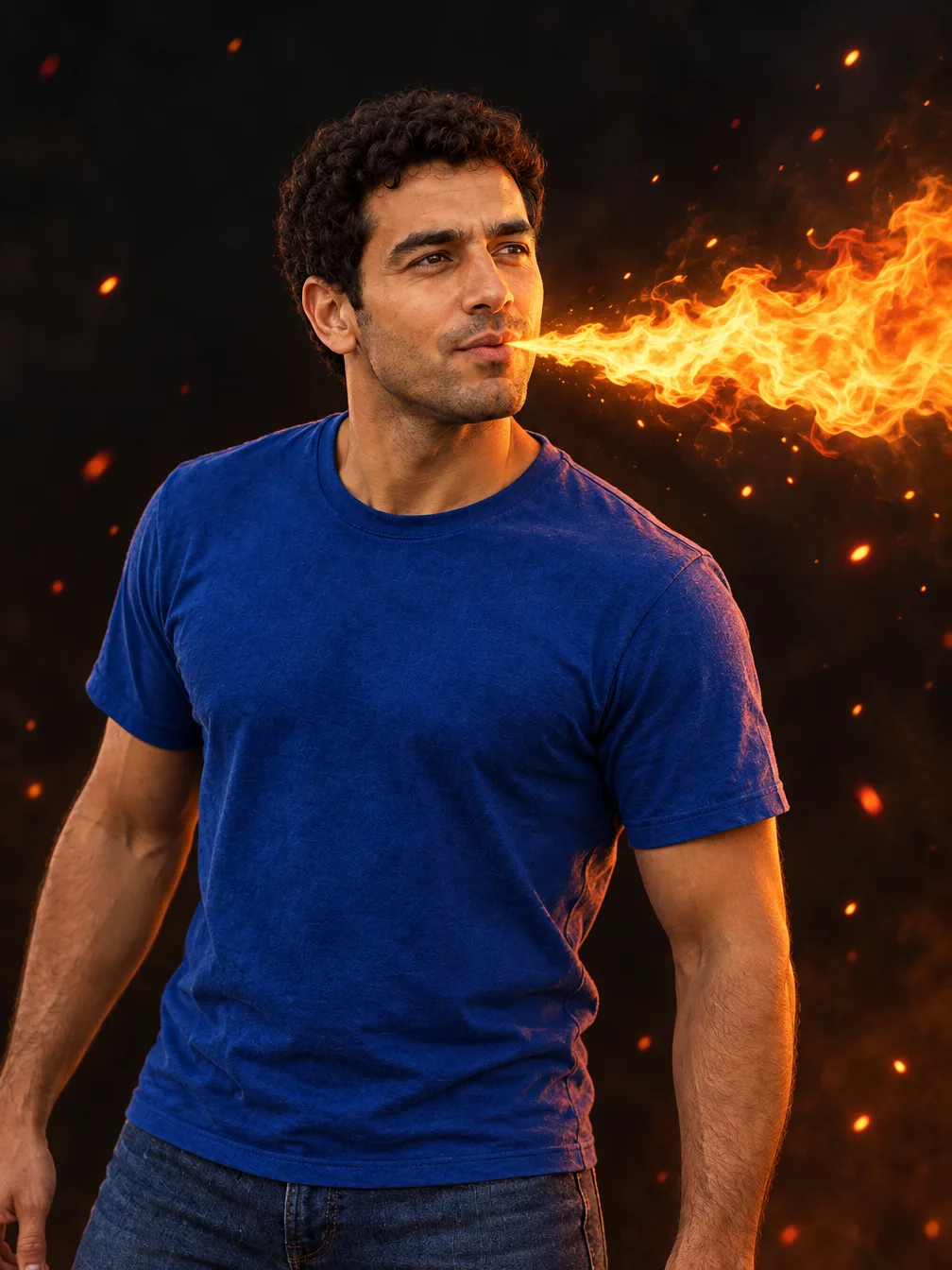
Fire Breathe
Add a fantasy flame plume and warm light to a portrait.
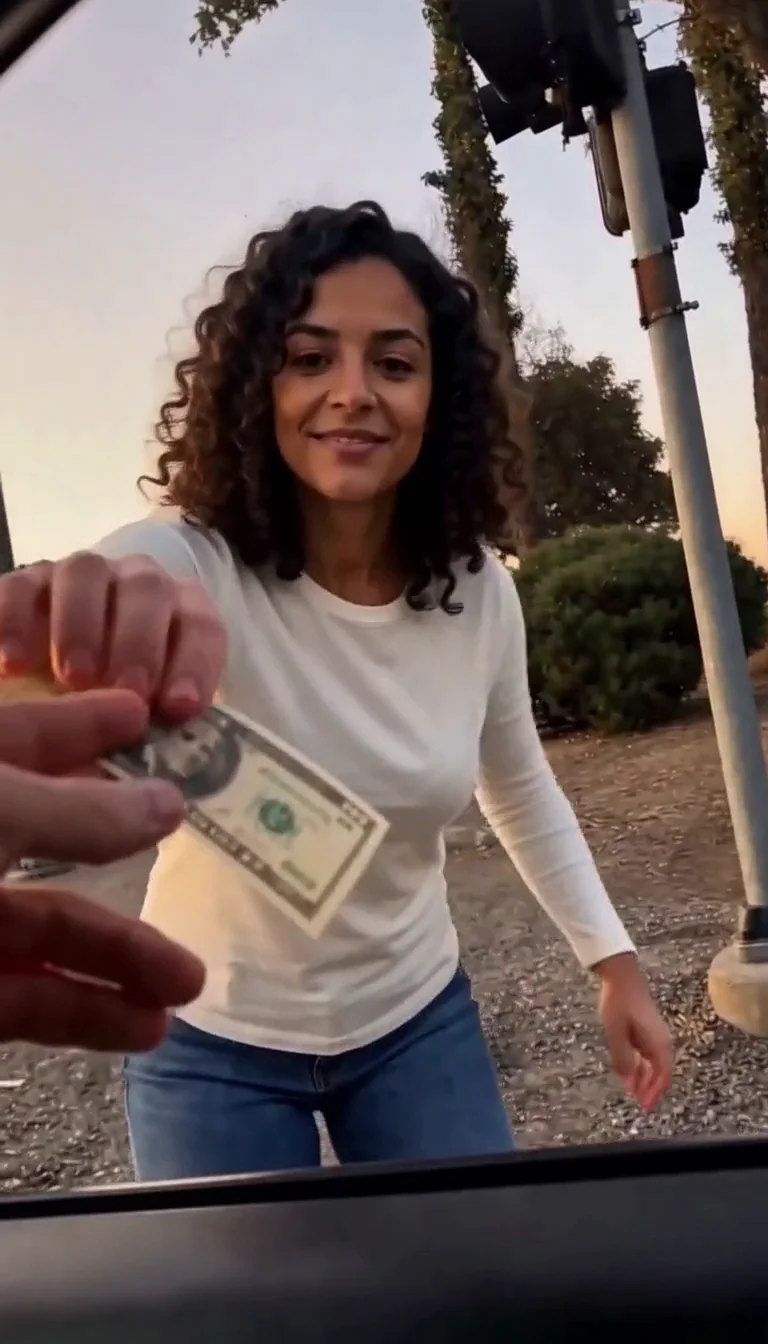
Plug Walk
Follow the car-window cash handoff, then step back into the reference dance.
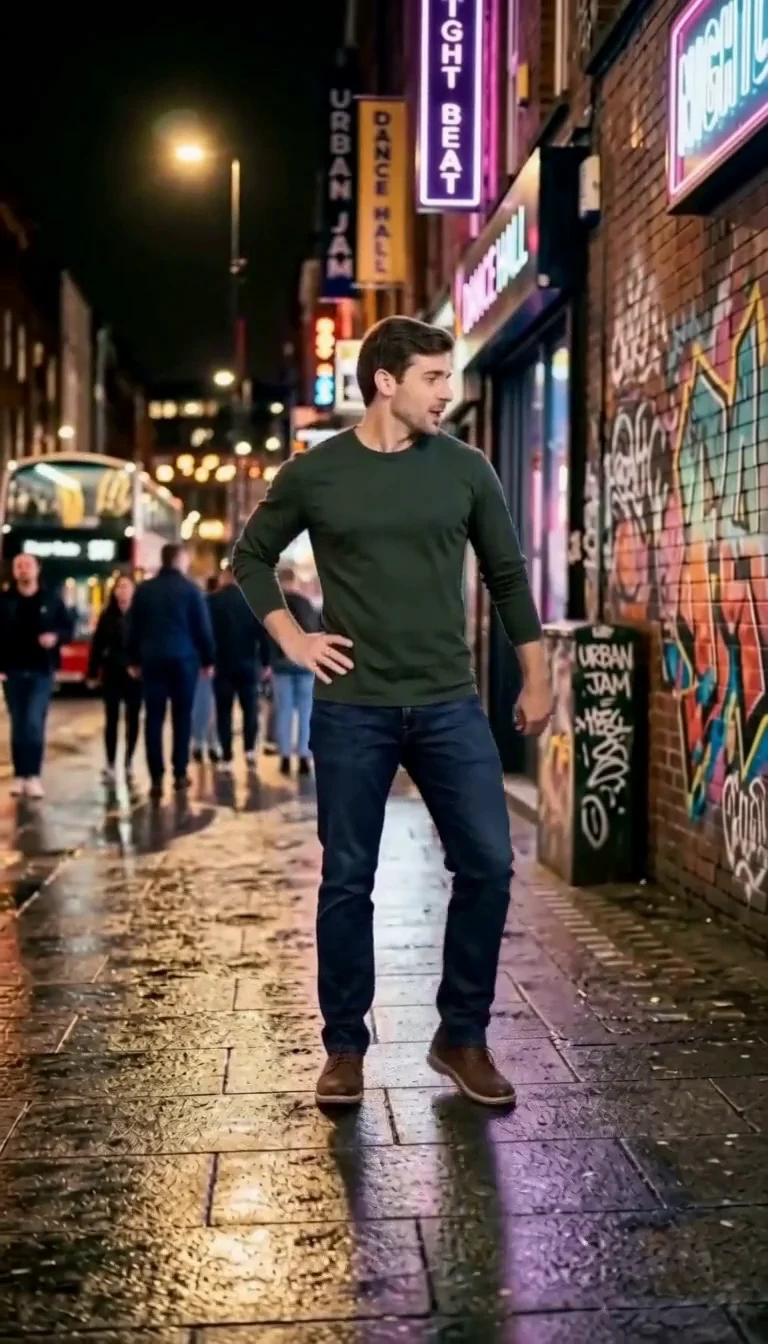
6 7 Dance
Follow a fourteen-second Six Seven street dance with counting gestures, bouncy steps and claps.
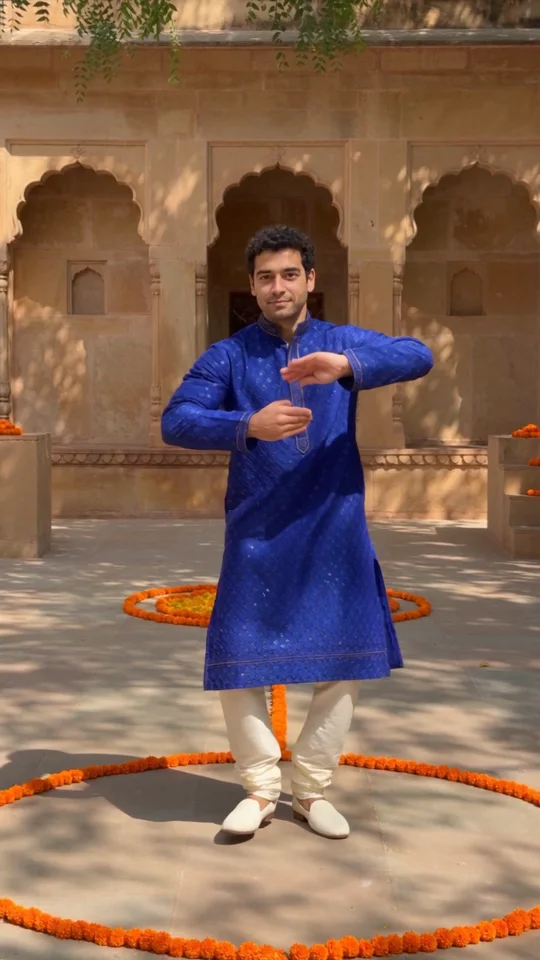
Bollywood Dance
Make a ten-second courtyard dance from one adult photo.
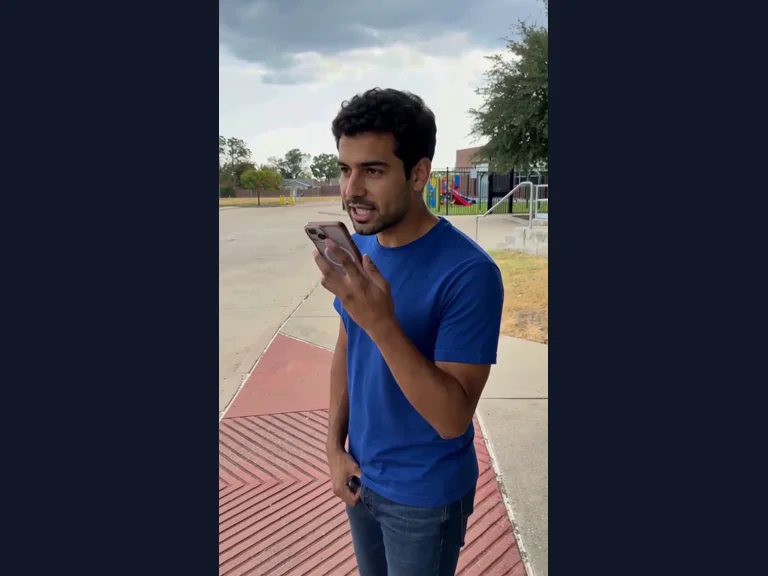
Millionaire Meme
Your photo in the Get a Job phone scene, following the original performance and soundtrack.
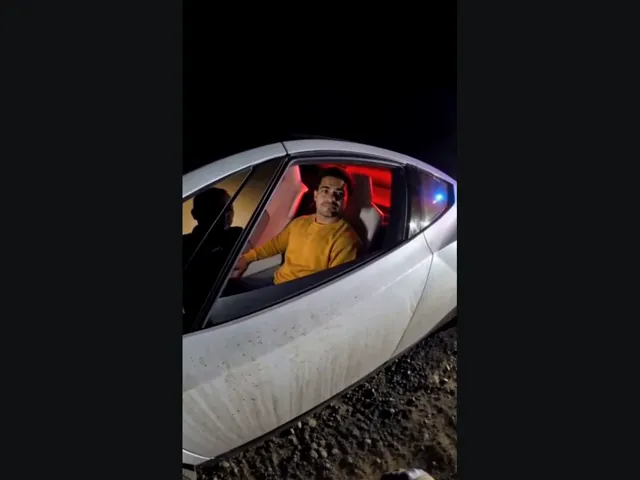
Tesla Roadster AI
Upload your photo, take the driver’s seat in the white roadster, and lift off in a burst of vapor. The car and roadside scene come with the preset.
Frequently asked questions
How does AI Backrooms work?⌄
Animate your empty corridor with a slow camera push and flickering fluorescent lights. This preset uses your still image; it does not copy a viral performance.
What should I upload?⌄
An empty indoor corridor photo without people or text.
How much does it cost?⌄
One result costs 24 credits, shown before generation. Downloading an existing completed result costs no additional generation credits.
How long is the video?⌄
The preset requests 5 seconds at 768p-class resolution. The finished duration can vary slightly.
Will every result look exactly like the example?⌄
No. Faces, hands, scene details and composition can vary. Inspect the complete result before sharing.
Does it include the original soundtrack?⌄
Sound is generated. The preset does not guarantee an exact licensed song, original recording or speaker voice.
Where do I download the result?⌄
Use Download on the completed result card, or find the same result in your creation history.
Make your AI Backrooms result
Animate your empty corridor with a slow camera push and flickering fluorescent lights.
Make my video