Viggle AI Dance Generator: How It Works and Alternatives
Viggle AI's dance generator pairs a character image with a dance template or motion-reference video to make a dance clip. Choose a template or upload an authorized reference, add a clear character image, generate, and review the full result. Viggle is the natural choice for reference-motion transfer; ClipTrend's AI dance generator, our product, offers a separate photo-to-dance workflow.
Last updated: August 28, 2026 · about 10 min read
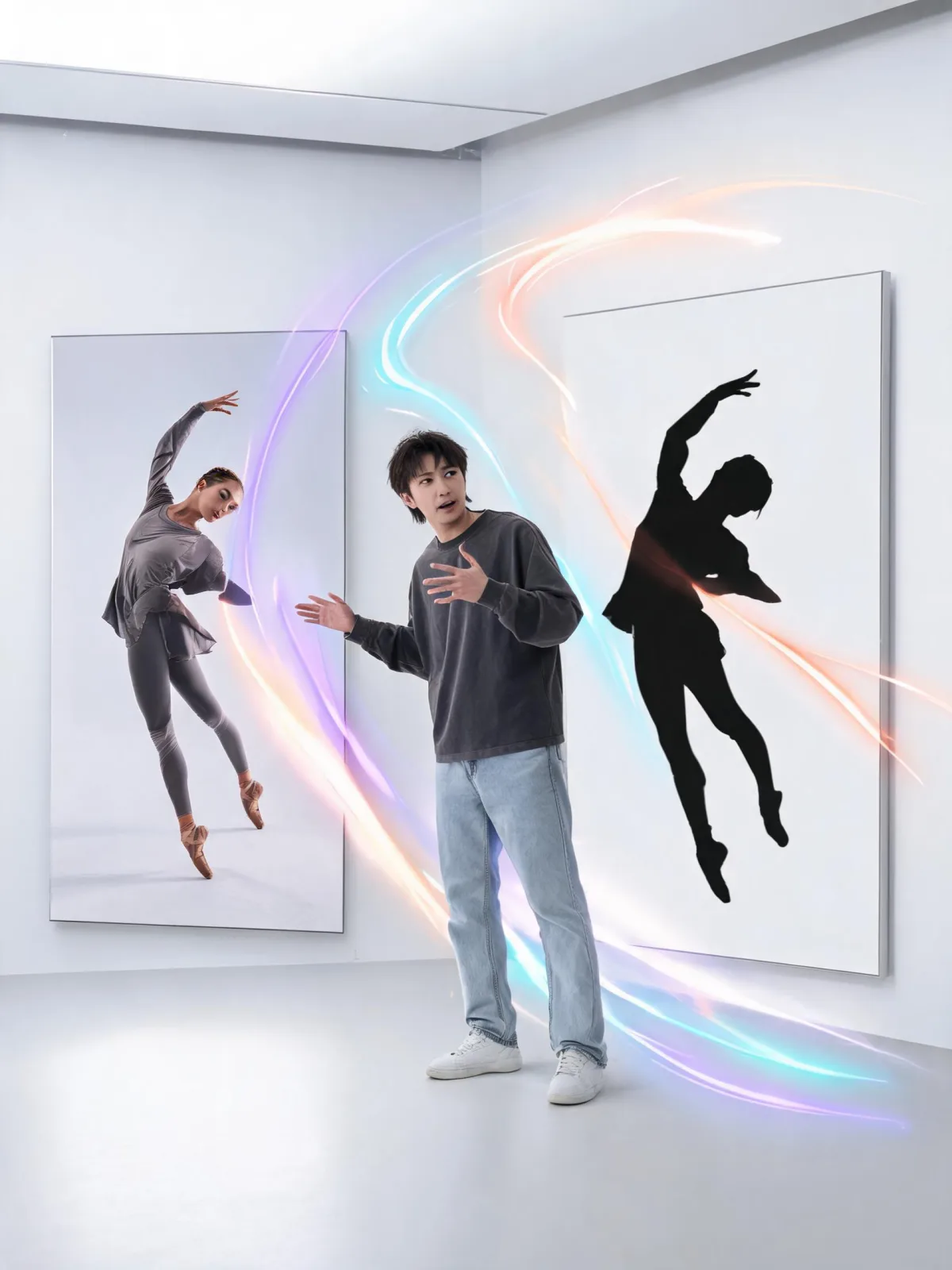
The core idea is motion transfer: one input supplies the character and another supplies the dance.
What is the Viggle AI dance generator?
Viggle describes its dance generator as a three-step workflow: choose or upload a motion video, upload a photo or character image, and let the system transfer the movement. Its official dance page currently says the template library contains more than 8,000 dances and that users can also upload their own motion source.
| Input | Its job | What to check before generation |
|---|---|---|
| Character image | Supplies the person, avatar, illustration, or approved character | One clear subject, readable clothing edges, enough of the body for the dance |
| Dance template | Supplies a ready-made motion pattern | Framing, speed, footwork, and whether the movement fits the source image |
| Uploaded motion video | Supplies choreography you choose | Rights, consent, visible dancer, stable framing, and useful body coverage |
| Output review | Decides whether the clip is publishable | Identity, limbs, feet, clothing, occlusions, background, and disclosure |
Viggle's product claims are useful for understanding the intended workflow, but they are not an independent quality benchmark. A model can support a control without every source-and-motion combination succeeding.
How to make an AI dance video with Viggle
- Pick a template or an authorized motion clip. Use footage you recorded, licensed, commissioned, or otherwise have permission to reuse.
- Choose a compatible character image. A full-body or three-quarter source gives a full-body dance more information than a tight portrait.
- Keep the first test simple. One visible character and one clean movement reveal more than a crowded group scene.
- Generate a draft. Use the lowest-cost practical setting while you are learning the pairing.
- Watch the entire clip. Do not approve it from a thumbnail or one good frame.
- Retry one variable at a time. Change the image, motion, or setting—not all three—so you know what improved.
The official page says its Mix workflow can accept an uploaded dance video as the motion source. Viggle's V4 guide also documents controls such as Character Refine, Smooth Motion, and Foot Lock where available. Check the live interface because models and settings change.
Watch the motion-transfer workflow
This tutorial shows the Animate and Mix concepts with a character image and motion source. The video was published in 2024, so use it to understand the workflow—not as a source for current pricing or interface details.
Choose source media that matches the motion
Input compatibility matters more than adding a long prompt. The character image and dance reference should describe positions a model can reasonably connect.
Character-image checklist
- Use one clear subject.
- Show the body area needed for the motion.
- Keep hands, feet, and clothing outlines visible where possible.
- Avoid a crowd or a background that merges with the person.
- Use a source you have permission to animate.
Motion-source checklist
- Prefer one clearly visible dancer for the first test.
- Keep the camera stable enough to read the body motion.
- Avoid long occlusions or cuts that hide the choreography.
- Match the source image's rough angle and body coverage.
- Verify rights to the motion footage and audio.
| Pairing | Relative difficulty | Why |
|---|---|---|
| Full-body front view + standing template | Lower | Similar coverage and a readable silhouette |
| Three-quarter photo + moderate side motion | Medium | The model must infer unseen body detail |
| Face crop + full-body dance | High | The source does not supply body or clothing information |
| Busy group image + fast group choreography | High | Subject assignment, occlusion, and identity become harder |
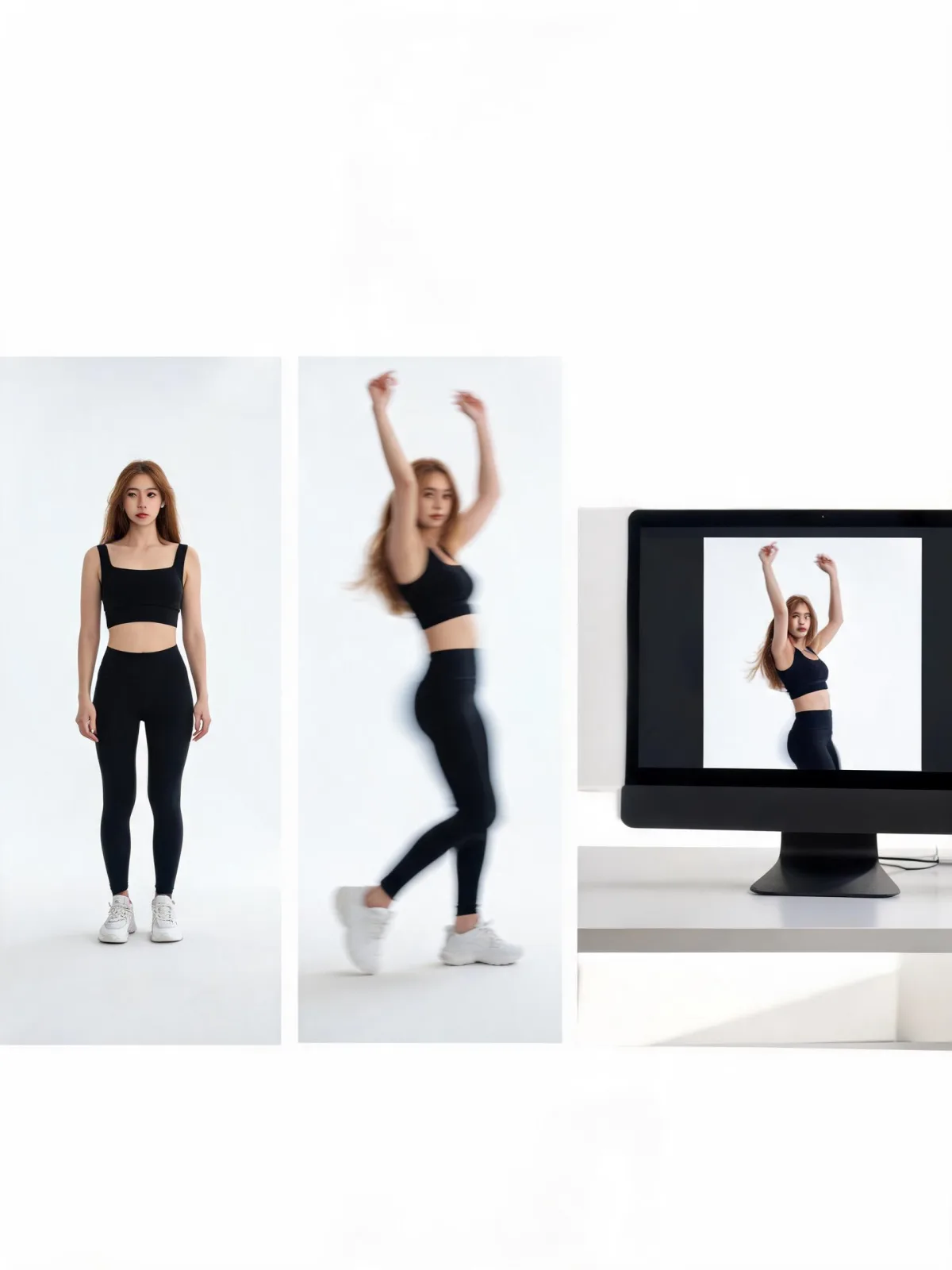
A controlled first test uses one readable character, one motion source, and one review checklist.
Is the Viggle AI dance generator free?
As checked on August 28, 2026, Viggle's pricing page lists five free videos per day, limited model access, and one video generation at a time on the free plan. Its dance page also says one video can be generated on the page without signing in.
Viggle currently shows Pro, Live, and Max plans with different credits, concurrency, speed, storage, model access, and watermark terms. Prices and allowances are time-sensitive. Check the generation screen and current plan table immediately before paying.
| Cost question | What to verify live |
|---|---|
| Can I test without paying? | Current free allowance and sign-in requirement |
| How many retries can I afford? | Per-generation credit cost for the selected model and feature |
| Can I publish the output cleanly? | Watermark and download terms for the active plan |
| Will a production batch finish quickly? | Queue priority and concurrent-generation limit |
| How long will files remain available? | Asset and generation retention period |
Do not plan a client delivery around a free limit shown in an old tutorial. Product plans change more quickly than an evergreen workflow guide.
Viggle vs ClipTrend: which workflow fits better?
ClipTrend is our product. This is a disclosed workflow comparison, not an independent benchmark, and we did not run the same media through both products for this article.
| Starting point | Viggle is the direct first choice when… | ClipTrend may fit when… |
|---|---|---|
| You have a specific dance video | Reference-motion transfer is the central requirement | You want to evaluate our supported link/upload route in the current effect page |
| You have only a photo | You want to browse Viggle's large documented template library | You want a short vertical photo-to-dance effect in our existing workspace |
| You need broader motion tools | You are focused on animating a character from reference footage | You also want to explore motion control and other image-to-video tools |
| You are comparing cost | You want to test Viggle's current free allowance | You want the exact ClipTrend credit cost shown before generation and our current pricing |
The live ClipTrend AI dance page describes a short vertical output and shows the current generation controls. Treat that live page as the contract; do not rely on a blog for a permanent model, duration, or price promise.
If precise transfer of one choreography is the job, start with Viggle's documented reference-motion workflow. If the job is a quick photo-to-dance effect within ClipTrend, our path may be more convenient. There is no universal winner.
Common AI dance problems and careful retries
| What you see | Likely workflow friction | Next test |
|---|---|---|
| Limbs or clothing become unstable | Fast motion, occlusion, or weak image-motion compatibility | Choose a clearer motion source and more complete character image |
| Feet slide or lose contact | Footwork is obscured or difficult to infer | Use a source where feet remain visible; test Foot Lock if the live Viggle model offers it |
| Character identity drifts | Angle changes and rapid motion exceed the source information | Start with a calmer reference and clearer image |
| Background flickers | The subject and background are hard to separate | Use a simpler source and avoid combining several changes |
| Clip is technically good but unsafe to post | Missing consent, rights, or disclosure | Stop and resolve authorization before sharing |
Change one variable per retry. Ten random rerolls teach less than three controlled comparisons.
For source preparation, read our AI dance motion-template guide. For a broader model choice, compare AI image-to-video tools.
Consent, copyright, and disclosure
Before generating or sharing, ask:
- Do I have permission to animate this person's likeness?
- Do I own or have a license for the motion footage and audio?
- Is the edit deceptive, sexualized, harassing, or likely to cause harm?
- Does the destination platform require AI disclosure?
- Have I watched the whole output for unsafe or misleading frames?
A public social video is not automatically a reusable production asset. A dance may also involve performer, choreography, music, and platform rights. Use original or licensed sources when publishing commercially.
Do not create harmful, deceptive, or sexualized content involving minors. The Children's Commissioner for England documents serious risks around sexually explicit deepfakes involving children. That source is a safety reference, not a claim about Viggle or ClipTrend.
FAQ
How do you make a Viggle AI dance?
Choose a dance template or upload an authorized motion video, add a clear character image, generate a draft, and review the full clip. Match the source image's body coverage and angle to the planned motion.
Is there a free AI dance generator?
Viggle currently lists a free allowance, and other tools may offer trials or credits. Limits, watermarks, queues, and model access change, so verify the live generation screen.
Can you use your own dance video in Viggle?
Viggle says its Mix workflow accepts an uploaded video as a motion source. Use only footage and audio you recorded, licensed, or otherwise have permission to reuse.
Is ClipTrend better than Viggle?
Not universally. Viggle is the direct choice for its documented character-plus-reference-motion workflow. ClipTrend, our product, may fit a short vertical photo-to-dance workflow and related motion tools. Compare live controls, cost, rights, and output needs.
What should you check before posting an AI dance video?
Confirm consent and source rights, review the entire clip, avoid harmful or deceptive uses, check the destination community's rules, and label AI assistance when required.
Start with the workflow that matches your input
Use Viggle when a specific motion reference or its template catalog is the heart of the idea. Start with one approved image and one clear motion source, then judge the entire clip. If your priority is a short photo-to-dance effect inside our broader video workspace, try ClipTrend's AI dance generator and compare the live settings before committing credits.
Sources
- Viggle, Free AI Dance Video Generator
- Viggle, Pricing
- Viggle, V4 motion-control guide
- YouTube, How to Create Free Viral TikTok Dance Videos using Viggle AI
- Children's Commissioner for England, Children, nudification tools and sexually explicit deepfakes