Ghost Filter Prank: What It Is and How to Do It Online
The ghost filter prank is a spooky reveal made with an edited photo or camera effect, often shared on TikTok or Snapchat. Some versions place a ghost in a scene; others change the person into one. For the latter, ClipTrend.ai's AI Ghost studio makes a Victorian ghost portrait in your browser, with optional animation. It is a photo transformation, not a live camera lens. Keep everyone in on the joke rather than trying to convince them a real ghost appeared.
Updated October 12, 2026 · By the ClipTrend.ai Editorial Team
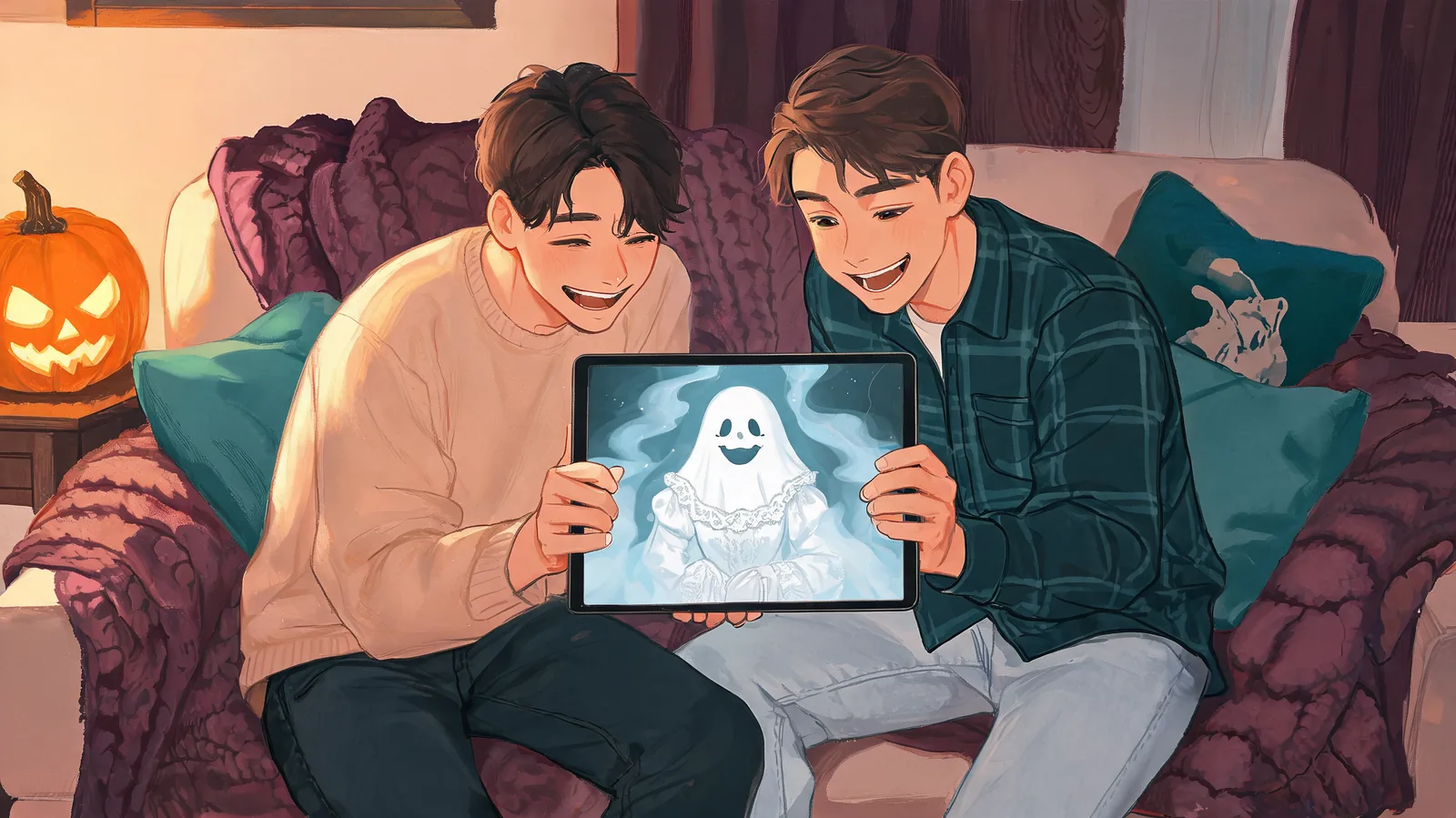
Disclosure: ClipTrend.ai publishes this explainer and offers the photo studio discussed below. The cover depicts a staged, shared joke; it is an illustration, not a product output.
What people mean by “ghost filter prank”
The phrase describes a reveal format rather than one permanent effect. A room or face looks ordinary until a ghostly figure or transformation appears. The person reacts, and the edited scene or reaction becomes the post.
The trend predates this Halloween. TechTimes reported on ghost-filter pranks in August 2022, including criticism of adults using frightening effects on children. That reporting establishes an earlier version; it does not mean every current video uses the same effect or that a particular lens is still available.
Snapchat uses the term Lenses for its augmented-reality experiences. Its official Lenses guide distinguishes them from Filters and explains how effects can transform a face or add characters to the surroundings while creating a Snap. People often say “filter” more loosely in captions.
If you want to recreate one exact social video, first identify what changed. A ghost behind the subject, a transformed face, and a full ghost costume are different results. A tool that makes one does not necessarily make the others.
Why the reveal works
The joke relies on a contrast the viewer can notice quickly: ordinary selfie, then improbable ghost portrait. A recognizable face gives the second image a connection to the first. Without that connection, it may read as an unrelated Halloween picture.
You can preserve the surprise while telling participants the premise. “Want to see our ghost-party portraits?” still leaves the wardrobe and setting to reveal. The entertainment comes from seeing the familiar person in an unexpected role, not from making them believe they are in danger.
A still image is often enough. Let the viewer compare the portrait with the original, or show it during a gathering where everyone already knows you are making costume edits. Animation adds another presentation choice, but an elaborate reaction recording is unnecessary.
These are practical staging suggestions, not a promise of a particular reaction or social reach. Ask what kind of spooky imagery the participant is comfortable seeing.
Three ghost effects that should not be confused
| Effect | What changes | What to expect |
|---|---|---|
| Ghost appearing in a room | A figure is added to the scene | A background reveal; availability depends on the specific effect |
| Live ghost lens | The camera view changes while recording | An in-app Lens experience, rather than an uploaded-photo workflow |
| Ghost costume portrait | The pictured person becomes a ghost character | A new still image, optionally animated afterward in ClipTrend |
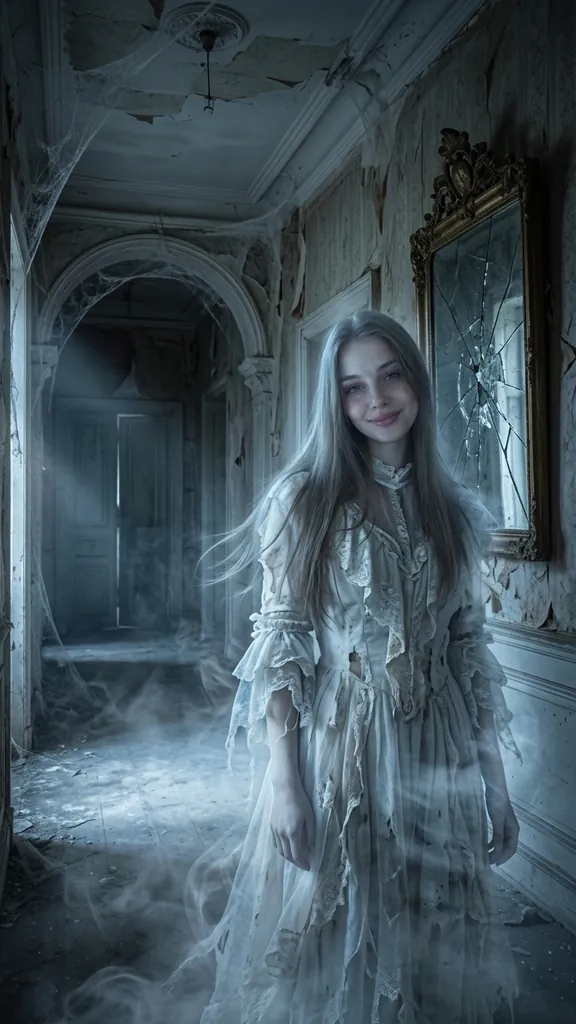
ClipTrend's Ghost preset uses the third approach. It creates the person as a ghost from another century rather than pasting a separate ghost behind them. As of October 12, 2026, the solo look uses tattered white Victorian clothes, a cold-blue glow, floating hair, and mist in a moonlit manor, with the face uncovered and intended to remain recognizable.
The studio's example portrait shows its own demonstration of that look. It is a better guide to the effect than a social clip made in a different app. Your source photo and generated details will affect your result, so inspect it before sharing.
Make a browser-based ghost reveal
For a quick photo version, use your own clear, front-facing selfie or a consenting friend's image. Open the Ghost page, keep 1 Person selected, and leave Ghost picked under the costume options. Upload the picture and choose Generate Image after reading the credit amount beside the control.
The photo estimate is about a minute, not a guaranteed finish time. When it is ready, check the face, hair, and clothing edges. Save a result you like; reject obvious distortion even if the setting looks impressive. This is not a face-swap workflow, and the face should stay uncovered.
For a shared portrait, switch to 2 People and supply one selfie per person. The Victorian ghost couple alternative uses a moonlit ballroom setting. There are also 12 solo and 12 couple presets, costume-reference uploads, and a description option if you decide on another fully clothed, non-gory costume direction.
The detailed AI ghost photo tutorial covers input preparation and the solo/couple controls. For this reveal, the key decision is simpler: use an approved picture, review the transformation together, and choose where to share it.
If you want movement, the finished photo can become a five-second vertical video. Choose Standard 480p, which opens in Image to Video, or HD 768p with sound in the studio. Review the displayed credit quote before proceeding, then watch the finished clip and listen to any soundtrack. Neither option makes the browser tool a live camera lens.
Keep the joke comfortable for everyone
A person agreeing to a photo edit has not necessarily agreed to a reaction recording or public post. Ask before each. You can stage a playful reaction together and label it as a costume edit; there is no need to hide the camera or pretend the picture documents a real event.
The Rakyat Post's August 2022 coverage described ghost-prank videos that frightened children and the criticism they received. Keep your version away from that format: no trapping anyone, no escalating fear, and no posting distress as entertainment.
Two simple alternatives are a shared “meet our haunted-house hosts” party invite, or a private message with your own portrait captioned “my Halloween alter ego.” Both keep the fiction clear. For friends making a duo image, agree on which version is acceptable and who may receive it.
Before sending, ask whether everyone pictured approved the result and whether the caption makes the edit clear. If either answer is no, revise the plan or keep it private. Consent does not make every image flattering; give the person a chance to decline the finished picture too.
FAQ
Do I need Snapchat or TikTok to make this version?
No. The ClipTrend ghost portrait starts from an uploaded photo in a browser. You can download the result without making a social post. Reproducing a specific live Lens from another platform is a different task.
Does ClipTrend put a ghost behind someone?
The Ghost preset transforms the pictured person into a Victorian ghost character. It is not a background-ghost insertion tool. Use the page's own demonstration to judge whether that style matches your idea.
Is Snapchat Ghost Mode the prank effect?
No. Snapchat's Ghost Mode support page describes a location-privacy setting for Snap Map. Hiding your location is separate from using a spooky Lens or creating a costume portrait.
Can the surprise still work if my friend knows it is edited?
Yes: you can reveal the costume and setting after agreeing to make a ghost portrait. Keep the surprise in the image, and let your friend approve any recording or sharing. Do not claim an edited picture proves a haunting.
Try a ghost portrait together
Choose a willing participant, make the fictional premise clear, and let them approve the finished photo. Open the AI Ghost studio to create a costume reveal everyone can enjoy.