Grok Image-to-Video Prompts: Motion Recipes for Better Clips
Good Grok image-to-video prompts describe motion, not a replacement image. Start with one subject action, add one camera move, name the details that must stay stable, and specify a simple ending. On ClipTrend, Grok Imagine currently turns a still into a 6- or 10-second clip at 480p or 720p, which makes compact motion recipes more useful than long scene rewrites.
Last updated: August 10, 2026 · ~9 min read
This guide assumes you already have a first frame and want Grok to animate it. Text-only generation also needs a subject and setting.
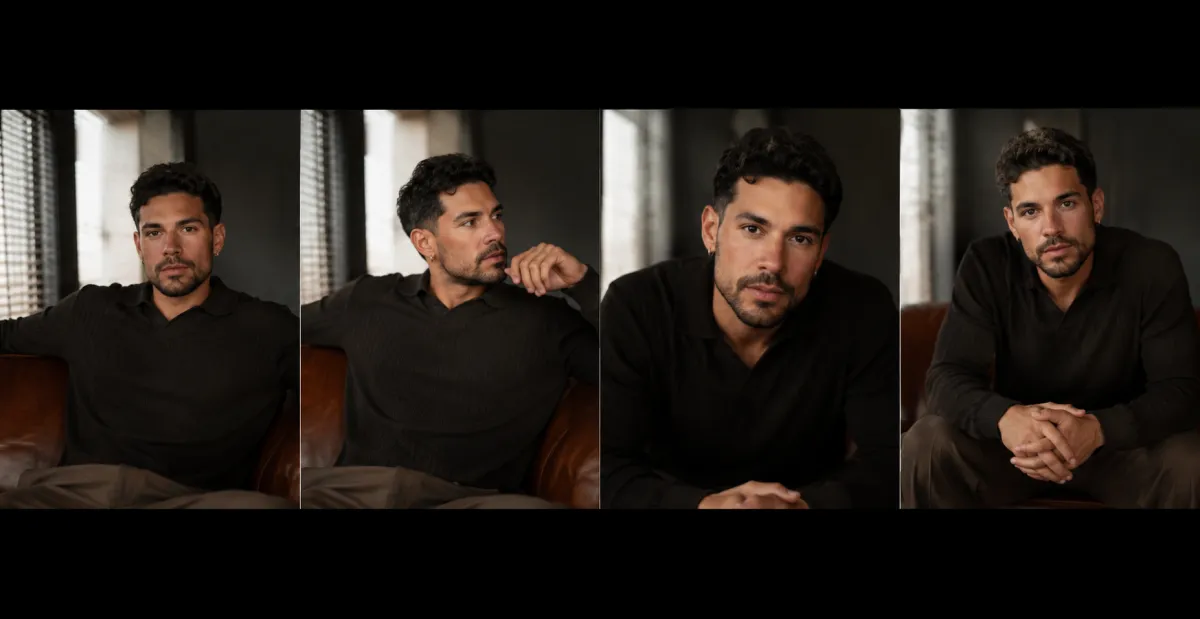
Conceptual planning visual, not a claimed Grok output: begin with a readable source, one motion idea, and a defined ending.
The Grok image-to-video prompts formula
Use five short parts:
Source anchor + subject action + camera move + protected details + ending frame
A product version looks like this:
Use the uploaded bottle photo as the first frame. A soft reflection travels across the glass while a faint mist moves behind it. Camera slowly pushes in. Keep the bottle shape, cap, color, label area, tabletop, and background stable. End on a clean centered product frame.
The source already contains the bottle, table, lighting, and composition. The prompt says what moves, what stays fixed, and where the clip lands.
According to xAI's official image-to-video documentation, a source image becomes the starting frame and the text prompt directs its animation. ClipTrend exposes Grok Imagine through its current model workflow, with settings and costs shown before generation.
Why shorter Grok image-to-video prompts control motion better
A long prompt is not automatically more precise. Motion instructions can conflict even when every sentence sounds cinematic.
Consider this request:
The camera orbits, pushes in, pans left, and shakes while the subject turns, walks forward, changes expression, and the room transforms into a city.
The model must invent hidden views, reconcile camera paths, redesign the environment, and preserve identity at once. When it drifts, there is no single cause to fix.
A diagnostic first pass is smaller:
The subject makes a slight natural head turn. Camera drifts gently from left to right. Keep the face, hair, clothing, hands, lighting, and background stable. End with the subject looking toward camera.
If it works, add one new element on the next pass. That gives every generation a purpose.
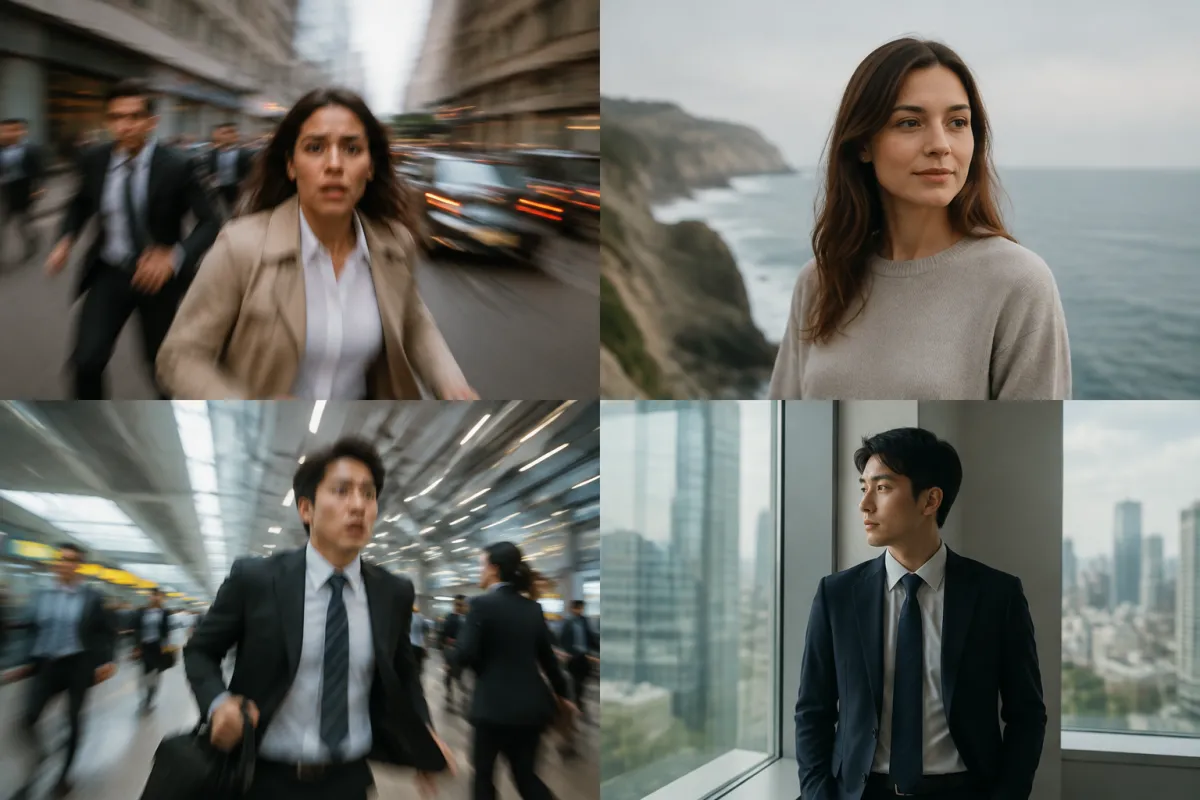
Conceptual prompt-repair visual, not a claimed Grok output: remove competing directions until each motion has one clear job.
Grok prompt recipe 1: subtle portrait motion
Use this for an authorized adult portrait where identity matters more than dramatic action.
Use the uploaded portrait as the first frame. The adult subject takes a small breath, blinks once, and makes a subtle natural head turn toward camera. A light breeze moves a few strands of hair. Camera makes a slow, gentle push-in. Keep facial identity, skin tone, hairstyle, clothing, hands, jewelry, lighting, and background unchanged. End on a steady close portrait. No extra people, no face distortion, no sudden movement.
Why it works: the action is small, the camera move is singular, and the protected list focuses on identity. If the face drifts, remove either the head turn or the camera move before adding more face adjectives.
Only animate an adult whose image you may use. Do not use private photos or deceptive impersonation.
Grok prompt recipe 2: anime or illustrated character
Grok Imagine's current ClipTrend page emphasizes stylized motion, so illustrations, comics, watercolor scenes, and anime-inspired original characters are practical test cases.
Use the uploaded original character illustration as the first frame. The character's coat and hair move softly in the wind while neon reflections shimmer on the wet street. Camera drifts forward with slight parallax between the character, signs, and distant buildings. Preserve the original face design, linework, color palette, costume, proportions, and background composition. End with the character holding the same pose as the camera settles. No new text, no logo, no extra limbs.
Work from original or authorized art. A style direction does not grant rights to copy a copyrighted character.
Grok prompt recipe 3: product light sweep
Use the uploaded unbranded product photo as the first frame. A narrow studio highlight moves slowly across the surface while soft haze drifts behind it. Camera pushes in by a small amount. Keep product silhouette, cap, materials, color, label area, table edge, shadows, and background stable. End on a centered hero composition. Avoid changed packaging, invented text, extra products, warped edges, or fast rotation.
Exact labels and logos remain fragile in generative video. Even if the first frame is correct, later frames can alter typography. For commercial work, review the whole clip at full size and composite verified text in a conventional editor when exactness is required.
Grok prompt recipe 4: food and drink motion
Use the uploaded coffee photo as the first frame. Steam rises slowly in thin natural curls while condensation glints on the glass. Camera makes a gentle push-in from table height. Keep the cup shape, drink color, ice, straw, table, lighting, and background unchanged. End on a clean appetizing close frame. No extra hands, changing ingredients, spilling liquid, new objects, or readable text.
Use physically plausible motion: steam rises, bubbles travel upward, and reflections move across glass. Do not transform the dish when product recognition matters.
Grok prompt recipe 5: landscape depth and weather
Use the uploaded mountain-lake image as the first frame. Clouds move slowly across the peaks, the lake surface ripples gently, and foreground grass shifts in a light breeze. Camera makes a slow forward drift that reveals depth without changing the viewpoint dramatically. Keep the mountain silhouette, shoreline, cabin, color palette, and time of day stable. End on a wide composition matching the original horizon. No new buildings, no people, no rapid weather change.
A landscape needs foreground, middle ground, and background separation for parallax. With a flat scene, request environmental motion instead of a large orbit.
Grok prompt recipe 6: calm fashion movement
Use the uploaded fully clothed adult fashion portrait as the first frame. The subject shifts weight naturally and the coat fabric moves slightly in a soft breeze. Camera slides a short distance from left to right. Keep facial identity, body proportions, garment design, pattern, accessories, hands, lighting, and background stable. End on a balanced three-quarter pose. No wardrobe change, no revealing clothing, no body reshaping, no extra people.
Fashion video stresses faces, hands, fabric, and patterns at once. Keep motion modest and verify a commercially important garment frame by frame.
A motion vocabulary that gives clearer directions
Choose one camera term and one subject term from this table.
| Goal | Camera phrase | Subject or environment phrase |
|---|---|---|
| Add depth | slow push-in | subtle breathing, cloth sway, light sweep |
| Reveal sideways space | gentle pan or lateral slide | hair movement, drifting particles |
| Keep a stable portrait | mostly locked camera | blink, breath, slight head turn |
| Show a product surface | small three-quarter move | moving reflection, controlled rotation |
| Animate an illustration | layered parallax | line or brushstroke ripple, atmospheric motion |
| Build calm scenery | slow forward drift | clouds, water, leaves, fog |
Do not combine pan, orbit, dolly, zoom, crane, and handheld movement in six seconds. They are competing paths through space.
For more examples, see AI video camera movement prompts and the broader image-to-video prompt examples.
How to protect what matters in the source image
Write a protected-detail list based on the use case.
- Portrait: identity, expression range, hair, skin tone, clothing, hands.
- Product: silhouette, proportions, material, color, closures, label area.
- Character: face design, linework, costume, palette, body proportions.
- Room: walls, windows, furniture, straight lines, floor plan.
- Food: ingredients, plate or cup, color, serving arrangement.
Protect only what you will inspect. Five or six concrete details beat “keep everything perfect.”
The source itself must be readable. The best first frame for image-to-video guide explains how subject size, clean edges, and motion space affect the result before prompting begins.
Negative instructions: name visible failures
Negative language works best when it describes errors you can see:
- No extra people or duplicate subjects.
- No warped face, hands, product edges, or room lines.
- No new text or logos.
- No sudden lighting or background change.
- No fast camera shake.
- No clothing or color replacement.
Avoid huge generic lists copied from image-generation prompts. “Bad anatomy, low quality, worst quality, masterpiece” does not explain the specific failure your clip must avoid.
How to repair weak Grok image-to-video prompts
| Symptom | Likely cause | Next prompt change |
|---|---|---|
| Subject changes shape | Too much action or hidden geometry | Reduce the action; use a clearer source |
| Face drifts | Portrait too small or camera too aggressive | Crop closer; lock camera; request one micro-action |
| Camera instruction is ignored | Several camera verbs compete | Keep one move and remove the rest |
| Clip feels static | Motion is vague | Name one physical action and its speed |
| Background melts | Large move reveals unseen space | Use a smaller push or locked composition |
| Product text changes | Generative frames rewrite typography | Protect label area; composite verified text later |
| Ending is messy | No final state | Specify subject position and camera distance at the end |
Change one variable per retry or you will not know what fixed the result.
Settings to choose on ClipTrend
The current Grok Imagine model page lists 6- and 10-second output at 480p or 720p and positions the model as the lowest-credit, style-forward option in the catalog. It currently does not include built-in audio in the model comparison.
Use six seconds for one readable action or a quick concept. Use ten seconds when the action needs an opening, development, and settled ending. Start at 480p when testing motion. Move to 720p after the prompt and source have earned a final render.
For other models and more precise endpoint control, browse the AI image-to-video generator. Model capabilities change, so treat the live selector as the current contract.
Frequently asked questions
What should I write in a Grok image-to-video prompt?
Describe one subject action, one camera move, the source details that must remain stable, and a simple ending frame. Do not spend most of the prompt redescribing an image the model already receives.
Does Grok image-to-video need a prompt?
The current ClipTrend Grok workflow can animate a photo with an optional prompt, but a short, specific motion prompt gives you a clearer result to evaluate. Without direction, the model decides more of the motion for you.
How long should a Grok image-to-video prompt be?
Use enough words to remove ambiguity, not to fill the model's maximum prompt length. A compact five-part prompt is often easier to diagnose than several paragraphs of conflicting camera, action, and style directions.
Is Grok best for realistic or stylized image-to-video?
ClipTrend currently positions Grok Imagine as a style-forward option for anime, illustration, watercolor, comic, and cinematic editorial motion. Test realistic work on your own source and compare it with a model aimed more directly at photoreal movement.
Related guides
- Generate with Grok Imagine →
- Open the AI image-to-video generator
- Choose a better first frame
- Use camera movement prompts
- Browse image-to-video prompt examples
- Avoid warped faces and hands
Give every motion one job
The best Grok image-to-video prompts do not direct an entire film in one short clip. Start with a readable source, one action, one camera move, protected details, and a clear ending. Generate the first controlled version, then change only what the result tells you to change.