Image-to-Video Prompt Examples for Realistic AI Motion
A good image-to-video prompt tells the model what should move, how the camera should behave, and what must stay stable. It does not need to describe the entire image again. In an image to video AI workflow, one clear action is usually more useful than five competing instructions.
Last updated: July 10, 2026 - about 7 min read
The starting image already supplies the people, place, product, color, and composition. Your prompt supplies the change over time. When the prompt is vague, the model has to guess what matters. When it is overloaded, the scene can drift.
Quick answer
Use this simple prompt anatomy:
subject + one action + camera behavior + stability rule
For example:
woman in a light jacket walks two slow steps forward, gentle handheld follow shot, keep face and street background stable
That is more controllable than asking for walking, a zoom, a pan, wind, a crowd, a new sunset, a costume change, and a dramatic ending in one short clip.
1. Portrait motion
For a portrait, protect identity first. Use a small movement that belongs to the source image.
person looks toward the window and gives a small natural smile, subtle camera push in, keep face, hairstyle, and background stable
Good portrait prompts usually ask for one of these:
- A head turn.
- A small expression change.
- Gentle hair movement.
- A slow camera push.
Avoid combining a face change with a large body move and a fast camera orbit. If you need a more defined camera instruction, use the camera movement prompt guide and test one move at a time.
2. Product motion
For a product, the motion should make the product easier to inspect.
slow camera push toward the watch, light glides across the metal edge, product remains centered, clean background stays unchanged
This works because the product is the subject, the action is small, and the camera has one job. A product prompt should not turn a simple item into an unrelated scene unless the campaign actually needs that treatment.
3. Food and drink motion
Food images respond well to subtle motion: steam, a gentle camera move, a light reflection, or a small garnish shift.
steam rises softly from the bowl, slow overhead-to-forward camera drift, keep the plate and table layout stable
The food photo to video guide has more examples for social posts. The main rule is the same: let the image do most of the work and add one believable sign of life.
4. Place and real-estate motion
For a room, street, or landscape, choose one camera move and keep the architecture stable.
slow lateral camera move across the living room, soft daylight shifts through the window, keep furniture layout and walls stable
This gives the model a clear boundary. It should animate the feeling of moving through the place, not invent a new floor plan. For listing-specific examples, see real estate photo to video.
5. The stability rule matters
The last part of the prompt protects the parts you do not want to change. Useful phrases include:
- Keep the face and hairstyle stable.
- Keep the product centered.
- Keep the background unchanged.
- Locked camera.
- No new people entering the frame.
- Maintain the original composition.
Use only the constraints that matter. A long warning list can become less clear than a short, positive scene description.
A prompt that is too busy
This kind of request is hard to control:
person walks forward, turns around, changes outfit, camera flies around, city lights appear, crowd enters, rain starts, dramatic zoom, sunset, keep everything perfect
Break it into shots instead. First make the person walk with a gentle follow shot. Then create a separate transition clip if you need a new outfit or setting. Short AI video works better when every shot has one responsibility.
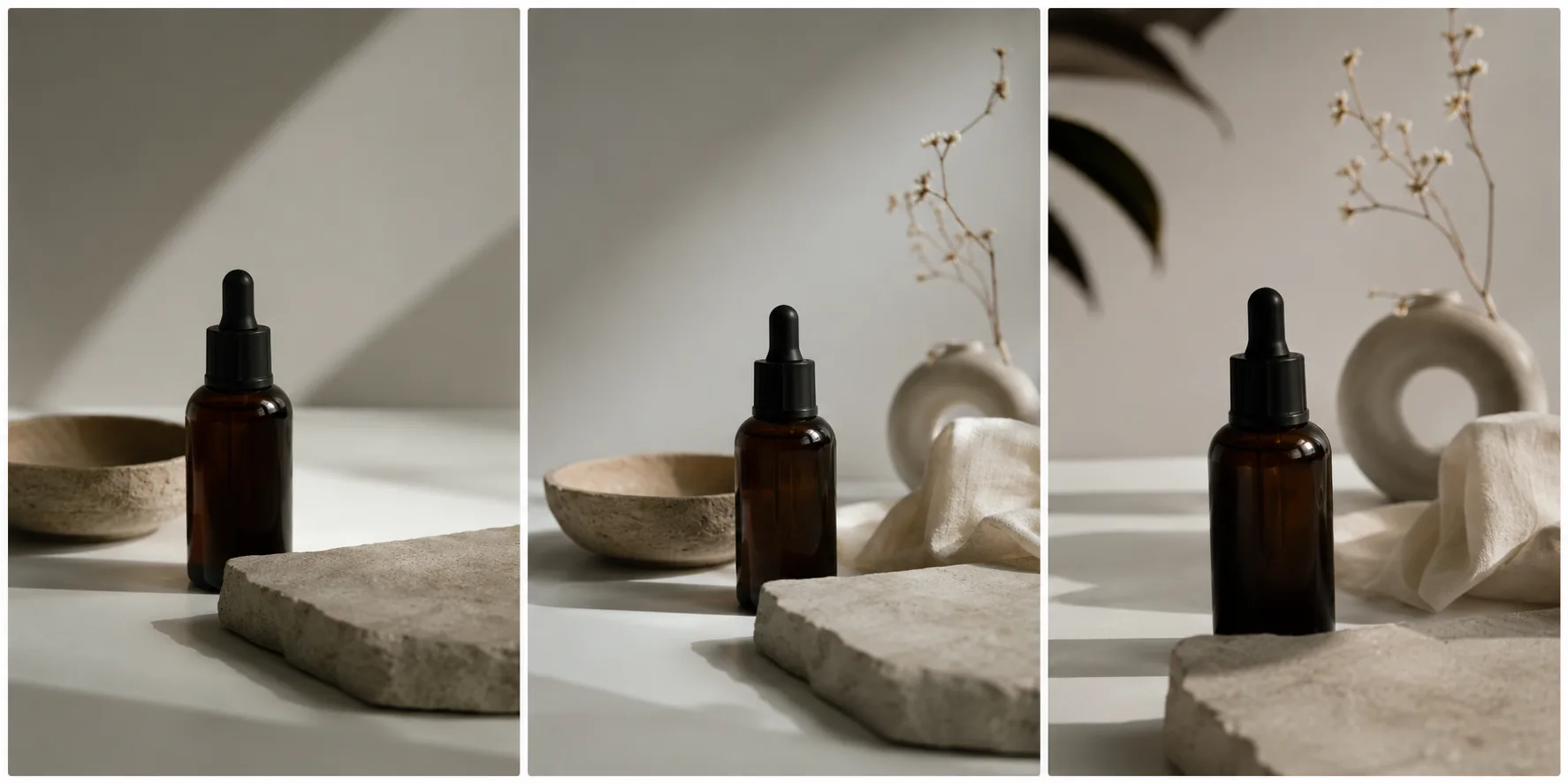
When an idea has more than one action, make more than one shot.
A fast review loop
After each generation, check three things:
- Did the intended action happen?
- Did the important parts stay stable?
- Is the camera doing only what the prompt asked?
If the action is missing, make it more concrete. If the scene changes too much, reduce the number of actions. If the camera is distracting, lock it or use a simpler move. This small loop teaches you more than copying a long prompt library without looking at the results.
Final checklist
Before you submit an image-to-video prompt, confirm that it has:
- One clear subject.
- One main action.
- One camera instruction.
- A short stability rule.
- No unrelated scene rewrite.
- A reason to split the idea into a second shot if it has multiple beats.
Use ClipTrend's image-to-video tool when you want to test the motion on your own source image. Use AI video templates when you would rather start from a repeatable format than write the motion from scratch.
FAQ
How long should an image-to-video prompt be?
Long enough to identify the subject, one action, camera behavior, and what should remain stable. Extra adjectives are less useful than clear motion direction.
What causes warped results?
Busy source images, multiple competing actions, unclear camera requests, and requests that require the model to invent too much can all cause drift. Simplify one variable at a time.
Should I use a template or write a prompt?
Use a template for a ready-made structure. Write a prompt when you need a specific action or camera move for your own image.