How to Animate a Pet Photo With AI
To animate a pet photo with AI, start with one clear dog or cat image, choose one small motion, protect the pet's identity, and use an AI image to video generator or template to turn the still into a short clip. The best pet animations keep the eyes, fur pattern, body shape, and background stable while adding gentle life: a blink, head tilt, tail movement, small camera push-in, or playful loop.
This guide is for pet owners, creators, and small brands that want a shareable pet clip without filming a new video. It works for dogs, cats, small animals, product mascots, and stylized pet portraits.
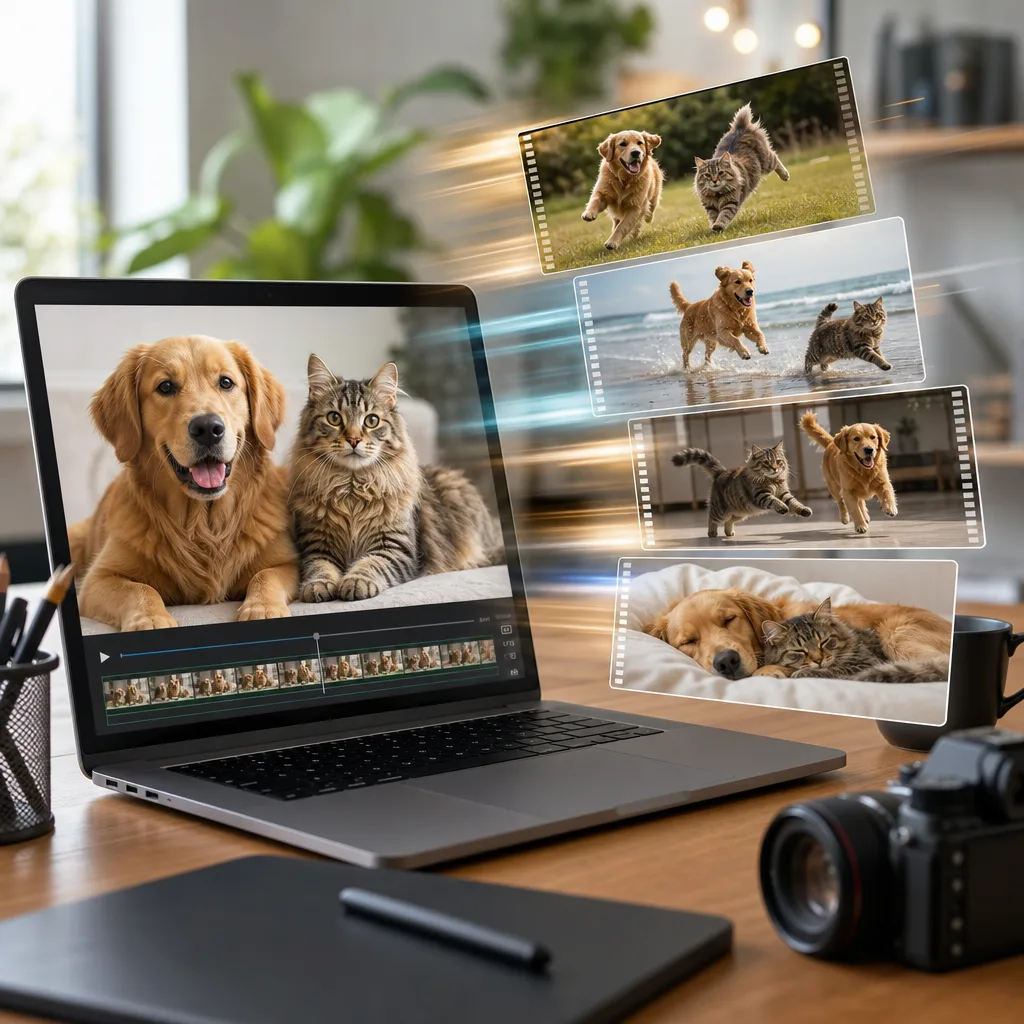
Concept visual: a strong pet photo anchors the face and fur pattern; the prompt controls motion.
Quick answer
Use this formula:
Keep the uploaded pet photo's face, eyes, fur pattern, body shape, pose, background, and lighting stable. Animate [one pet motion]. Add [one camera move]. Keep the pet natural and recognizable. Avoid changing breed, color, expression, or adding extra animals. End on a clean final frame.
Example:
Keep this dog's face, ears, collar, fur pattern, body shape, grass background, and daylight unchanged. Animate a gentle head tilt, one blink, and a small tail wag. Add a slow camera push-in. Keep the dog natural and recognizable. Avoid changing breed, eye color, collar, or background. End on a steady close frame.
Small motion usually looks better than a wild transformation.
Pick the right pet photo
Most failed pet animation starts with the wrong still. If the pet is blurry, half hidden, or turned away from the camera, the model has to invent too much.
Use a photo with:
- One clear pet as the main subject.
- Sharp eyes and face.
- Visible ears, muzzle, and body outline.
- Good light with no heavy color filter.
- A simple background.
- Enough space around the pet for motion.
- Permission to use and animate the image.
Avoid:
- Crowded photos with several pets.
- Tiny screenshots from old videos.
- Photos where fur blends into a busy background.
- Extreme close-ups that cut off ears or paws.
- Funny angles that distort the face.
- Heavy filters, stickers, or text overlays.
If the photo is sentimental, keep the motion gentle. A subtle pet video often feels more respectful than a dramatic animation.
Choose the motion type
There are three common ways to animate a pet photo with AI.
| Goal | Best motion | Risk level |
|---|---|---|
| Make the pet feel alive | Blink, breathing, ear twitch, tiny head tilt | Low |
| Create a cute social clip | Tail wag, paw lift, playful camera push-in | Medium |
| Turn it into a trend video | Dance, costume, stylized template motion | Higher |
Start with low-risk motion first. If the pet stays recognizable, you can test a more playful version.
Good first motions:
- One blink.
- Small head tilt.
- Ear movement.
- Gentle breathing.
- Tail wag.
- Soft camera push-in.
- Light wind moving fur.
Riskier motions:
- Full-body dancing from a close-up.
- Making the pet talk with exaggerated mouth movement.
- Changing breed or body size.
- Adding outfits and background changes in the same prompt.
- Fast running from a seated portrait.
The more the image has to invent, the more likely the pet will stop looking like itself.
Prompt examples for pet photos
Use these as starting points, then remove anything that does not fit the exact pet photo you uploaded.
Gentle dog portrait
Keep the uploaded dog's face, eyes, ears, collar, fur pattern, pose, background, and daylight unchanged. Animate one soft blink, a tiny head tilt, and gentle fur movement from a light breeze. Camera slowly pushes in. Keep the dog natural, calm, and recognizable. Avoid changing breed, collar, eye color, body shape, or background. End on a steady close frame.
Cat window clip
Keep the uploaded cat's face, eye color, whiskers, fur pattern, body position, window, and indoor light stable. Animate a slow blink, subtle ear twitch, and small tail movement. Add a very slow camera push-in. Keep the cat relaxed and realistic. Avoid extra cats, changed markings, open-mouth talking, or background changes. End on a calm portrait frame.
Pet product mascot
Create a short playful pet product clip from the uploaded photo. Keep the dog, bandana, fur color, body shape, and clean studio background stable. Animate a gentle paw lift and happy head tilt. Camera performs a small side-to-front drift. Keep the pet cute but realistic. Avoid changing the product, breed, markings, or adding readable text. End on a centered frame for social captions.
Soft memorial-style motion
Keep the uploaded pet photo's face, fur pattern, collar, pose, lighting, and background unchanged. Add only a very subtle blink, calm breathing, and soft light movement. Camera remains mostly still. Keep the expression peaceful and natural. Avoid smiling, talking, dancing, extra animals, or dramatic scene changes. End on the original composition.
Use that last style for old or meaningful photos. It keeps the clip gentle.
Template or prompt?
Use a prompt-first workflow when the pet photo is personal and identity matters. You can protect the pet's face, markings, collar, and background more carefully.
Use AI video templates when the goal is a social format: a pet skate, a cute motion loop, a meme-style scene, or a trend-inspired clip. Templates reduce blank-page prompting and make the movement easier to repeat.
Use a specific pet or animal template when the format already matches the image. For example, a playful template such as Soap Kitten is better for a stylized meme clip than a blank prompt.
How to keep the pet recognizable
The most important line in the prompt is what must stay the same.
Protect:
- Face shape.
- Eye color.
- Fur markings.
- Ear shape.
- Collar or tag.
- Body size.
- Pose.
- Background.
- Lighting.
Use language like:
Keep the same pet identity, face, eye color, markings, collar, body shape, background, and lighting.
Then keep the motion narrow. A pet can blink and tilt its head without becoming a different animal. A dramatic dance or full-body transformation is much harder to control.
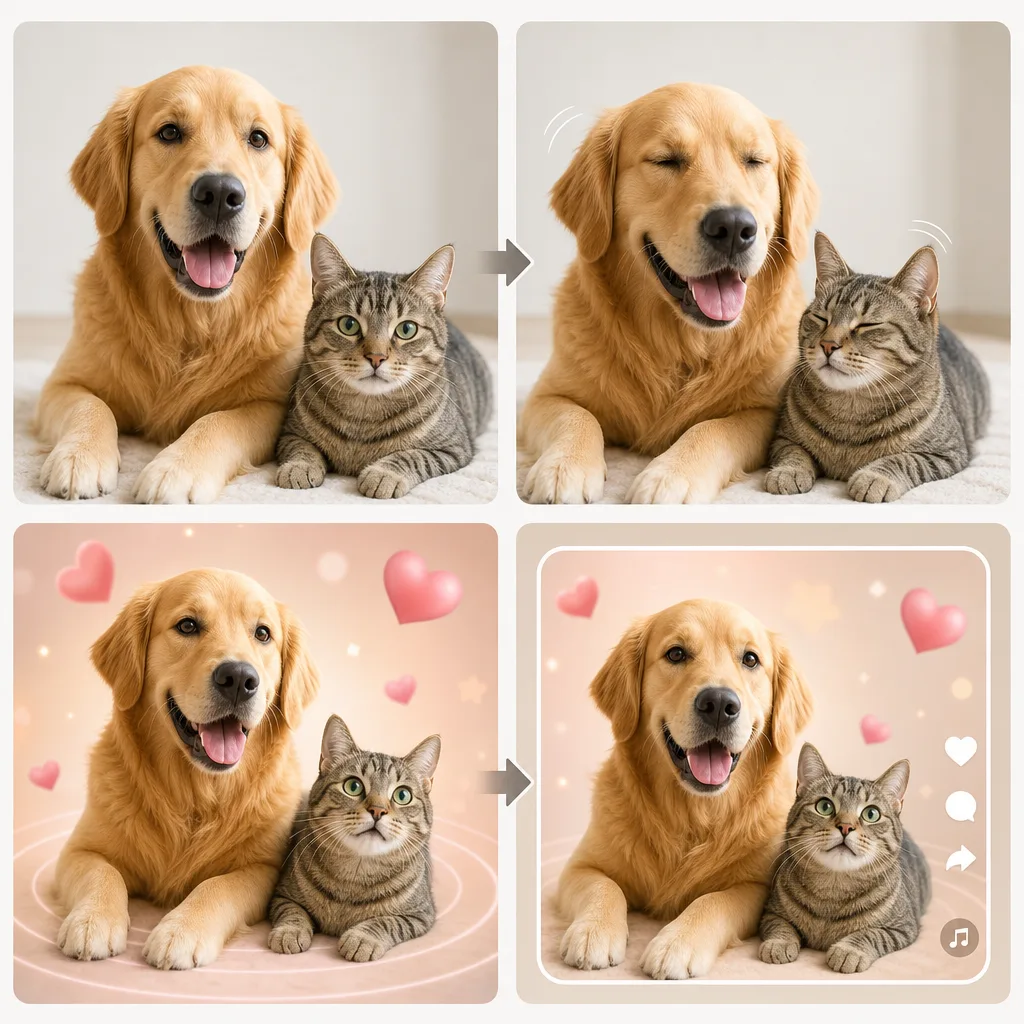
Workflow visual: protect identity first, then test one motion and one camera move.
Review the full clip
Do not judge a pet animation from the first frame. Watch all of it.
Check:
- Does the pet still look like the same animal?
- Did the eye color or fur markings change?
- Are ears, paws, teeth, and whiskers natural?
- Did the model add another pet or object?
- Does the background stay stable?
- Is the movement cute, or does it feel uncanny?
- Does the final frame work for a loop or post?
If the pet changes identity, reduce motion. If the mouth looks strange, avoid talking animation. If paws warp, use a portrait crop and focus on head movement instead.
A simple test plan
Make three versions:
- Gentle motion only: blink, breath, tiny head tilt.
- Same motion plus one camera push-in.
- A template version for a social clip.
Compare stability first, cuteness second. A stable 6-second clip is usually better than a chaotic 12-second clip.
Safety and consent
Pet photos are usually lower-risk than human portraits, but there are still common-sense rules:
- Use photos you own or have permission to use.
- Do not animate someone else's pet for commercial use without permission.
- Keep memorial-style photos respectful.
- Avoid turning a real pet into a misleading ad if the product was not actually used.
- Do not add readable labels, medical claims, or fake endorsements.
If the clip is for a brand, make it clear that it is AI-generated where that matters.
FAQ
These answers cover the practical questions people usually ask before turning a pet photo into a short AI clip.
Can I animate a pet photo with AI?
Yes. Upload a clear pet photo, describe one motion such as a blink or head tilt, protect the pet's face and fur markings, and generate a short image-to-video clip.
What is the best prompt for animating a dog photo?
Use a preservation-first prompt: keep the dog's face, eyes, ears, fur pattern, collar, body shape, background, and lighting stable, then add one small motion like a blink, head tilt, or tail wag.
Can AI make a cat photo move?
Yes. Cat photos work well with subtle motion: slow blink, ear twitch, tail movement, soft breathing, or a gentle camera push-in. Avoid exaggerated talking or dancing if you want the cat to stay realistic.
Why does my AI pet video look weird?
The source image may be blurry, the motion may be too ambitious, or the prompt may not protect the pet's markings and face. Start with a clearer photo and ask for smaller motion.
Should I use a pet video template or a custom prompt?
Use a custom prompt when the exact pet identity matters. Use a template when you want a repeatable social format, meme style, or trend clip.
Related guides
Keep building the pet clip workflow with these guides and templates:
- How to animate a photo with AI
- Image-to-video prompt examples
- How to turn old photos into video
- AI video templates vs prompts
- AI video camera movement prompts
- Pet Skateboard template
Bottom line
To animate a pet photo with AI, do less at first. Use one clean image, one gentle motion, one camera move, and a clear instruction to keep the pet recognizable. Once the pet stays stable, try a more playful version or a template.
Start with the photo, protect the identity, then let the motion do one simple job.