Cake Kitten AI Video: Plan a Simple, Safe Template Clip
A cake kitten AI video works best as a small original scene: one fictional cat, one simple baking action, and one clear camera idea. Use an AI video template to test the structure, not to copy a brand, a copyrighted character, or a creator's existing clip. The goal is a reviewable visual draft, not a promise of a viral trend.
Last updated: July 30, 2026 · about 6 min read
Keep the character original and the scene small
Cute animal clips are easy to overstuff. A kitten, a kitchen, a cake, three camera moves, a famous song, and a branded packaging reveal is too much for one short test. It also makes rights and review harder.
| Choose | Avoid |
|---|---|
| An original, non-branded illustrated kitten | A known film, game, mascot, or social-media character |
| A plain bowl, whisk, and cake | Product packaging, logos, or readable recipe text |
| One action: stir, place berries, or look at a cake | A chain of unrelated gags and sudden scene changes |
| A simple kitchen with no people | Real children, identifiable homes, or a copied creator set |
The first frame should make the idea obvious: an original kitten beside a mixing bowl in a simple kitchen. That leaves the rest of the clip room to show one action clearly.
Turn the idea into three short beats
- Set the first frame. Describe the original kitten, a plain counter, and a single unbranded cake-mixing prop.
- Choose one action. Ask for a gentle stirring motion or a careful paw placing fruit. Keep the action physically modest so it is easier to review.
- End on a clear hold. Finish on the kitten looking at the cake or a simple finished dessert. Do not add text, claims, or a product callout inside the image.
Do not call a format “viral” unless you have current, verifiable evidence. A useful template guide explains how to make a controlled test even when a trend label is uncertain.
The cake kitten template is a starting point for the visual structure. For a different, separate format, see the soap kitten AI video guide; do not reuse its bathroom/foam scene or claim that both formats have the same audience.
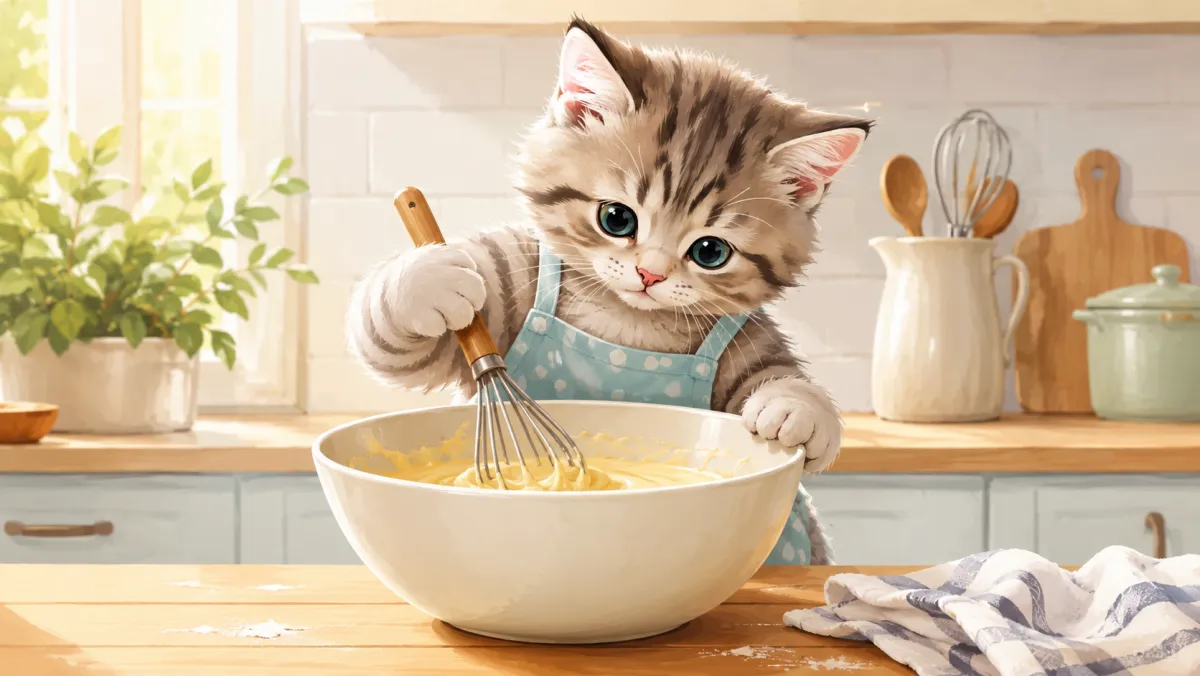
One action and one clean setting give a short clip a better chance of staying coherent.
Review the entire result before you use it
Look for extra limbs, changed facial features, invented food labels, unstable bowls, or a scene that has quietly introduced a recognizable brand or copyrighted character. If you later add audio, use only music and sound effects you are authorized to use.
For a repeatable production process, use the AI video template checklist. If you are adapting a template for a client, make sure the final concept, supplied assets, and distribution plan are approved before it becomes a deliverable.
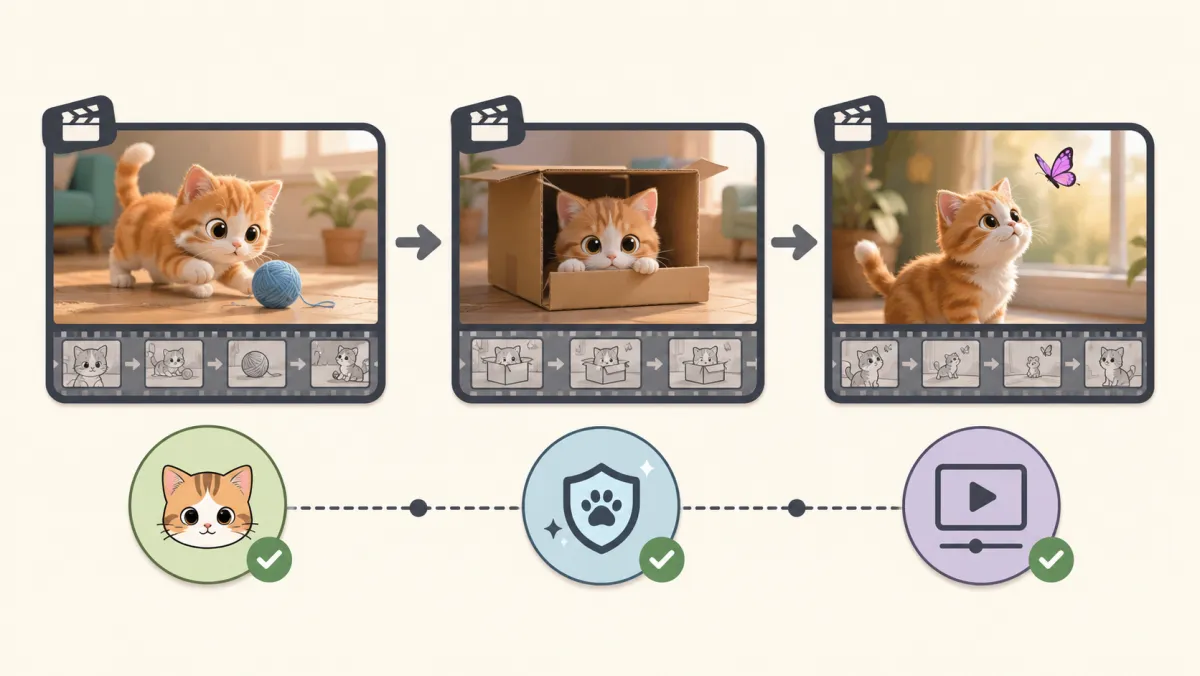
A template is a starting structure; the rights and final review remain your responsibility.
Frequently asked questions
Can I use a famous cartoon cat in a cake kitten AI video?
No. Create an original non-branded character instead. Avoid copying protected characters, visual signatures, logos, or another creator's recognisable scene.
Do I need a long prompt for a cake kitten clip?
No. Start with a character, setting, one action, and one camera idea. Add detail only after a review identifies a specific problem.
Related guides
- Try AI video templates →
- Cake kitten template
- Soap kitten AI video guide
- AI video template checklist
Plan the first small test
Keep the character original, the action simple, and the review thorough before using ClipTrend to develop the next version.