Sora Alternatives: Pick an Image-to-Video Workflow
People looking for Sora alternatives usually need a reliable way to turn an idea or image into a short clip, not a winner declared in a vacuum. Start by deciding whether you need image-to-video control, a reusable effect, an editing workflow, or an experimental text-to-video result. ClipTrend is useful when the job starts with a source image and a short, structured motion plan.
Last updated: July 13, 2026 - about 7 min read
Quick answer
Choose a Sora alternative by testing the same small assignment in every tool: one clean source image, one action, one camera move, and one final-frame requirement. Review the result for subject stability, motion, framing, and how easily you can repeat the workflow. Do not compare tools only from a highlight reel, and do not rely on generated text, product claims, or celebrity likenesses.
This guide is a selection framework, not a promise about any provider's latest features, pricing, availability, or terms. Those change often, so confirm them directly before a campaign.
Begin with the job, not the model name
Different video tools are better suited to different constraints. Write down the output you actually need before you open another tab.
| Need | Useful first question | What to test |
|---|---|---|
| Animate a product photo | Can it preserve the product shape? | Slow push-in, light sweep, stable end frame |
| Make a social effect | Can the setup be repeated with a new upload? | One template, one approved source image |
| Create a concept shot | Can it hold one subject and action? | Short scene with simple camera movement |
| Build an ad sequence | Can it hand off cleanly to an editor? | Individual shots, not invented on-screen claims |
For many short-form jobs, AI video templates solve a different problem from a prompt-only model. A template gives you a preplanned motion structure; your source image and review process determine whether the output is usable.
Run one fair test
Use a source image you have permission to use. Keep the test short enough that you can inspect every frame.
- Choose one clear photo with a single subject.
- Ask for one visible action and one camera move.
- Include what must remain stable.
- Check the opening, the middle, and the last frame.
Here is a neutral test prompt for image-to-video tools:
Use the uploaded product photo as the starting frame. Create a short vertical clip. A soft light moves across the object while the camera slowly pushes in. Keep the product shape, color, label area, background, and proportions stable. Do not add readable text, extra objects, or unverified features. End on a clean centered product frame.
The same request makes differences visible. If a result needs a completely different prompt to be usable, note that. A tool is not automatically better because one isolated generation looked cinematic.
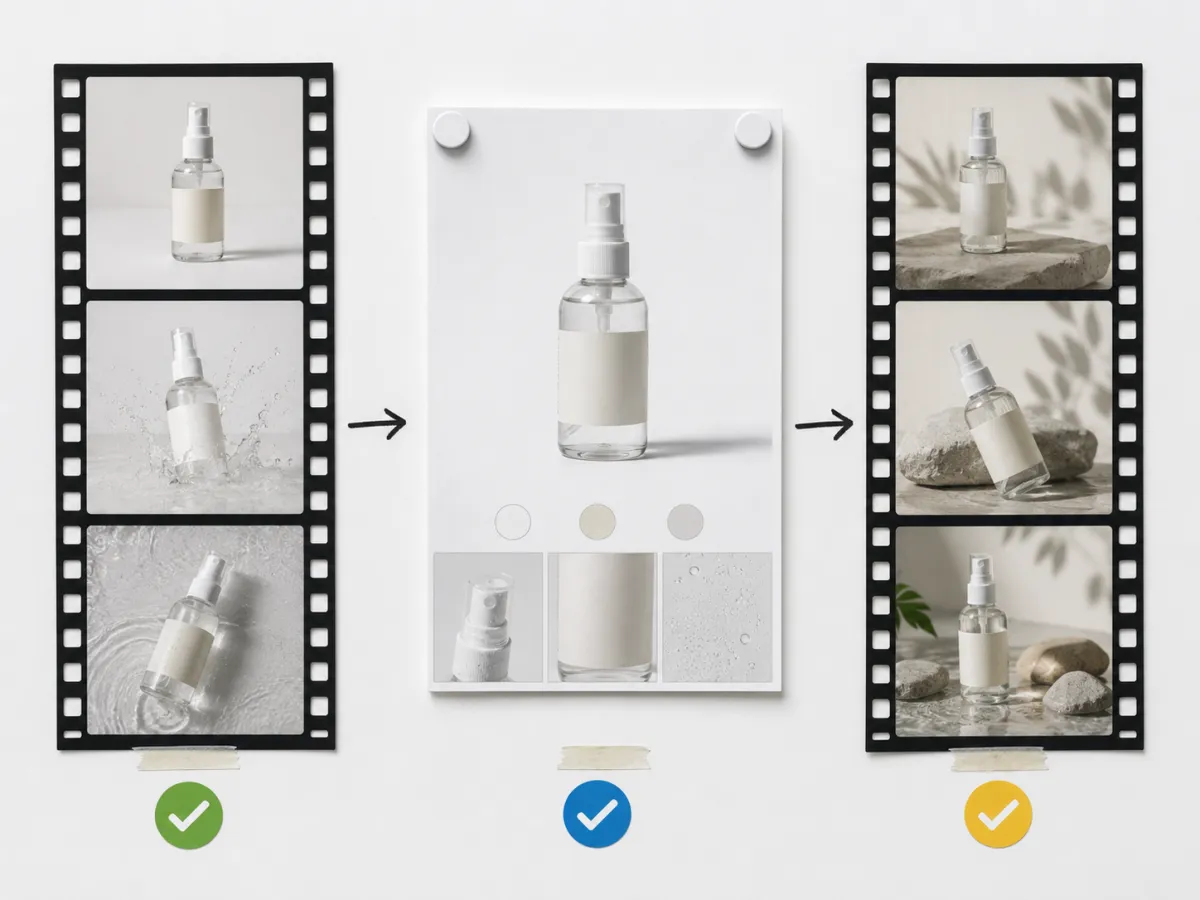
A repeatable test reveals more than an impressive single clip.
Compare the workflow that follows generation
The generation screen is only one part of the job. Ask these questions before you decide:
- Can you use source images that you have rights to use?
- Can you make a controlled variation without rebuilding the entire concept?
- Does the output leave space for verified captions and product information in an editor?
- Can you download or store the result in a way that fits your review process?
- Do the provider's current terms and privacy rules fit your intended commercial use?
For a template-first project, browse ClipTrend AI video templates after you have selected a clear source image. For a broader prompt foundation, see image-to-video prompt examples.
Do not confuse motion with proof
A generated clip can create atmosphere and attention. It should not be your only evidence for a product feature, a before-and-after claim, a testimonial, or a factual statement. Add verified text and real product detail during editing, and review every frame for changed labels, unstable hands, invented accessories, or altered faces.
If the project uses a real person, get the permission you need before uploading or publishing. Avoid deceptive impersonation, especially for endorsements or sensitive contexts.
FAQ
What makes a good Sora alternative for image-to-video?
The useful option is the one that can complete your specific assignment with a clear source image, manageable control, and a repeatable review workflow. Test it on the same brief as your other options.
Should I choose templates or prompt-based generation?
Use a template when you want a repeatable motion structure. Use a prompt-led workflow when the concept needs a more specific scene. Many projects use both at different stages.
Can I use a generated video as marketing proof?
Use generated motion as creative material, not as proof of an unverified feature or result. Verify claims, permissions, and provider terms before you publish.
Related guides
- Try an image-to-video workflow
- AI video templates: how to choose
- Image-to-video prompt examples
- Product launch video template guide
The practical way to evaluate Sora alternatives is to compare the whole workflow: source, motion, review, and edit handoff.