AI Video Templates: How to Pick the Right Template for a Viral Clip
The right AI video template is the one that makes your source image and first-second hook clearer. It is not always the loudest effect in the library. Start by deciding what the viewer should understand immediately, then use AI video templates that give that idea one clean motion pattern.
Last updated: July 10, 2026 - about 7 min read
Templates are useful because they remove the blank-page problem. A strong one already has a beginning, motion, reveal, and ending rhythm. Your task is to choose a format that works with the photo, product, person, or object you actually have.
Quick answer
Choose an AI video template by checking five things:
- Does the input photo show the subject clearly?
- Is the hook understandable in the first second?
- Does the motion fit the subject instead of fighting it?
- Is the crop safe for the platform where you will post it?
- Can you make a second variation without the result feeling identical?
If the answer to one of those is no, choose a simpler template or use an image-to-video workflow with a custom prompt.
Start with the input, not the trend
A template cannot rescue a weak source image. Before you choose one, look at the image you are feeding it.
Good template inputs usually have:
- One obvious person, product, pet, or object.
- Clear edges around the subject.
- Enough empty space for movement or a crop.
- A pose that makes sense for the template.
- No tiny details that must stay perfectly readable.
A front-facing portrait works well for a face-led transformation or dance-style motion. A centered product works well for a reveal, a light sweep, or a quick camera push. A busy group photo is usually better for a gentle motion template than a dramatic character swap.
Choose the job the clip needs to do
| Clip goal | Template direction | What to avoid |
|---|---|---|
| Make a person stop scrolling | One clear transformation or expressive motion | Too many scene changes |
| Show a product quickly | Reveal, camera push, light sweep, or simple rotation | A template that hides the product |
| Join a timely format | A recognizable trend with your own source image | Copying the same result every time |
| Build a repeatable series | A format that works with several inputs | A one-off effect with no variation room |
The best template is usually the smallest useful story. It lets the viewer see the input, understand the motion, and recognize the payoff without needing an explanation.
Check the first-second hook
When someone sees a short clip, they make a fast decision: keep watching or move on. A template should make the first frame legible before the motion starts.
For a product, show the product clearly. For a portrait, make the face readable. For a joke or transformation, let the before-state be obvious enough that the change has meaning.
This is why a dramatic template can underperform a quieter one. If the input is hard to read, the viewer has no reason to care about the transformation. The viral AI video templates guide explains why clear setup often matters more than extra effects.
Match motion to the subject
Motion should amplify the source, not contradict it.
- A still product image can handle a slow push, a reveal, or a controlled light change.
- A portrait can handle a subtle turn, expression change, or a template built for faces.
- A food photo can handle steam, a camera move, or a plated reveal.
- A real-estate image can handle a calm room reveal, not a chaotic dance effect.
If the template asks for motion your source cannot support, the result often feels pasted together. Use the template for the job it was designed to do. If you need a specific camera move, read AI video templates vs prompts and move to a custom prompt when the format is too rigid.
Make platform fit part of the choice
The same concept can need a different template for a vertical feed and a wider placement. Check whether important faces, products, and motion are safe inside the crop. Leave room for platform captions and interface elements when you plan to publish vertically.
The platform guide for YouTube Shorts, Reels, and TikTok templates helps with the final crop. At selection time, the simple rule is: do not choose a template that forces the important part of your image into the edge of the frame.
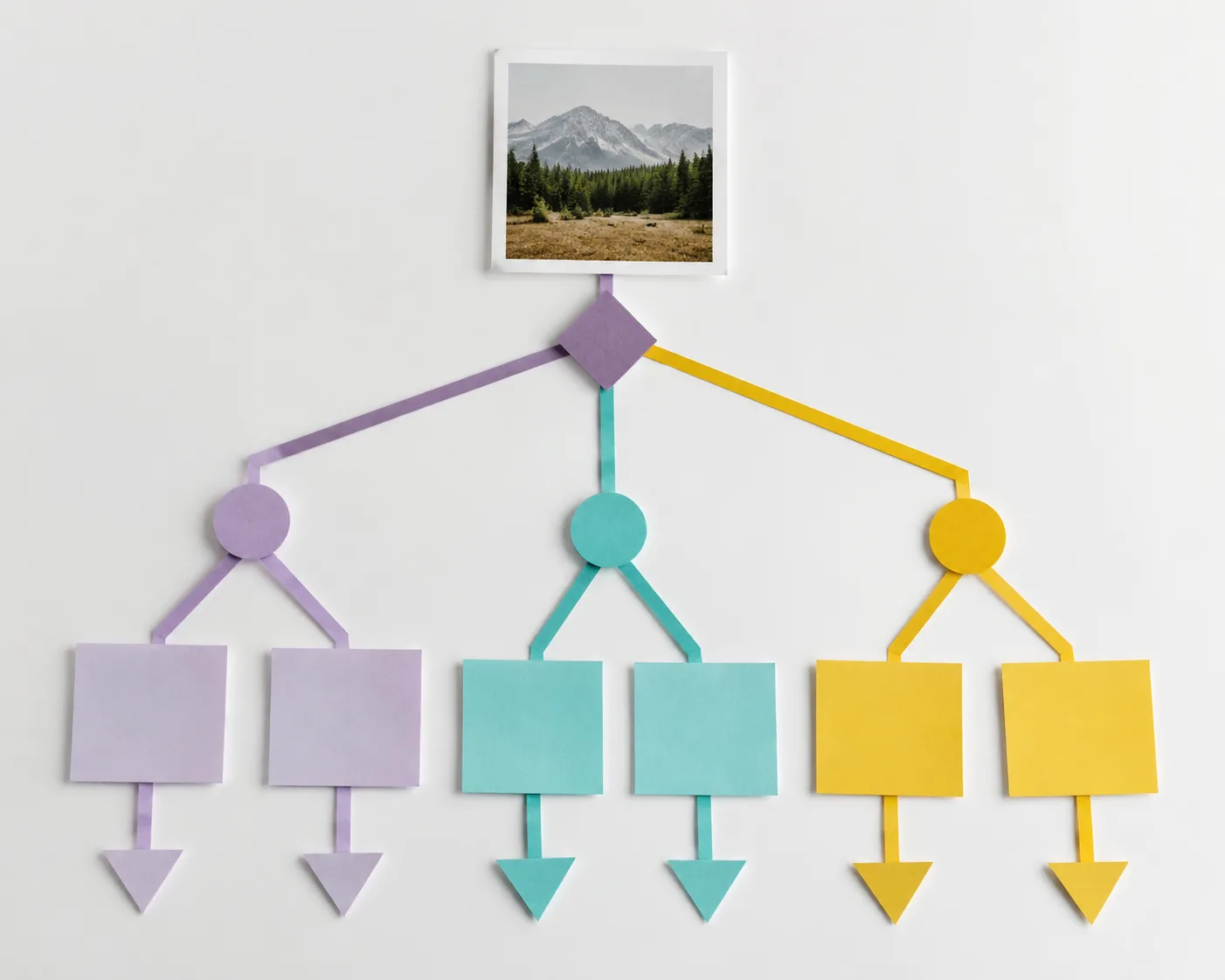
Use a simple selection rule: clear input, clear hook, suitable motion, safe crop, repeatable format.
Test for repeatability
One strong clip is useful. A format that can produce five distinct clips is more valuable for a creator or small brand.
Before committing to a template, ask:
- Can I change the source image without losing the point?
- Can I vary the color, subject, or reveal while keeping the format recognizable?
- Does the template leave enough room for my product or personality?
- Will the second post look like a deliberate series rather than a duplicate?
If you can answer yes, save the format. If not, use it as a one-off trend rather than the foundation of a content plan.
Common mistakes
The fastest way to get a weak result is to pick a template because it looked good with someone else's image. The source, pose, crop, and hook may not transfer.
Avoid:
- Using a face-led template on a tiny or obstructed face.
- Putting a product inside an effect that covers it.
- Choosing complex motion for a busy group photo.
- Ignoring where captions or UI will cover the frame.
- Posting several nearly identical outputs from the same template.
Final checklist
Before you generate, confirm that the template:
- Fits the input you have.
- Makes sense in the first second.
- Uses motion that supports the subject.
- Protects the important part of the frame.
- Has a reason to exist beyond looking flashy.
- Can become a variation or a series when needed.
Browse ClipTrend AI video templates after you decide the job of the clip. The library is more useful when you enter with a clear input and a clear outcome in mind.
FAQ
Are AI video templates better than prompts?
Templates are better when you want a repeatable, ready-made structure. Prompts are better when you need a specific camera move or an unusual story that a template does not cover.
What makes a template good for a viral clip?
It has a clear setup, a readable first frame, one understandable motion idea, and a payoff that fits the source image.
Can I use one template for many posts?
Yes, if the source, reveal, and visual direction change enough that each clip has its own reason to watch.