AI Video Templates for YouTube Shorts, Reels, and TikTok
The best AI video template is not the fanciest one. It is the one that matches where you will post: TikTok needs an instant visual hook, Reels needs a polished loop, and YouTube Shorts needs a clear idea that survives without context. Start from a ClipTrend.ai template, then tune the motion, caption space, and ending for each platform.
Last updated: July 2, 2026
AI video templates are useful because they remove the hardest blank-page decision: "what should happen?" A good template already has the structure - input, motion, reveal, and ending. Your job is to pick the format that fits the platform, not to force one clip everywhere.
This guide gives you the practical differences for YouTube Shorts, Instagram Reels, and TikTok.
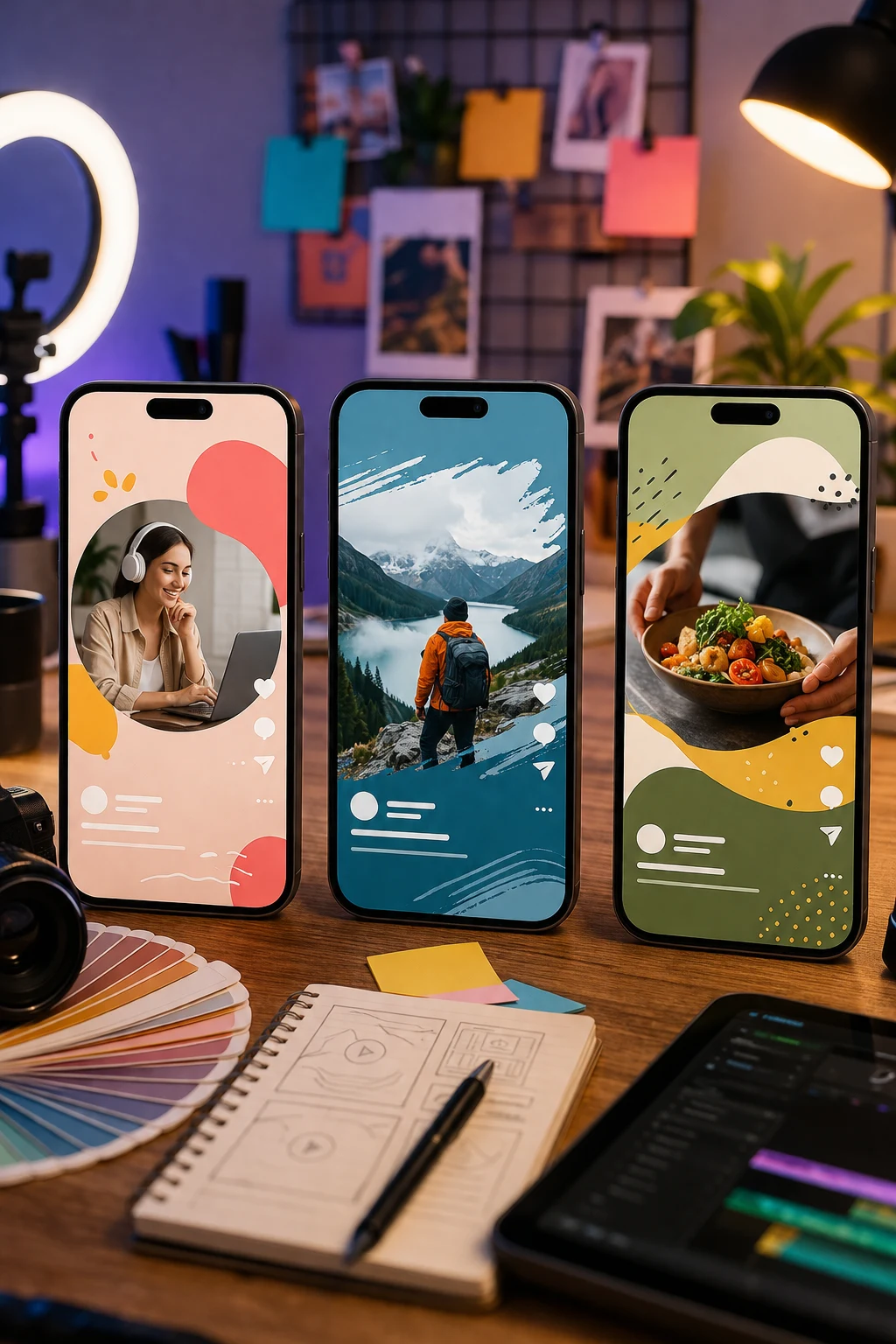
One AI video idea can travel across platforms, but the hook, crop, pacing, and ending usually need adjustment.
Quick platform match
| Platform | Best template style | First-second job | Ending style | Watch-out |
|---|---|---|---|---|
| TikTok | Transformation, meme, face/person insert, object character | Make the result obvious immediately | Punchline, reveal, or loop | Too much polish can feel like an ad |
| Instagram Reels | Beauty, product, travel, fashion, polished before/after | Look premium in the feed | Clean loop or aesthetic hold | Cropped captions and cluttered frames |
| YouTube Shorts | Explainer, challenge, comparison, story beat | State the idea visually without setup | Clear payoff or CTA frame | Slow intros lose viewers |
If you are posting the same clip to all three, make a master vertical version first, then export small platform edits.
What makes an AI video template reusable?
A reusable template has four parts:
- Input: one photo, one product, one prompt, or one character.
- Motion: the repeatable movement that makes the clip feel alive.
- Reveal: the moment people understand why they are watching.
- Posting frame: caption space, crop, and ending that fit the platform.
Bad templates usually fail because they are just a visual effect. Good templates are formats. They let different creators insert their own subject and still get a recognizable result.
TikTok: lead with the result
TikTok templates need to be readable immediately. The viewer should understand the trick before they decide whether to keep watching.
Good TikTok AI video templates:
- Photo-to-character transformation.
- Talking object or product personality.
- Outfit, hair, or style transformation.
- Fast before/after reveal.
- Meme format with one clear punchline.
- Dance or motion insert where the subject appears in the first frame.
Prompt direction:
Start on the uploaded photo. In the first second, the subject begins transforming into [result]. Fast social-video pacing, bold motion, clear reveal, vertical composition, leave upper third clean for caption.
TikTok does not always reward perfect cinematic polish. It rewards "I get it, I can remix it, I want to see the result."
Instagram Reels: make it clean and loopable
Reels often works better when the clip feels more polished. Beauty, fashion, product, travel, food, and lifestyle clips need cleaner composition and a more intentional ending.
Good Reels AI video templates:
- Product hero reveal.
- Outfit or beauty transformation.
- Travel photo animation.
- Before/after makeover.
- Aesthetic camera push-in.
- Soft motion loop.
Prompt direction:
Animate the uploaded image into a polished vertical Reel. Slow smooth camera push-in, subtle subject motion, premium lighting, clean background, leave center subject stable, end on a frame that can loop back to the beginning.
For Reels, do not fill every corner. Leave room for captions, UI, and the natural crop.
YouTube Shorts: make the idea obvious
Shorts can carry slightly more explanation than TikTok, but the first second still matters. The best Shorts templates often work as mini stories, visual comparisons, or "watch this happen" formats.
Good Shorts AI video templates:
- "This photo becomes..." transformation.
- Product comparison.
- One-shot visual explainer.
- Old photo restoration and animation.
- AI camera movement demo.
- Before/after workflow.
Prompt direction:
Create a vertical YouTube Shorts clip from the uploaded image. Start with the original subject visible, then show one clear transformation or camera move. Keep the subject centered, make the result understandable without sound, and hold the final frame for captions.
If a viewer watches with sound off, the video should still make sense.
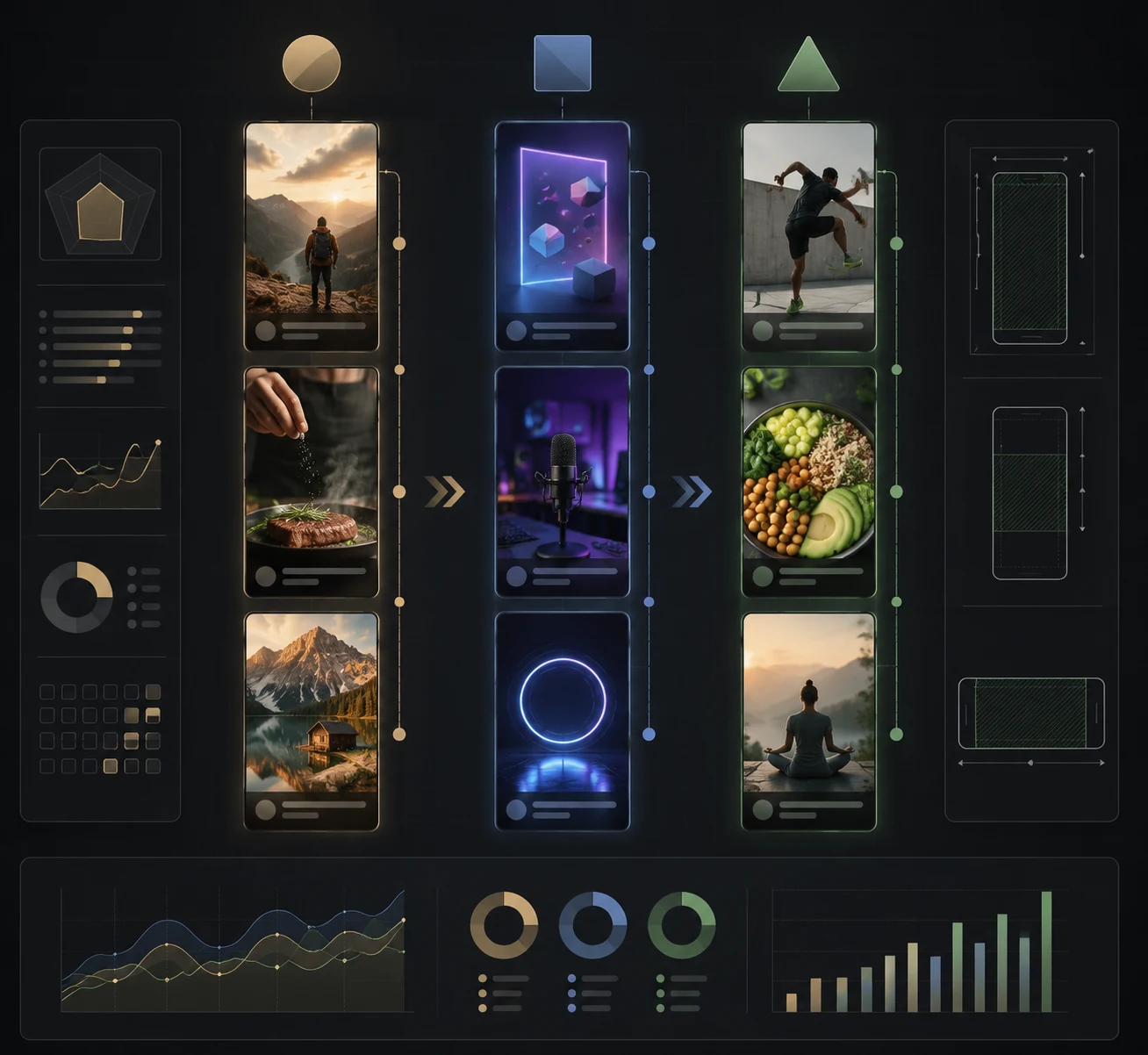
Pick the template by platform behavior, not only by visual style.
The template selection checklist
Before you generate, answer these:
| Question | Why it matters |
|---|---|
| What is the viewer supposed to understand in the first second? | Prevents slow intros |
| Is this a loop, reveal, or mini story? | Controls ending |
| Does the subject need to stay recognizable? | Determines whether image-to-video is safer |
| Where will captions go? | Prevents UI overlap |
| Does the template need sound to make sense? | Helps cross-posting |
| Is the motion simple enough to survive compression? | Keeps the clip clean on mobile |
The answer decides which AI video template to use.
Template types that work across all three platforms
1. Before/after transformation
Best for fashion, beauty, interiors, products, profile photos, and concept art.
Structure:
- First frame: original image.
- Middle: quick transformation.
- End: final result with a clean hold.
Prompt:
Start with the uploaded image visible. Transform the subject into [new look] over 3 seconds. Smooth vertical social-video motion, clear before/after reveal, keep identity and composition stable, end on the final look for one second.
2. Product hero reveal
Best for ecommerce, ads, launches, and short promo clips.
Structure:
- First frame: product visible.
- Motion: camera push, light sweep, mist, rotation, or environment motion.
- End: clean product frame.
Prompt:
Keep the product shape and label stable. Slow camera push-in, soft studio light moves across the product, subtle background motion, premium ad style, end on a centered hero frame with space for text.
3. Photo-to-motion
Best for portraits, travel, old photos, pets, and personal clips.
Structure:
- First frame: recognizable still.
- Motion: one believable action.
- End: calm frame that still looks like the source.
Prompt:
Animate the uploaded photo with one subtle action: [blink, smile, breeze, camera push, water movement]. Keep identity, face, clothing, and background stable. Vertical crop, no dramatic scene change.
4. Talking object
Best for TikTok and Reels when the product or prop is the character.
Structure:
- First frame: object close-up.
- Motion: object becomes expressive.
- End: punchline or brand moment.
Prompt:
Turn the uploaded object into a short social character moment. Keep the object recognizable, add expressive motion, playful timing, clean vertical framing, end on a funny or useful final pose.
Cross-posting workflow
Do not generate three unrelated clips. Generate one strong master, then adapt:
- Pick the template from ClipTrend.ai templates.
- Upload your best image or write one short prompt.
- Generate a vertical master.
- Save the strongest version.
- Create platform variants:
- TikTok: faster hook, bolder caption.
- Reels: cleaner crop, loop-friendly ending.
- Shorts: clearer title frame or final hold.
- Post and compare retention, saves, comments, and rewatches.
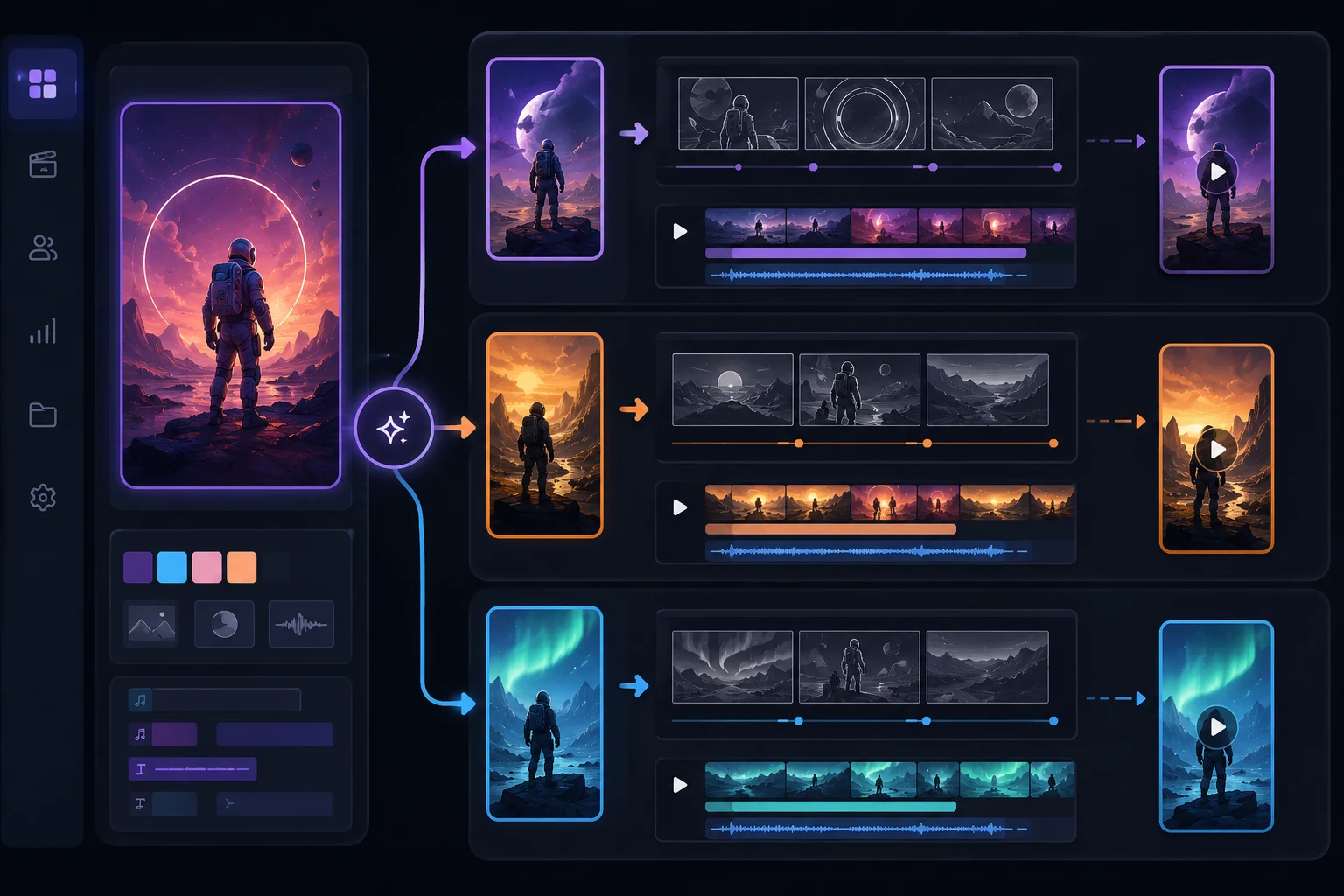
One master clip can become three platform-ready versions if the structure is clean.
Common mistakes
Choosing a template because it looks impressive
Impressive is not the same as usable. If the viewer cannot understand the result quickly, the template will struggle on short-form platforms.
Forgetting caption space
Social UI covers the edges. Keep the main subject centered and leave clean space near the top or middle for text.
Asking for too much motion
Fast camera, subject transformation, background change, lighting change, and facial expression change in one clip often creates a messy result. Pick one main event.
Posting the same cut everywhere
Cross-posting is fine. Blind reposting is weaker. Small edits to hook, crop, and ending can make the same AI video feel native to each platform.
When not to reuse one template
One reusable template is efficient, but it is not always the right choice. Do not force the same AI video template across every platform when the audience expectation changes.
Use a different template when:
- The TikTok version depends on a current meme but the Shorts audience needs a clearer standalone premise.
- The Reels version needs a polished product or lifestyle look, while the TikTok version works better as a rougher reaction clip.
- The hook relies on audio timing that will not survive when reposted without the same sound.
- The final frame needs text space on one platform but a tighter crop on another.
- The product, face, or object is too small after platform UI covers the bottom and side edges.
A good rule: reuse the idea structure, not necessarily the exact render. If the template is a transformation, keep the transformation. If the platform needs a different crop, speed, or ending, regenerate that variant from the same source asset instead of stretching one export into every channel.
Frequently asked questions
What is an AI video template?
An AI video template is a reusable short-video format with a preset structure: input, motion, reveal, and ending. You add your own photo, product, character, or prompt instead of directing the clip from scratch.
Which AI video templates work best for TikTok?
TikTok usually rewards templates with an obvious first-second result: transformations, meme formats, talking objects, face inserts, dance motion, and quick before/after reveals.
Are Reels templates different from TikTok templates?
Often, yes. Reels can benefit from cleaner composition, smoother motion, and loopable endings, while TikTok can tolerate rougher, faster, more remixable formats.
Should I use the same AI video on YouTube Shorts?
You can, but make sure the idea is clear without context. Shorts often works better with a stronger visual premise, a readable final frame, and less dependence on trend-specific audio.
Where can I make AI video templates?
Browse ClipTrend.ai templates, choose a format, upload your asset, and generate a short vertical clip in the browser.
Related guides
- ClipTrend.ai AI video templates
- Talking object template
- Image-to-video tool
- TikTok AI video trends: recreate with templates
- Viral AI video templates: what makes them spread
Start with the platform, then pick the template
Open ClipTrend.ai templates, choose the format that matches where you will post, and generate one strong vertical master. Then make small TikTok, Reels, and Shorts variants instead of forcing one generic clip everywhere.