AI Hug Video Effect: A Consent-First Workflow From Photo to Clip
An AI hug video effect should begin with clear permission from every recognizable adult in the source photos. Use a modest, non-romantic motion brief, keep the context fictional or clearly labelled as generated, and review the whole clip before sharing. An AI video template can make a short test easier; it cannot create consent or prove a real interaction happened.
Last updated: July 30, 2026 · about 6 min read
Start with permission and an honest use case
The simplest safe use case is two fictional adults, or two real adults who both agreed to the intended generated clip and its audience. Permission to keep a photograph is not automatically permission to animate it, post it, or turn it into a sentimental story.
| Before you generate | Why it matters |
|---|---|
| Confirm both people agreed to this exact use | A photo can be shared privately without consent for animation |
| Choose a modest, non-romantic interaction | Avoids making a claim about a relationship or event |
| Remove private location clues | A background can expose home, work, school, or travel details |
| Decide where the clip will appear | A private draft and a public post carry different risk |
Do not use a stranger, child, public figure, former partner, or someone who has not agreed. Do not use the effect to imply a reunion, endorsement, memorial message, or event that did not happen.
Create a short, controlled clip
- Use clear source photos. Choose faces with even light and a simple background. Avoid images with minors, heavy occlusion, or private information.
- Set one modest movement. Describe two consenting adult friends stepping together for a brief, ordinary hug. Keep the camera fixed or use a small slow move rather than a dramatic scene.
- Review every frame. Check faces, hands, body boundaries, background details, and whether the result could be mistaken for a real recording.
Stop if the clip changes identity, creates intimate contact, or makes a real relationship appear to exist. A polished result is not a reason to override the original consent boundary.
Use the AI hug video template only after the source and use case pass those checks. The separate AI hug video consent checklist is the required final review before public sharing.

A short, ordinary interaction is easier to describe honestly and review safely.
Write a brief that does not overclaim
A good brief says what the clip is: “two fictional, fully clothed adult friends greet each other in a neutral setting; brief non-romantic hug; no text, no logos, no real event implied.” It does not borrow a celebrity, brand, relationship, or viral claim to create drama.
Keep generated video distinct from documentary footage. If the audience could reasonably think it shows something that happened, label the context clearly or choose a different concept. For other photo-to-video planning, see how to turn a photo into a video.
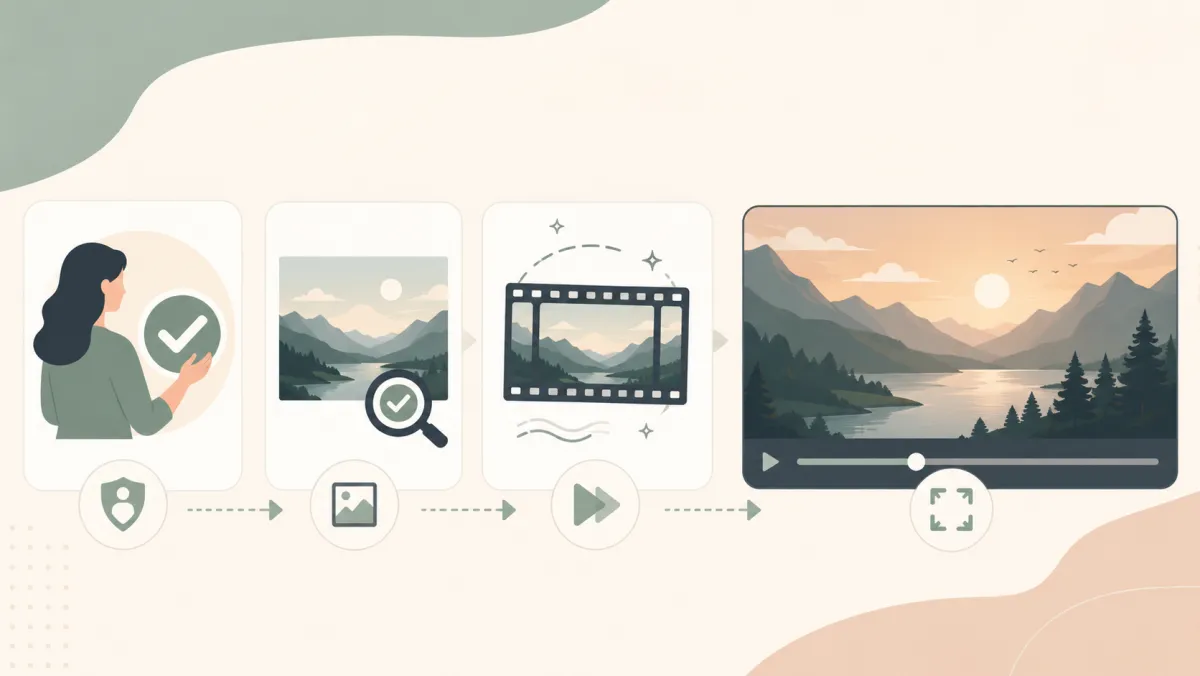
Consent and review belong before the share button, not after it.
Frequently asked questions
Can I make an AI hug video from two photos I found online?
No. Use only permitted source material, and obtain agreement from every recognizable real person for the planned animation and audience.
Can I share an AI hug effect without telling anyone it is generated?
Do not present a generated interaction as a real recording. Add clear context when viewers could otherwise mistake it for a real event or relationship.
Related guides
- Try AI video templates →
- AI hug video template
- AI hug video consent checklist
- AI video commercial-use checklist
Make a safer short test
Use a permitted source, a modest brief, and a full-frame review before sharing any generated clip with ClipTrend.