How to Make AI Video Ads Without a Video Shoot
You can make AI video ads without a video shoot by starting from product photos, planning a four-shot storyboard, and using a video ad generator workflow to animate each shot. ClipTrend templates help when you need a repeatable ad format instead of a blank prompt.
Last updated: July 6, 2026
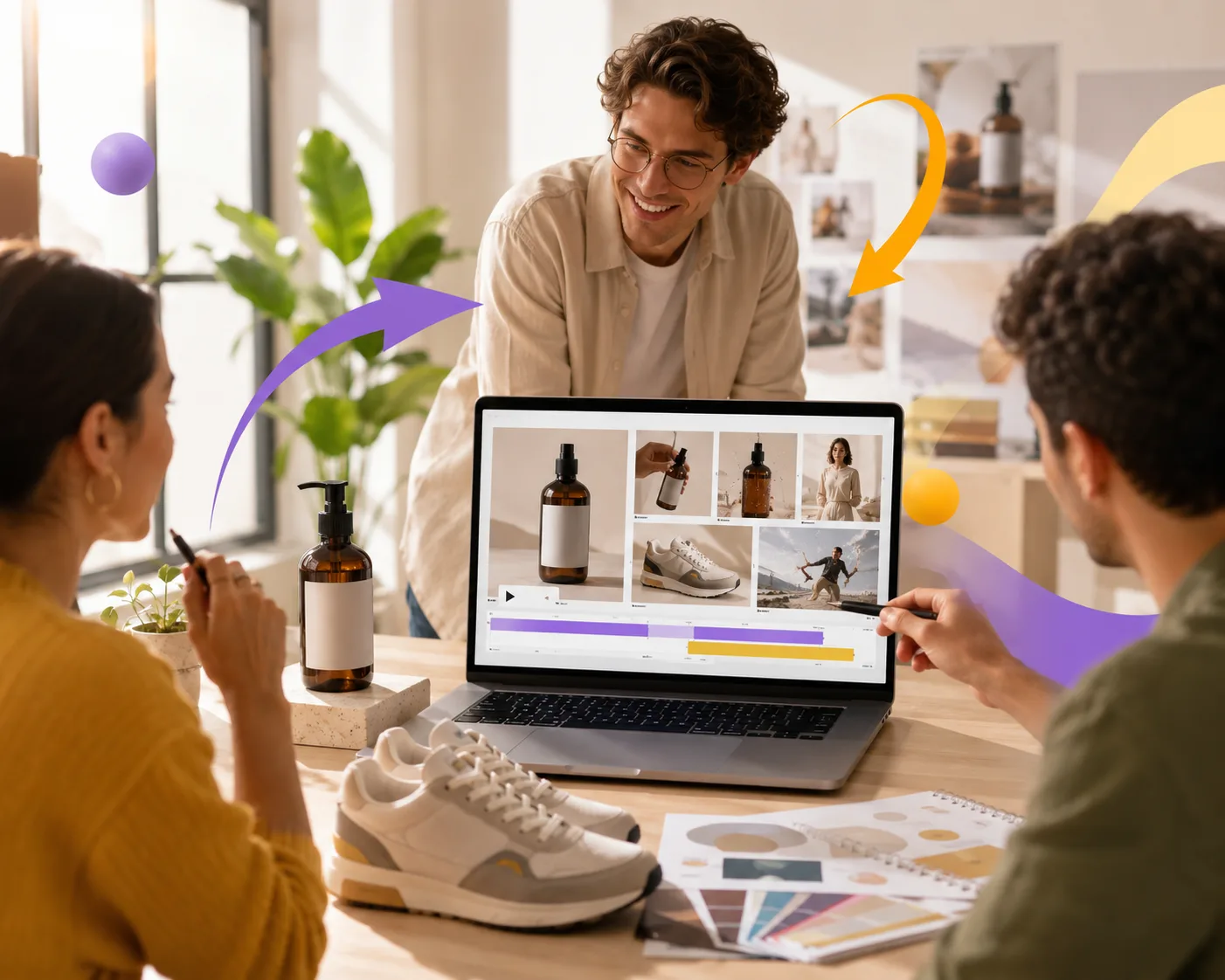
Plan the ad as separate shots before asking the generator for motion.
The goal is not to make one AI clip do everything. Good ads are built from small, stable pieces: a product reveal, a detail shot, a use moment, and a final pack shot. Generate those shots separately, then edit them into a short ad.
What you need before generating
You do not need a crew, camera, studio, or actor for the first draft. You do need a clean input.
Prepare:
- One or two sharp product photos
- A plain background version if possible
- A short benefit statement
- The platform and aspect ratio you need
- A rough call to action
- Any brand colors, fonts, or offer details for the final edit
An AI video ads generator can create motion, but it should not invent your offer. Keep pricing, claims, disclaimers, and captions in your editing step where you can control them.
The four-shot AI video ad structure
A simple ad can be built from four short clips.
| Shot | Purpose | Motion idea |
|---|---|---|
| Product reveal | Show what it is | Slow push-in or turntable |
| Detail shot | Make it feel tangible | Light sweep, texture close-up |
| Use moment | Show why it matters | Hand enters frame, steam, fabric movement |
| Final pack shot | Leave a clear memory | Product centered, clean background |
Each clip can be 3 to 6 seconds. This is easier to control than one long video, and it gives you more options in the edit.
Use templates when speed matters
Blank prompts are useful when you know exactly what you want. Templates are better when the ad needs a proven shape.
Use ClipTrend templates when:
- You need a social-ready format fast
- You want a consistent structure across many products
- You are testing hooks and angles
- You do not want to design the whole scene from scratch
Use a custom prompt when:
- The product has unusual motion
- The brand style is specific
- You are building a hero ad instead of a quick test
- You need a shot that templates do not cover
A practical workflow is template first, custom prompt second. The template gives you a baseline; custom clips give you detail.
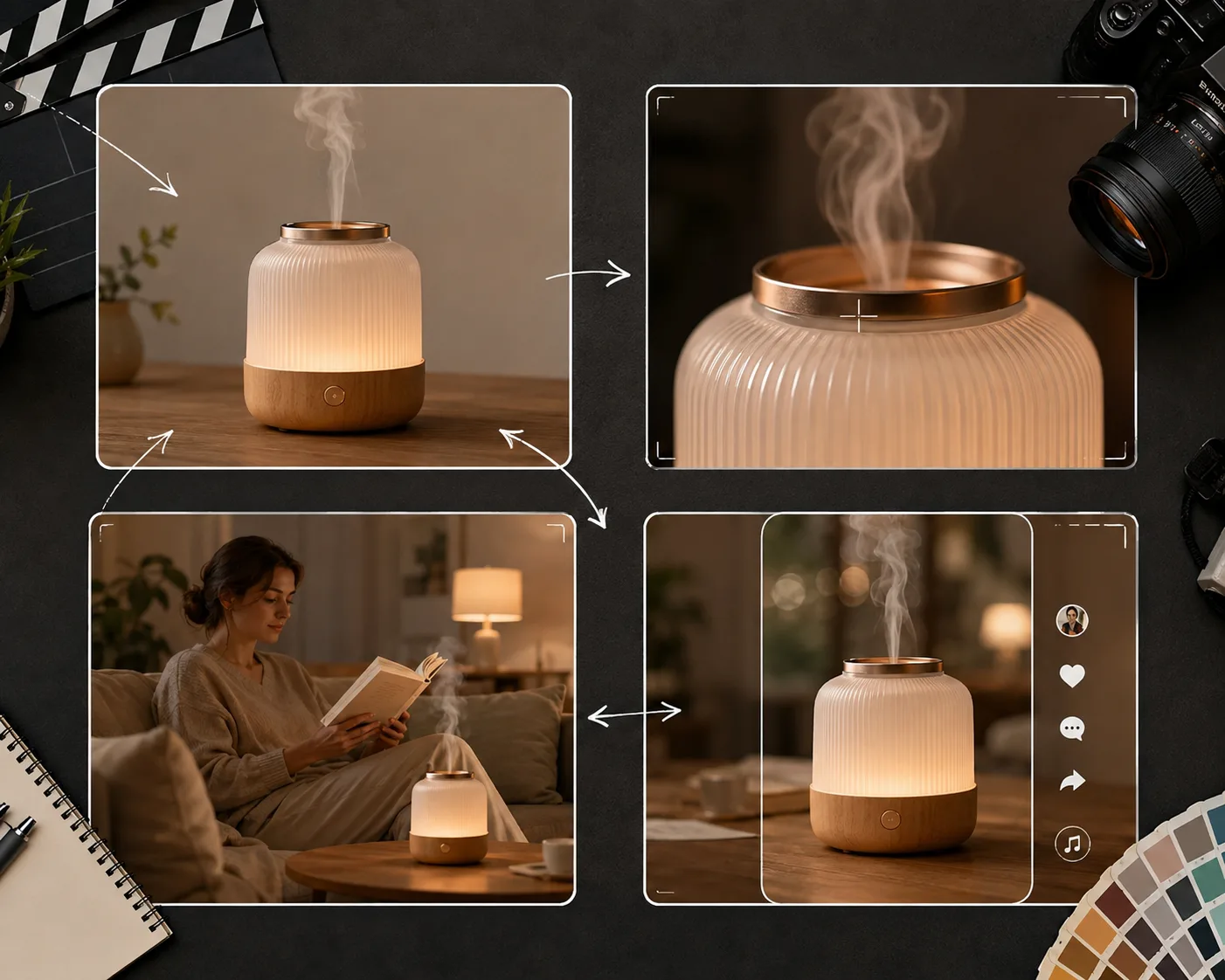
Short clips let you keep the product stable and replace only the weak shot.
Prompt examples for product ads
Skincare bottle:
Keep the product bottle shape, cap, color, and label area stable. Animate a slow camera push-in while soft mist drifts behind the bottle and highlights move across the surface. End on a clean centered hero frame.
Sneaker:
Keep the sneaker shape, sole, fabric texture, and color stable. Animate a slow turntable rotation with a soft studio light sweep. Background stays simple. End on a three-quarter product angle.
Food or drink:
Keep the product packaging and cup placement stable. Animate steam rising and a gentle camera push forward. Keep the table and product edges natural. End on the product centered.
Do not ask for a whole ad, voiceover, captions, sale badge, product demo, and camera move in the same clip. Generate the visual first. Add text and offer details in an editor.
What a video ad generator should not do
A video ad generator is good at motion and visual variation. It is not the right place for everything.
Keep these outside the AI render:
- Legal disclaimers
- Prices and discounts
- Brand logos that must be exact
- Small typography
- Platform captions
- Final audio mix
- UTM or landing-page details
That separation keeps the ad usable. The AI video can be beautiful, and your final edit can still be accurate.
How to edit the final ad
After generating clips, choose the most stable takes.
- Put the strongest product reveal first.
- Cut weak frames instead of trying to save them.
- Add captions and offers in your editor.
- Match color and contrast across clips.
- End on a clear product or CTA frame.
For product-specific tips, read turn product photos into marketing videos. If you want realism basics, see how to make realistic AI videos.
Frequently asked questions
Can I make AI video ads without filming?
Yes. You can start from product photos, generate short motion clips, and edit them into ads. A real shoot may still be better for complex demos, but AI is strong for quick product reveals and social variants.
What is an AI video ads generator?
An AI video ads generator is a workflow or tool that creates ad-ready video clips from prompts, images, or templates. The best results come from short scenes with one product and one motion idea.
Is a video ad generator enough for final paid ads?
Usually it is one part of the workflow. Use the generator for visuals, then add exact offers, captions, legal text, brand logos, and audio in an editor.
What photos work best for AI video ads?
Sharp product photos with clean backgrounds, visible edges, and simple lighting work best. Avoid cluttered images or products where tiny label text must remain exact.
Should I use templates or prompts?
Use templates for speed and repeatable formats. Use prompts when you need a custom product shot. Many teams start with templates, then add one or two custom clips for the final ad.
Related guides
- Browse AI video templates -> - start from a repeatable ad format.
- Turn product photos into marketing videos
- How to make realistic AI videos
- ClipTrend AI video generator
Start with four shots
Do not wait for a shoot to test an idea. Pick one product photo, build four short clips, and use ClipTrend templates when you want the fastest path from product image to ad.