TikTok AI Video Trends: How to Recreate Them With Templates
To recreate TikTok AI video trends, identify the repeatable format first: the input, the motion, the reveal, and the posting style. Then choose a matching AI video template, upload your own photo or product, and personalize the caption, framing, and hook instead of copying another creator frame for frame.
Last updated: July 1, 2026 - ~7 min read
The fastest way to miss a TikTok trend is to overbuild it. By the time you have watched ten tutorials, compared five models, and rewritten the prompt twelve times, the sound or effect may already be fading. Templates solve that by turning the trend into a workflow.
Step 1: Break the trend into parts
Do not start by asking "which model made this?" Start by reading the format.
| Trend part | What to look for |
|---|---|
| Input | One selfie, a pet photo, product image, character image, or text prompt |
| Motion | Dance, hug, kiss, transformation, camera zoom, object speaking, reveal |
| Payoff | What happens in the final two seconds? |
| Repeatability | Can many people make their own version? |
| Risk | Does it involve real faces, copyrighted characters, adult framing, or consent issues? |
Once you know the format, the tool choice becomes easier.
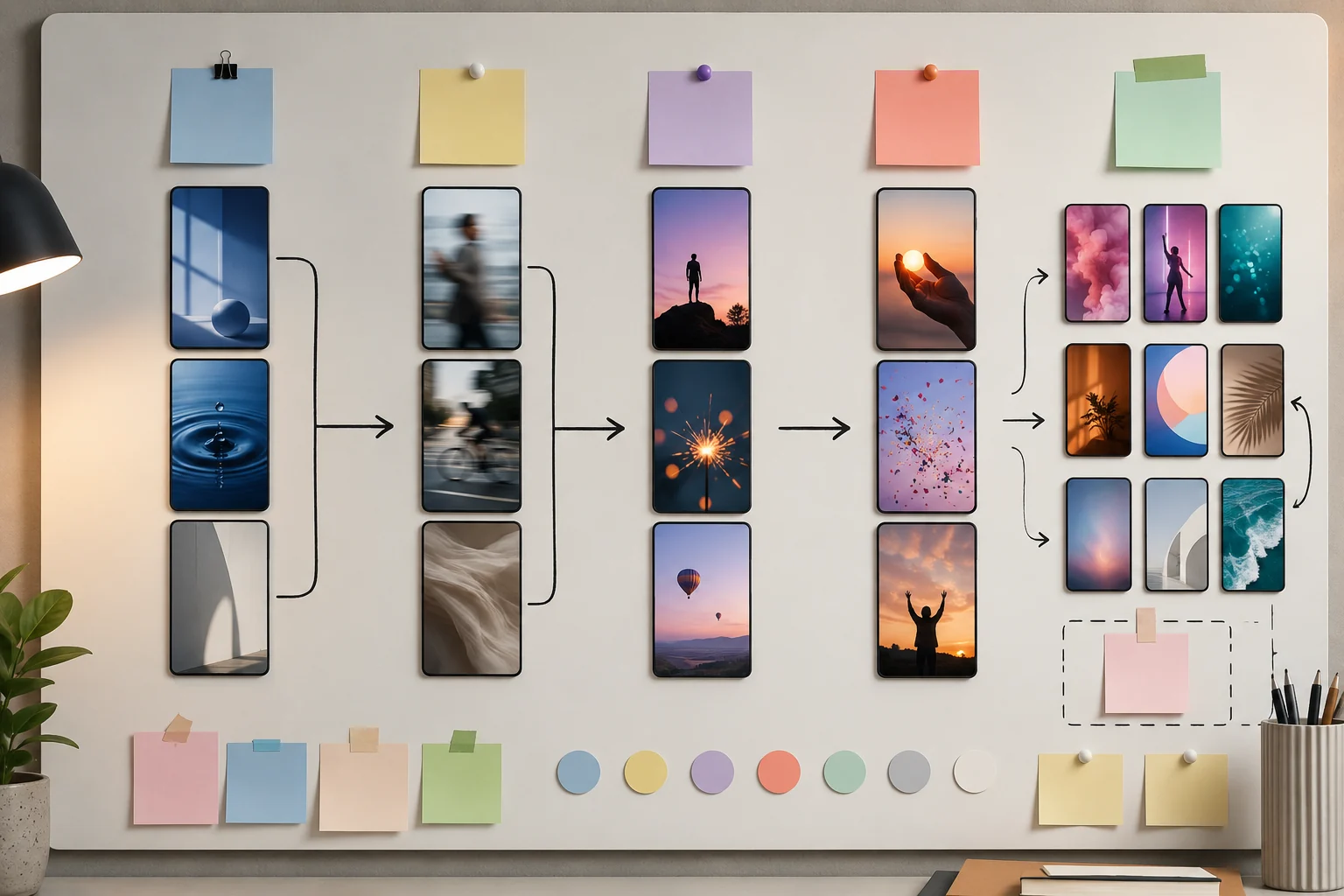
Illustration: a TikTok AI trend broken into input, motion, payoff, and remix notes.
Step 2: Match the trend to a template
Templates are not magic; they are shortcuts. Pick the one that matches the motion.
- Dance trend -> use a motion or dance template.
- Product talking trend -> use a talking object template.
- Character replacement -> use character swap.
- Photo-to-motion trend -> start from the AI video generator.
- Meme transformation -> browse the templates hub for a matching format.
If the motion is the same, the template is usually close enough. Personalization comes from your input image, caption, timing, and hook.
Step 3: Personalize without breaking the format
Creators often ruin trend templates by changing too much. Keep the part that made the trend recognizable and personalize the rest.
Good personalization:
- Use your own product, pet, face, scene, or prop.
- Keep the trend's core motion.
- Change the caption to fit your niche.
- Adjust aspect ratio and crop for TikTok/Reels.
- Keep the first frame obvious.
Weak personalization:
- Asking for a new scene, new style, new camera move, and new story at once.
- Copying another creator's exact caption and setup.
- Using a copyrighted character or someone's face without permission.
- Adding so much motion that the subject warps.
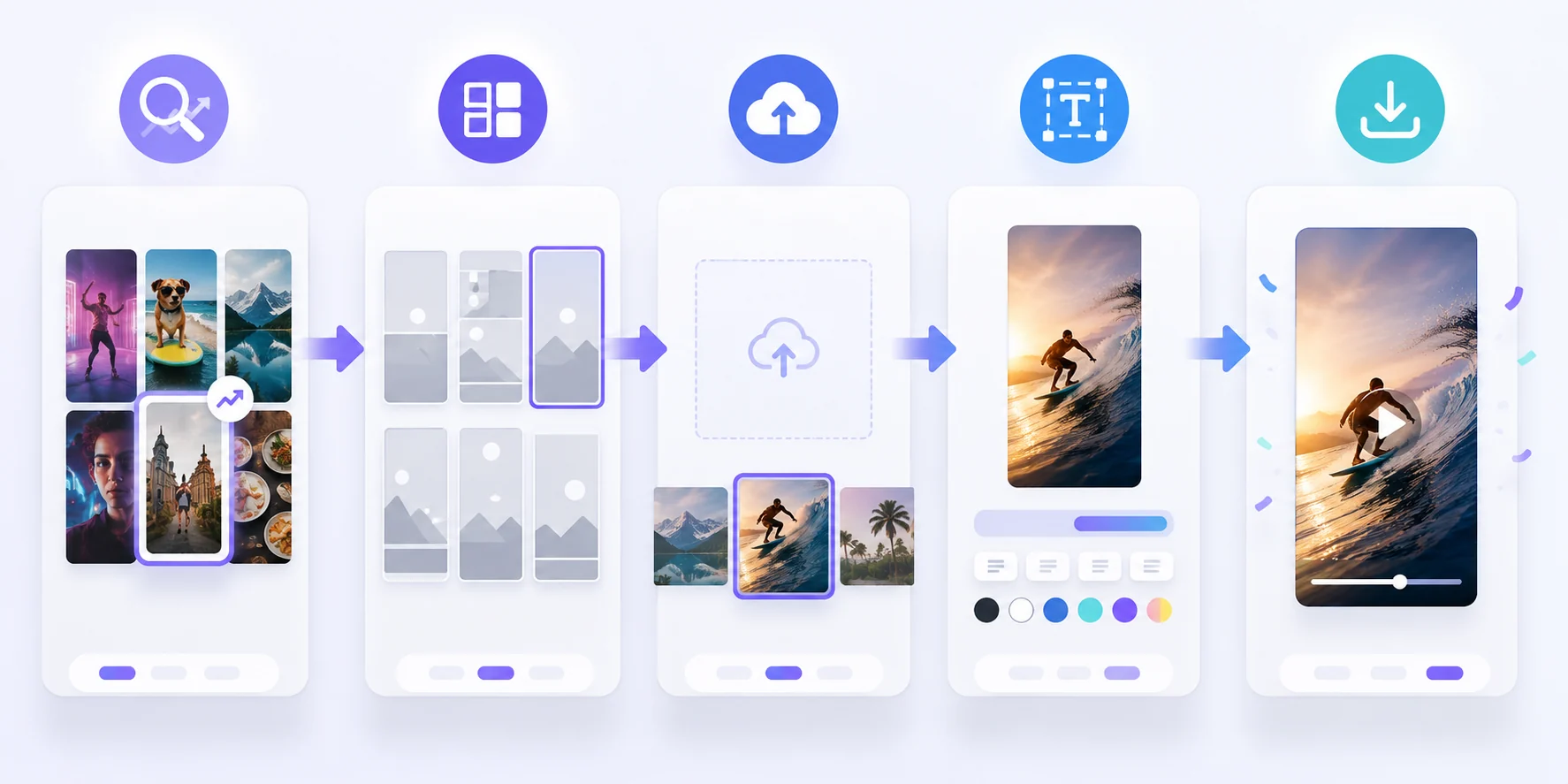
Illustration: a simple workflow for recreating an AI video trend with a template.
A practical 15-minute workflow
- Save three examples. Do not copy them; use them to understand the repeatable pattern.
- Name the template type. Dance, talking object, character swap, product reveal, photo animation, or transformation.
- Choose one input image. Make it clear, vertical-friendly, and safe to use.
- Run one template. Avoid changing every setting on the first pass.
- Rewrite the caption. Make it fit your audience rather than the original creator's audience.
- Export and post quickly. Trends reward speed, but do not skip consent and brand safety checks.
What brands should avoid
Brands should be more selective than individual creators. A trend can be popular and still wrong for your account.
Avoid trends that:
- Depend on shock value more than the product.
- Use someone's likeness without consent.
- Put the product in a confusing or low-quality context.
- Make the brand look late, desperate, or off-tone.
- Require copyrighted characters to make sense.
For ecommerce and product teams, cleaner templates often work better: product reveals, talking objects, premium product scenes, soft camera moves, and short launch clips.
Frequently asked questions
How do I find TikTok AI video trends early?
Watch repeated formats, not just repeated sounds. If several creators use the same motion or visual setup with different inputs, it is becoming a template. Save examples, note the input and payoff, then recreate the format with your own asset.
Do I need to write prompts for every trend?
No. If a template already matches the motion, use it. Prompting from scratch is useful for custom scenes, but templates are faster when the trend has a clear structure.
Can brands use TikTok AI trends?
Yes, but selectively. Brands should choose templates that fit the product and avoid risky formats involving non-consensual likeness, adult framing, copyrighted characters, or confusing product claims.
What is the fastest way to recreate a trend?
Pick the template closest to the trend, upload one clean image, keep the core motion, and personalize only the caption and input. Do not rebuild the whole scene unless the format truly requires it.
Related guides
Browse ClipTrend.ai AI video templates ->
- AI video generator - turn photos or prompts into short clips.
- Talking object template - create product or prop character clips.
- Character swap - personalize a clip with a new character.
- Pricing & credits - plan batches before testing trends.
CTA
Do not chase every trend from a blank prompt. Read the format, pick the closest ClipTrend.ai template, add your own image, and ship while the trend is still moving.