Character Swap AI Video: Replace a Person or Character in a Clip
A character swap AI video workflow lets a creator replace or restyle the person or character in a clip while keeping the motion, framing, or scene idea. It can be useful for storyboards, concept videos, original characters, product explainers, ads, and creator experiments. The key is to use it as a creative production tool, not as a deceptive face-swap shortcut.
This guide focuses on safe, original, and consent-aware character replacement. It explains how to prepare source material, how to describe the new character, what to check after generation, and when a template is better than a fully custom prompt.
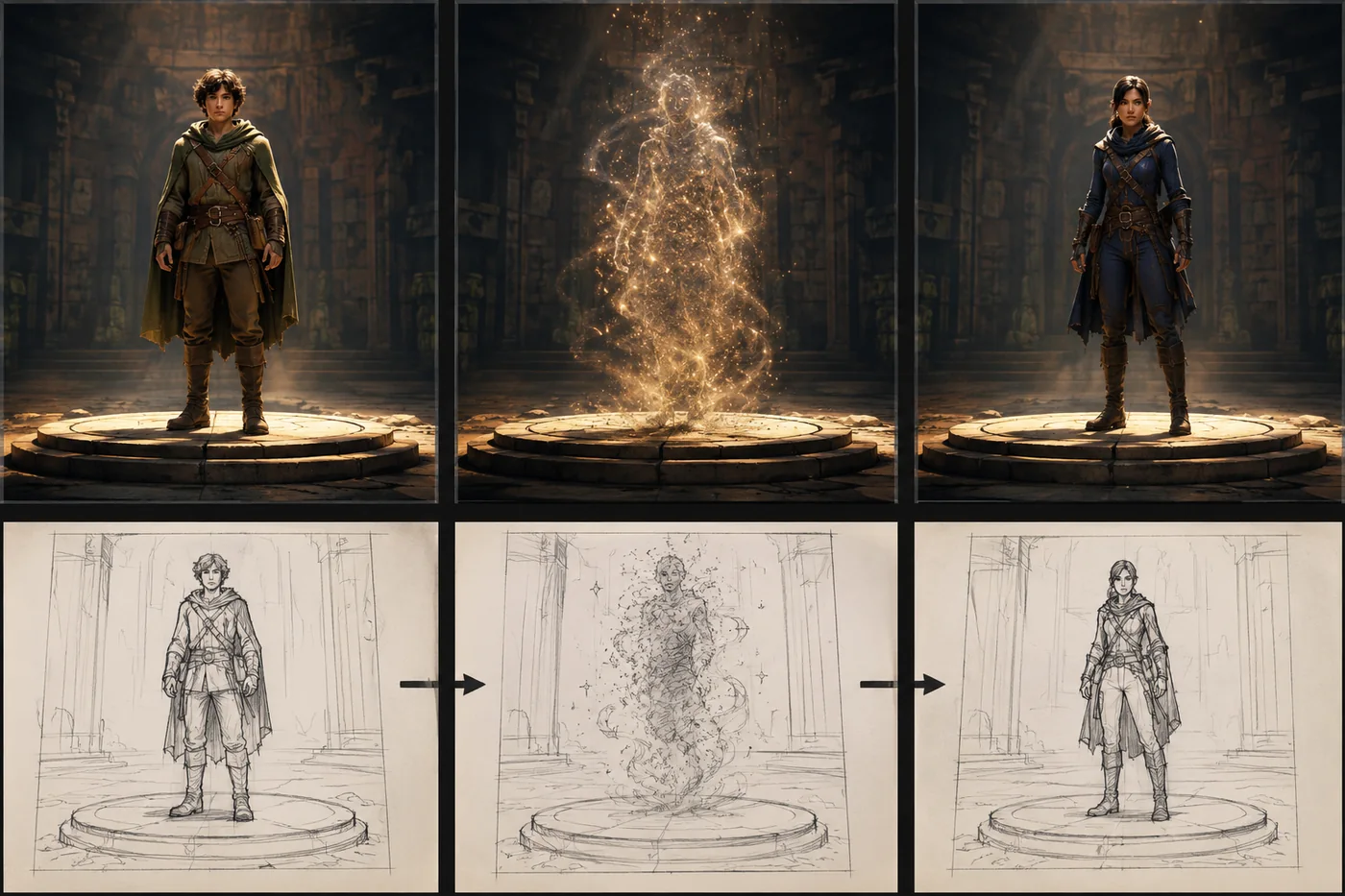
Concept visual: character swap works best when the source motion and replacement character are planned together.
What Character Swap Means in AI Video
Character swap means changing the on-screen character while preserving enough of the scene to keep the clip coherent. In some workflows, the original pose or movement guides the result. In others, a reference image defines the new character's look. The result depends on the input quality, prompt clarity, and how much the replacement differs from the source.
For creators, the useful question is not "can AI replace anyone?" It is "can this workflow help me test an original character or creative direction faster?" That distinction keeps the article in a safer and more useful lane.
Good Use Cases for Character Swap AI Video
Character swap can help when you need visual options before committing to a full shoot or animation pass. A game team can test several character designs in the same movement. A marketer can preview a brand mascot in a short product scene. A creator can transform a sketch or original character sheet into a motion concept. A production team can compare wardrobe, silhouette, or creature design before final art.
It also works well with AI video templates. If a template already has the camera move and timing you want, you can focus the prompt on the replacement character: outfit, age range, color palette, movement style, and what details should remain consistent.
Prepare the Source Clip or Image
The source material should make the motion easy to understand. Avoid crowded scenes, heavy occlusion, fast cuts, and low-resolution footage. If the original character is partly hidden, the AI has less information to transfer. If the camera movement is chaotic, the replacement may not stay stable.
- Choose a source where the main subject is clearly visible.
- Prefer simple backgrounds for early tests.
- Use consistent lighting when you can.
- Avoid source material involving real people without permission.
- Do not use celebrities, private individuals, or recognizable IP unless you have the right to do so.
Describe the Replacement Character Clearly
A strong prompt describes the replacement character in production terms. Instead of writing "make it cooler," specify silhouette, clothing, material, color palette, age range, movement, and mood. For example, "an original fully clothed sci-fi courier with a teal jacket, compact backpack, short dark hair, confident walk, soft city lighting" gives the model more direction than "futuristic person."
For original characters, include a reference image when possible. The reference does not need to be a polished final illustration, but it should show the major features. If you are working from an image rather than a clip, an AI image to video generator workflow can turn that reference into a motion test before you attempt a more complex swap.
Use a Prompt Pattern You Can Repeat
A repeatable prompt pattern makes character swap tests easier to compare. Start with the character, then the scene, then the movement, then the protection rules. For example: "replace the subject with an original desert explorer character, tan utility jacket, blue scarf, walking forward through warm dust, keep the same camera angle and natural body movement." This structure tells the model what to change and what to preserve.
Do not overload the prompt with every costume detail at once. If the first result is unstable, simplify the character description before adding accessories. Stable silhouette and motion matter more than five small design details in the first pass.
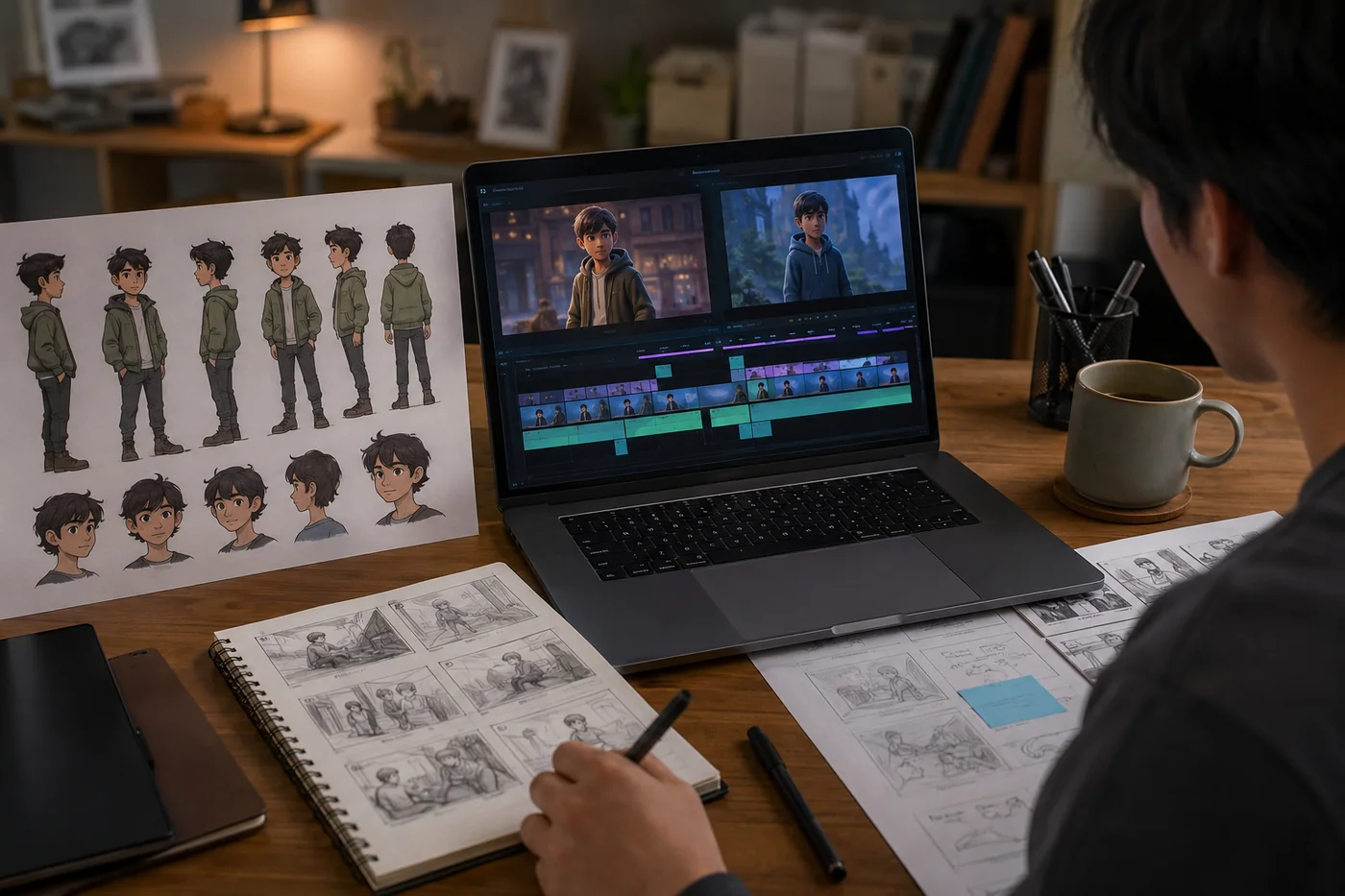
Concept visual: reference sheets and storyboards reduce ambiguity before generation.
Quality Checks After Generation
Do not judge a character swap from the first frame only. Watch the motion. A result can look good in a thumbnail and still fail when the character turns, walks, gestures, or crosses the frame. Check face stability, hands, clothing edges, body proportions, and whether the replacement stays consistent from start to finish.
| Check | What to look for |
|---|---|
| Identity consistency | The character should not drift into a different design mid-clip. |
| Motion fit | The new character should match the source pose and movement believably. |
| Hands and props | Hands should not melt into clothing, props, or the background. |
| Lighting | The replacement should feel like it belongs in the scene. |
| Safety | The result should not imitate a real person, private individual, or protected character without rights. |
Template or Custom Prompt?
Use a template when the goal is a common motion pattern, such as a reveal, walk cycle, fashion pose, or transformation. Use a custom prompt when the character has a specific story role, unusual costume, complex environment, or distinctive movement. The best production workflow often starts from a template and then adjusts the prompt. The guide on how to pick the right AI video template explains that choice in more detail.
If the movement matters, be explicit. Ask for a slow push-in, side profile walk, gentle turn, or controlled camera orbit rather than a vague "cinematic motion." Prompt precision is especially important when replacing characters because every extra movement creates another chance for drift.
Keep the Review Human
Even a technically impressive character swap needs a human review. Watch for accidental resemblance to a public figure, unwanted mood changes, or costume details that could imply a brand or protected character. If the clip will be posted publicly, keep the source, reference, and prompt notes organized so the team knows where the character came from.
That review step is not just legal caution. It also improves the creative result. A clean original character is easier to build into a series, template, or campaign. A confusing swap may get attention once, but it is harder to reuse.
Bottom Line
Character swap AI video is most useful as a safe creator workflow for original characters, storyboards, and production planning. Prepare clean source material, describe the replacement clearly, review the whole clip, and stay away from deceptive or non-consensual use. When the motion pattern is common, start with a template. When the character idea is specific, let the prompt do more of the work.